Key Takeaways
- Real cloud strategies fall into four patterns: move everything, rent and own, move back and hybrid.
- Each company had a goal, a test and a review when facts changed.
- Many published no savings, and self-reported numbers deserve careful reading.
- Copy the method, not the headline.
The best cloud strategy examples are not the ones with the loudest press releases. They are the ones where you can see the decision and the reason behind it. This list covers ten companies that moved to the cloud, built on it from the start, brought workloads back or mixed the two. Each section ends with steps you can copy into your own plan from cloud strategy consulting.
I use public sources and say where a number is self-reported or missing. Several of these companies never published savings, and I will not guess at them.
The Ten Cases at a Glance
| Company | Strategy | What the public record shows |
|---|---|---|
| 1. Netflix | Services in the cloud, video delivery owned | About eight years of migration, finished in January 2016 |
| 2. Capital One | All-in on one provider | Eight data centers closed by 2020 |
| 3. Spotify | Backend and data to one provider | About two years from 2016 |
| 4. Dropbox | Storage moved to owned systems | $74.6M lower operating expenses over two years, per its S-1 |
| 5. 37signals | Left the cloud for owned servers | Self-reported savings, unaudited |
| 6. Nasdaq | Hybrid, cloud hardware on site | One options market moved by late 2022 |
| 7. Moderna | Cloud first from day one | No data center, ever |
| 8. Monzo | Bank built on one provider | Over a thousand microservices |
| 9. The Guardian | One database to a managed service | Less maintenance, no cost figure |
| 10. Zoom | Own data centers plus clouds | Rapid capacity growth in spring 2020 |
Four Patterns You Will See
Before the cases, a quick map. Most real strategies fall into four patterns. Move everything, as Capital One did. Move most things and own what is large and steady, as Netflix did. Move back what is steady and expensive, as Dropbox and 37signals did. Or run a hybrid because a constraint demands it, as Nasdaq did. Your own plan may combine more than one.
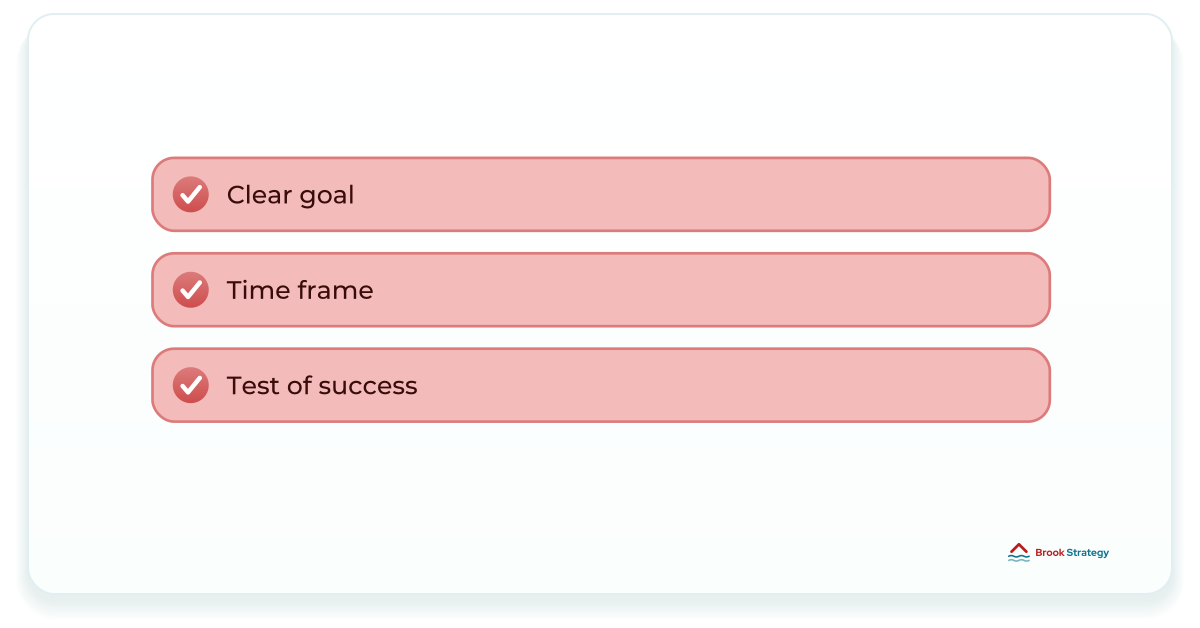
Notice what the cases share. Each had a goal, a time frame and a test before committing. Each reviewed its decision when facts changed. For a way to build that discipline into your own plan, see the cloud strategy framework I describe elsewhere.
10 Cloud Strategy Examples and What You Can Take From Them
Netflix: Moving Services to AWS, Keeping Video Delivery In-House
In August 2008 a database failure stopped Netflix from shipping DVDs for three days. That outage pushed the company to move its services off its own data centers, and the move took about eight years, finishing in January 2016. Billing, encoding and playback control went to AWS, while video delivery stayed on Netflix's own Open Connect hardware.
Netflix says its cost per streaming start fell to a fraction of what it was in its own data centers, but it has not published the numbers. I like this example for the split it made: it rented flexible capacity where demand was unpredictable and owned the one workload where scale made ownership cheaper. You do not have to pick one side for everything.
Steps worth borrowing
- Decide workload by workload, not for the whole company.
- Keep owned infrastructure where volume is steady and large.
- Treat a painful outage as a trigger to write down a target setup.
- Plan for a multi-year path, with reviews along the way.
Tools and setup
Netflix built much of its own tooling over those years, so most companies will rely on their provider's managed services instead. Start with managed databases and queues before building anything custom.
Capital One: Closing All Eight Data Centers
Capital One ran a staged move to AWS from about 2014 to 2020 and closed its last data center in 2020, eight in total according to SiliconANGLE's report. The bank rebuilt thousands of applications rather than lifting them across unchanged, and it did the hard systems early. A manager at the company told the press that the cloud let it scale quickly if its projections were wrong.
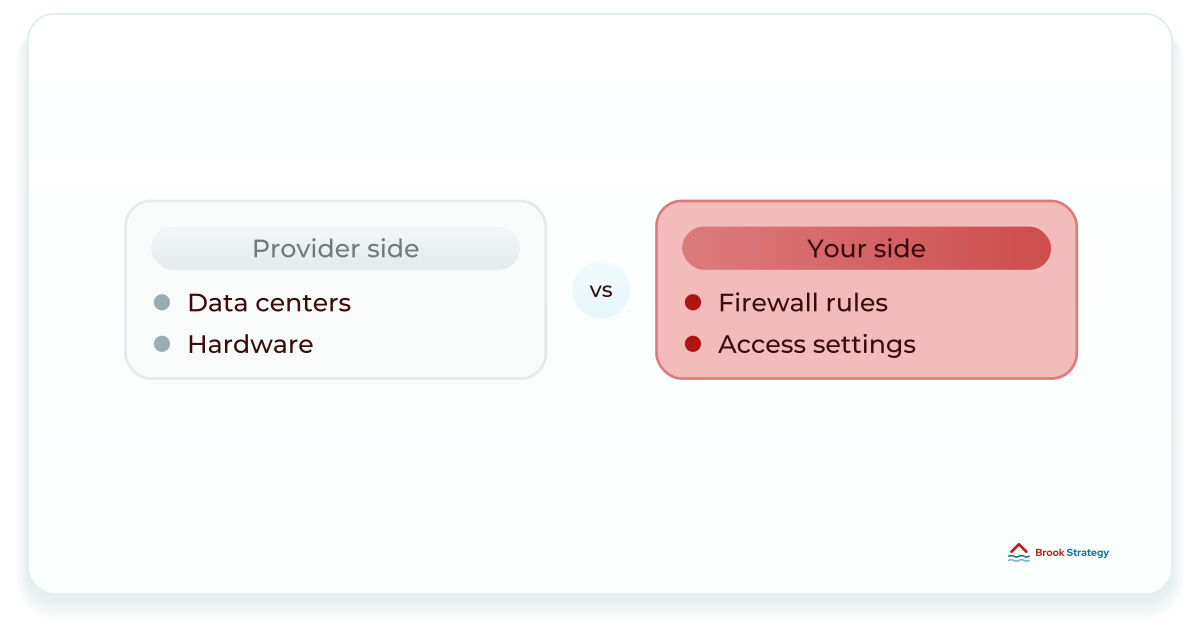
The program also had a setback. In 2019 a misconfigured firewall exposed data on about 100 million customers and applicants, and the OCC later issued an $80 million penalty. I include that because it shows what a strategy has to cover: security baselines are not optional extras. The bank did not publish a single consolidated cost figure, so treat any savings claim you read about this case with care.
What to take from it
- Rebuild applications where the payoff justifies it, and retire the rest.
- Tackle hard workloads early, while the program still has energy.
- Write the security baseline before the first workload moves.
- Set a dated end point, such as the last data center closing.
Tools and setup
A bank at this scale builds heavily on provider-native services and its own internal platform. If you are smaller, a standard landing zone with enforced policies covers most of the same ground.
Spotify: Moving Its Backend and Data Platform to Google Cloud
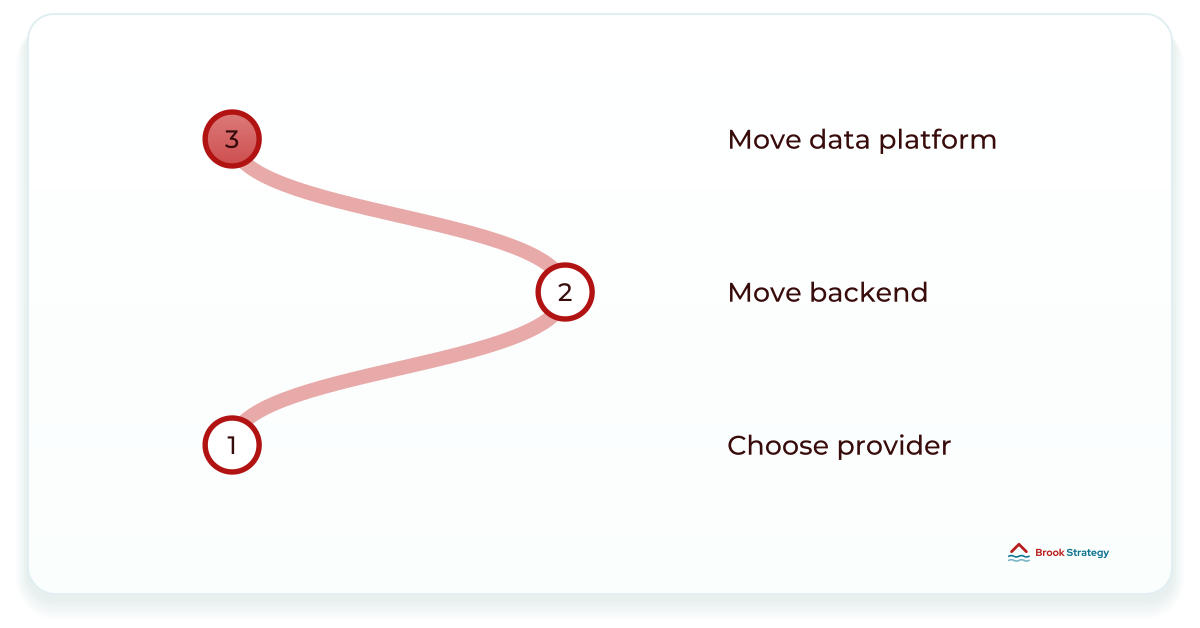
Spotify announced its move to Google Cloud in early 2016 and spent about two years on it. The scope was well over a thousand services, plus the move of its data platform from self-run Hadoop to managed Google services, with tens of thousands of daily data jobs.
No savings figures were published, so the lesson is about the method. Spotify's goal was to let engineers spend less time running infrastructure and more time on features. That is a clear outcome you can test: if your teams still spend their week on servers after the move, the plan has not worked, whatever the invoice says.
The playbook, in short
- State the goal as engineer time, not only as cost.
- Move the data platform as its own project with its own plan.
- Replace self-run systems with managed services where they exist.
- Move services in groups so teams can learn and share fixes.
Tools and setup
Managed data services such as hosted warehouses and pipelines replace the self-run clusters. Pick them for the jobs you run most, and migrate the long tail later.
Dropbox: Moving Storage Off AWS to Its Own Systems
Dropbox started on Amazon S3. Around 2015 it decided to cut its dependence, built its own storage system called Magic Pocket and moved most user files over about two and a half years. The first test ran on about 20% of the data for eight months, which is a sensible way to check a risky idea.
Dropbox's 2018 S-1 filing, as reported by GeekWire, attributed $74.6 million in lower operating expenses over the two years after the migration to the infrastructure work. That is a real number, with a catch: Dropbox stores exabytes of files, and few companies have a workload that large. For most of you, the useful part is the test: price the owned option against the rented one using your own volumes.
Lessons you can apply
- Pilot the alternative on a slice of real data before committing.
- Compare cloud and owned costs with your own usage numbers.
- Time the move to the end of a provider contract.
- Keep some workloads in the cloud, as Dropbox did.
Tools and setup
Dropbox built custom storage software and hardware, which only makes sense at its scale. A more common version of this idea is moving one steady, heavy workload to a colocation rack or a dedicated hosting contract.
37signals: Leaving the Cloud for Owned Servers
In October 2022 the 37signals CTO published a case against renting capacity for steady workloads. The company moved its applications off AWS and Google Cloud onto co-located servers it owns in 2023, and moved object storage off S3 in 2024 and 2025. It says the operations team did not need to grow.
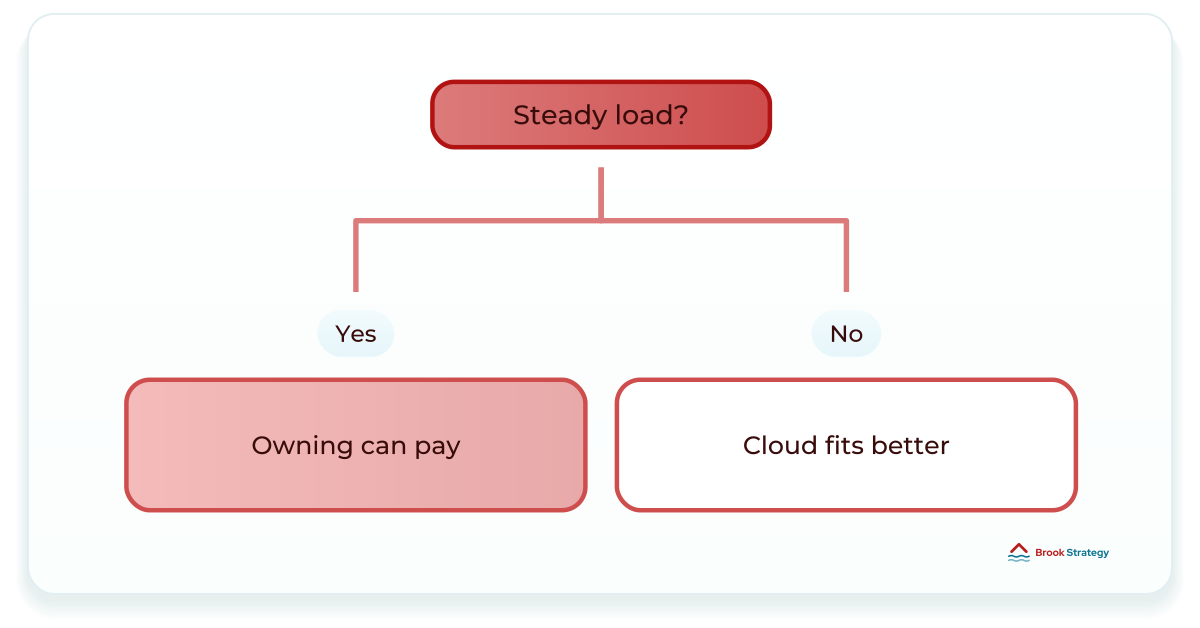
The company publishes its own figures: cloud spend of roughly $3.2 million a year before, and a much lower bill after, with about $600,000 spent on servers. These numbers are self-reported and unaudited, so read them as one company's account. It fits a particular profile: a small team, predictable load and strong in-house skills. If your load swings wildly, this path is riskier.
What to copy from this one
- Review your steadiest workloads for rent-versus-own economics.
- Count hardware, hosting, staff time and contract terms in the comparison.
- Move in stages, starting with compute and leaving storage for last.
- Revisit the decision when your volume or contracts change.
Tools and setup
The company runs owned servers in co-location facilities with its own deployment tooling. For you, the practical first step is an honest cost model, which you can build in a spreadsheet.
Nasdaq: Running Cloud Technology Inside Its Own Data Center
Nasdaq worked with AWS from 2021 and moved one of its US options markets, MRX, onto AWS Outposts racks installed in its own data center in Carteret, New Jersey. The move finished in late 2022. Outposts puts cloud hardware and services on your premises while AWS manages them.
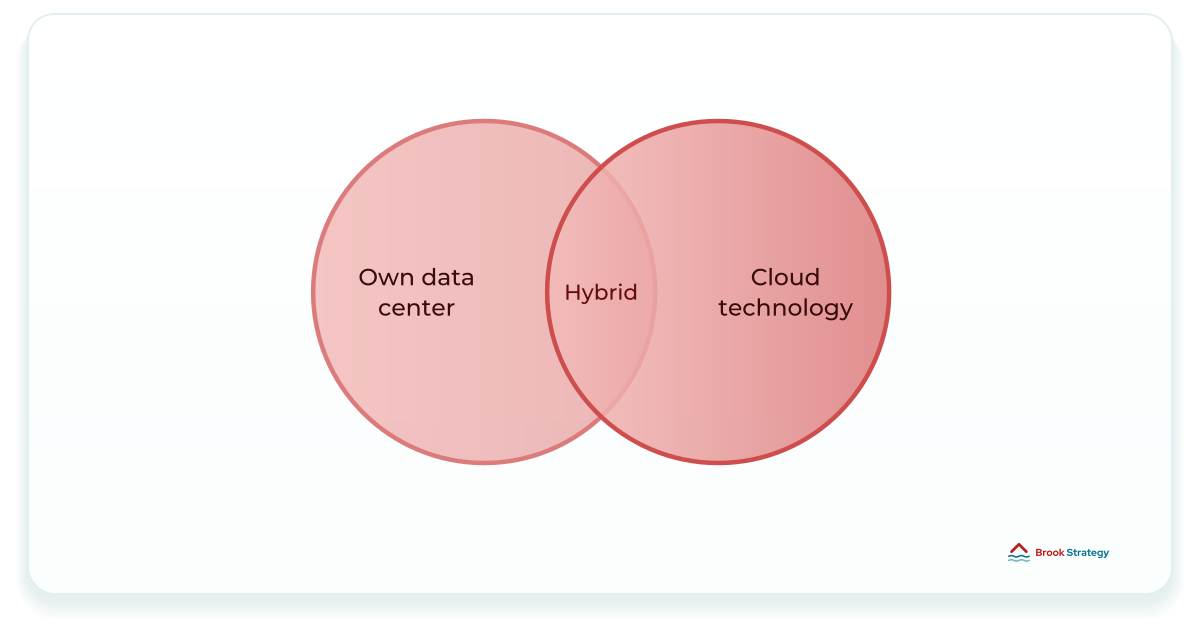
Nasdaq calls the migration a success but has not published latency comparisons, so I cannot give you a number. The lesson is the hybrid shape. A trading venue cannot accept a distant cloud region for latency-sensitive work, so it brought the cloud operating model to its own building. If you have a similar constraint, whether latency, data rules or plant-floor systems, hybrid may be the right answer.
How to adapt it
- List the workloads that cannot leave a site, and why.
- Test the performance requirement before choosing the design.
- Run a single market, line or site first.
- Agree who operates the hardware before the contract is signed.
Tools and setup
Cloud providers sell on-premises options, such as AWS Outposts, that bring their services to your site. Compare them with a plain colocation setup before choosing.
Moderna: Building on the Cloud From Day One
Moderna was founded in 2010 and built its research and manufacturing systems on AWS from the start, without a data center of its own. The company says the first clinical batch of its COVID-19 vaccine candidate shipped to the NIH 42 days after the viral sequence was selected.
I would not credit that speed to cloud computing alone, and neither should you. The more useful point is the starting position: no legacy systems meant no migration project, only design choices. If you are starting a new business unit, product or region, ask why you would build anything outside the cloud, and ask what your exit options would be.
Moves to borrow
- Start new work on the cloud and skip the migration entirely.
- Write design principles before the first system goes live.
- Keep exit options in the design, even if you never use them.
- Review the setup as the business grows.
Tools and setup
A fresh start lets you use managed services for most needs, which keeps the team small. Standardize on a few services early to avoid sprawl.
Monzo: Running a Bank With No Data Center
Monzo built its bank on AWS from the beginning, using Kubernetes and Cassandra, and runs well over a thousand microservices. It has no data center to close, so its story is about operating, not migrating.
Monzo has not published infrastructure cost comparisons. What it shows is that a regulated financial business can run fully in the cloud. For you, the lesson is about operating model: a platform team that provides safe, standard building blocks lets product teams ship without reinventing security each time. Check what your own regulator expects before you copy the design.
Practical takeaways
- Set up a platform team that offers approved building blocks.
- Standardize logging and access rules for every service.
- Document what your regulator needs and design to it.
- Measure the cost of each service, since many small services add up.
Tools and setup
Container platforms and managed databases provide the base. Keep the number of technologies small, because a bank of any size needs people who can run them at 3 a.m.
The Guardian: Moving a Database to a Managed Service
In a 2018 engineering post, The Guardian described moving its content management datastore from a self-managed MongoDB cluster on EC2 to PostgreSQL on AWS RDS. The newsroom's publishing tool depends on that datastore, so the move had to be safe.
No cost figure was published, but the team reported less maintenance work. I like this example because it is small. Not every cloud strategy is a company-wide migration. Sometimes the best return is swapping a self-run system for a managed one, with a careful cutover plan and a rollback if it goes wrong.
Ideas to reuse
- Pick one system your team dislikes maintaining.
- Plan the cutover with a rollback path.
- Test with a copy of production data first.
- Measure maintenance hours before and after.
Tools and setup
Managed database services handle backups, patching and failover. Check feature differences with your current database before you commit.
Zoom: Adding Cloud Capacity to Absorb Growth
Daily meeting participants at Zoom rose by an order of magnitude in March and April 2020. Zoom added public cloud capacity next to its own data centers, including a deal announced by Oracle in April 2020. Oracle said Zoom was moving around seven petabytes of data a day through its servers, and that figure comes from Oracle, not from Zoom.
Zoom also expanded on AWS, so it ran a mix of its own data centers and more than one cloud. The point for you is elasticity. When demand can jump, you need a way to add capacity in days. If your business has any seasonal peak, such as a retail holiday or a quarter-end close, plan for burst capacity before the peak, not during it.
How to use this case
- Identify your demand peaks and size for them.
- Test burst capacity before you need it.
- Keep contracts flexible enough to add providers quickly.
- Watch cost during the surge, since spikes are expensive.
Tools and setup
Auto-scaling and reserved capacity options help you balance speed and cost. Agree a spending ceiling for emergencies in advance.
How to Use These Examples in Your Own Planning
Pick the pattern closest to your situation and ask what facts would make it right for you. For a move-everything plan, you need clear ownership and a fixed end date. For a rent-versus-own review, you need your steadiest workloads, a full cost model and a quote from at least one hosting provider. For a hybrid plan, you need a written list of what cannot leave a site.
Then check your readiness before you commit. A cloud strategy assessment shows whether you have the goals, cost ownership and skills these companies had. Turn the result into dated phases with the cloud strategy roadmap, and check nothing is missing with the cloud strategy checklist.
One more warning on numbers. The savings that make headlines come from companies with huge or unusual workloads. The Flexera 2026 State of the Cloud report puts estimated wasted cloud spend across respondents at 29%, which suggests many of you can find savings in ordinary cleanup, long before any big move.
Questions About Cloud Strategy Examples
Which Company Has the Best Cloud Strategy?
There is no single best one. Capital One, Netflix, Dropbox and 37signals made opposite choices for good reasons. The best strategy for you is the one tied to your own goals, workloads and skills. Use these cases to test your thinking, not to pick a winner.
Is It Common to Move Workloads Back from the Cloud?
It happens, mostly for large, steady workloads where renting costs more than owning. Dropbox and 37signals are the well-known cases. For most companies, cleaning up wasted spend gives more return than leaving the cloud, so compare both options with your own numbers.
How Long Does a Large Cloud Migration Take?
The public examples run from two years for Spotify to about eight for Netflix and Capital One. Smaller companies move faster. The time depends on how many applications you have, how much you rebuild and how quickly leaders decide.
Do These Companies Show How Much Money the Cloud Saves?
Mostly not. Netflix, Capital One and Spotify published no savings figures. Dropbox's S-1 and 37signals provide numbers, and the 37signals figures are self-reported. Be careful with any case study that promises a precise saving without showing its method.
Can a Small Company Learn from These Examples?
Yes, mostly from the method. Set a goal, test on a slice, plan a rollback and review the decision later. The Guardian's database swap is a good model for small teams, since it is limited in scope and easy to measure.
What Is a Hybrid Cloud Strategy?
It combines your own or leased infrastructure with public cloud. Flexera's 2026 report says 73% of organizations run a hybrid model. Reasons include latency, data rules and existing investments, as in the Nasdaq case.
Where Can I Check These Facts Myself?
The sources at the end of this article link to the reports and articles I used. Where a figure is self-reported or comes from a vendor, I say so in the text. Check the current details before you rely on any of them in a business case.
Sources
- Smart Data Collective: companies that use cloud computing
- SiliconANGLE: Capital One closes all data centers
- TRG Datacenters: Dropbox and the cloud
- Inspectural: 37signals cloud exit analysis
- ProsperOps summary of Flexera 2026 State of the Cloud report
Disclaimer: This article is for general information only and isn't legal, financial or tax advice. Company details come from public sources and may change, so check current facts with the companies and your advisers before you decide.
Was this article helpful?
Thank you for letting us know.
Russell Tennant
Russell leads the Brook editorial team and works with our consultants to turn real client engagements into practical guides on roadmaps, go-to-market planning, growth and competitive strategy. Before joining Brook, he spent 11 years in strategy and product marketing roles at software and financial services companies. He has since edited more than 300 articles on strategy practice and drawn on roadmaps and growth plans from over 100 client projects. He is based in Denver, Colorado.