Key Takeaways
- Large companies on SAP or Oracle usually get the fastest start from their own vendor's planning tools.
- Kinaxis and o9 lead when you need to compare scenarios quickly across demand, supply and finance.
- NetSuite and Katana suit growing and small companies that want one system and a lower starting cost.
- Choose software after you know which decisions it must support, then run a short proof of concept with your own data.
The Best Supply Chain Management Software at a Glance
| Tool | Type | Best for |
|---|---|---|
| 1. SAP Integrated Business Planning | Cloud supply chain planning | SAP-based enterprises |
| 2. Kinaxis Maestro | Concurrent planning | Fast scenario planning |
| 3. Blue Yonder | End-to-end supply chain platform | Retail and consumer goods |
| 4. Oracle Fusion Cloud SCM | Cloud supply chain suite | Oracle ERP customers |
| 5. o9 Solutions | Integrated planning platform | Connecting planning across functions |
| 6. Logility | Demand and supply planning | Mid-market planning teams |
| 7. Manhattan Active Warehouse Management | Cloud warehouse management | Complex warehouses |
| 8. NetSuite | Cloud ERP with supply chain | Growing mid-sized companies |
| 9. Descartes | Logistics and visibility | Transportation visibility |
| 10. Katana | Inventory and manufacturing for small makers | Small manufacturers |
The 10 Best Supply Chain Management Software Tools, Ranked
SAP Integrated Business Planning
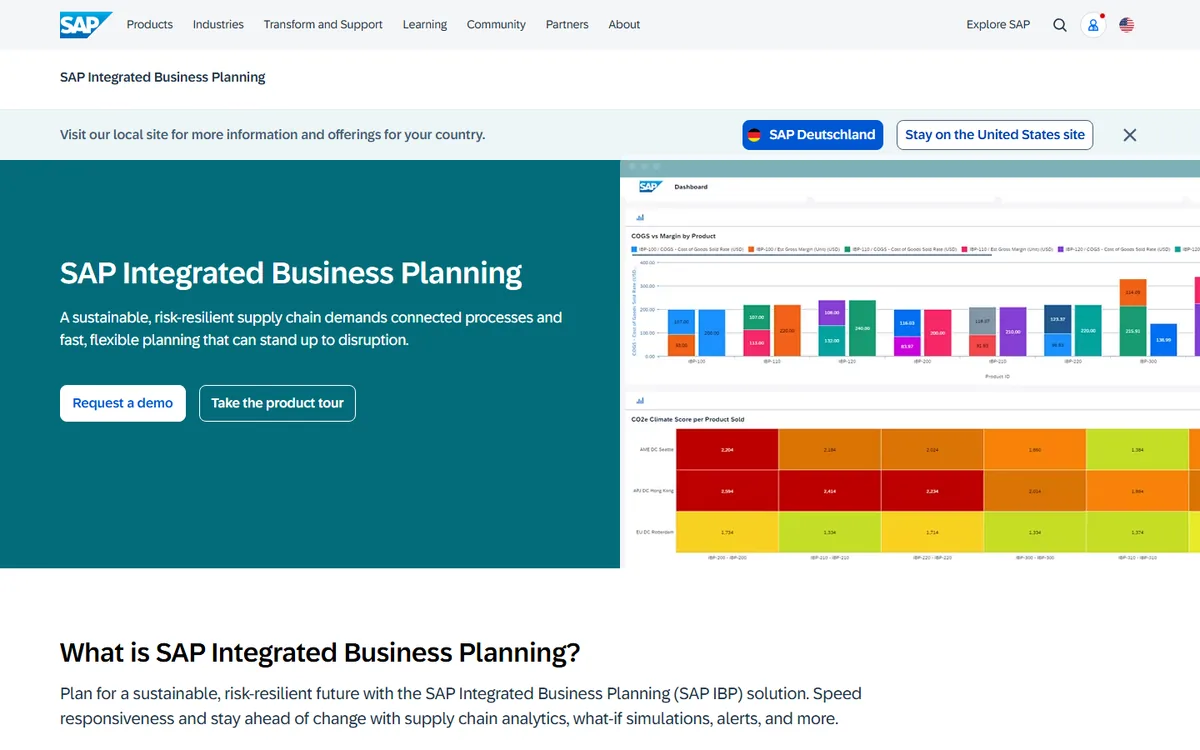
The Safe Pick for Large Companies That Already Run Their Finance and Operations on SAP
SAP Integrated Business Planning combines demand, supply, inventory and sales and operations planning in one cloud application.
If your company already runs SAP S/4HANA, I would look at IBP first, because the data model and the master data line up with what you have. It covers demand sensing, supply planning, inventory optimization and sales and operations planning (S&OP), so your finance, sales and operations teams can work from one plan. This is the tool I most often see when a client wants strategy decisions, such as a new region or product line, tested against capacity.
The catch is the project around it. IBP is a planning platform, so the value comes from agreeing on processes and data first. In my experience, the teams that get the most from it start with one planning cycle, such as monthly S&OP, and expand once the numbers are trusted. If your data quality is poor, plan for that work before you plan for software. My supply chain strategy consulting engagements often start with exactly that gap.
Pros of SAP Integrated Business Planning
- Tight fit with SAP finance and operations data
- Covers demand, supply, inventory and S&OP in one application
- Scenario planning supports strategy questions, not just weekly planning
Cons of SAP Integrated Business Planning
- Implementation takes a dedicated team and time
- Less attractive if your core systems are not SAP
SAP Integrated Business Planning Pricing
SAP does not publish prices for Integrated Business Planning. Priced by custom quote and depends on the modules, number of users and data volume, so expect to go through a sales process.
SAP Integrated Business Planning Reviews
- G2: 4.3/5 average (from 310 reviews)
Kinaxis Maestro
The Strongest Choice When You Need to Test Scenarios in Hours, Not Weeks
Kinaxis Maestro, the platform formerly known as RapidResponse, plans demand, supply and inventory on one data model so changes show up across the plan at once.
Kinaxis built its name on concurrent planning: when you change a demand number, the supply and inventory effects appear in the same model right away. That makes it a good match for strategy work, where leaders want to ask what happens if a supplier fails or demand jumps by a fifth. You can run a scenario, compare it with the baseline and decide in one meeting.
Most of its customers are large manufacturers and consumer goods firms, and implementations are serious projects. I recommend it when your planning cycle is the bottleneck and your teams are used to working in a shared model. It is less suited to a firm that has no planning team yet.
Pros of Kinaxis Maestro
- Scenario comparison is fast and easy to explain to leaders
- One model covers demand, supply and inventory
- Strong reputation with large manufacturers
Cons of Kinaxis Maestro
- Setup and training need real investment
- Overkill for small teams with simple planning
Kinaxis Maestro Pricing
Kinaxis does not publish a price list for Maestro. Capterra notes that there is no free trial or free version, so you need a demo and a proposal to see a number.
Kinaxis Maestro Reviews
- G2: 4.0/5 average (from 14 reviews)
- Capterra: 4.5/5 average (from 26 reviews)
Blue Yonder
A Broad Platform for Planning and Execution, Especially in Retail and Consumer Goods
Blue Yonder, formerly JDA, offers planning, warehouse, transportation and fulfillment software on one platform.
Blue Yonder has the widest range on this list. You can start with demand planning and later add warehouse and transportation management, so planning decisions connect to what happens on the dock. Panasonic acquired the company in 2021, and it keeps investing in AI-supported forecasting and replenishment.
In client work, I see it most in retail and consumer goods, where assortment and replenishment are the main levers. Reviewers on Capterra praise its flexibility and its industry standing, and they criticize the learning curve and the interface. Plan training into your budget, and start with one module before you add more.
Pros of Blue Yonder
- Planning and execution under one vendor
- Deep retail and consumer goods experience
- Flexible configuration for specific rules
Cons of Blue Yonder
- Reviewers describe a steep learning curve
- Customization can take significant effort
Blue Yonder Pricing
Blue Yonder does not publish prices. Costs depend on the modules you license, the volume you process and the size of your business, and quotes come from the vendor's sales team.
Blue Yonder Reviews
- G2: 4.3/5 average (from 12 reviews)
- Capterra: 4.5/5 average (from 11 reviews)
Oracle Fusion Cloud SCM
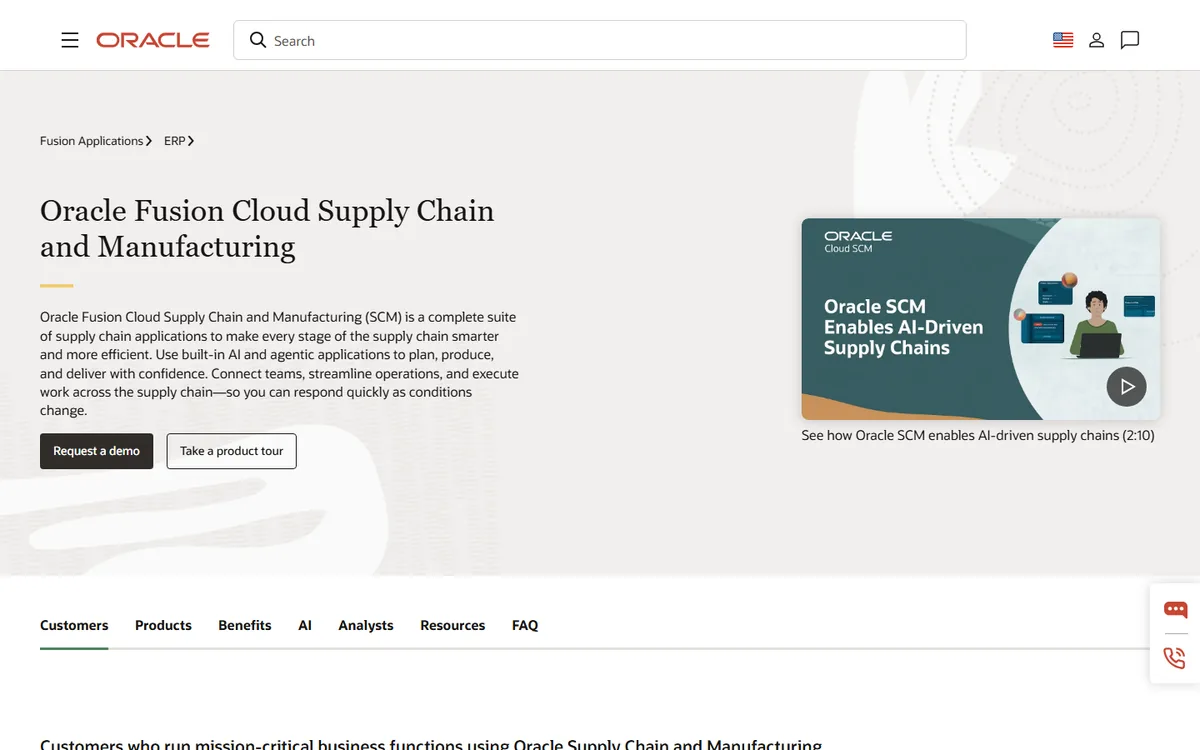
A Complete Suite That Makes Sense If Oracle Already Sits in the Middle of Your Business
Oracle Fusion Cloud SCM covers procurement, supply planning, inventory, manufacturing, logistics and order management in one cloud suite.
Oracle's suite spans the whole chain from buying to delivery, and it shares data with Oracle's finance and HR applications. If your finance team already uses Oracle Fusion, SCM saves you integration work, and your leaders see cost and service figures in the same system.
The suite approach has a cost. Individual modules are not always the best in their class, and the project to roll out several at once is large. I advise clients to pick the two modules that matter most for the strategy, such as supply planning and procurement, and phase the rest. Ratings are good but based on fewer reviews than some rivals, so run your own proof of concept.
Pros of Oracle Fusion Cloud SCM
- One suite from sourcing to fulfillment
- Shared data with Oracle finance applications
- Suits large, global organizations
Cons of Oracle Fusion Cloud SCM
- Rollouts of several modules are large projects
- Some modules trail specialist tools
Oracle Fusion Cloud SCM Pricing
Oracle does not list prices for Fusion Cloud SCM, and Capterra states that you must contact the vendor. Pricing depends on the modules and the number of users.
Oracle Fusion Cloud SCM Reviews
- G2: 4.0/5 average (from 88 reviews)
- Capterra: 3.9/5 average (from 9 reviews)
o9 Solutions

A Modern Platform That Links Supply Chain Plans to Commercial and Financial Plans
o9 Solutions is a planning platform that connects demand, supply, revenue management and finance on one data model.
o9 targets the gap between functions. Instead of planning supply on one system and revenue on another, it puts both on a shared model, so a pricing change shows its effect on inventory and cost. That is useful when your strategy sits across commercial and operations decisions.
Customers are mostly large enterprises, and the product is newer than some rivals. On G2 it holds a good rating, but with a small number of reviews, so treat the score as a first signal and check references. I would shortlist it when your main problem is disconnected planning across departments.
Pros of o9 Solutions
- Planning across supply, demand and finance in one model
- Modern interface and cloud design
- Supports commercial and operations decisions together
Cons of o9 Solutions
- Few public reviews so far
- Implementation still needs strong internal ownership
o9 Solutions Pricing
o9 does not publish pricing. Quotes are based on scope, number of planning processes and data volume.
o9 Solutions Reviews
- G2: 4.2/5 average (from 19 reviews)
Logility
A Focused Planning Tool for Mid-Market Teams That Want Depth Without an Enterprise Project
Logility provides demand planning, inventory optimization and supply planning for mid-sized and large companies.
Logility concentrates on planning, so you are not buying a full suite. For a mid-sized company with a planning team and a spreadsheet problem, it can be a faster route to forecasts, safety stock targets and supply plans than an enterprise platform. It has a solid base of reviews on G2, which helps when you ask for references.
I would choose it when your strategy question is how much stock to hold and where, and you want decisions you can repeat each month. Check how it connects to your ERP before you sign, since integration is where mid-market projects slow down.
Pros of Logility
- Focused on planning, with less to implement
- Healthy number of user reviews on G2
- Suits mid-sized teams
Cons of Logility
- Less breadth than full suites
- ERP integration needs planning
Logility Pricing
Logility does not publish prices. Quotes depend on the modules, users and the volume of items and locations you plan.
Logility Reviews
- G2: 4.2/5 average (from 132 reviews)
Manhattan Active Warehouse Management
The Pick When Warehouse Execution Is Where Your Supply Chain Strategy Succeeds or Fails
Manhattan Active Warehouse Management is a cloud-native system for running complex warehouses and fulfillment.
Strategy lives or dies at execution. If your plan depends on faster delivery or a new fulfillment model, the warehouse system has to carry it. Manhattan Active is built as a cloud-native service that updates continuously, so you avoid the big upgrade projects that older systems needed.
It is aimed at large, complex operations, and it is a heavy tool for a small warehouse. G2 shows a good rating with few reviews for the warehouse product, so ask for references in your sector. I put it on a shortlist when a client's strategy involves new channels, such as store fulfillment, and the current system cannot support them.
Pros of Manhattan Active Warehouse Management
- Cloud-native with continuous updates
- Handles complex, multi-channel fulfillment
- Strong fit for large operations
Cons of Manhattan Active Warehouse Management
- More than a small warehouse needs
- Few reviews to judge from
Manhattan Active Warehouse Management Pricing
Manhattan Associates does not publish prices. Quotes depend on facility size, volume and the modules you need.
Manhattan Active Warehouse Management Reviews
- G2: 4.0/5 average (from 10 reviews)
NetSuite
An All-in-One System for Growing Companies That Need Finance and Supply Chain in One Place
NetSuite is a cloud ERP from Oracle that includes inventory, procurement, order management and basic planning.
NetSuite is the practical choice for a growing company that wants finance and supply chain on one system. You get inventory, purchasing, order management and demand planning features next to your accounting, so your numbers agree across teams. It has by far the largest base of reviews on this list, which makes the ratings more reliable.
It is an ERP and not a specialist planning tool, so advanced scenario modeling is limited compared with Kinaxis or o9. For many mid-sized firms that trade-off is fine. I advise clients to use it for control and visibility, and to add a planning tool only when volumes and complexity demand it.
Pros of NetSuite
- Finance and supply chain on one system
- Large review base gives reliable ratings
- Scales from small to mid-sized companies
Cons of NetSuite
- Advanced planning needs add-ons
- Customization raises cost and upgrade effort
NetSuite Pricing
NetSuite does not list a starting price, and Capterra confirms there is no free trial. Priced by custom quote and depends on user licenses and modules.
NetSuite Reviews
- G2: 4.1/5 average (from 5,258 reviews)
- Capterra: 4.2/5 average (from 2,082 reviews)
Descartes
A Specialist for Logistics, Trade Compliance and Real-Time Shipment Visibility
Descartes provides logistics software, including routing, customs compliance and its MacroPoint real-time transportation visibility product.
Descartes is not a planning suite. It is a set of logistics tools that help you move goods and see where they are. MacroPoint, its shipment visibility product, has a high rating on G2 with hundreds of reviews, which is rare for software in this category.
I recommend it when your strategy includes transport mode changes, cross-border trade or customer promises that depend on shipment tracking. If your problem is demand or supply planning, look at the planning tools earlier in this ranking and use Descartes alongside them.
Pros of Descartes
- Strong, well-reviewed visibility product
- Covers routing and customs compliance
- Works alongside planning tools
Cons of Descartes
- Not a planning platform
- Several products to combine for a full solution
Descartes Pricing
Descartes does not publish prices for its products. Quotes depend on products, shipment volume and the number of users.
Descartes Reviews
- G2: 4.7/5 average (from 920 reviews)
Katana
The Practical Starting Point for Small Manufacturers and Product Sellers
Katana is a cloud inventory and manufacturing platform for small makers and product sellers.
Katana covers inventory, bills of materials, production orders and purchasing for small manufacturers. It connects to Shopify, QuickBooks and other tools, so you can see stock and production in one place without an enterprise project. It has the highest Capterra rating on this list, from a large number of reviews.
It is the only tool here built for small firms, and it fits a company at an early maturity level. Reviewers warn that costs can rise with order volume and that billing terms deserve a close read. Treat it as a first system, and expect to move to something larger as your supply chain strategy grows.
Pros of Katana
- Easy to use, with a clean interface
- Connects to common selling and accounting tools
- Quick to set up for small teams
Cons of Katana
- Costs can rise with order volume
- Reviewers mention billing and cancellation terms
Katana Pricing
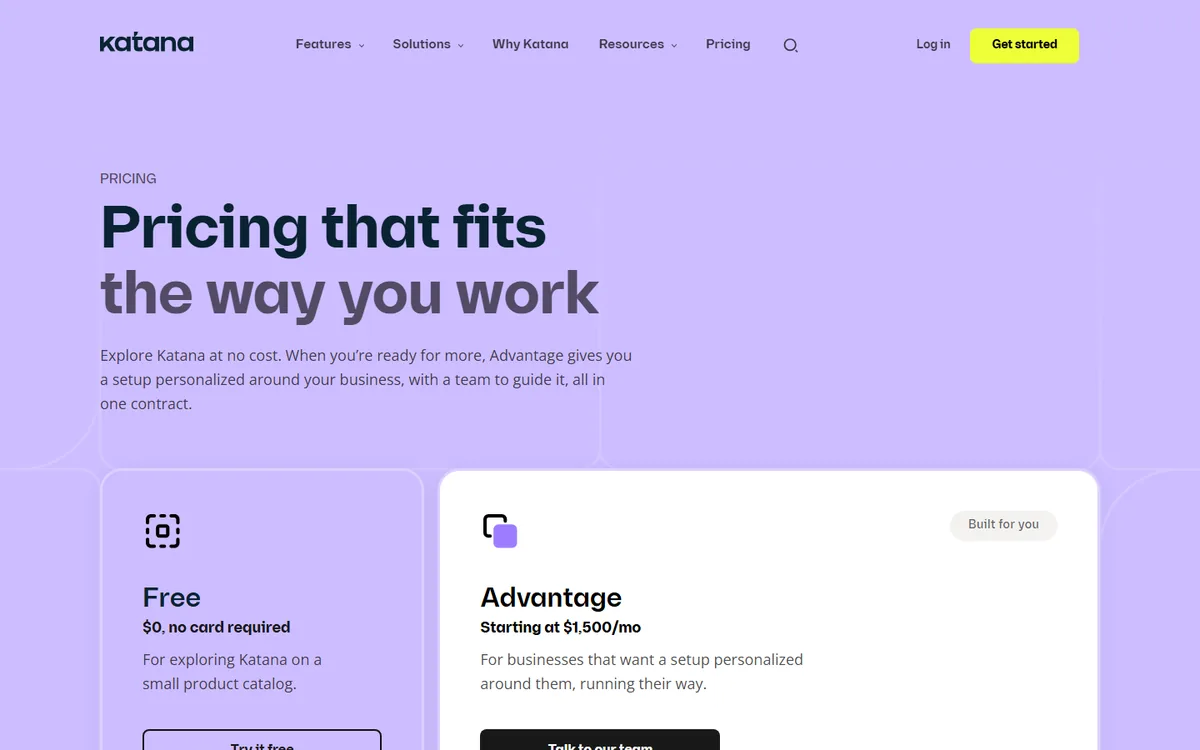
Capterra lists a free version for up to 30 SKUs, with paid plans that grow with volume. The listing shows conflicting plan prices, so check Katana's own pricing page before you decide.
Katana Reviews
- Capterra: 4.6/5 average (from 172 reviews)
Estimate the Return on Supply Chain Software
Before you pick a vendor, test whether the numbers work for you. Enter the hours your team spends on manual planning and tracking each week, the share the tool would cover and its monthly cost, and you will see the net value over a year. Treat the result as a sanity check and not a quote.
Will the Tool Pay Off for You?
Use the sliders to enter your workload and the plan you are considering.
How to Choose the Right Supply Chain Management Software
In my experience, fit with your decisions matters more than any feature list. Answer four questions before you compare vendors:
- Which decisions do you want the tool to improve: planning, inventory, warehouse work or shipment tracking?
- Which systems hold your data today, and can the tool connect to them?
- Who will own the tool and the data after launch?
- What does the full three-year cost look like, with implementation and training?
If you run SAP or Oracle, start with their own planning tools. If scenario speed is your main need, look at Kinaxis and o9. If you are small, Katana or NetSuite is the realistic starting point. Software works best when it follows a clear plan, and the supply chain strategy guide explains how to build one. The supply chain strategy framework adds roles and a review rhythm, and the supply chain strategy examples show how other firms made these choices.
Questions About Choosing Supply Chain Management Software
What Is the Best Supply Chain Management Software Overall?
For large companies on SAP, SAP Integrated Business Planning is the safest choice. For fast scenario planning, Kinaxis Maestro leads. For a growing mid-sized company that wants finance and supply chain together, NetSuite is the practical pick. The best tool depends on your size, your systems and the decisions you need to support.
What Is the Difference Between Supply Chain Planning and Execution Software?
Planning software decides what to buy, make and stock, using forecasts and constraints. Execution software carries out the plan: it runs warehouses, transport and orders. Blue Yonder and Oracle cover both, while Kinaxis and o9 focus on planning and Manhattan and Descartes focus on execution.
How Much Does Supply Chain Management Software Cost?
Most enterprise tools on this list do not publish prices, and quotes depend on modules, users and data volume. Small-business tools such as Katana publish plans, some with free versions. Ask every vendor for a written quote that includes implementation, training and integration, since those often exceed the license cost.
Do I Need Software Before I Have a Supply Chain Strategy?
No. Strategy comes first, because it tells you which decisions the software must support. A spreadsheet can carry a supplier map and a risk list for months. Buy software when volume, suppliers or locations make manual tracking unreliable.
How Long Does Implementation Take?
Small-business tools can run within weeks. Enterprise planning platforms usually take several months and a dedicated team, mainly because of data cleanup and process design. Ask each vendor for references from companies of your size and check how long their rollouts took.
Can Software Replace a Supply Chain Strategy Consultant?
Software gives you data and models, and a strategy sets the decisions those tools should support. Many firms use a consultant to define the priorities and requirements before they run a vendor selection. That keeps the software choice tied to your plan.
How Do I Compare Vendors Fairly?
Write the five decisions you need the tool to improve, then ask each vendor to demonstrate those with your data. Check references from companies similar to yours, read recent reviews and compare total cost over three years, including implementation and support.
Heads up: vendors change prices, plans and ratings often. Everything was checked at the last update date, but confirm on each vendor’s website first. This article is not legal or financial advice.
Was this article helpful?
Thank you for letting us know.
Russell Tennant
Russell leads the Brook editorial team and works with our consultants to turn real client engagements into practical guides on roadmaps, go-to-market planning, growth and competitive strategy. Before joining Brook, he spent 11 years in strategy and product marketing roles at software and financial services companies. He has since edited more than 300 articles on strategy practice and drawn on roadmaps and growth plans from over 100 client projects. He is based in Denver, Colorado.