Key Takeaways
- Online whiteboards like Miro, Mural and FigJam are the best place to run workshops and map opportunities, and all three have free entry points.
- Notion works as a low-cost portfolio tracker and decision log for small teams.
- Idea management platforms such as IdeaScale and Brightidea suit larger organizations that run campaigns.
- Aha! and Productboard link ideas to roadmaps, but they fit product-led companies best. Decide your focus and funding rules before you pick a tool.
The Best Innovation Strategy Tools at a Glance
| Tool | Type | Best for |
|---|---|---|
| 1. Miro | Online whiteboard | Workshops, opportunity mapping and journey maps with a distributed team |
| 2. Mural | Online whiteboard | Structured, facilitator-led workshops with larger groups |
| 3. FigJam | Online whiteboard | Product and design teams that already work in Figma |
| 4. Strategyzer | Business model and portfolio tools | Teams testing new business models and managing a portfolio of ideas |
| 5. Notion | Workspace and wiki | Small teams that want one low-cost home for the portfolio, notes and decisions |
| 6. IdeaScale | Idea management platform | Large organizations collecting ideas from employees, customers or partners |
| 7. Brightidea | Innovation management platform | Corporate innovation teams that manage ideas, challenges and projects end to end |
| 8. Aha! | Roadmap and strategy software | Product-led companies that connect strategy, ideas and roadmaps |
| 9. Productboard | Product management platform | Product teams that turn customer feedback into prioritised bets |
The 9 Best Innovation Strategy Tools, Ranked
I start with the tools that suit the widest range of teams and move toward specialist platforms, so you can stop reading once you find your fit. Keep in mind that the tool is only part of the result: in the innovation strategy consulting work I review, the quality of the decision rules matters more than the software. Prices and ratings come from the vendors and from Capterra and G2, and I checked them when I published this article.
Miro
The Best All-Round Canvas for Running Innovation Workshops With People in Different Places
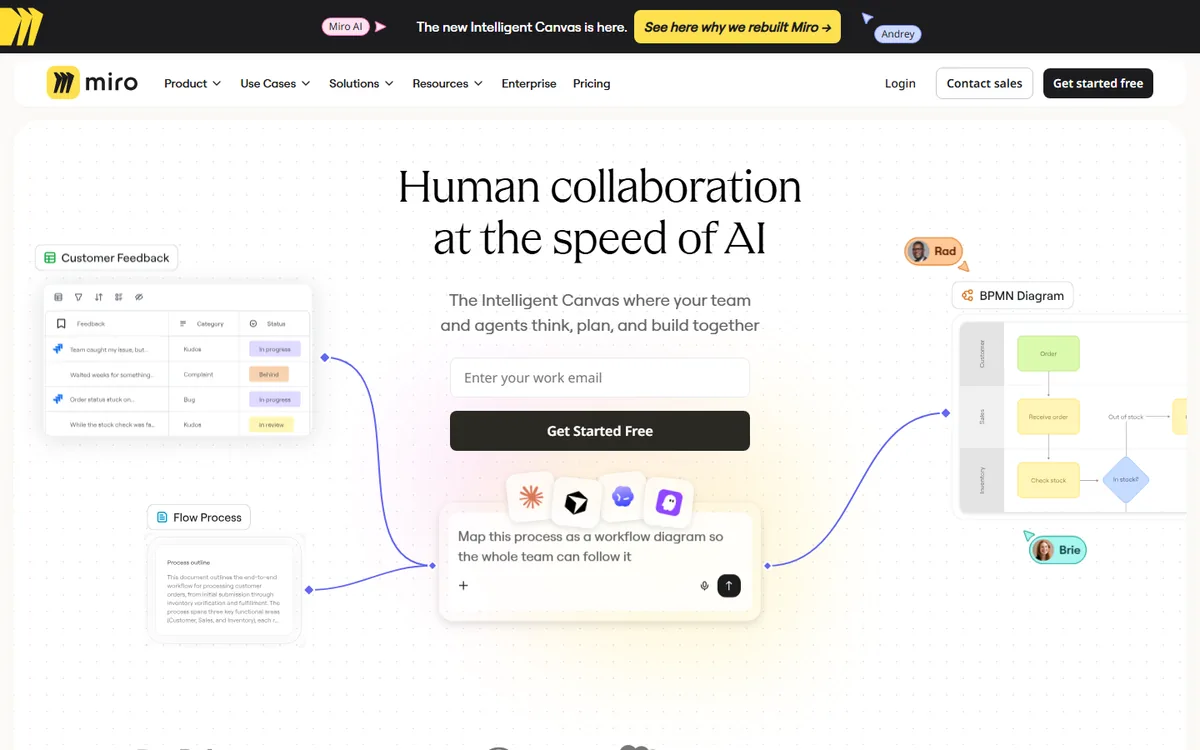
Miro is an infinite online whiteboard with templates for brainstorming, journey mapping, business model canvases and roadmaps.
Most of the innovation workshops I see now run on a shared board. Miro earns its place at the top because it handles every stage in one space: collecting ideas with sticky notes, clustering them, voting, then drawing the opportunity map and the first roadmap. The template library covers the Business Model Canvas, impact and effort grids and customer journeys.
The danger is a board that becomes a graveyard. Miro stores ideas well and says little about what happens to them, so you need a separate rule for who owns each idea and when it is reviewed. Use it for thinking and facilitation, and keep your decisions in a portfolio tracker.
Pros of Miro
- Huge template library for innovation and strategy workshops
- Voting, timers and facilitation tools keep sessions moving
- Free plan to try it with a small team
Cons of Miro
- Boards get cluttered without a clear structure
- Not built to track decisions or budgets over time
Miro Pricing
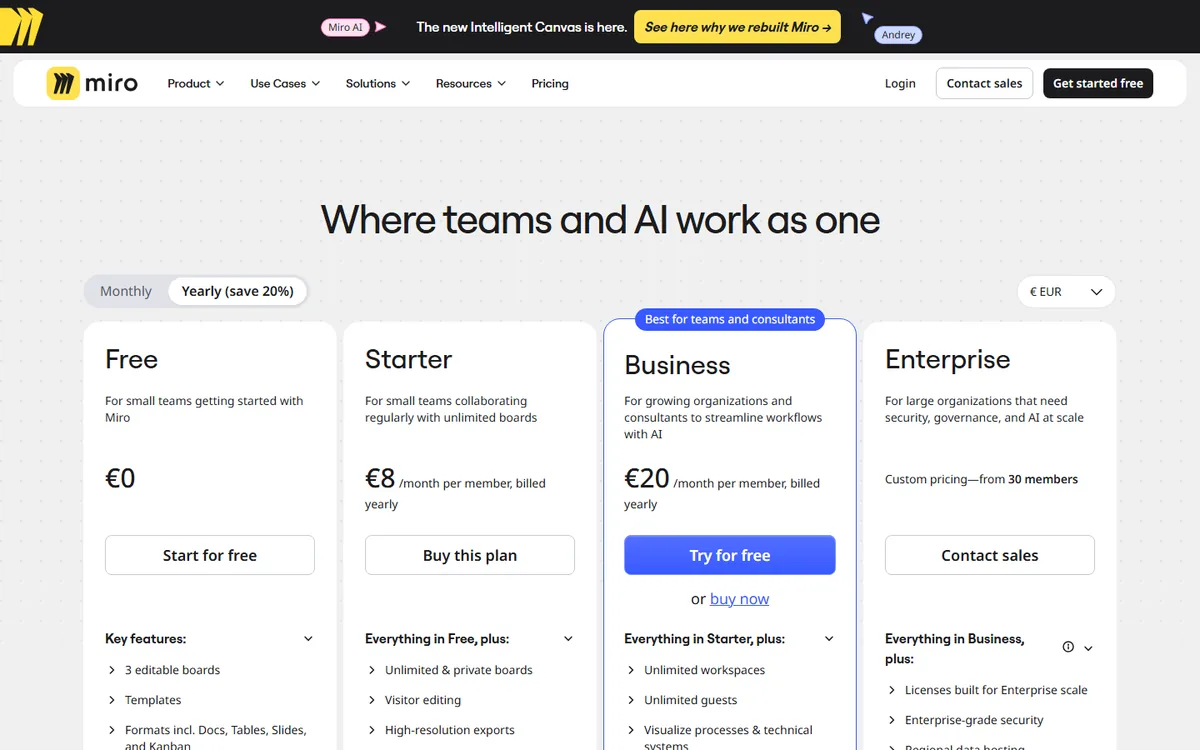
Capterra lists a free version with three editable boards, then Starter at $10 per user per month, Consultant at $15 and Business at $20, with custom pricing for Enterprise. Check Miro’s pricing page for current plan limits.
Miro Reviews
- Capterra: 4.7/5 average (from 1,709 reviews)
Mural
The Facilitator’s Pick for Guided Sessions With Many Participants
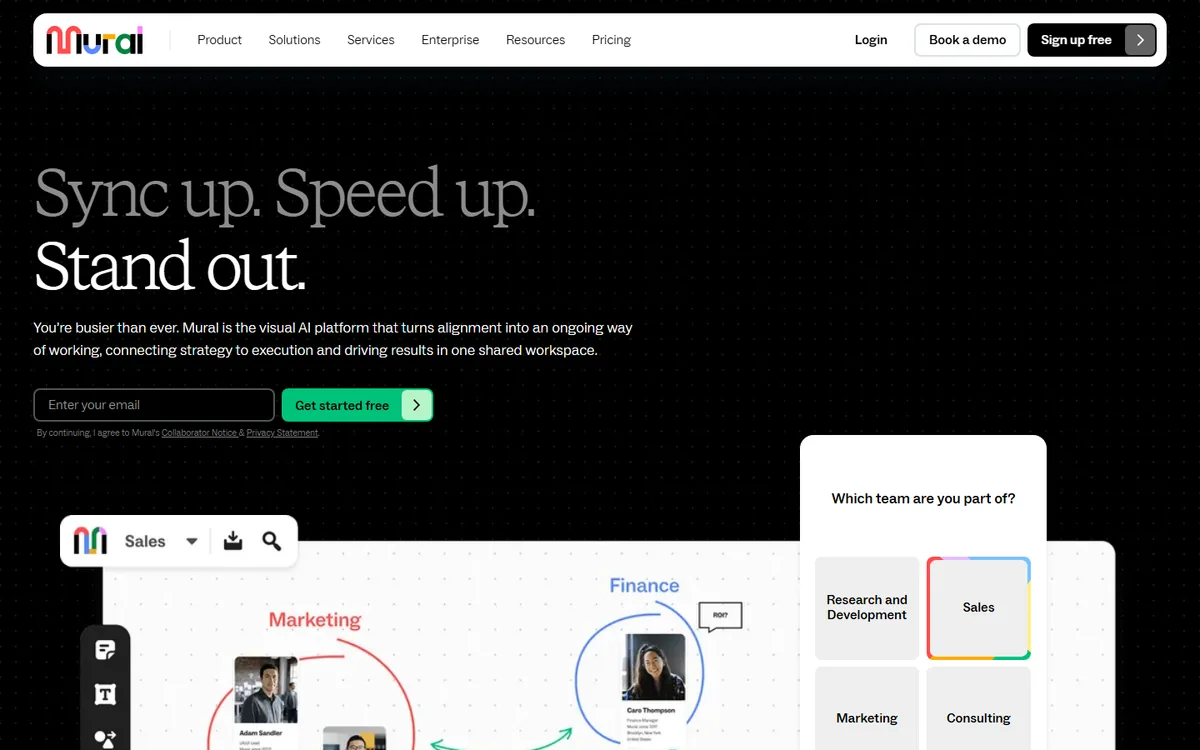
Mural is a visual workspace with facilitation features such as private mode, timers, voting and guided templates.
Mural feels more like a workshop room than an open canvas. Its facilitation tools let you hide contributions until everyone has written them, which prevents the loudest person from steering the group. That is a real help in an innovation session where senior voices tend to dominate.
It is slightly less flexible than Miro for free-form diagramming, and its template set is smaller. I recommend it when you run frequent, structured sessions and care about fair participation, and I would choose Miro when your work mixes workshops with freeform mapping.
Pros of Mural
- Private mode and facilitation tools give quieter people a voice
- Clear templates for ideation and prioritization
- Good for large group sessions
Cons of Mural
- Less flexible for freeform diagramming than Miro
- Fewer integrations and templates overall
Mural Pricing
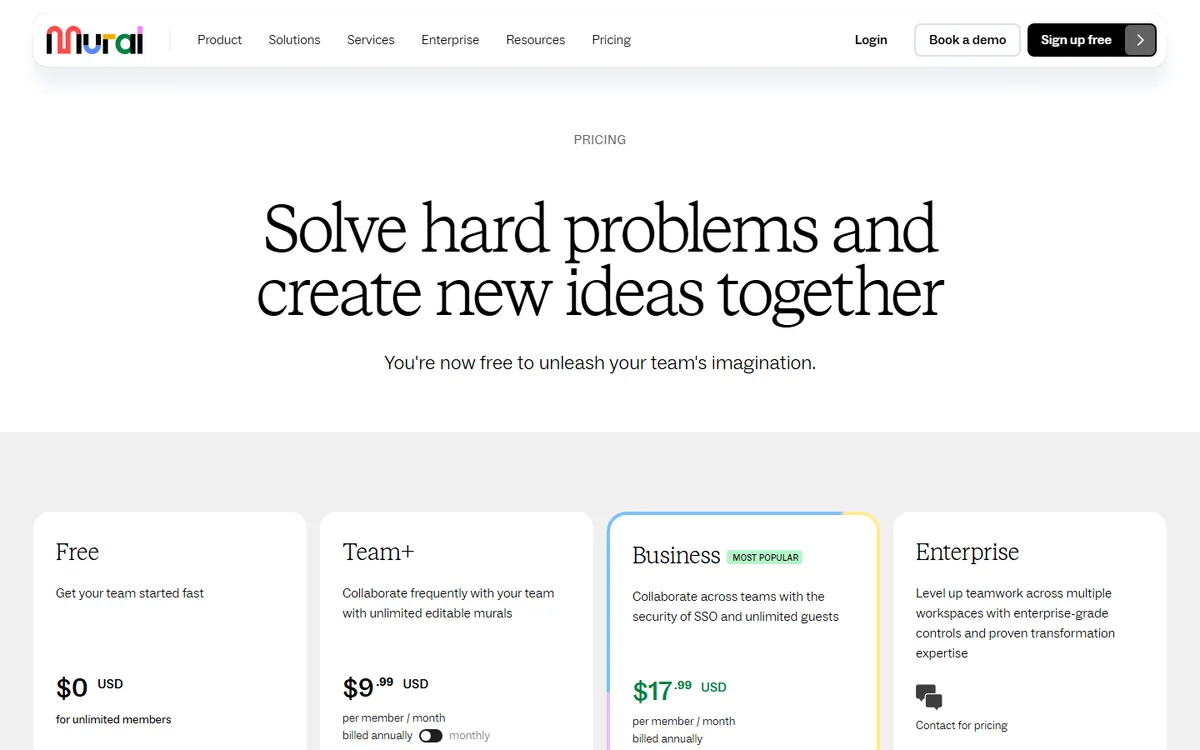
Capterra lists a free version, a free trial, Team+ at $12 per user per month and Business at $17.99 per user per month, with custom pricing for Enterprise. Confirm current limits on Mural’s pricing page.
Mural Reviews
- Capterra: 4.5/5 average (from 135 reviews)
FigJam
The Low-Cost Whiteboard for Teams That Already Design in Figma
FigJam is Figma’s whiteboard for brainstorming, diagrams and quick workshops, with a friendly interface and widgets.
If your product and design people live in Figma, FigJam removes a step. Ideas move from a sticky note into a design file without a handover, and nobody has to learn a new tool. It handles quick ideation sessions, flows and retrospectives well.
It is lighter than Miro and Mural for formal strategy work, with fewer planning templates, so I use it for ideation and early concept work rather than portfolio planning. The low entry price helps if you need to give a whole team access.
Pros of FigJam
- Simple, fast interface that anyone can pick up
- Fits directly into the Figma design workflow
- Low entry price
Cons of FigJam
- Fewer strategy templates and facilitation features
- Less suitable for large, formal workshops
FigJam Pricing
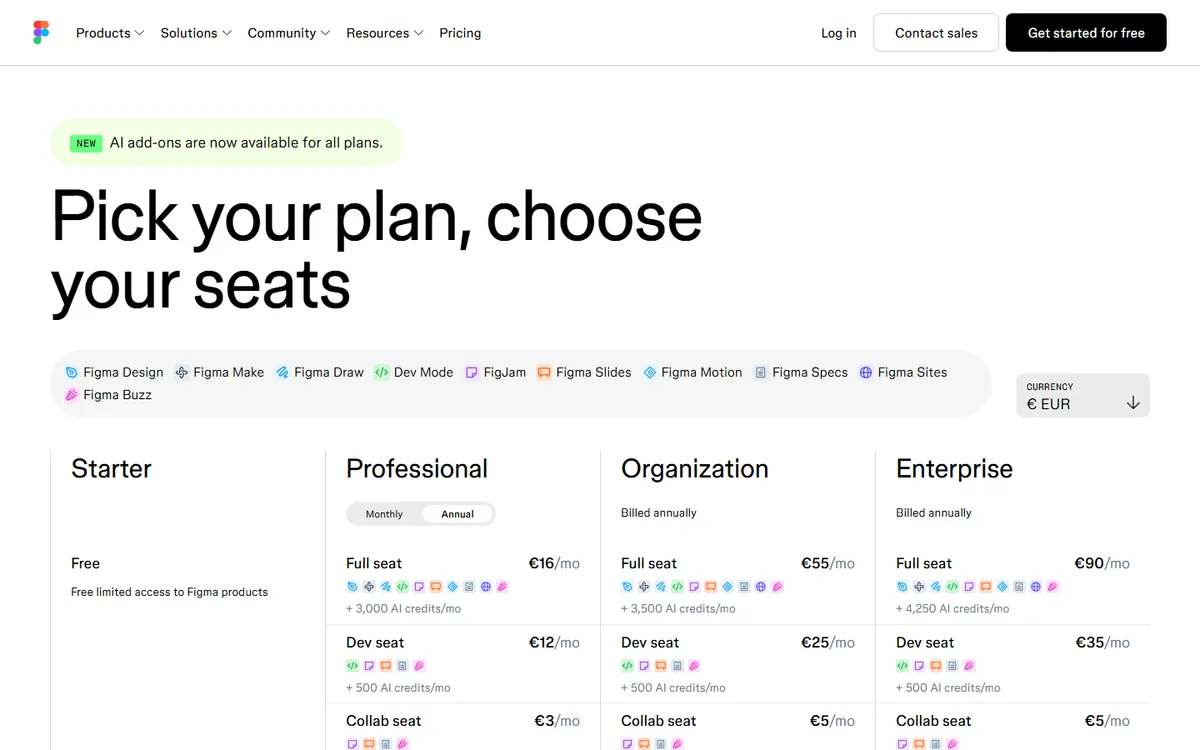
Capterra lists a free version, a free trial and a Basic plan from $3 per user per month. Figma’s own plans bundle FigJam with other products, so check the pricing page for what is included.
FigJam Reviews
- Capterra: 4.8/5 average (from 37 reviews)
Strategyzer
The Specialist Choice if You Test New Business Models in a Structured Way
Strategyzer is the home of the Business Model Canvas and Value Proposition Canvas, with software for designing, testing and tracking business ideas.
Strategyzer gives you a tested method, not only a tool. Teams map a business model, list the riskiest assumptions, run experiments and record the results, so each idea has an evidence trail. That is exactly what an innovation portfolio needs.
It is also the most expensive and least reviewed tool on this list, and the method asks for discipline. G2 shows 3.8 out of 5 from seven reviews, and Capterra has no ratings yet, so you have less public feedback to rely on. I would ask for a trial and run one real idea through it before you commit.
Pros of Strategyzer
- Clear method for testing assumptions, tied to the software
- Evidence trail for every idea in the portfolio
- Canvases that your team and leaders already recognise
Cons of Strategyzer
- Premium price and an annual commitment
- Few public reviews, so less independent feedback
Strategyzer Pricing
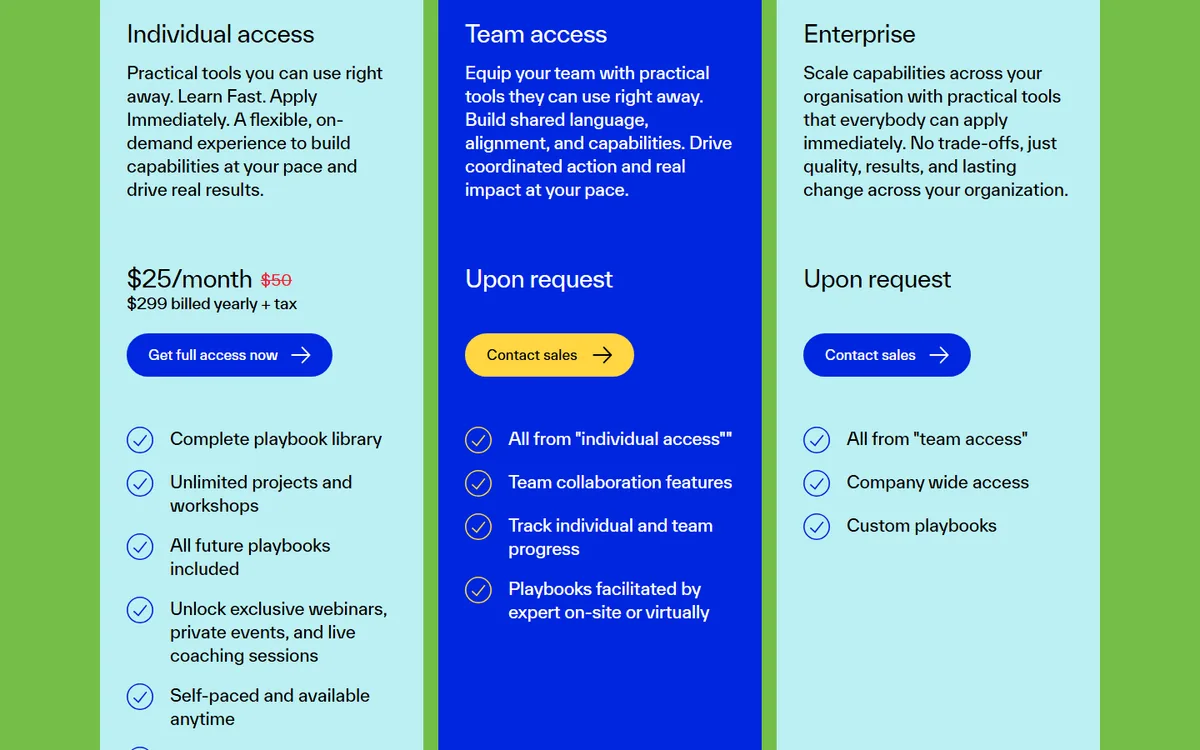
Strategyzer lists an SME plan at $250 per user per month and a default plan at $10,000 flat per year on G2, while Capterra shows a different starting figure. The listings do not agree, so confirm the current price with Strategyzer before you plan a budget.
Strategyzer Reviews
- G2: 3.8/5 average (from 7 reviews)
Notion
The Flexible, Low-Cost Home for Your Innovation Portfolio and Decision Log
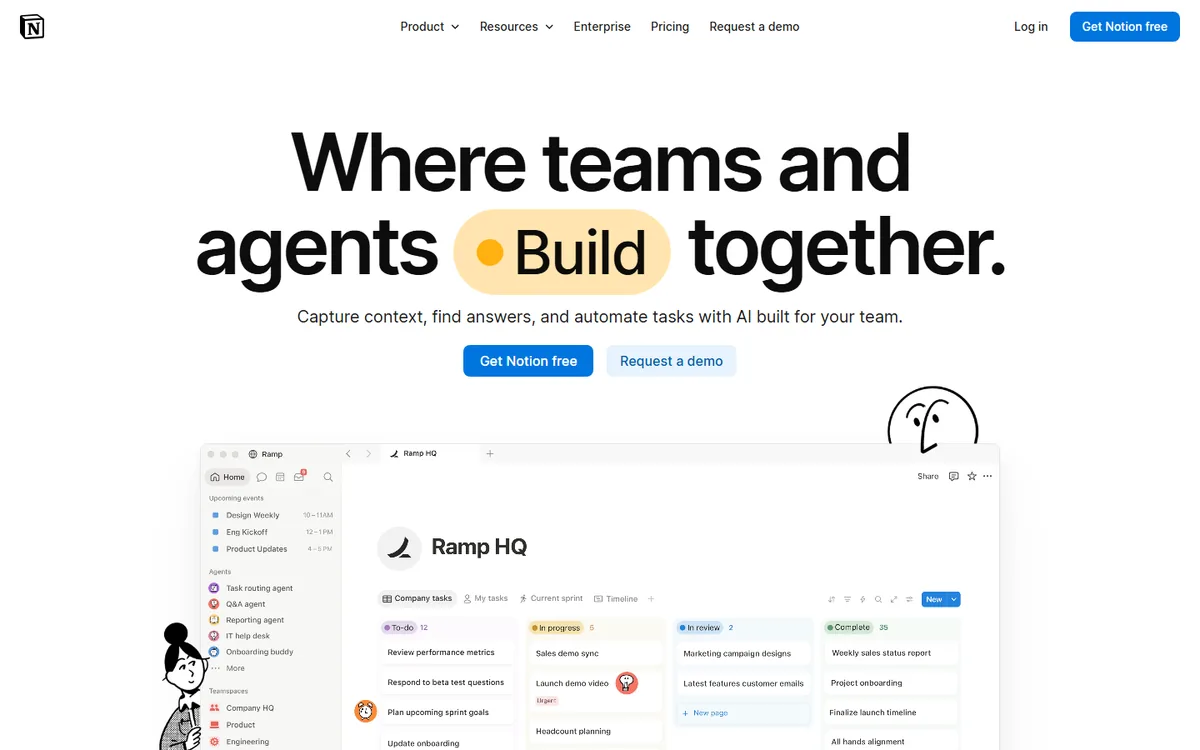
Notion combines documents, databases and wikis, so you can build your own idea tracker, scorecard and decision log.
Many small teams run their whole innovation process in a Notion database. Each idea gets a row with an owner, a score, its stage and a link to the experiment notes, and views by stage give a portfolio overview. It costs far less than specialist software.
The freedom has a price: you design the system yourself, and a messy setup is easy to build. I advise you to define the columns and stage names first, and keep them stable. It lacks the voting and idea-submission features of dedicated idea management tools.
Pros of Notion
- Build exactly the tracker and scorecard you need
- Low cost with a free plan
- Documents, databases and wikis in one place
Cons of Notion
- You must design and maintain the structure
- No built-in idea campaigns or advanced voting
Notion Pricing
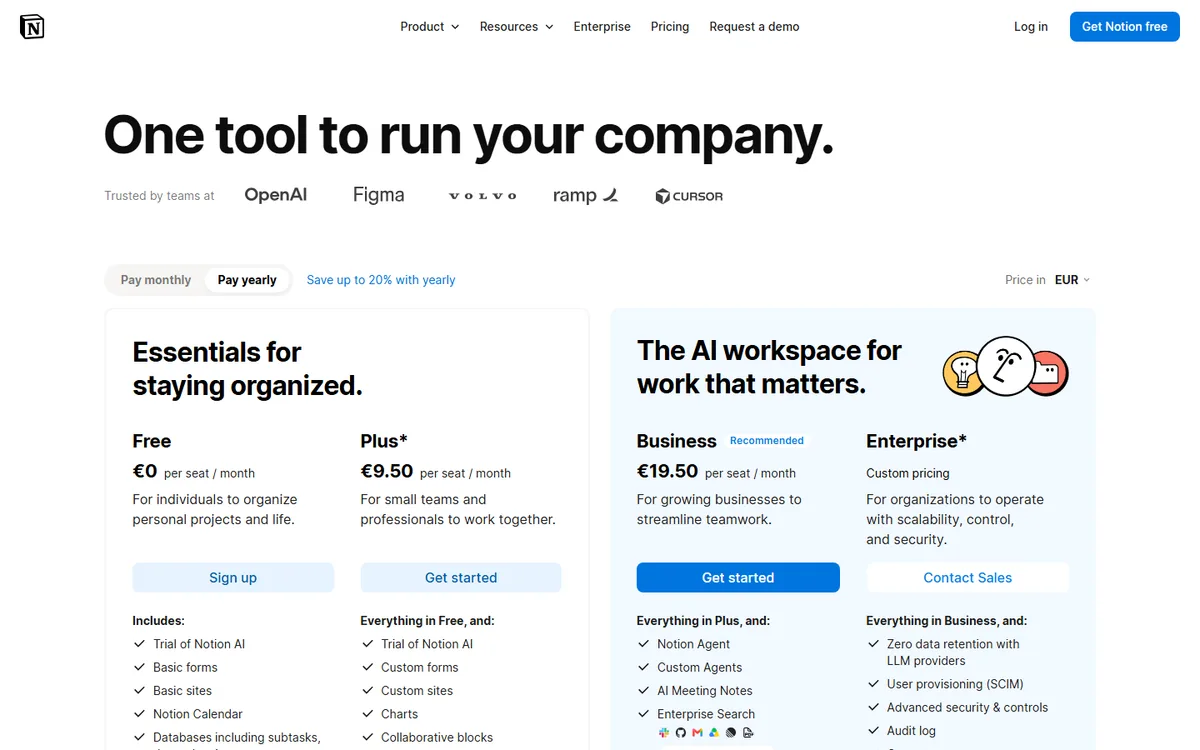
Capterra lists a free version and a free trial, Plus at $12 per user per month and Business at $24 per user per month, with a custom quote for Enterprise. Check Notion’s pricing page for current limits.
Notion Reviews
- Capterra: 4.7/5 average (from 2,840 reviews)
IdeaScale
Built for Running Idea Campaigns With Hundreds or Thousands of Contributors
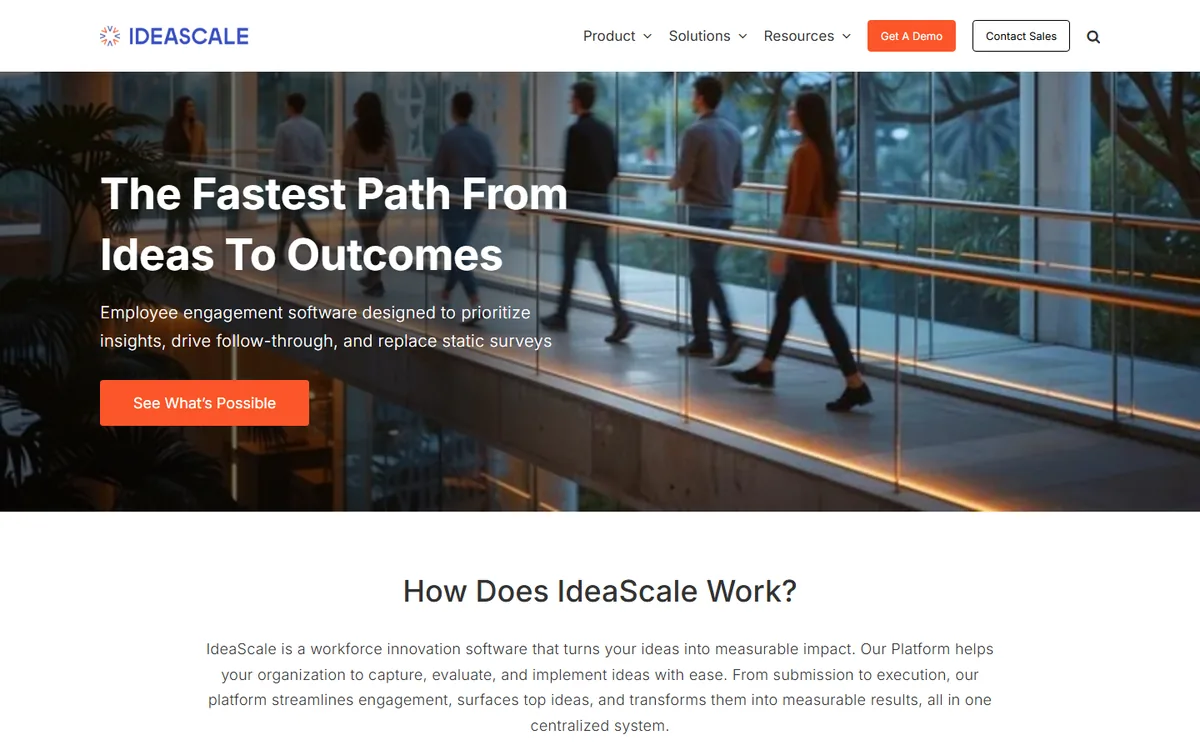
IdeaScale lets you run idea campaigns, collect submissions, let people vote and comment, and move the best ideas through a defined process.
When the challenge is a flood of ideas from a large group, a whiteboard is the wrong tool. IdeaScale gives each campaign a question, a submission form, voting, scoring and a pipeline, so ideas from employees, customers or partners end up ranked and moved forward.
It suits organizations with an innovation team to run the campaigns. For a team of ten, it is too much. And a campaign without follow-through damages trust, so decide who answers every submission before you launch.
Pros of IdeaScale
- Campaigns with voting, comments and scoring
- Moves ideas through stages with clear status
- Works for employees, customers and partners
Cons of IdeaScale
- Needs a team to run campaigns and answer contributors
- Pricing starts high for small teams
IdeaScale Pricing
Capterra lists IdeaScale from $4,999 per feature per year on the Basic plan, with a free trial and no free version. Enterprise needs usually require a custom quote.
IdeaScale Reviews
- Capterra: 4.6/5 average (from 28 reviews)
Brightidea

A Complete Innovation Management System for Corporate Programs
Brightidea covers idea collection, challenges, scoring, project tracking and reporting in one innovation management platform.
Brightidea goes a step beyond idea collection. It tracks ideas through a pipeline, links them to projects and reports on the portfolio, so a corporate innovation lead can see what is in flight and what it has produced. For companies with a funnel of ideas and formal stage gates, that structure is useful.
I find it most valuable when leaders already ask for portfolio reports. Like IdeaScale, it needs a team to run it, and it pays off only when ideas actually get decided. Capterra lists a Basic price from $59 per month, but the full corporate setup costs more, so request a quote.
Pros of Brightidea
- Pipeline from idea to project in one system
- Reporting for portfolio reviews
- Flexible challenges and scoring
Cons of Brightidea
- Needs a program owner to get value
- Full pricing needs a custom quote
Brightidea Pricing
Capterra lists Basic from $59 per month as a flat rate, with a free trial and no free version. Corporate programs with several modules are quoted individually.
Brightidea Reviews
- Capterra: 4.4/5 average (from 106 reviews)
Aha!
Where Strategy, Idea Portals and Roadmaps Sit in One Linked System
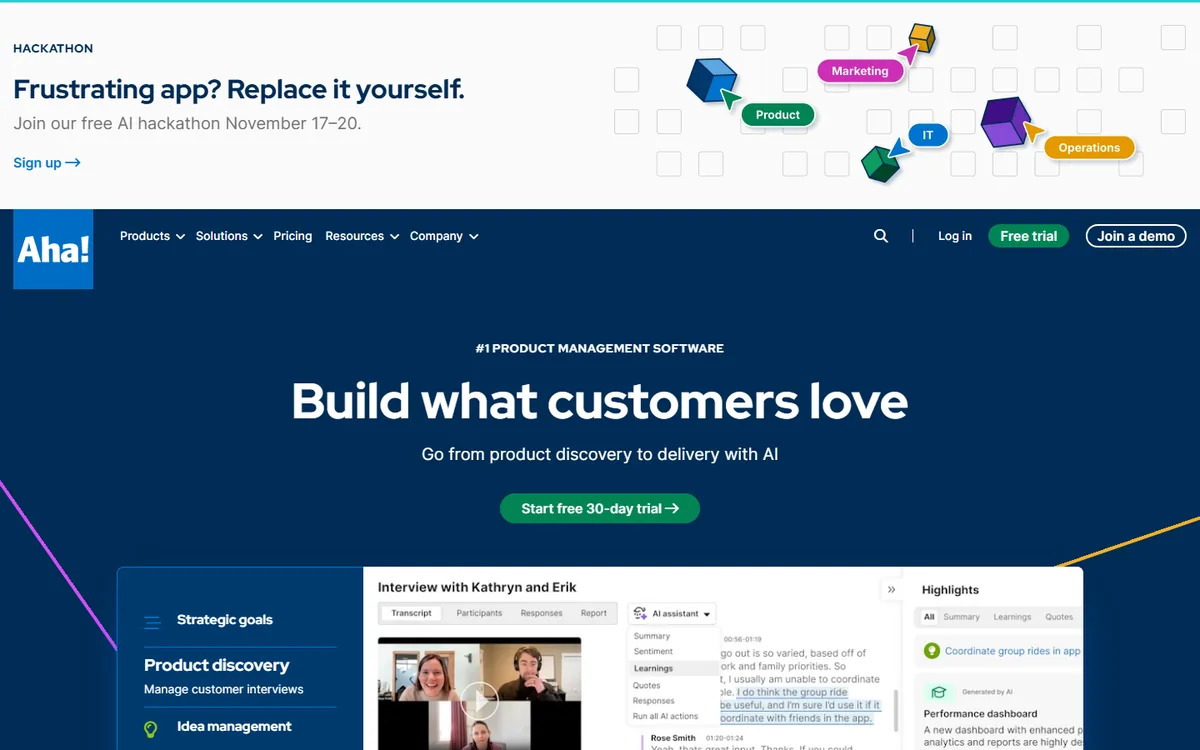
Aha! links strategy, ideas, roadmaps and release plans, so each feature traces back to a goal.
Aha! is strongest when innovation is tied to a product. You set goals, collect ideas through a portal, score them and move the winners onto a roadmap, and every work item connects upward to a strategic goal. Review scores are high, with a 4.7 out of 5 rating on Capterra from 565 reviews.
It is a product management tool first, so it is less natural for non-product innovation, and the learning curve is real. If you run an innovation program inside a software company, I like it as the place where the roadmap lives.
Pros of Aha!
- Strategy, ideas and roadmaps connected in one place
- Idea portals with scoring
- Strong customer service rating on Capterra
Cons of Aha!
- No free version, only a trial
- Built around product teams, so heavier for other uses
Aha! Pricing
Capterra lists several Aha! products with different prices, from $9 per user per month for the lowest plan up to $59 per user per month for Roadmaps. There is a free trial and no free version, so confirm the product mix you need on the Aha! pricing page.
Aha! Reviews
- Capterra: 4.7/5 average (from 565 reviews)
Productboard
The Best Fit for Turning a Stream of Customer Feedback Into Ranked Bets
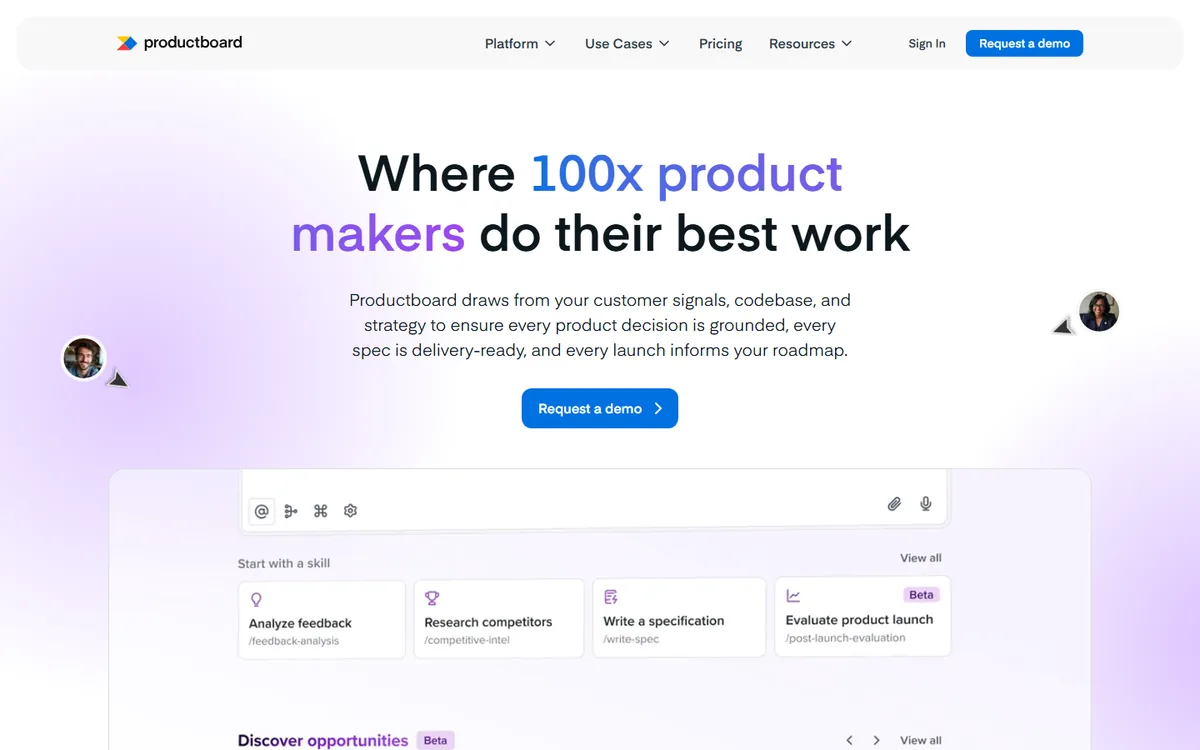
Productboard collects customer feedback, links it to product ideas and helps you prioritise and publish roadmaps.
Productboard answers a question innovation teams struggle with: what do customers keep asking for? Feedback from sales calls, support and surveys is tied to specific ideas, so you can see how many customers and how much revenue stand behind each one. That evidence makes prioritisation less political.
It is built around product work and charges per maker, which some reviewers find high. For a team that is not building a product, it is too specific. As a feedback-to-roadmap layer for a product-led innovation effort, it works very well.
Pros of Productboard
- Links customer feedback to ideas and priorities
- Clear prioritisation views and shareable roadmaps
- Free viewers and contributors on paid plans
Cons of Productboard
- Per-maker pricing adds up
- Product-focused, so less useful outside product teams
Productboard Pricing
Capterra lists a free version, Essentials at $25 per user per month starting with one maker, Pro at $75 per user per month starting with two makers and custom quotes for Enterprise. Contributors and viewers are free on paid plans.
Productboard Reviews
- Capterra: 4.7/5 average (from 154 reviews)
Estimate the Return on an Innovation Strategy Tool
Before you pick a plan, check whether the numbers work for you. Enter the manual hours the tool could save, such as collecting ideas by email, building scorecards by hand and preparing portfolio reports, and the monthly price of the plan you are considering. You will see what it could return in a year.
Will the Tool Pay Off for You?
Use the sliders to enter your workload and the plan you are considering.
How to Choose the Right Innovation Strategy Tool
In my experience, the size of your idea funnel decides more than any feature list. Before you compare vendors, answer four questions:
- How many people will submit ideas: ten, a hundred or thousands?
- Do you need to facilitate workshops, track a portfolio or do both?
- Is the innovation work tied to a product roadmap?
- Who will keep the system current once the first workshop is over?
If you mainly run workshops, start with Miro, Mural or FigJam. If you need a simple tracker, build one in Notion. If you collect ideas from a large group, look at IdeaScale or Brightidea, and if your work is tied to a product, add Aha! or Productboard. Strategyzer fits when testing business models is the core of your method. Your tool should serve the decisions in your innovation strategy framework, and the milestones in the innovation strategy roadmap show what the tracker has to hold. For real-world setups, see these innovation strategy examples, and if you want an outside view of your choices, innovation strategy consulting can help.
Questions About Choosing Innovation Strategy Tools
What Are Innovation Strategy Tools?
They are software and templates that help you collect ideas, test them, rank them and track them to a decision. The main groups are whiteboards for workshops, idea management platforms, product roadmap tools and business model tools. You do not need all of them, and many teams start with a whiteboard and a spreadsheet.
What Is the Best Free Tool for Innovation Strategy?
For workshops I recommend you start with the free plans of Miro, Mural or FigJam. For tracking ideas and decisions, a free Notion workspace works well for small teams. Free plans limit boards, history or users, so move to a paid plan once the process is in regular use.
Do I Need Dedicated Idea Management Software?
Only if you collect ideas from many people, such as a few hundred employees or customers. For a small team, a shared board and a tracker are enough. IdeaScale and Brightidea suit larger organizations that run campaigns and need voting, scoring and reporting.
How Much Do Innovation Strategy Tools Cost?
Whiteboards and workspaces cost roughly $3 to $25 per user per month, based on Capterra listings. Product roadmap tools cost more, and idea management platforms start in the thousands of dollars a year. Strategyzer lists higher prices still, so check current pricing before you plan.
Which Tool Helps with an Innovation Roadmap?
Aha! and Productboard are built for roadmaps and tie them to goals and customer evidence. A whiteboard can draft the first version, and a tracker keeps it current. My innovation strategy roadmap guide shows how to structure the milestones.
Can Tools Replace an Innovation Strategy?
No. A tool stores and displays your choices, but it cannot make them. Decide your focus areas, funding rules and stop criteria first, and then choose the tool that supports them. A framework helps with those choices, and I describe one in my innovation strategy framework.
How Do I Run a Pilot of a New Tool?
Pick one real initiative and run it through the tool for four to six weeks. Check whether people use it without reminders, whether decisions are easier to trace and whether the reports answer the questions your leaders ask. Cancel before the paid term starts if the answers are no.
Heads up: vendors change prices, plans and ratings often. Everything was checked at the last update date, but confirm on each vendor’s website first. This article is not legal or financial advice.
Was this article helpful?
Thank you for letting us know.
Russell Tennant
Russell leads the Brook editorial team and works with our consultants to turn real client engagements into practical guides on roadmaps, go-to-market planning, growth and competitive strategy. Before joining Brook, he spent 11 years in strategy and product marketing roles at software and financial services companies. He has since edited more than 300 articles on strategy practice and drawn on roadmaps and growth plans from over 100 client projects. He is based in Denver, Colorado.