Key Takeaways
- A lean stack of docs, chat, issue tracking, payments and a CRM covers most early-stage needs.
- Use free tiers and startup programs, and pay only when a limit slows you down.
- Put decisions in docs, not chat, so they survive team growth.
- Add each tool for a problem you have today, not for the company you hope to be.
The Best Startup Tools at a Glance
| Tool | Type | Best for |
|---|---|---|
| 1. Notion | Docs and wiki | Teams writing down how the company works |
| 2. Slack | Team chat | Teams that communicate all day |
| 3. Google Workspace | Email and docs | Every new company |
| 4. Linear | Issue tracking | Product and engineering teams that want speed |
| 5. Figma | Design and prototyping | Teams that design products or marketing pages |
| 6. Stripe | Payments | Companies charging cards online |
| 7. Mercury | Business banking | Startups that want a modern bank account |
| 8. Carta | Equity management | Companies that issue stock or options |
| 9. Pipedrive | Sales CRM | Sales-led startups that live in a pipeline |
| 10. Airtable | Database and apps | Teams that outgrew spreadsheets |
| 11. Mixpanel | Product analytics | Teams that want to see how people use the product |
| 12. PostHog | Product analytics and experiments | Technical teams that want analytics, replays and tests in one tool |
| 13. Intercom | Customer messaging | Software teams that support customers in-app |
| 14. Loom | Video messages | Remote teams that explain things often |
| 15. Ramp | Corporate cards and spend | Teams that want spend control and no card fee |
| 16. Canva | Design | Founders who build decks and marketing graphics |
| 17. Rippling | HR, payroll and IT | Startups hiring fast across locations |
The 18 Best Startup Tools, Ranked
I start with the tools almost every startup needs and move toward specialist ones, so you can stop reading once you find your fit. Keep in mind that the stack is only part of the result: in startup strategy consulting projects, choosing the right customer and the right test matters far more than any software.
Notion
The Company Brain for Teams That Need Written Decisions
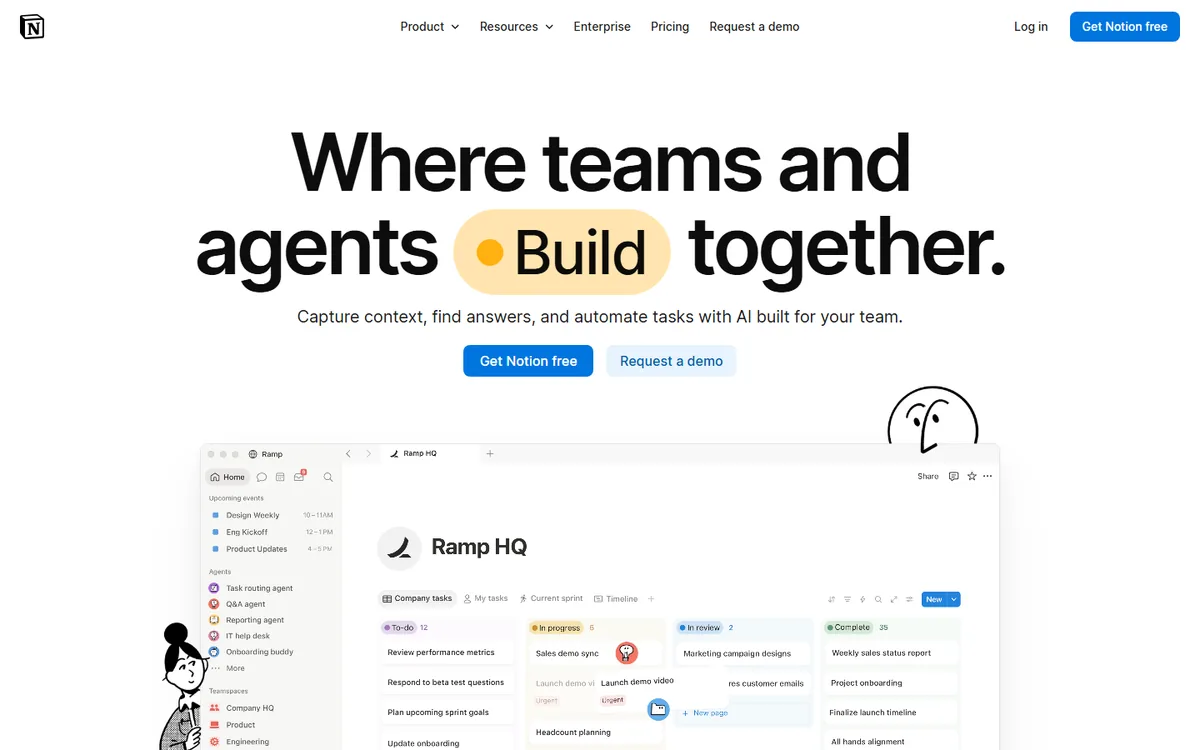
Notion combines documents, wikis and light databases, which makes it a good home for plans, specs and meeting notes.
Early teams change direction often, and the reasons get lost. I ask founders to keep the one-page plan, decision log and customer interview notes in Notion, so a new hire can read how the company thinks in an afternoon.
The risk is sprawl. A startup that lets everyone create pages ends up with three versions of the roadmap. Name one owner for the workspace and keep the top level to five pages.
Pros of Notion
- Docs, wikis and databases in one tool
- Templates for plans and meeting notes
- Generous free plan
Cons of Notion
- Workspaces get messy without an owner
- Slower with very large databases
Notion Pricing
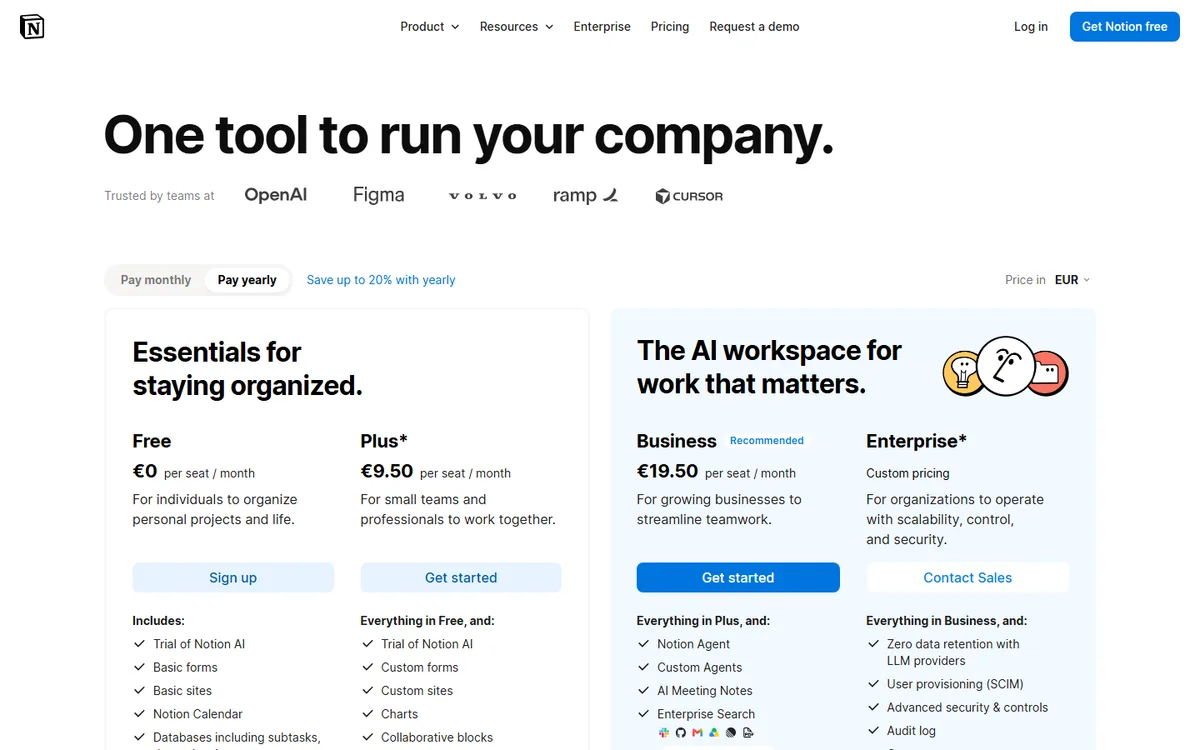
Notion has a free plan. Plus lists at about $10 per seat per month billed annually, and Business at about $20. Some startups can claim a discount through Notion’s startup program.
Notion Reviews
- G2: 4.7/5 average (from +5,000 reviews)
- Capterra: 4.7/5 average (from +2,000 reviews)
Slack
Fast Internal Communication With a Free Plan to Start
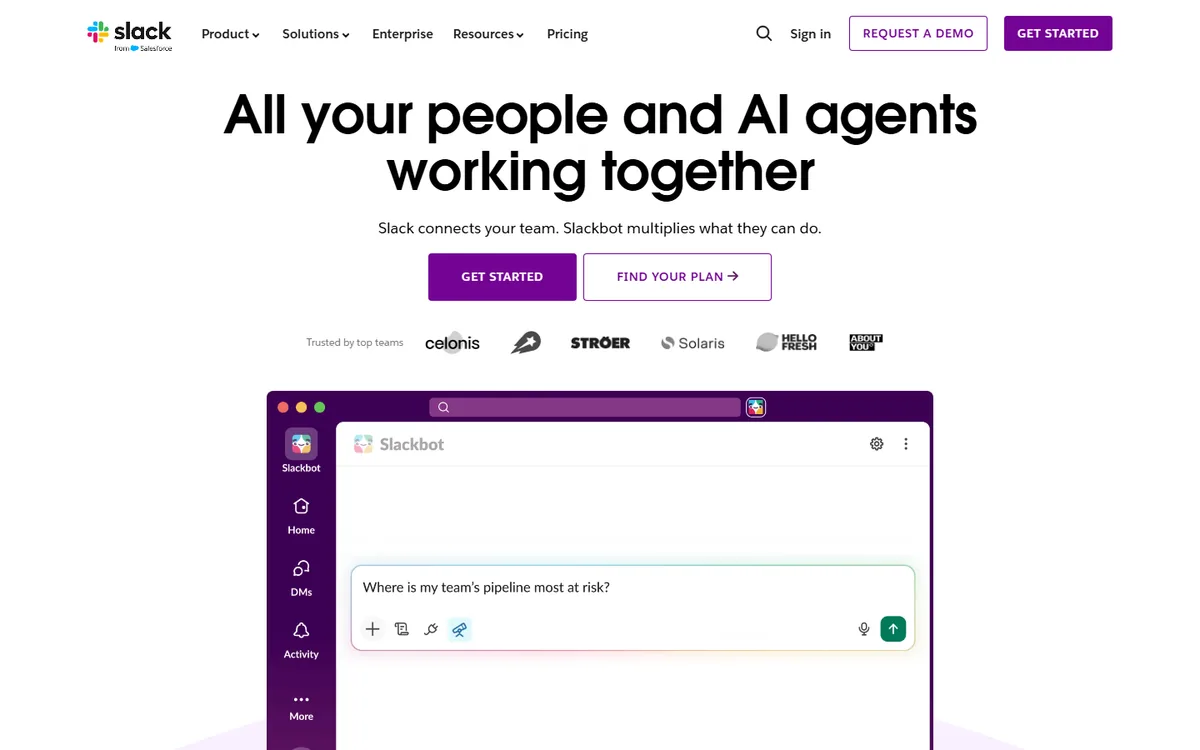
Slack provides channels, direct messages and app integrations for team communication.
Slack is the default for a reason. Channels for customers, product and sales keep the founders’ conversations visible to the team, and integrations send alerts from your CRM and billing straight into the right channel.
The free plan limits history, so decisions disappear after a while. Put important choices in Notion, not in chat, so they last.
Pros of Slack
- Channels keep topics apart
- Integrations with most startup tools
- Quick to roll out
Cons of Slack
- Free plan limits message history
- Notification overload without rules
Slack Pricing
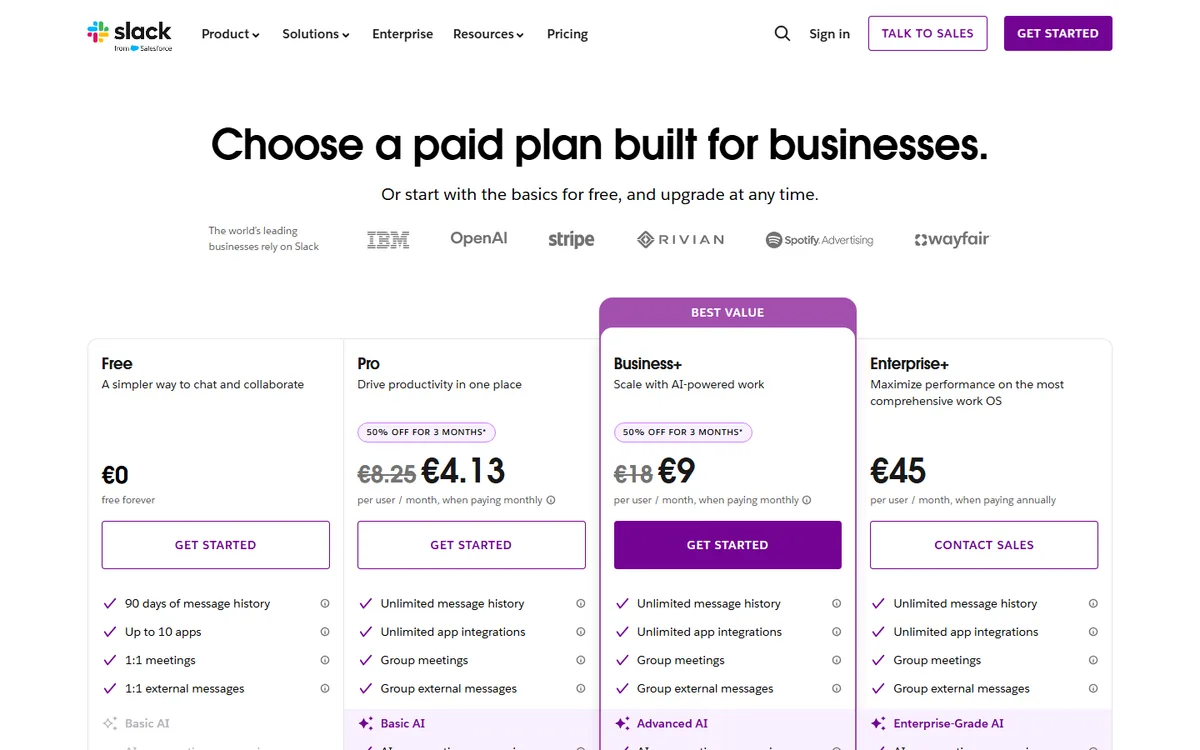
Slack has a free plan. Pro lists at about $8.75 per user per month billed annually, and Business+ costs about $15.
Slack Reviews
- G2: 4.5/5 average (from +35,000 reviews)
- Capterra: 4.7/5 average (from +23,000 reviews)
Google Workspace
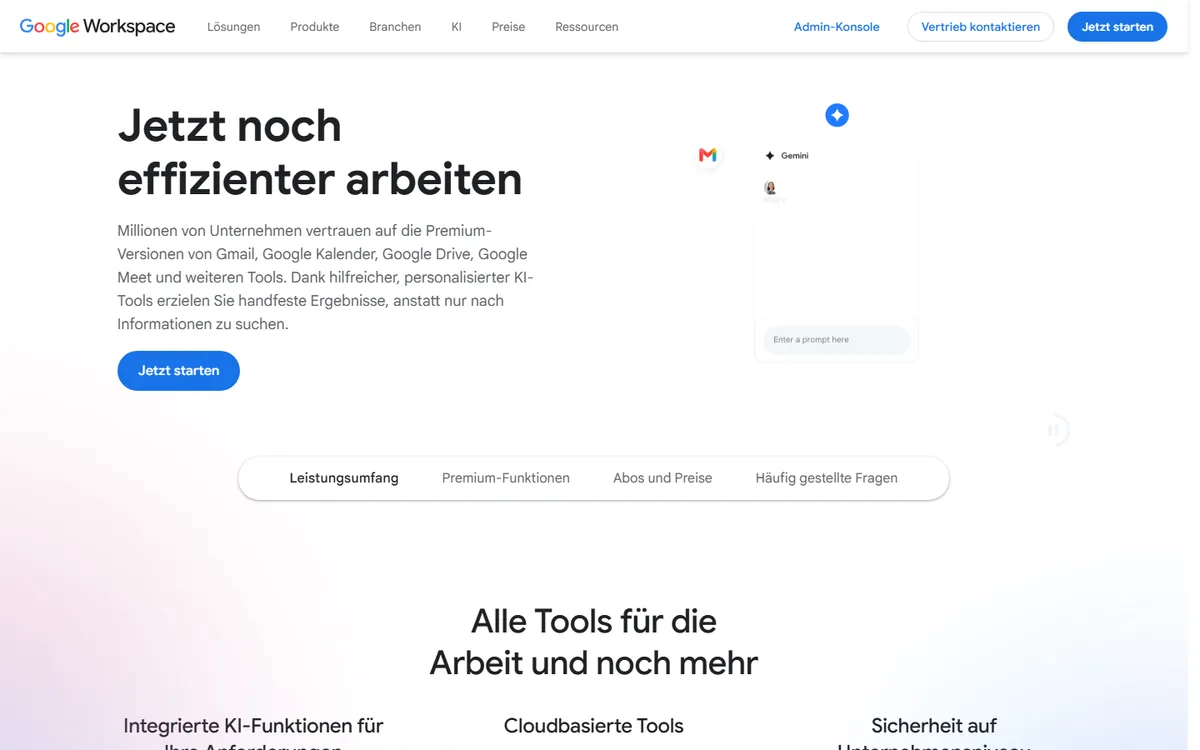
Business Email, Shared Drives and Meetings From Day One
Google Workspace gives you email on your domain, Drive, Docs, Sheets and Meet.
Set it up before your first hire. A shared drive with a clean folder structure and email aliases for sales and support saves you from fixing it at 15 people.
Storage and meeting limits on the starter tier surprise growing teams. Check the plan limits if you record calls or store large files.
Pros of Google Workspace
- Quick setup on your own domain
- Real-time editing
- Affordable per user
Cons of Google Workspace
- Starter tier has limits
- Less depth than specialist tools
Google Workspace Pricing
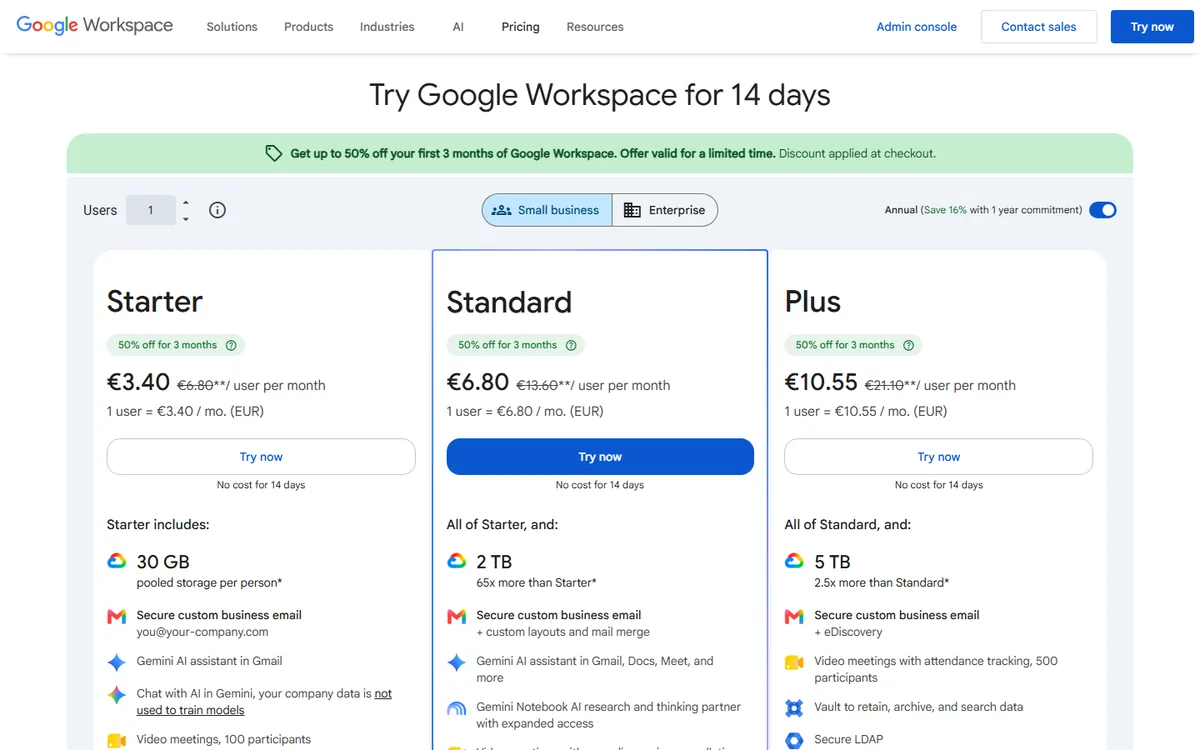
Business Starter lists at about $7 per user per month on an annual plan, and higher tiers cost more. Google has offered startup programs, so check current terms.
Google Workspace Reviews
- G2: 4.6/5 average (from +40,000 reviews)
- Capterra: 4.7/5 average (from +14,000 reviews)
Linear
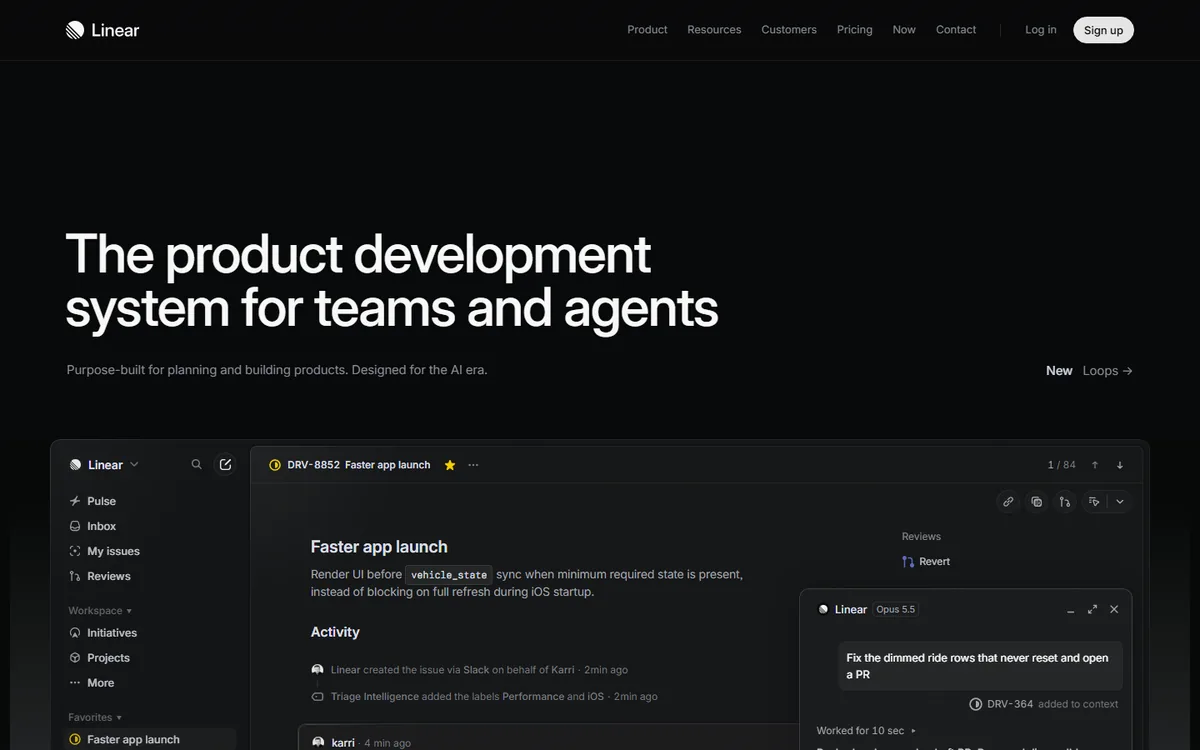
A Fast, Opinionated Issue Tracker That Keeps Engineers Focused
Linear tracks issues, cycles and roadmaps with a keyboard-first interface that engineers tend to like.
Linear works because it limits you. Issues, cycles and projects have a clear shape, and the roadmap view connects them to company goals, which keeps a small team from building everything on the list.
It assumes an engineering-led workflow. If your non-technical teammates need to manage work in the same place, check that they will use it.
Pros of Linear
- Very fast interface
- Cycles and roadmaps built in
- Clean integration with GitHub
Cons of Linear
- Opinionated workflows
- Less suited to non-engineering teams
Linear Pricing
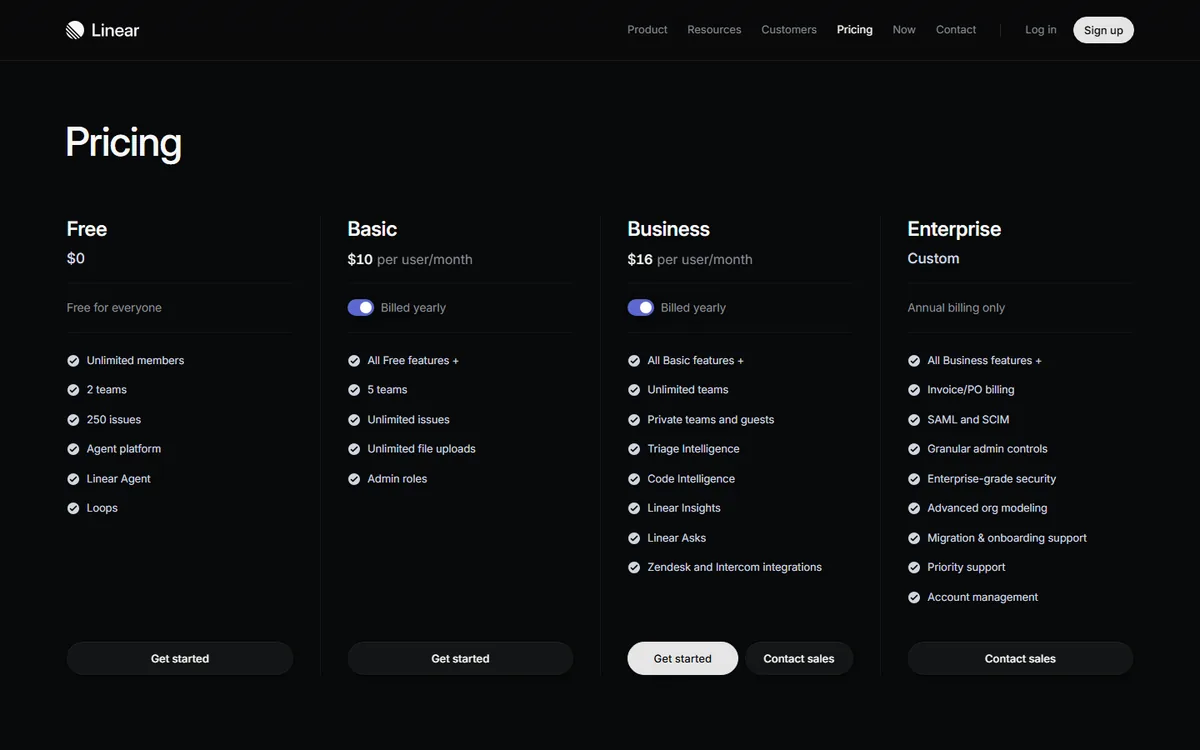
Linear has a free plan. Paid plans start at about $10 per user per month billed annually, with higher tiers for larger teams. Check Linear’s pricing page for current figures.
Linear Reviews
- G2: 4.7/5 average (from +100 reviews)
- Capterra: 4.7/5 average (from +90 reviews)
Figma
Design and Prototype Together Before Anyone Writes Code
Figma is a browser-based design tool for interfaces, prototypes and whiteboards.
Prototypes in Figma let you test an idea with customers before engineers build it. A clickable mock-up in a customer interview often saves weeks of development.
Seats are priced by role, and costs add up when several people need edit access. Give viewers free access where you can.
Pros of Figma
- Real-time collaboration
- Prototypes for customer tests
- Large community of templates
Cons of Figma
- Full seats get pricey with many editors
- Takes practice to master
Figma Pricing
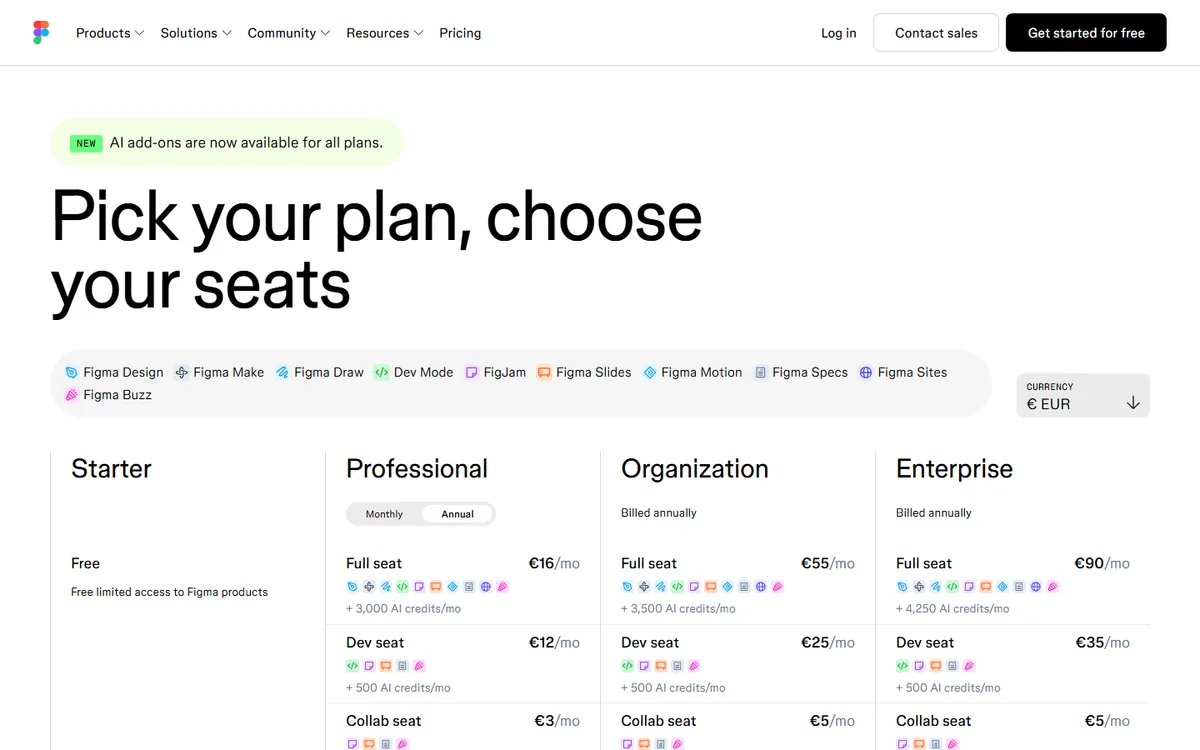
Figma has a free Starter plan. Professional full seats list at about $16 per month billed annually, and higher tiers cost more. Check Figma’s pricing page for current figures.
Figma Reviews
- G2: 4.7/5 average (from +1,200 reviews)
- Capterra: 4.7/5 average (from +700 reviews)
Stripe
The Standard Way to Take Payments and Run Subscriptions
Stripe handles card payments, subscriptions, invoicing and tax tools for online businesses.
If you sell software, Stripe is where I would start. Subscriptions, free trials and invoices come ready, and the API lets you test price changes without rebuilding checkout. My price-test example in startup strategy examples used it.
Costs include processing fees and add-ons for tax and billing. Budget for them when you model your margins.
Pros of Stripe
- Strong subscription and invoicing tools
- Developer-friendly
- Global payment methods
Cons of Stripe
- Fees add up with add-on products
- Disputes need active handling
Stripe Pricing
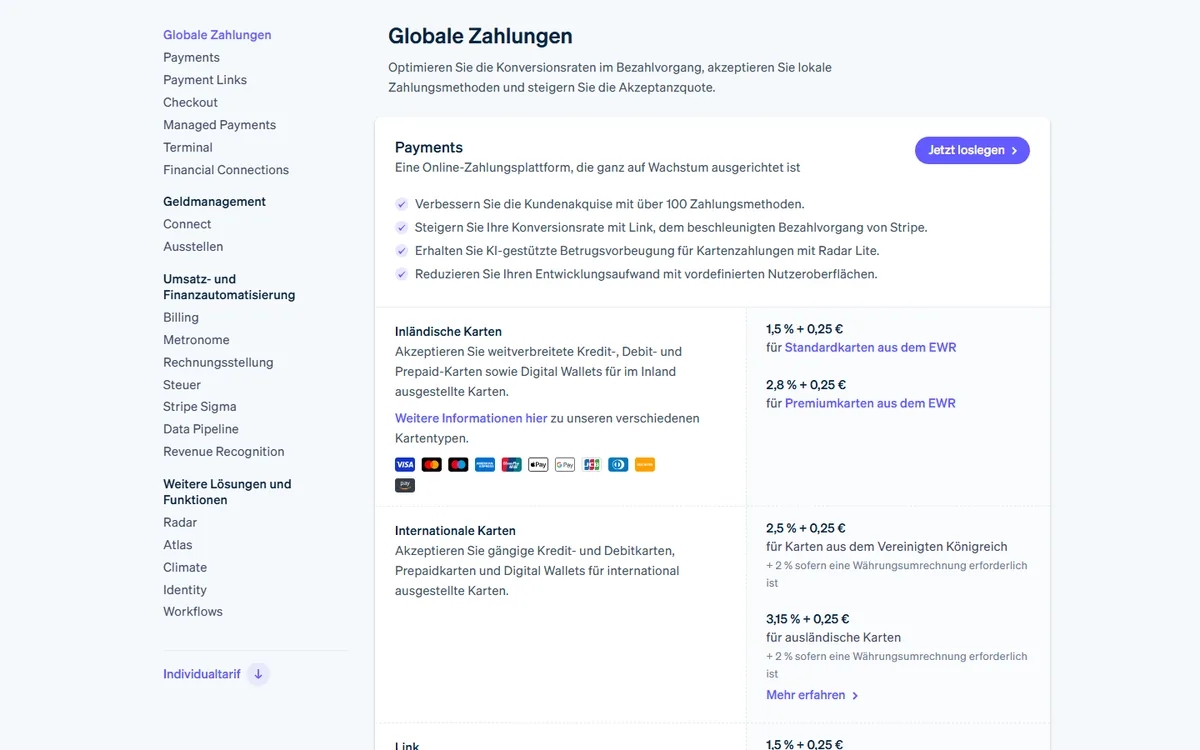
Stripe charges per successful card payment, listed at about 2.9% plus 30 cents for standard US cards. Billing, tax and other products have their own fees.
Stripe Reviews
- G2: 4.5/5 average (from +2,000 reviews)
- Capterra: 4.5/5 average (from +2,000 reviews)
Mercury
A Banking Setup Designed for Venture-Backed and Online Companies
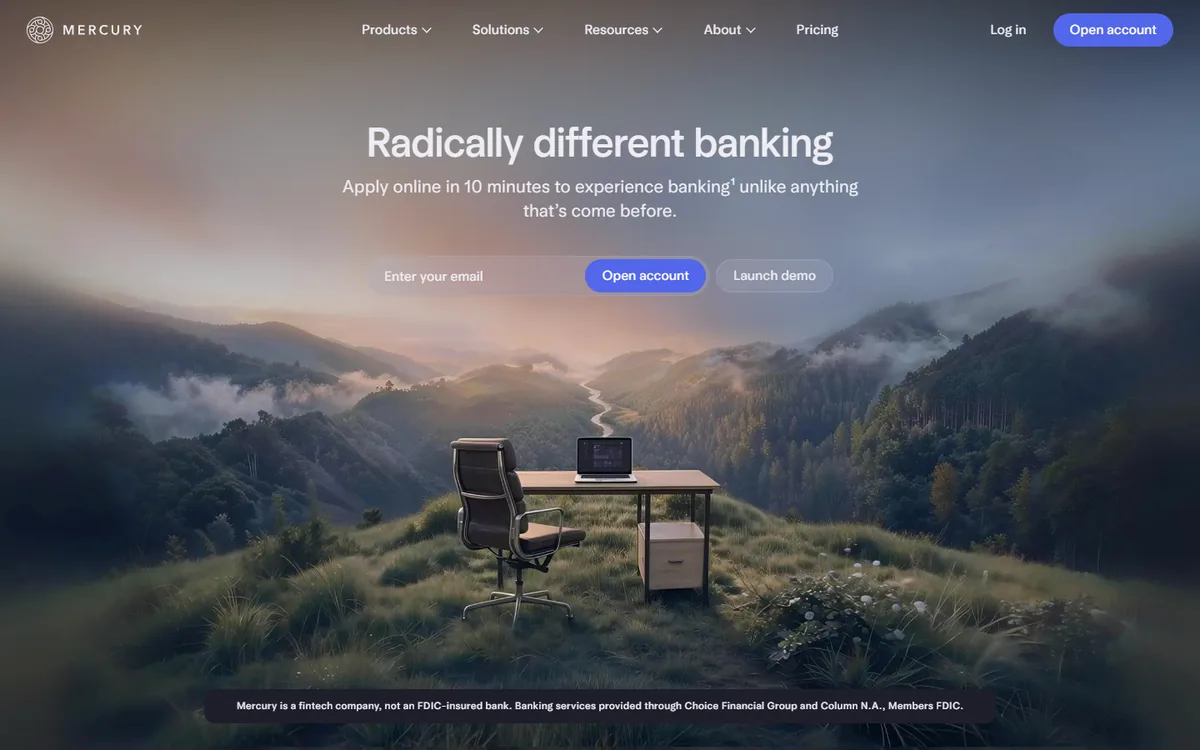
Mercury offers business checking, treasury and cards built for startups, with no monthly fee on its main account.
Founders like Mercury because setup is online and fast, and it connects to accounting tools and payment processors. Many investors also know it, which smooths wire transfers.
Mercury is a financial technology company, not a bank, and partner banks hold the deposits. Check how your balances are insured before you move large sums.
Pros of Mercury
- Fast online setup
- No monthly fee on the main account
- Good integrations
Cons of Mercury
- Fintech structure with partner banks
- Limited branch-style services
Mercury Pricing
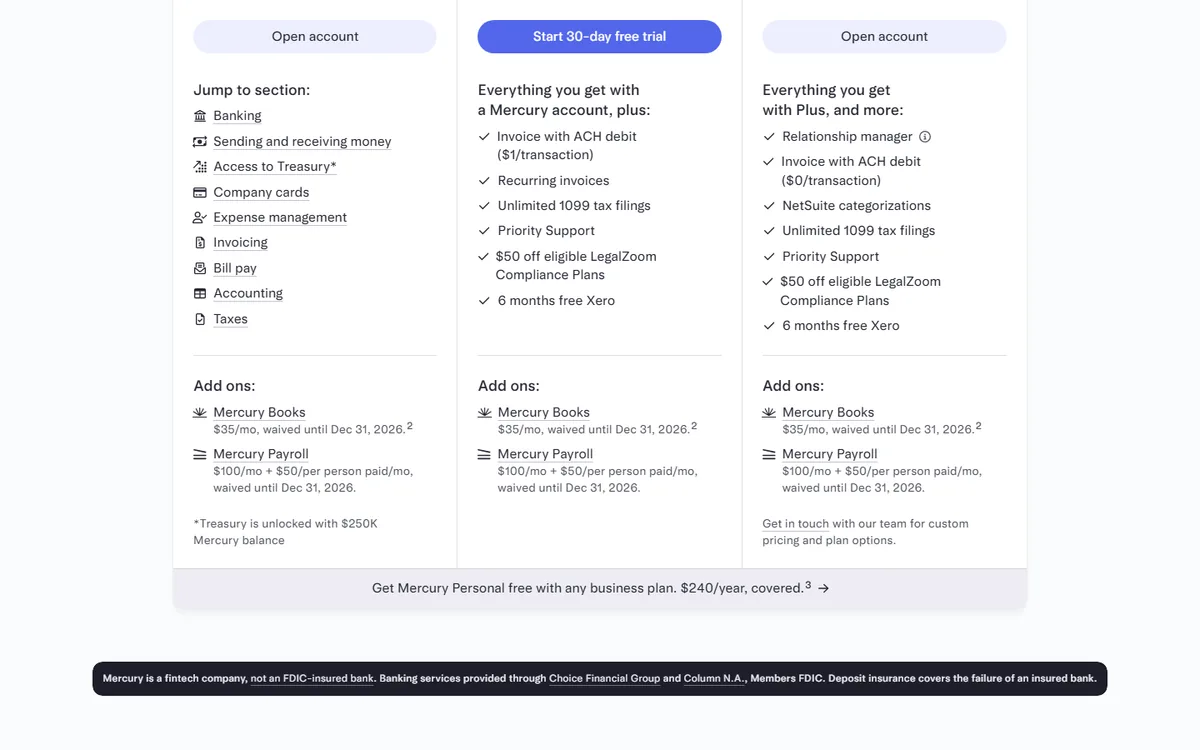
Mercury lists checking with no monthly fee. Check the site for the current terms of treasury and card products.
Mercury Reviews
- I could not confirm a current G2 or Capterra rating, so check both sites before you buy.
Carta
Keep the Cap Table Clean Before the First Funding Round
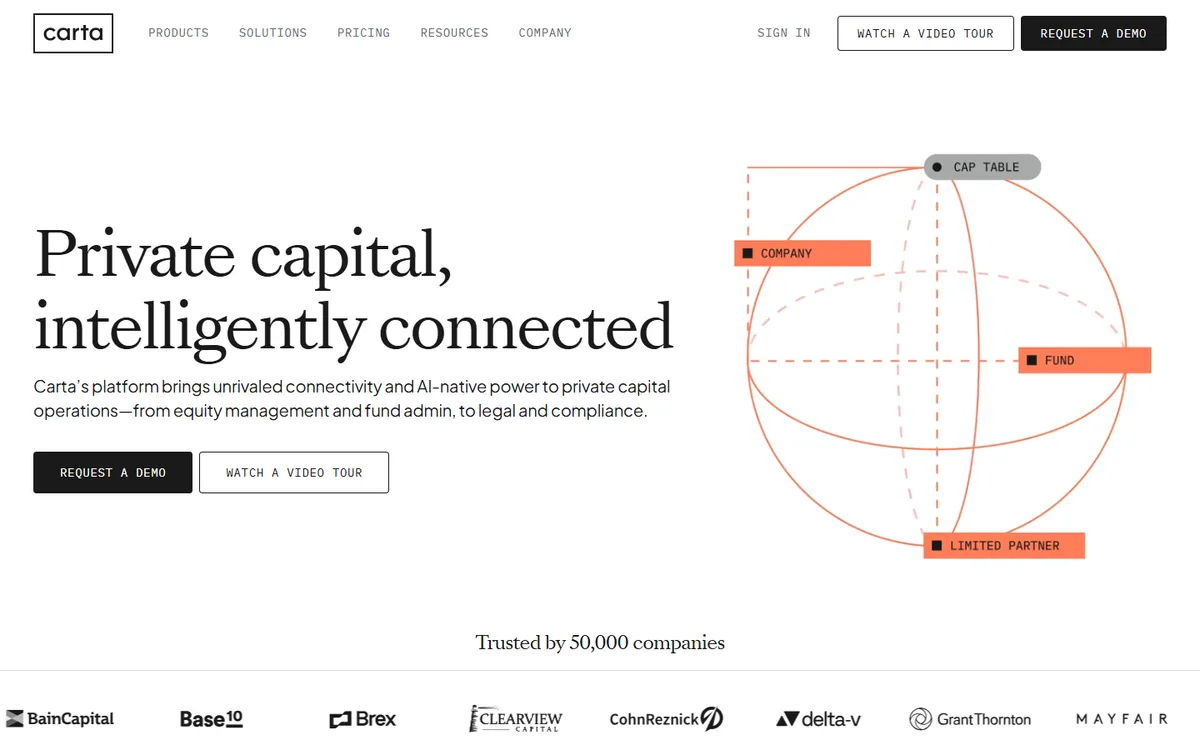
Carta manages cap tables, option grants and 409A valuations for private companies.
A messy cap table slows funding rounds. Carta keeps ownership records and employee options in one place, which investors and lawyers recognize.
Costs rise with the number of stakeholders, and it is more than you need before you issue stock. Look at your stage before you buy.
Pros of Carta
- Standard among investors
- Handles option grants and valuations
- Reduces legal cleanup
Cons of Carta
- Price grows with stakeholders
- Overkill before your first round
Carta Pricing
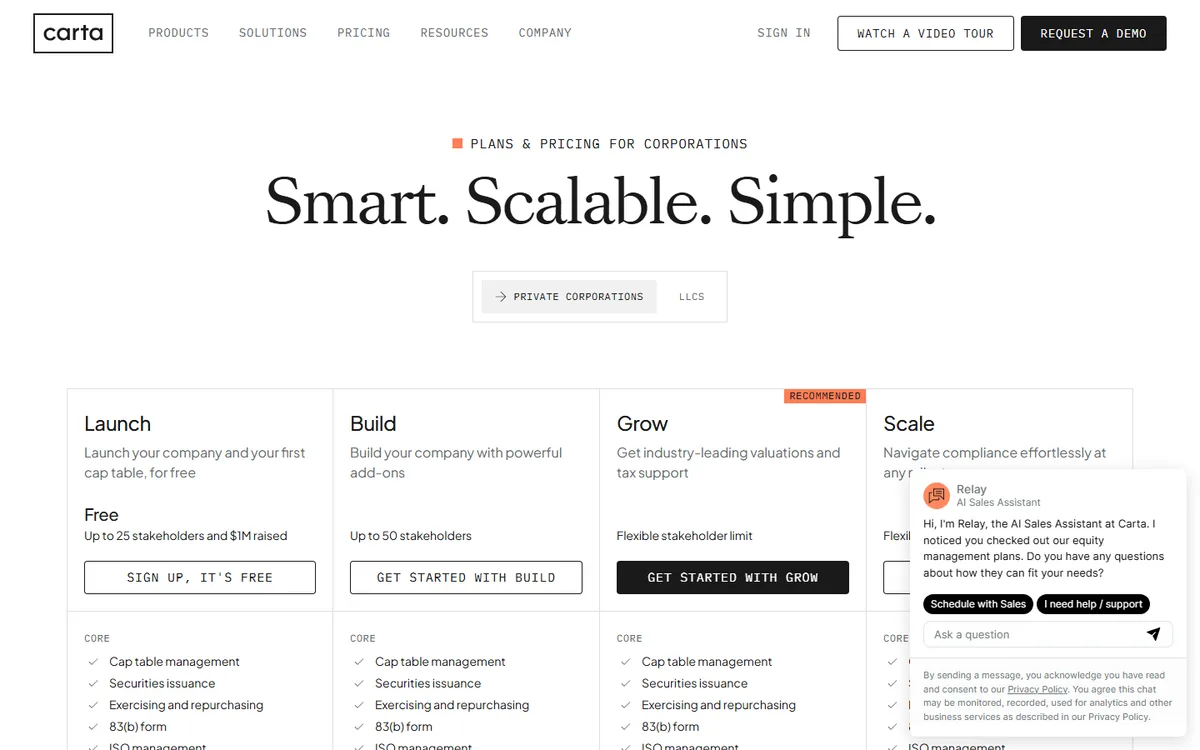
Carta has offered a free tier for very early-stage companies, with paid plans that scale by stakeholders. Confirm the current plans on Carta’s site.
Carta Reviews
- I could not confirm a current G2 or Capterra rating, so check both sites before you buy.
Pipedrive
A Pipeline-First CRM That Salespeople Actually Open
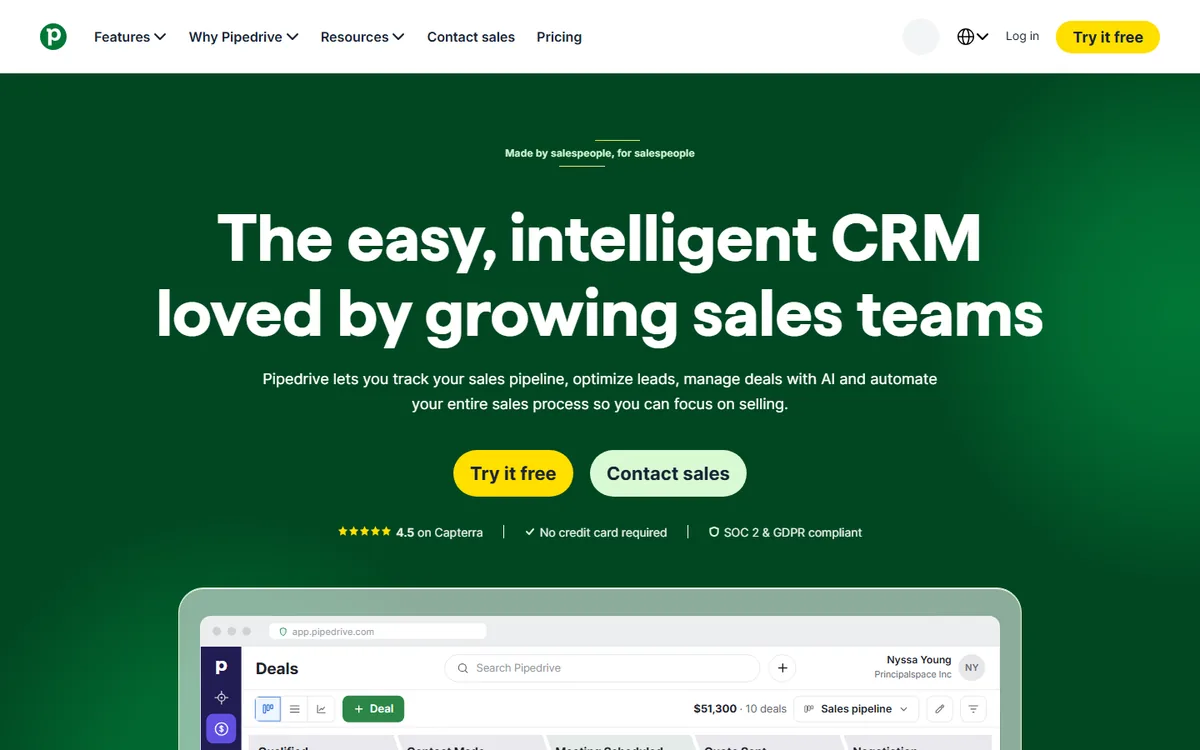
Pipedrive organizes deals in a visual pipeline and automates routine sales tasks.
Pipedrive suits teams where deals are the main object. A visual pipeline with clear stages makes founder-led sales easy to hand to a first rep.
Marketing features are thin, and add-ons raise the price. If you want marketing and sales in one place, compare it with a bundled tool.
Pros of Pipedrive
- Clean visual pipeline
- Easy to adopt
- Affordable entry plans
Cons of Pipedrive
- Limited marketing features
- Add-ons raise the cost
Pipedrive Pricing
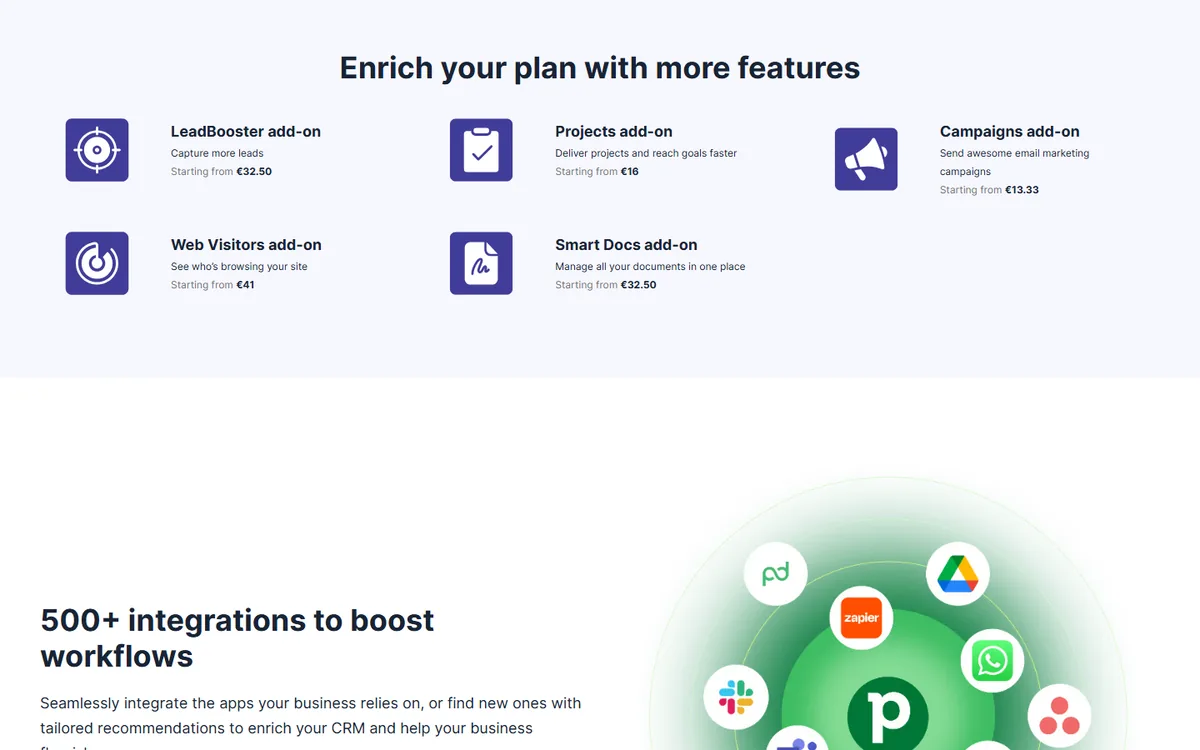
Plans start at about $14 per user per month billed annually for Lite, with Growth, Premium and Ultimate above it. Check Pipedrive’s pricing page for current figures.
Pipedrive Reviews
- G2: 4.2/5 average (from +1,900 reviews)
- Capterra: 4.5/5 average (from +3,000 reviews)
Airtable
Spreadsheets That Behave Like Databases, Built Without Code
Airtable combines spreadsheet views with relational databases, forms and automations.
Airtable is useful for tracking customer interviews, lead lists and content calendars. Linked records let you connect an interview to a customer and a problem, which a spreadsheet struggles with.
Prices rise by seat and by record limits. Plan for the cost if you store a lot of data.
Pros of Airtable
- Linked records and views
- Forms and automations
- Quick to prototype internal tools
Cons of Airtable
- Seat-based costs rise
- Record limits on lower plans
Airtable Pricing
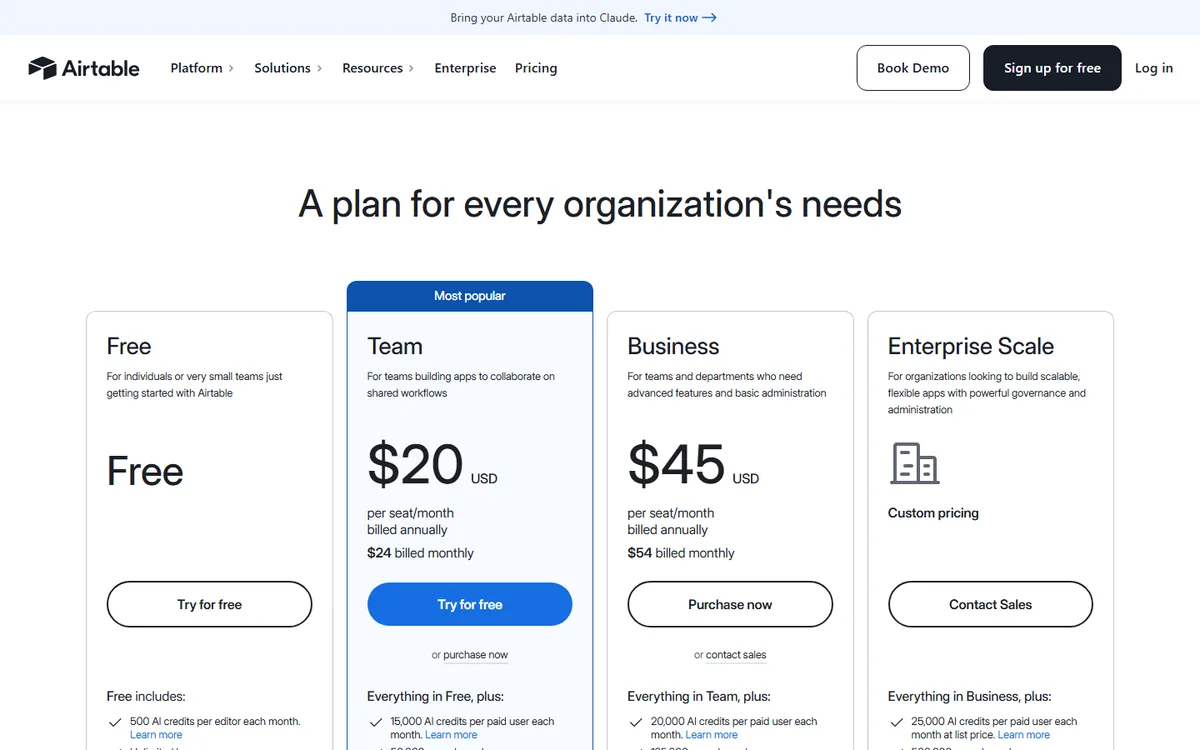
Airtable has a free plan. Team lists at about $20 per seat per month billed annually, and Business costs more.
Airtable Reviews
- G2: 4.6/5 average (from +2,000 reviews)
- Capterra: 4.6/5 average (from +2,000 reviews)
Mixpanel
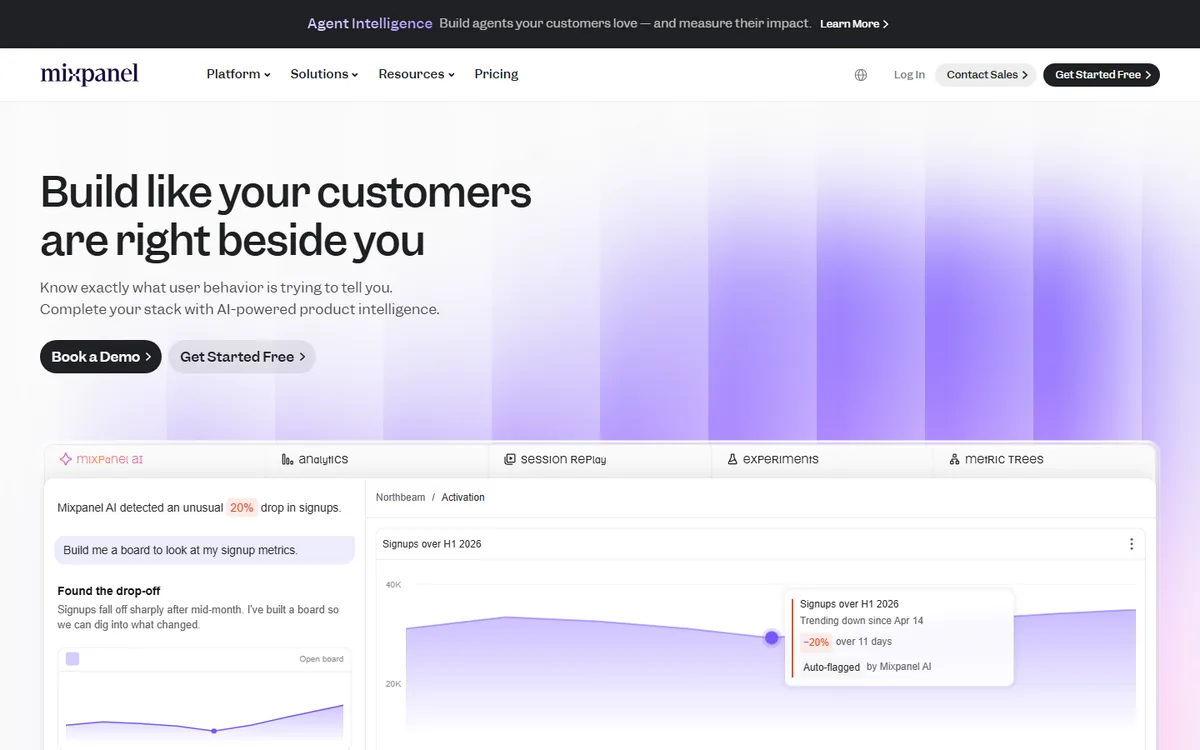
See Which Features People Use and Where They Drop Off
Mixpanel tracks events in your product and shows funnels, retention and user paths.
Analytics tests the story in your framework. If you believe one feature drives retention, Mixpanel shows whether users who use it stay longer. It pairs well with the phases in my startup strategy framework.
It needs clean event tracking from the start. Decide on ten events, name them consistently and review them monthly.
Pros of Mixpanel
- Strong funnels and retention views
- Free tier for early stages
- Flexible reports
Cons of Mixpanel
- Needs careful event setup
- Reports can overwhelm new users
Mixpanel Pricing
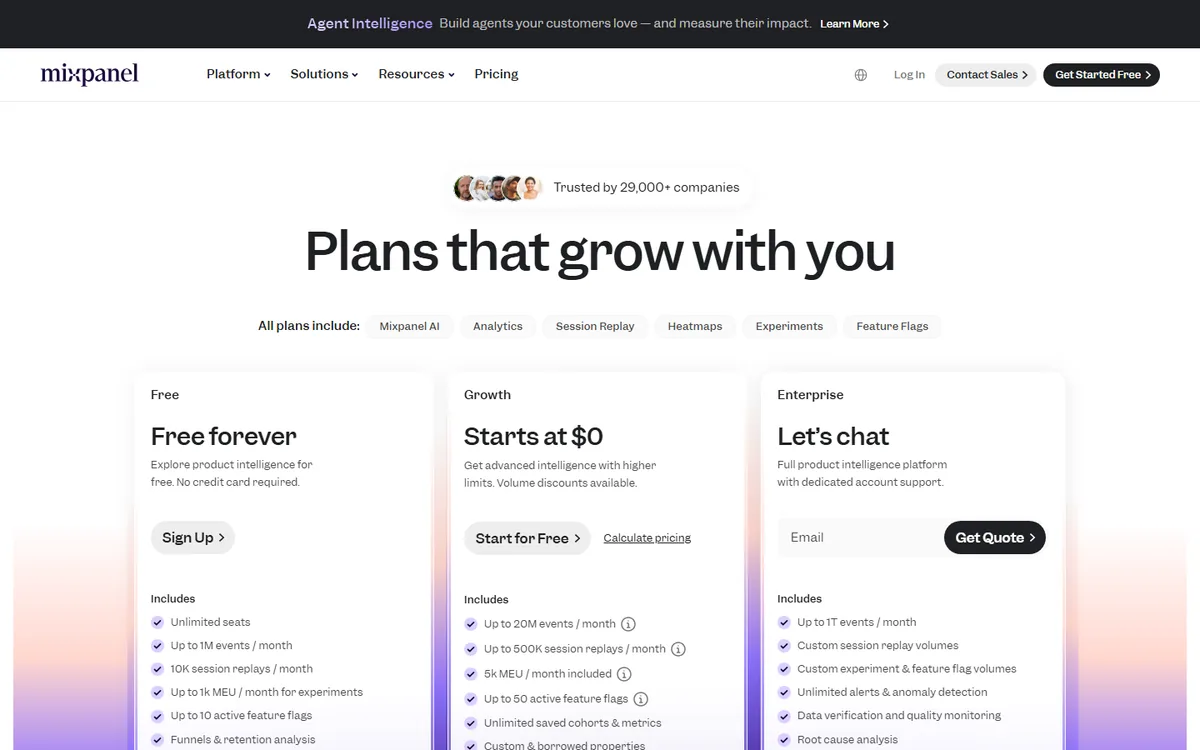
Mixpanel has a free plan with a monthly event allowance, and paid plans are based on usage. Check Mixpanel’s pricing page for current figures.
Mixpanel Reviews
- G2: 4.6/5 average (from +1,100 reviews)
- Capterra: 4.5/5 average (from +100 reviews)
PostHog
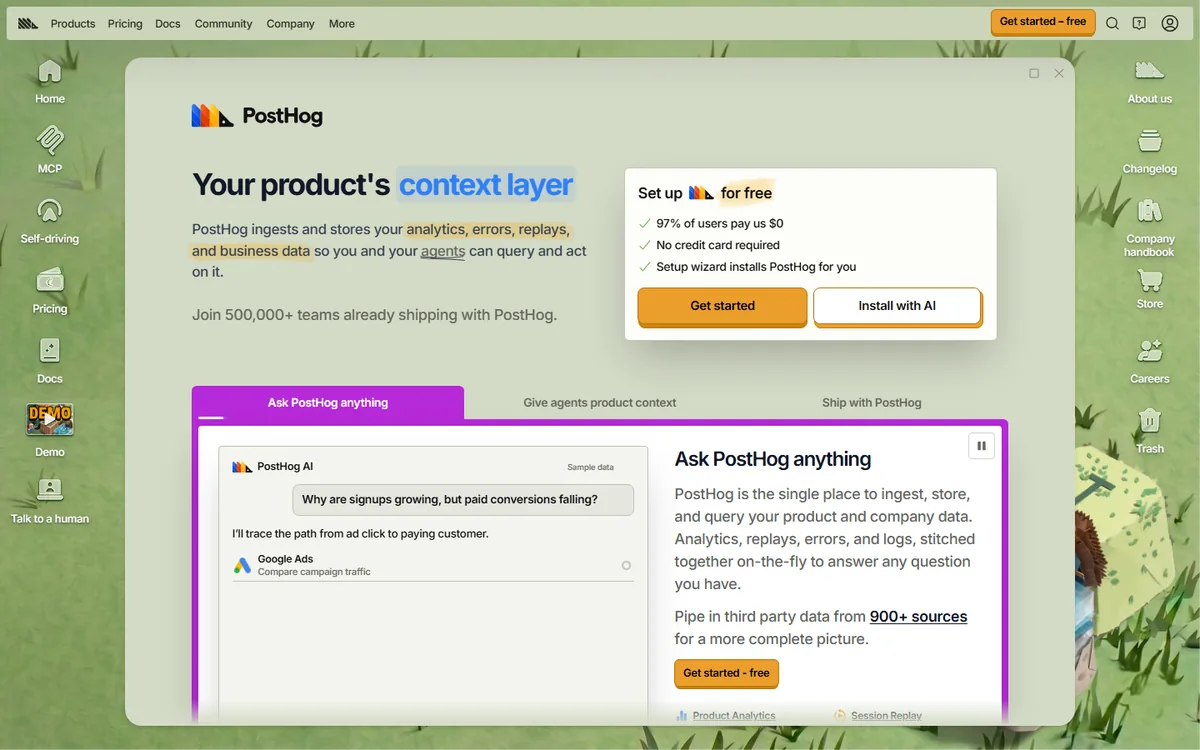
Analytics, Session Replays and Feature Flags in One Open-Source Tool
PostHog combines product analytics, session replay, feature flags and experiments, with a self-hosting option.
PostHog is a favorite with engineering-led teams. You watch real sessions, run experiments and turn features on for small groups, all without stitching tools together.
The breadth means a learning curve, and usage-based pricing needs monitoring. Set budget alerts from the start.
Pros of PostHog
- Several tools in one
- Free tier with a generous allowance
- Self-hosting option
Cons of PostHog
- Learning curve
- Usage-based costs need watching
PostHog Pricing
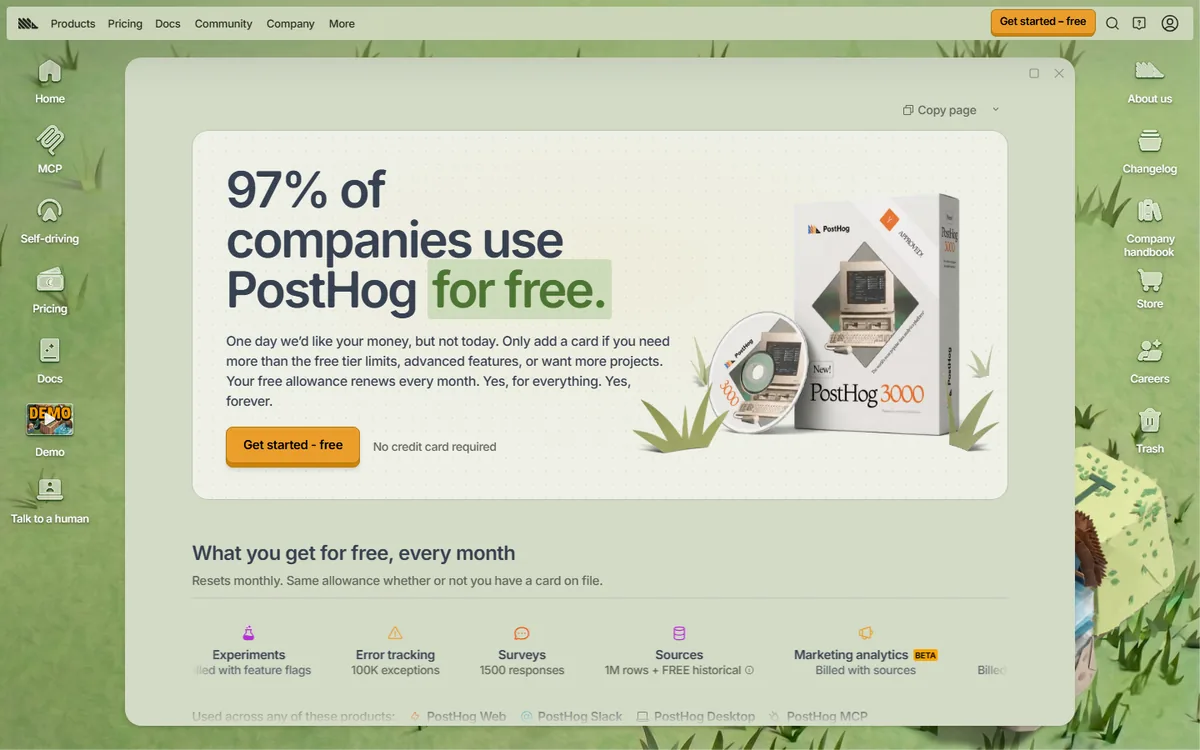
PostHog has a free tier with a monthly allowance, then pricing is usage-based. Check its pricing page for current limits.
PostHog Reviews
- G2: 4.7/5 average (from +300 reviews)
Intercom
Talk to Customers Inside Your Product and Catch Problems Early
Intercom offers in-app chat, a help center and an AI support agent.
Early customer conversations are gold. Intercom puts a chat box in the product, so you hear problems the day they happen, and a help center answers repeat questions.
Pricing is per seat plus usage for its AI agent, and costs can jump. Model your expected conversations before you commit.
Pros of Intercom
- In-app chat
- Help center and AI agent
- Good customer data views
Cons of Intercom
- Seat and usage costs add up
- Can feel heavy for tiny teams
Intercom Pricing
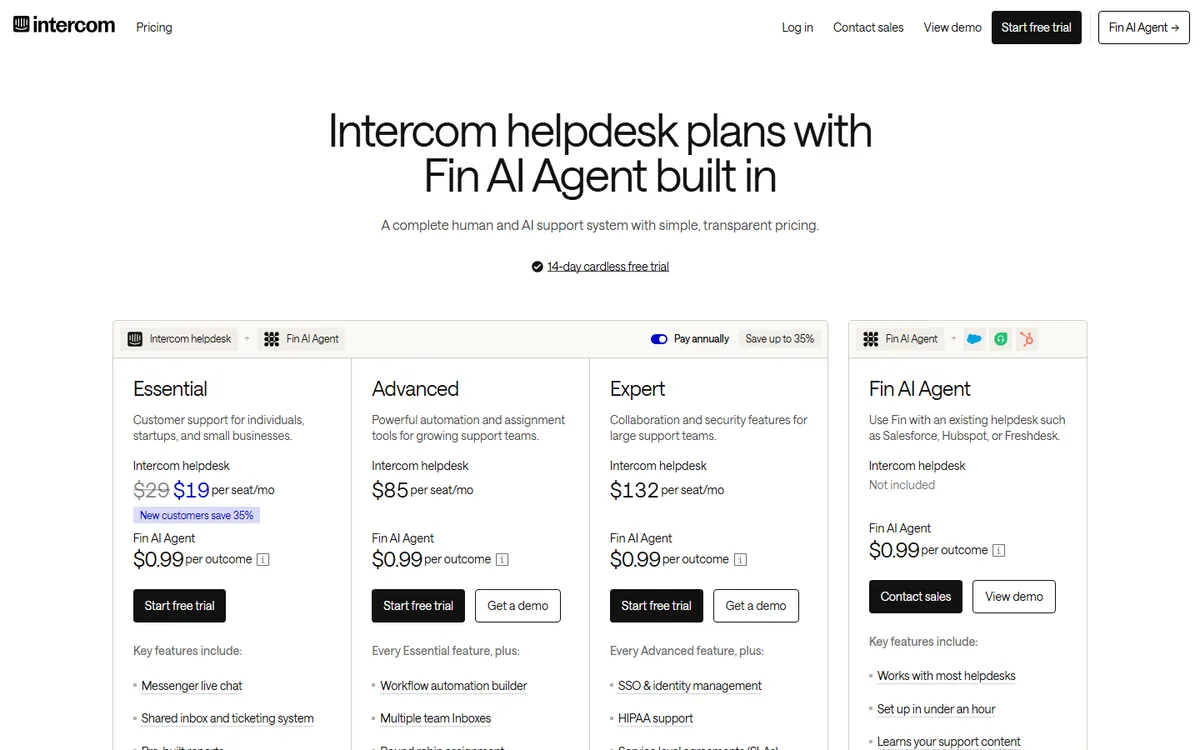
Essential lists at about $29 per seat per month billed annually, with higher tiers above it, and the AI agent is charged per resolution. Check Intercom’s site for current figures.
Intercom Reviews
- G2: 4.5/5 average (from +3,000 reviews)
- Capterra: 4.5/5 average (from +1,700 reviews)
Loom
Record a Short Video Instead of Writing a Long Explanation
Loom records your screen and camera and shares a link, with transcripts and comments.
For remote teams, a three-minute video beats a long thread. Founders use it for investor updates, product walkthroughs and training videos for new hires.
Video piles up, so decide what gets saved. The free plan limits length and number of videos.
Pros of Loom
- Quick to record and share
- Transcripts and comments
- Good for onboarding
Cons of Loom
- Free plan limits videos
- Libraries need tidying
Loom Pricing
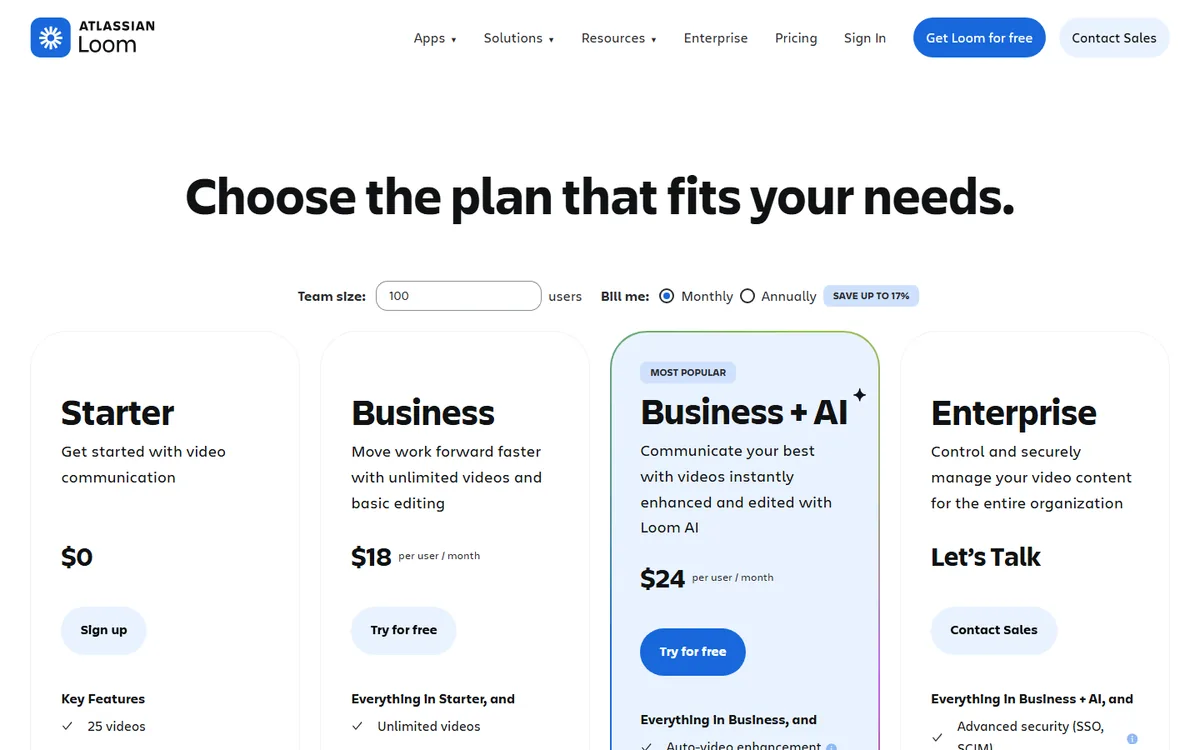
Loom has a free Starter plan. Business lists at about $15 per creator per month billed annually.
Loom Reviews
- G2: 4.7/5 average (from +2,000 reviews)
- Capterra: 4.7/5 average (from +500 reviews)
Ramp
Cards, Approvals and Expense Tracking With Spending Limits
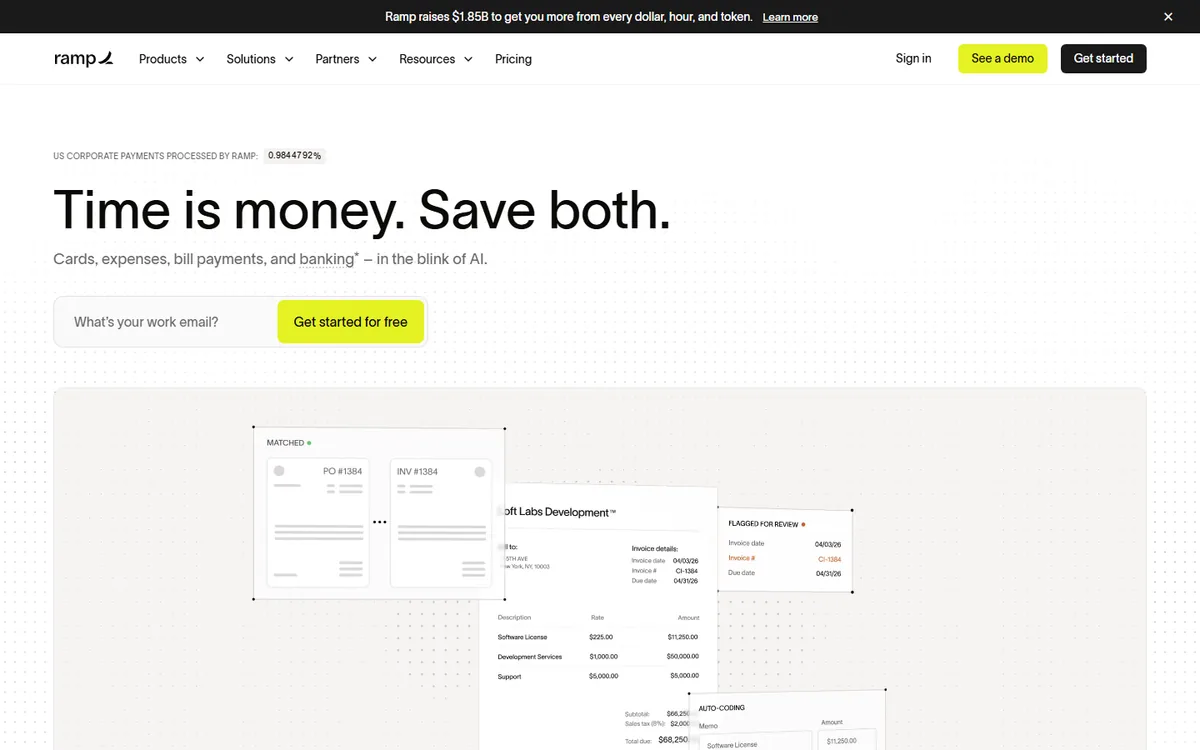
Ramp offers corporate cards, expense management and bill pay with controls by team and budget.
Ramp makes spending visible. You set limits by team or person, receipts are matched automatically and finance sees spending as it happens.
Eligibility depends on your finances, and you will need a clear approval policy. Check requirements before you apply.
Pros of Ramp
- Spending limits by person or team
- Receipt matching
- No fee on the core plan
Cons of Ramp
- Eligibility requirements
- Needs a clear approval policy
Ramp Pricing
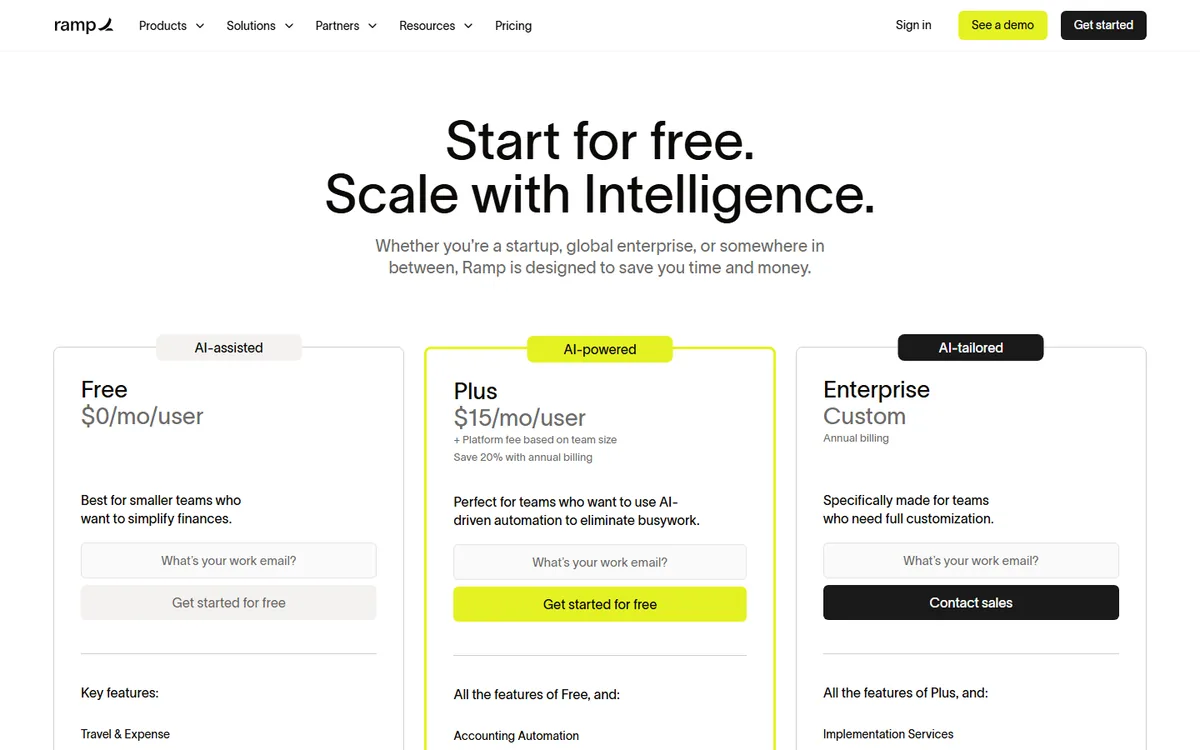
Ramp lists a free core plan, with a paid Plus tier at about $15 per user per month. Confirm current terms on Ramp’s site.
Ramp Reviews
- G2: 4.8/5 average (from +1,500 reviews)
Canva
Pitch Decks, Social Posts and One-Pagers Without a Designer
Canva makes presentations, social graphics and documents from templates.
For pitch decks and one-pagers, Canva saves founders hours. Start from a clean template, keep the slides few and let the numbers carry the story.
Templates look alike, so customize colors and photos. Anything complex, such as a full brand, is worth a designer.
Pros of Canva
- Large template library
- Brand kits
- Easy for non-designers
Cons of Canva
- Generic look if you use templates as is
- Some assets need the paid plan
Canva Pricing
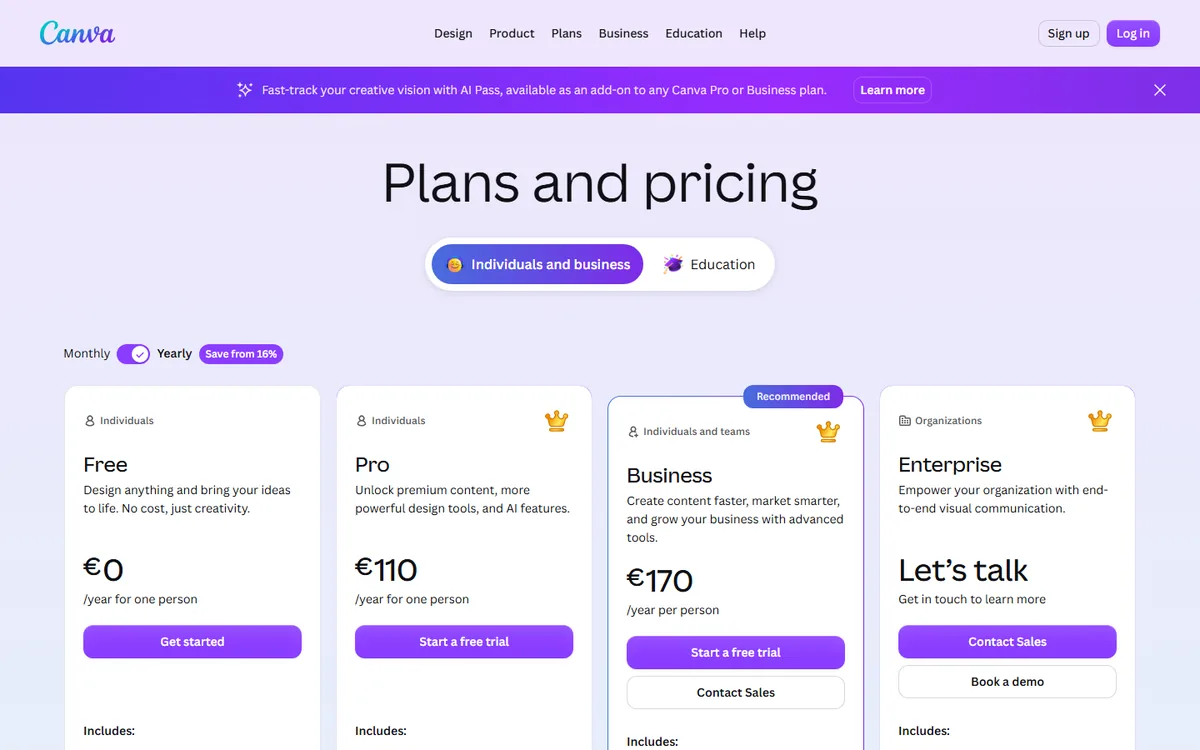
Canva has a free plan. Pro lists at about $15 per month or $120 per year, and Teams starts around $10 per person per month.
Canva Reviews
- G2: 4.7/5 average (from +4,000 reviews)
- Capterra: 4.7/5 average (from +12,000 reviews)
Rippling
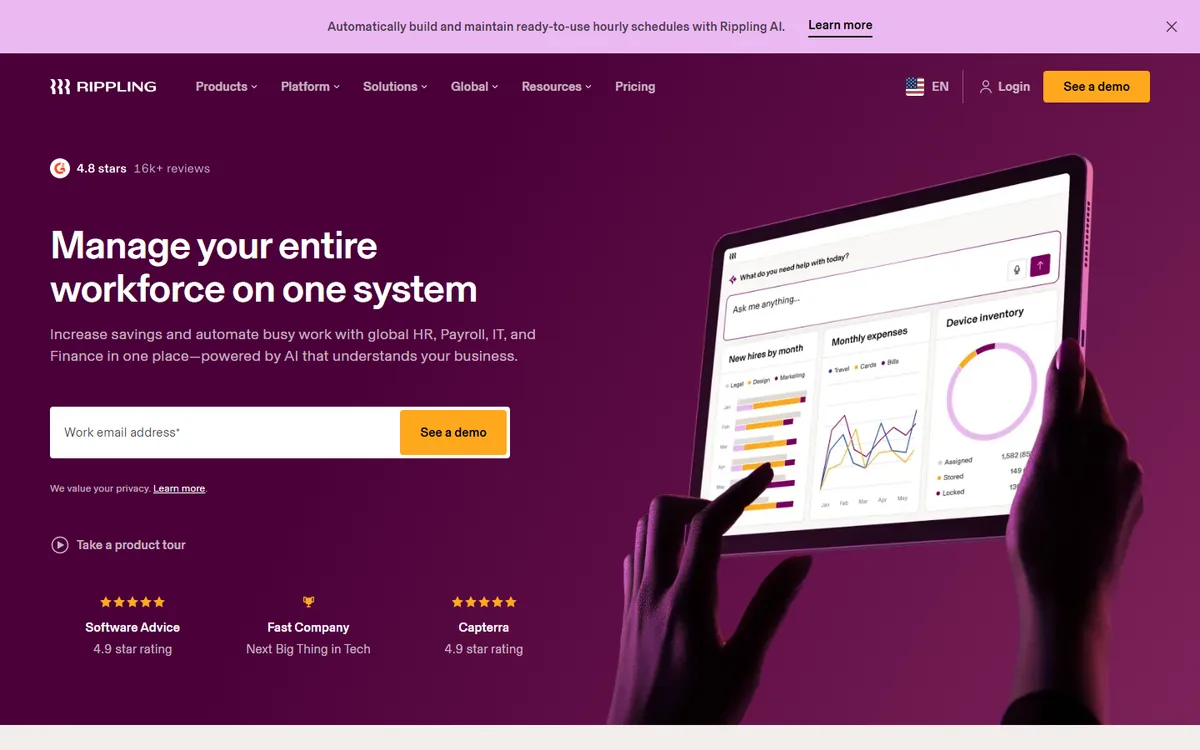
Payroll, Benefits and Device Management in One System
Rippling combines payroll, benefits, HR and IT management for growing companies.
If you plan to hire quickly, Rippling reduces the admin of onboarding: payroll, benefits and laptop setup start from one record. Founders often tell me it saved them an HR hire in the first year.
It is a larger system than a ten-person team needs, and quotes vary. Compare it with simpler payroll tools before you decide.
Pros of Rippling
- Payroll, HR and IT in one
- Strong onboarding workflows
- Scales with headcount
Cons of Rippling
- More than tiny teams need
- Pricing depends on modules
Rippling Pricing
Rippling lists a starting price per user per month and quotes by modules, so costs depend on what you add. Request a quote on its site.
Rippling Reviews
- G2: 4.8/5 average (from +3,000 reviews)
Estimate the Return on a Startup Tool
Before you pick a plan, check whether the numbers work for you. Enter the manual hours the tool would cover and its monthly price, and you will see what it could return in a year.
Will the Tool Pay Off for You?
Use the sliders to enter your workload and the plan you are considering.
How to Choose the Right Startup Tools
In my experience, a startup stack fails when it grows faster than the team. Before you compare vendors, I suggest you answer four questions:
- Which problem costs you the most time this month?
- Is there a free tier that covers your next six months?
- Does it connect to the tools you already use?
- Who owns it, and who cancels it if it fails?
A typical lean stack is Google Workspace, Notion, Slack, Linear, Stripe and a simple CRM, with analytics added as soon as users arrive. If you are not sure which questions your tools should answer, the six phases in my startup strategy framework give you the order, and the tests in my startup strategy examples show what to measure first.
Questions About Choosing Startup Tools
What Tools Does a Startup Need First?
Email and documents, team chat, a place to track work, a way to take payments and a simple CRM. Everything else can wait until you feel the pain.
Are Free Tiers Enough for an Early Startup?
Often yes, through the first months. Watch limits on history, users and events, and upgrade only when a limit slows real work.
Should Startups Use All-in-One Platforms or Separate Tools?
Early on, I lean toward a few focused tools that integrate well. Bundles help once you have more people and want fewer vendors.
How Much Should a Startup Spend on Tools?
Keep it small relative to runway, and review the list each quarter. Cancel anything that nobody opened in the last month.
Do Startup Programs Give Discounts?
Several vendors offer startup programs with credits or discounts. Terms change, so check each vendor’s current offer and eligibility.
When Should I Add Analytics?
As soon as you have users. Track ten events tied to your key behavior, and review them monthly.
Do Tools Replace Strategy Work?
No. Tools show you data, but you still have to decide who to serve and what to build. A short strategy sprint gives you the questions your tools should answer.
Heads up: vendors change prices, plans and ratings often. Everything was checked at the last update date, but confirm on each vendor’s website first. This article is not legal or financial advice.
Was this article helpful?
Thank you for letting us know.
Russell Tennant
Russell leads the Brook editorial team and works with our consultants to turn real client engagements into practical guides on roadmaps, go-to-market planning, growth and competitive strategy. Before joining Brook, he spent 11 years in strategy and product marketing roles at software and financial services companies. He has since edited more than 300 articles on strategy practice and drawn on roadmaps and growth plans from over 100 client projects. He is based in Denver, Colorado.