Key Takeaways
- All-in-one suites like Semrush and Ahrefs cover keyword research, competitors and audits, and one of them is enough for most teams.
- Google Search Console is free and shows your own data, so it belongs in every stack.
- Specialist crawlers and content tools add value once the strategy is set and you know your bottleneck.
- Pick the tool after you choose your strategy, then test it on one real keyword set before committing.
The Best SEO Tools at a Glance
| Tool | Type | Best for |
|---|---|---|
| 1. Semrush | All-in-one SEO suite | Teams that want keyword, competitor and audit data in one place |
| 2. Ahrefs | All-in-one SEO suite | Backlink research and content gap analysis |
| 3. Google Search Console | Free search performance tool | Every site, as the source of truth for your own data |
| 4. SE Ranking | All-in-one SEO suite | Agencies and small teams that want strong value |
| 5. Moz Pro | All-in-one SEO suite | Beginners who want guidance with their data |
| 6. Mangools | Keyword research suite | Freelancers and small sites on a budget |
| 7. Ubersuggest | Keyword research tool | Small business owners starting out |
| 8. Screaming Frog SEO Spider | Desktop site crawler | Technical SEOs auditing sites in detail |
| 9. Sitebulb | Desktop and cloud site auditor | Teams that want audits explained in plain language |
| 10. SEO PowerSuite | Desktop SEO toolkit | Freelancers who prefer software they own |
| 11. Majestic | Backlink analysis tool | Link audits and competitor link research |
| 12. Surfer | Content optimization tool | Writers who need keyword and structure guidance |
| 13. Clearscope | Content optimization tool | Content teams that value a clean, focused editor |
| 14. Frase | Content research and brief tool | Teams that produce many briefs and drafts |
The 14 Best SEO Tools, Ranked
I start with the tools that suit most teams and move toward specialists for audits, links and content. The tool is only part of the result: in SEO strategy consulting work, choosing the right topics and sequence matters more than the platform. My SEO strategy framework shows how to choose them, and the SEO strategy roadmap shows what to do first.
Semrush
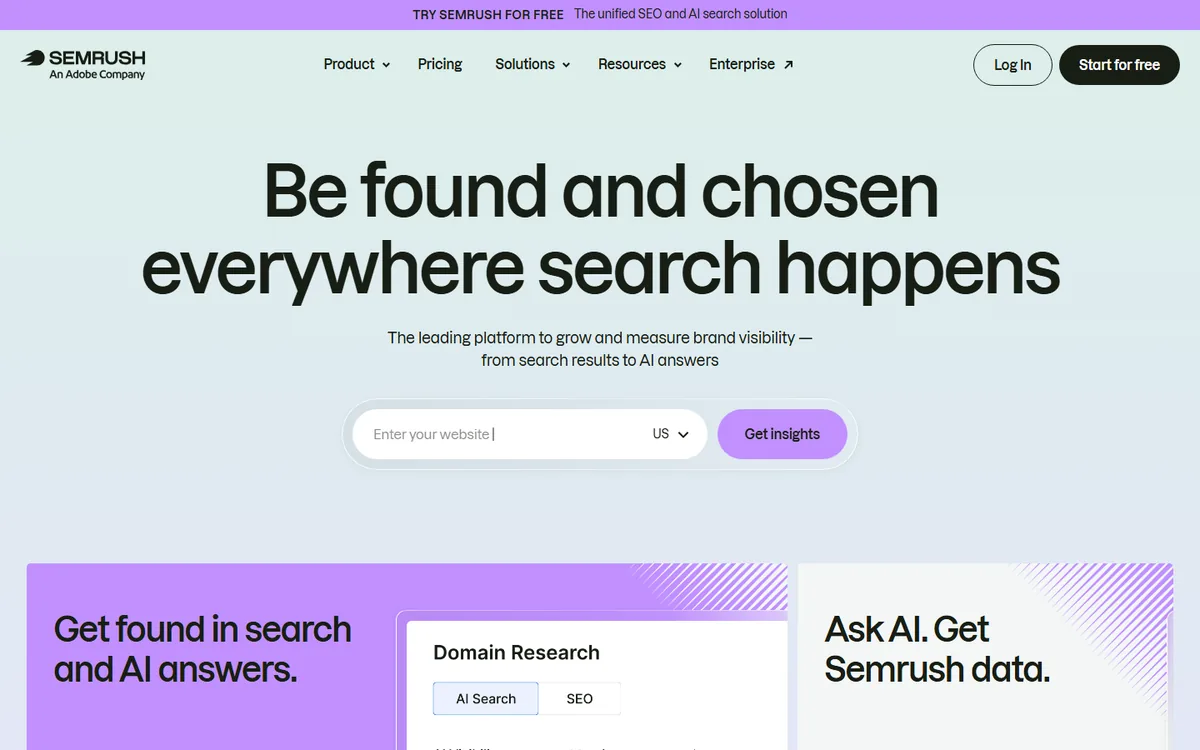
The Broadest Toolkit for Keyword Research, Competitor Analysis and Site Audits in One Login
Semrush covers keyword research, rank tracking, backlink analysis, site audits and competitor research in a single suite.
Semrush is the tool I open first when I start an SEO strategy. The keyword gap and organic research reports show which terms your competitors rank for and you do not, which turns a vague plan into a ranked list of topics. The site audit catches the technical problems that sit under the content.
The weak point is price and sprawl. The suite has so many reports that new users get lost, and extra seats, projects and add-ons push the bill up. For a plan you will present to leadership, though, the data depth is hard to match.
Pros of Semrush
- Competitor and keyword gap reports are very strong
- Site audit, tracking and backlinks in one place
- Large keyword database across many countries
Cons of Semrush
- Entry plan limits get tight for agencies and larger sites
- Interface is dense for beginners
Semrush Pricing
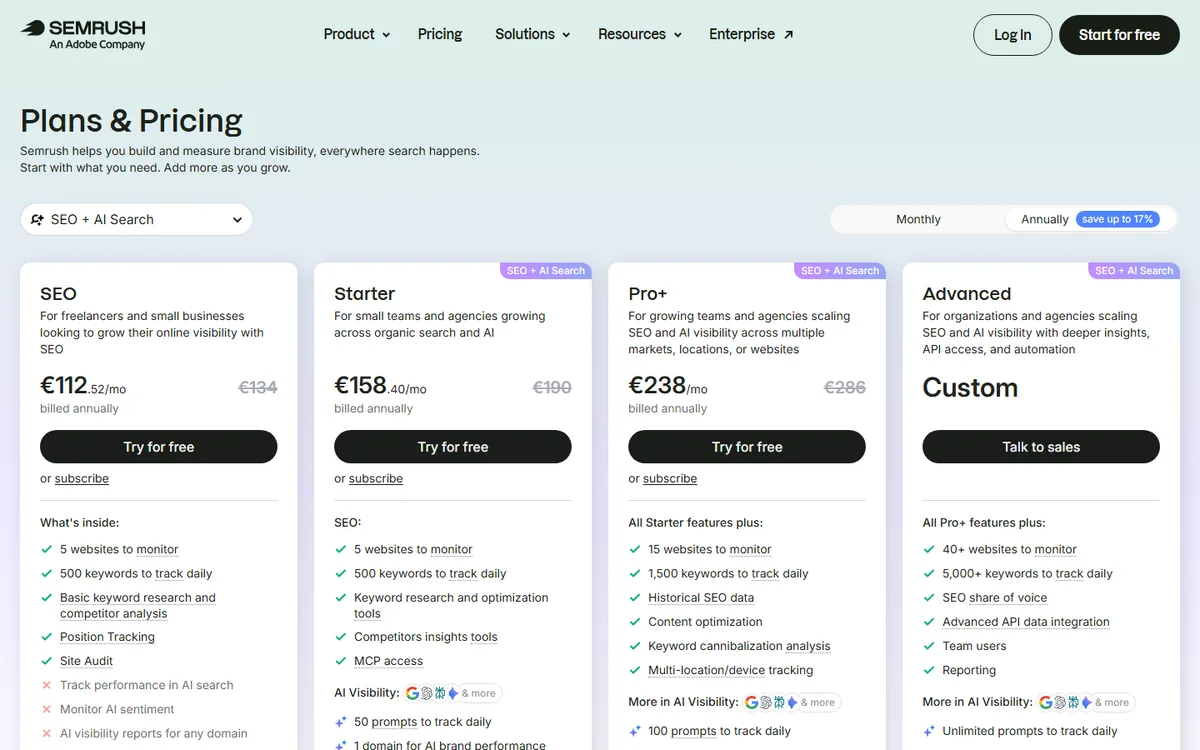
Capterra lists the Pro plan at $139.95 per month, Guru at $249.95 and Business at $499.95. A limited free version and a free trial are also available.
Semrush Reviews
- G2: 4.4/5 average (from +4,300 reviews)
- Capterra: 4.6/5 average (from +2,300 reviews)
Ahrefs
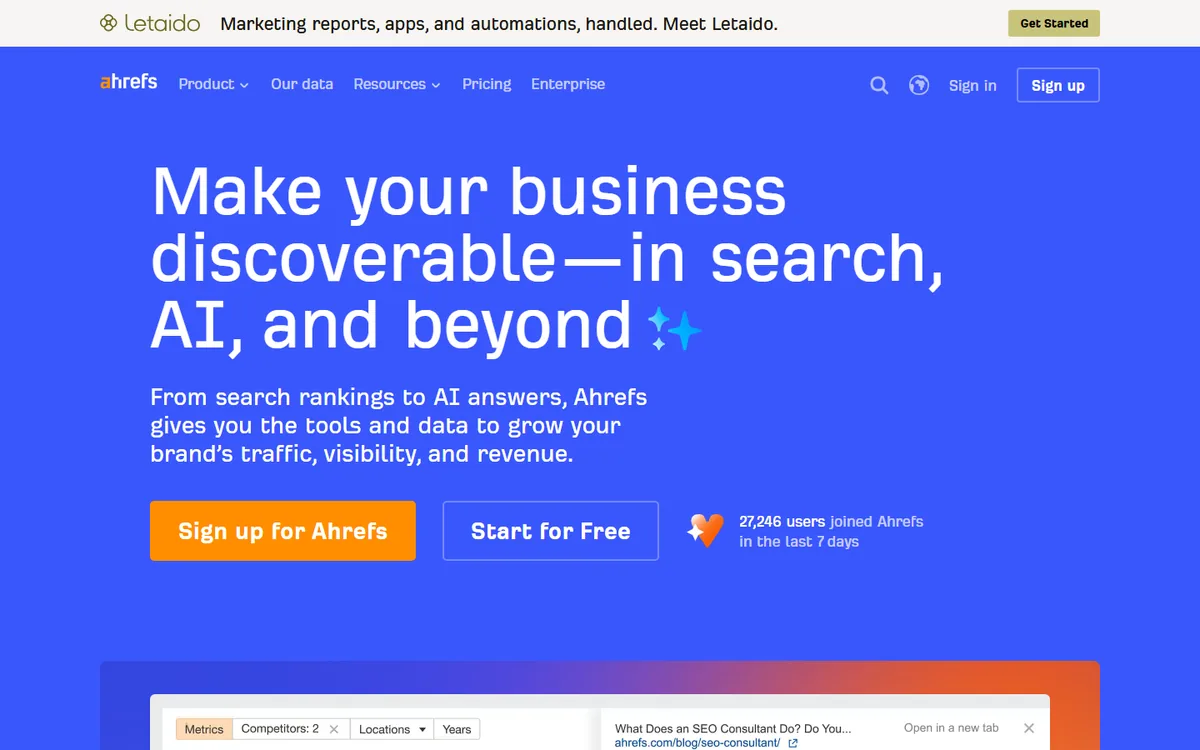
The Strongest Backlink Data and a Very Clean Keyword Explorer
Ahrefs combines a large backlink index with keyword research, rank tracking, site audits and content explorer tools.
Ahrefs is my first choice when links drive the strategy. Its backlink index is among the best, and the Site Explorer shows in seconds why a competitor outranks you. The Keywords Explorer reports clicks as well as volume, which keeps you from chasing queries that never send traffic.
It is usage-based, so credits and report limits matter on lower plans. The cost also sits above many alternatives. If you mainly need technical audits or rank tracking, a cheaper tool will do.
Pros of Ahrefs
- Backlink analysis is excellent
- Clean interface that is quick to learn
- Keyword data includes clicks, not only volume
Cons of Ahrefs
- Credit limits on lower plans can run out quickly
- Costs more than several alternatives
Ahrefs Pricing
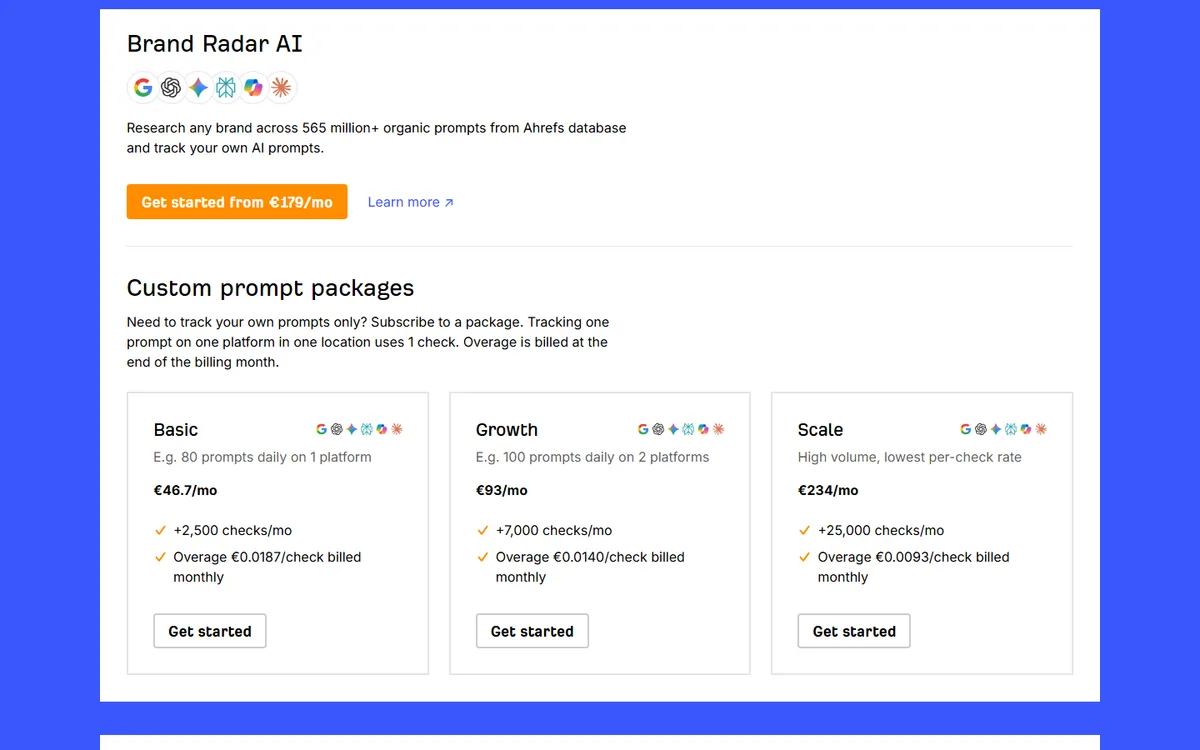
G2 and Capterra list a free plan, a $29 one-time Starter plan with usage credits, Lite at $129 per month, Standard at $249 and Advanced at $499 per month.
Ahrefs Reviews
- G2: 4.5/5 average (from +700 reviews)
- Capterra: 4.7/5 average (from +580 reviews)
Google Search Console
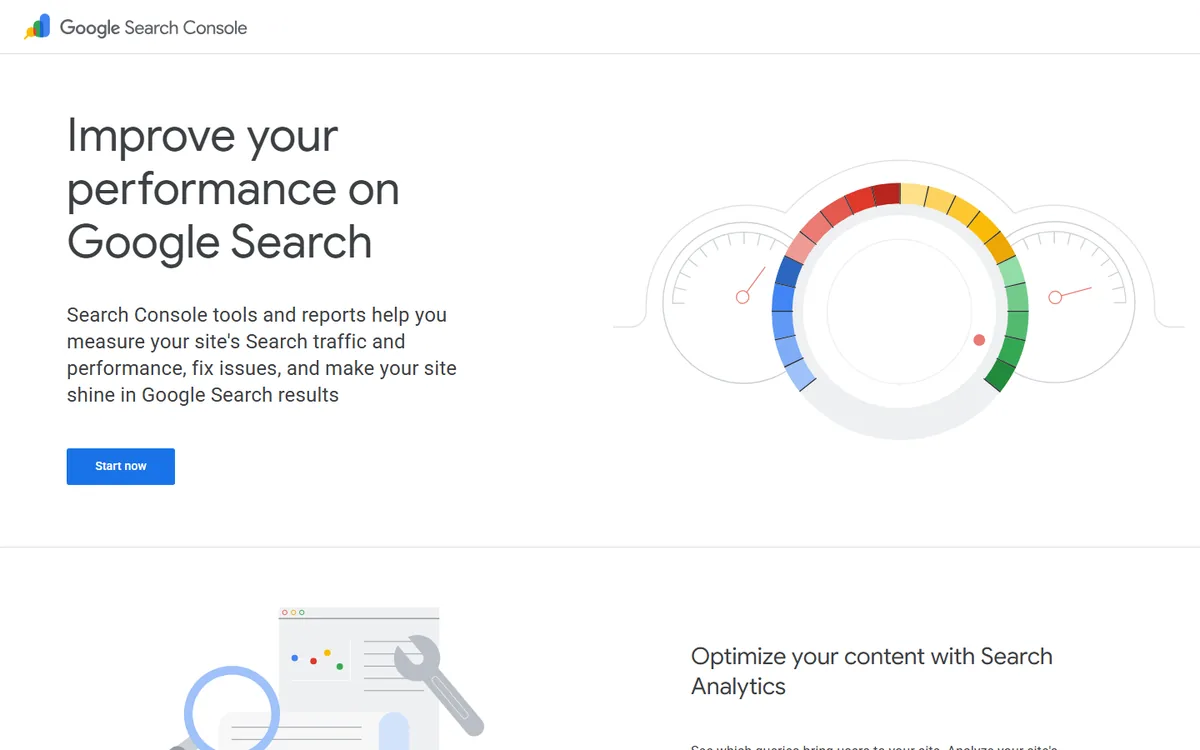
The Free Tool Every Site Needs, Because It Shows Your Real Queries, Clicks and Indexing Problems
Google Search Console shows how your site performs in Google Search, which queries bring clicks and which pages have indexing issues.
Search Console is the only tool on this list with data straight from Google about your own site. You see real queries, impressions, clicks and average positions, plus coverage and page experience reports that flag pages Google could not index.
The limits are history and depth. It keeps about sixteen months of data and says nothing about competitors. I treat it as the foundation, then add a paid tool for market and competitor research.
Pros of Google Search Console
- Free and direct from Google
- Shows real queries and click data for your site
- Indexing and page issue reports
Cons of Google Search Console
- No competitor data
- Interface is basic and data history is limited
Google Search Console Pricing
Google Search Console is free. G2 lists no paid plans.
Google Search Console Reviews
- G2: 4.7/5 average (from +500 reviews)
SE Ranking
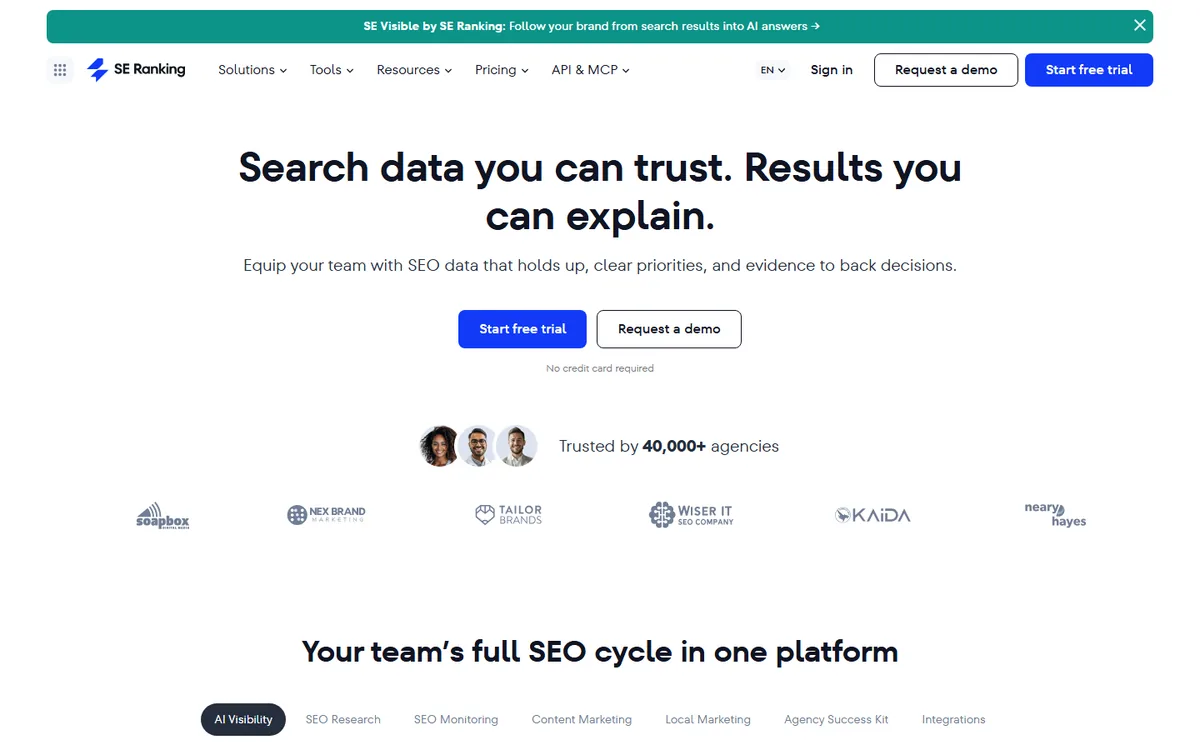
A Capable Suite at a Lower Price Than the Big Names, with Good Rank Tracking
SE Ranking offers keyword research, rank tracking, site audits, backlink tools and white-label reports at a lower price.
SE Ranking is where I send small teams who like Semrush but not the cost. The rank tracker is accurate and flexible, the audit is clear and the reporting is easy to hand to a client or a boss. You get most of what a strategy needs without the heavy interface.
Its keyword and backlink databases are smaller than the market leaders, so for deep competitor research I still cross-check elsewhere. For day-to-day tracking and audits, it holds up well.
Pros of SE Ranking
- Good value for the feature range
- Rank tracking and reporting are strong
- Simple interface
Cons of SE Ranking
- Smaller backlink and keyword databases than the leaders
- Some features sit on higher plans
SE Ranking Pricing
G2 lists the Core plan at $103.20 per month, and higher plans add more projects, keywords and history. Check the vendor page for the current billing options.
SE Ranking Reviews
- G2: 4.8/5 average (from +1,400 reviews)
Moz Pro
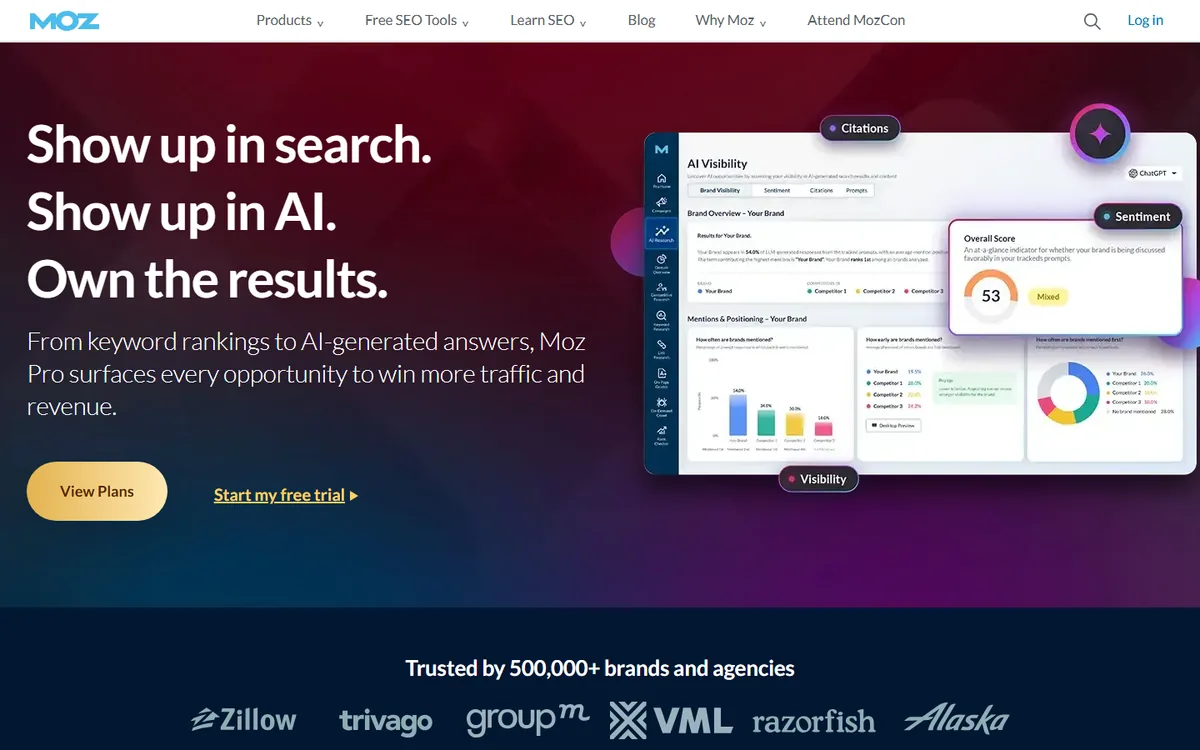
A Friendly Suite with Authority Metrics and Clear Recommendations for Beginners
Moz Pro offers keyword research, site crawls, rank tracking and the Domain Authority metric, with explanations for each report.
Moz Pro is approachable. Reports come with plain-language recommendations, and the Domain Authority and Page Authority scores are still widely used for quick comparisons. It suits teams new to SEO.
Its data is less deep than Semrush or Ahrefs, and I would not rely on it alone for a competitive market plan. As a learning tool and an everyday tracker, it works well.
Pros of Moz Pro
- Beginner-friendly explanations
- Domain Authority is a familiar benchmark
- Solid site crawl and rank tracking
Cons of Moz Pro
- Smaller data sets than the market leaders
- Fewer advanced reports
Moz Pro Pricing
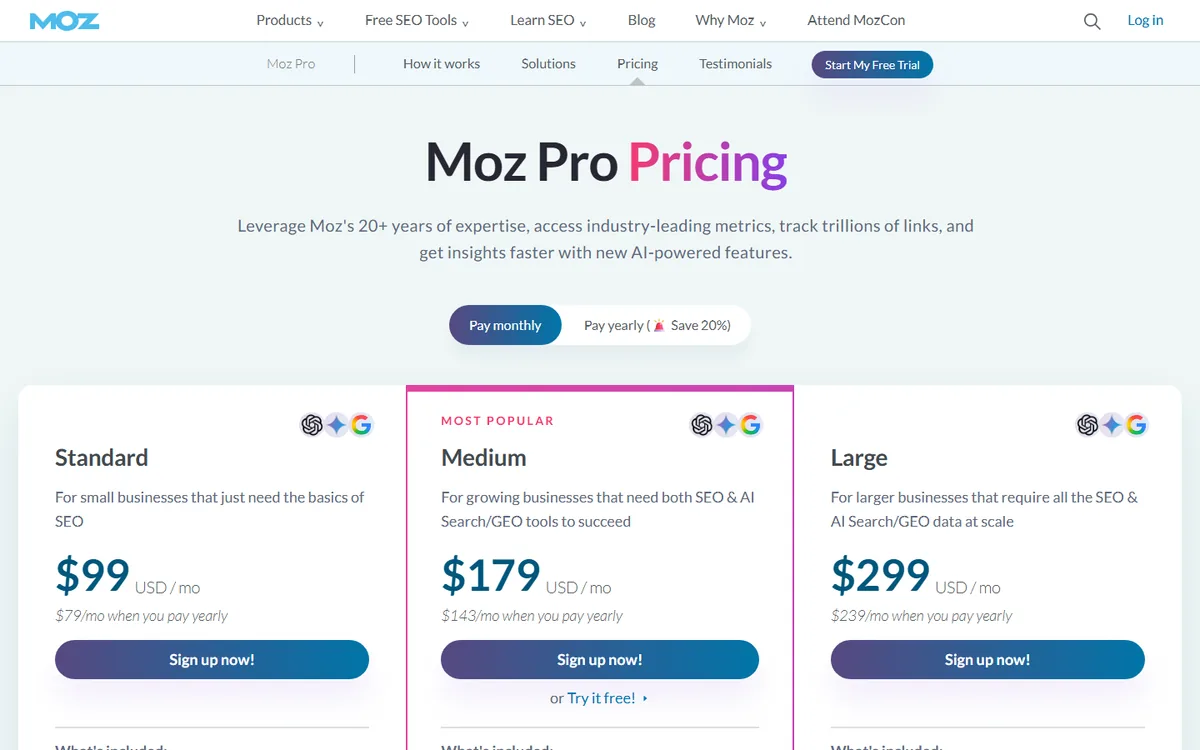
G2 lists the Starter plan at $49 per month, or $39 per month billed annually. Higher plans raise the limits on keywords, campaigns and users.
Moz Pro Reviews
- G2: 4.3/5 average (from +600 reviews)
Mangools
A Simple, Low-Cost Set of Keyword and SERP Tools That Beginners Pick Up in a Day
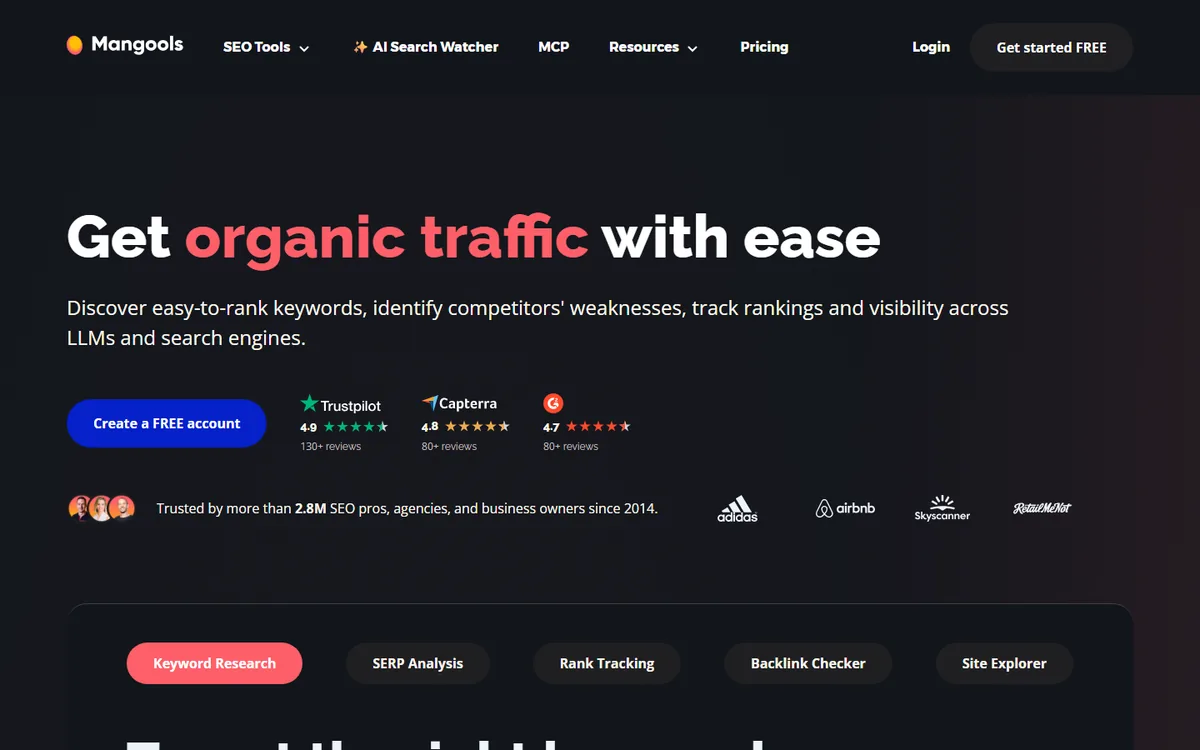
Mangools bundles KWFinder, SERPChecker, SERPWatcher, LinkMiner and SiteProfiler in one subscription.
Mangools is the tool I suggest to freelancers and small business owners. KWFinder shows keyword difficulty clearly, and SERPChecker lets you inspect what you are up against before you write a page.
It is not built for large sites or enterprise reporting. Limits per plan are modest, so agencies outgrow it. For a focused keyword and rank tracking job at a low price, it is hard to beat.
Pros of Mangools
- Easy to learn and quick to use
- Low price for five tools
- Clear keyword difficulty scores
Cons of Mangools
- Not built for large sites or heavy reporting
- Fewer technical features
Mangools Pricing
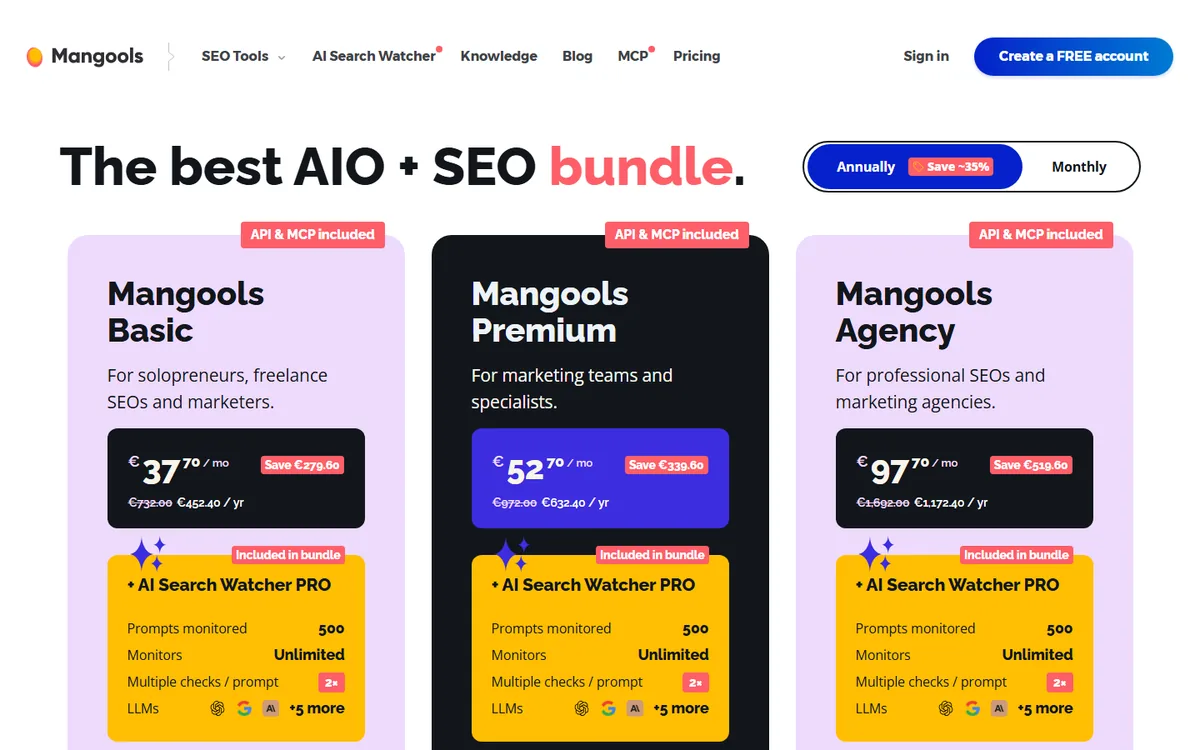
Mangools has a free plan. G2 lists the Basic plan at $29.90 per month and Premium at $44.90 per month.
Mangools Reviews
- G2: 4.7/5 average (from +90 reviews)
Ubersuggest
An Easy Starting Point for Keyword Ideas, Content Suggestions and Basic Audits
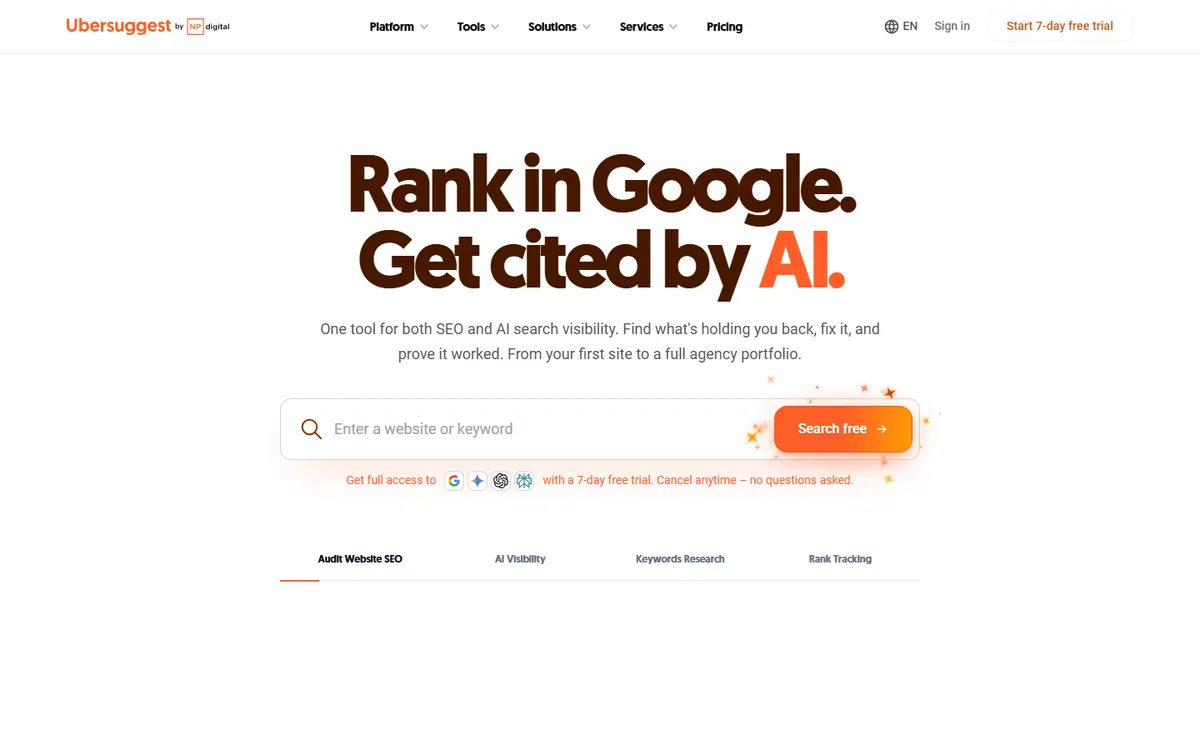
Ubersuggest gives keyword ideas, a site audit, backlink data and content suggestions in a simple interface.
Ubersuggest is easy to understand. You enter a domain or keyword and get ideas, estimated traffic and a short list of issues to fix. For a small business owner doing SEO alone, that clarity is useful.
The data is thinner than the paid suites, and I treat its numbers as estimates. Check volumes in a second source before you plan a content calendar around them.
Pros of Ubersuggest
- Simple, friendly interface
- Quick keyword and content ideas
- Easy basic audits
Cons of Ubersuggest
- Data depth is limited
- Volume figures should be double-checked
Ubersuggest Pricing
I could not confirm current Ubersuggest prices, so check its pricing page for subscription and lifetime options before you buy.
Ubersuggest Reviews
- G2: 4.2/5 average (from +160 reviews)
Screaming Frog SEO Spider
The Technical Auditor's Standard for Crawling a Site and Finding What Is Broken
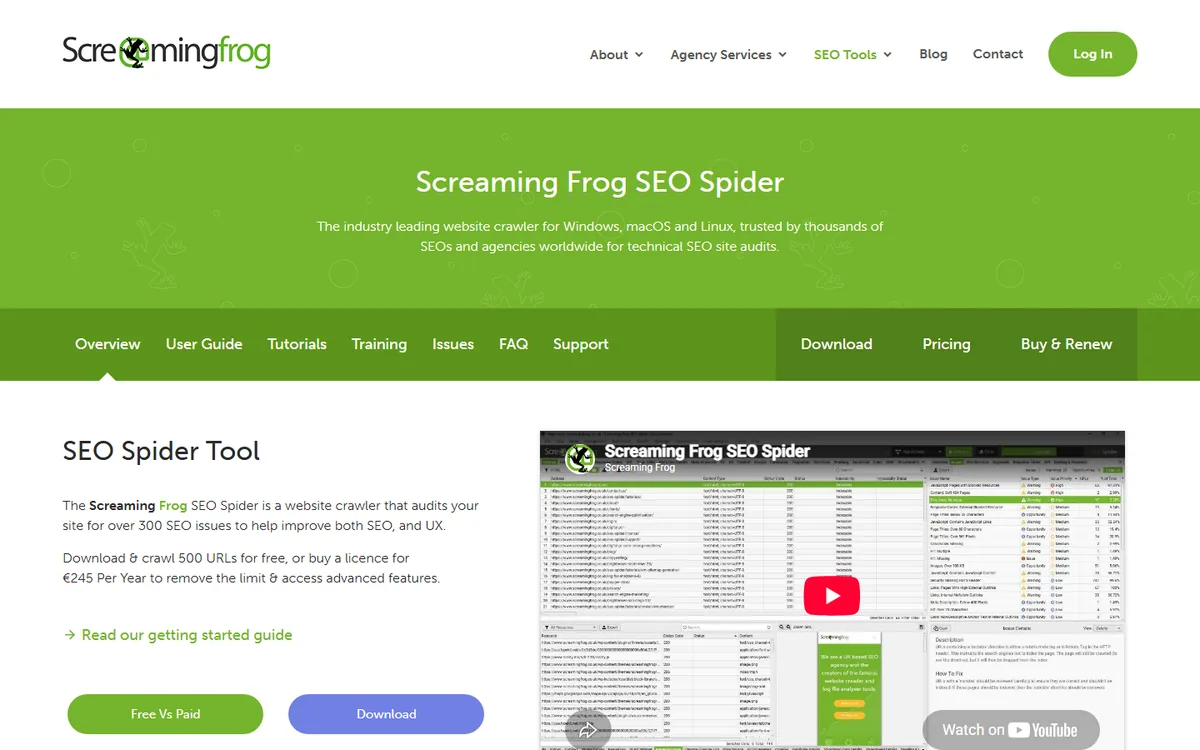
Screaming Frog crawls your site from your own computer and lists broken links, redirects, duplicate content and metadata issues.
Screaming Frog is the crawler I reach for on migrations and technical audits. It finds redirect chains, missing titles, orphan pages and duplicates, and exports everything to spreadsheets so you can sort by what matters.
It looks plain and expects you to know what the columns mean. For a strategy audience, it is a specialist tool. Pair it with a suite like Semrush for the market data.
Pros of Screaming Frog SEO Spider
- Very detailed crawl data
- Free version crawls up to 500 URLs
- Flexible exports and custom extraction
Cons of Screaming Frog SEO Spider
- Dated interface with a learning curve
- Large crawls need a strong computer
Screaming Frog SEO Spider Pricing
The free version crawls up to 500 URLs. A paid licence costs €245 per year according to the vendor, with discounts for multiple licences.
Screaming Frog SEO Spider Reviews
- G2: No reviews listed on G2 at the time of writing.
Sitebulb
A Technical Crawler That Explains Each Issue and Ranks What to Fix First
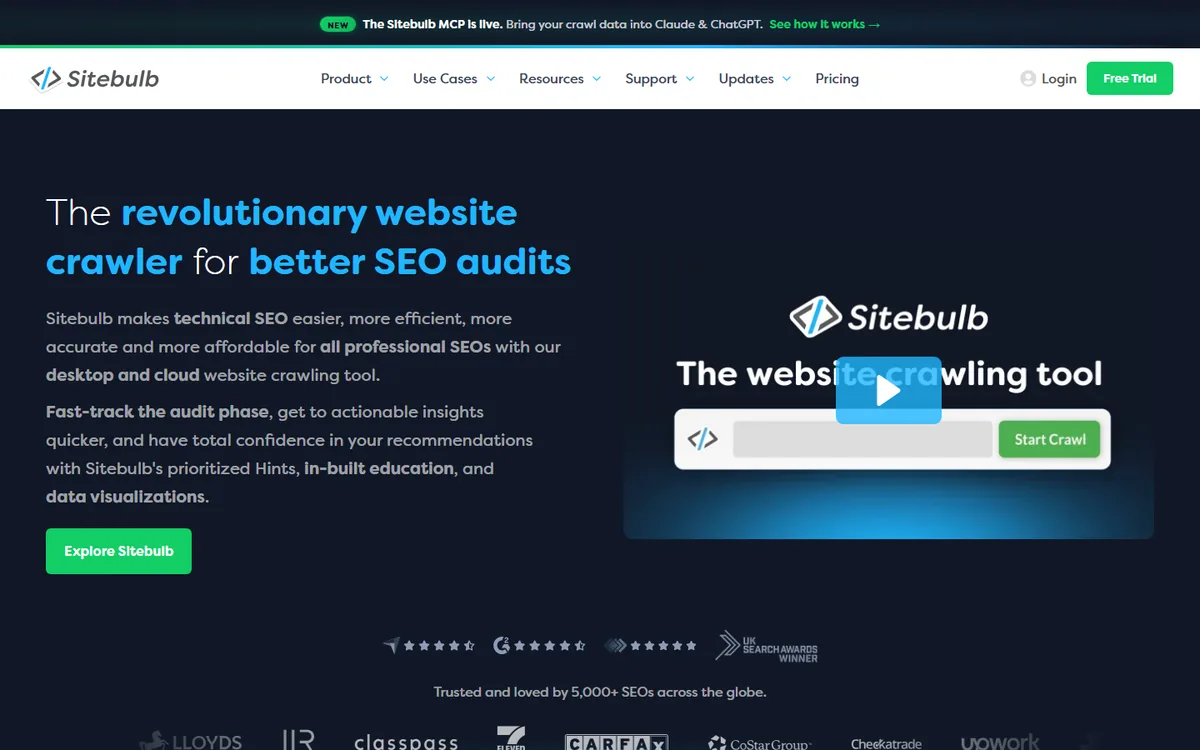
Sitebulb crawls your site and presents findings as prioritized hints with visual reports and explanations.
Sitebulb gives you the same crawl data as Screaming Frog, but it prioritizes the findings and explains why each matters. That makes it easier to turn an audit into a to-do list for developers.
It has fewer reviews and a smaller community than the older tools. Large sites need the cloud version or a strong machine.
Pros of Sitebulb
- Hints explain why an issue matters
- Visual reports are easy to share
- Strong audit prioritization
Cons of Sitebulb
- Smaller user base
- Large crawls need cloud or a strong machine
Sitebulb Pricing
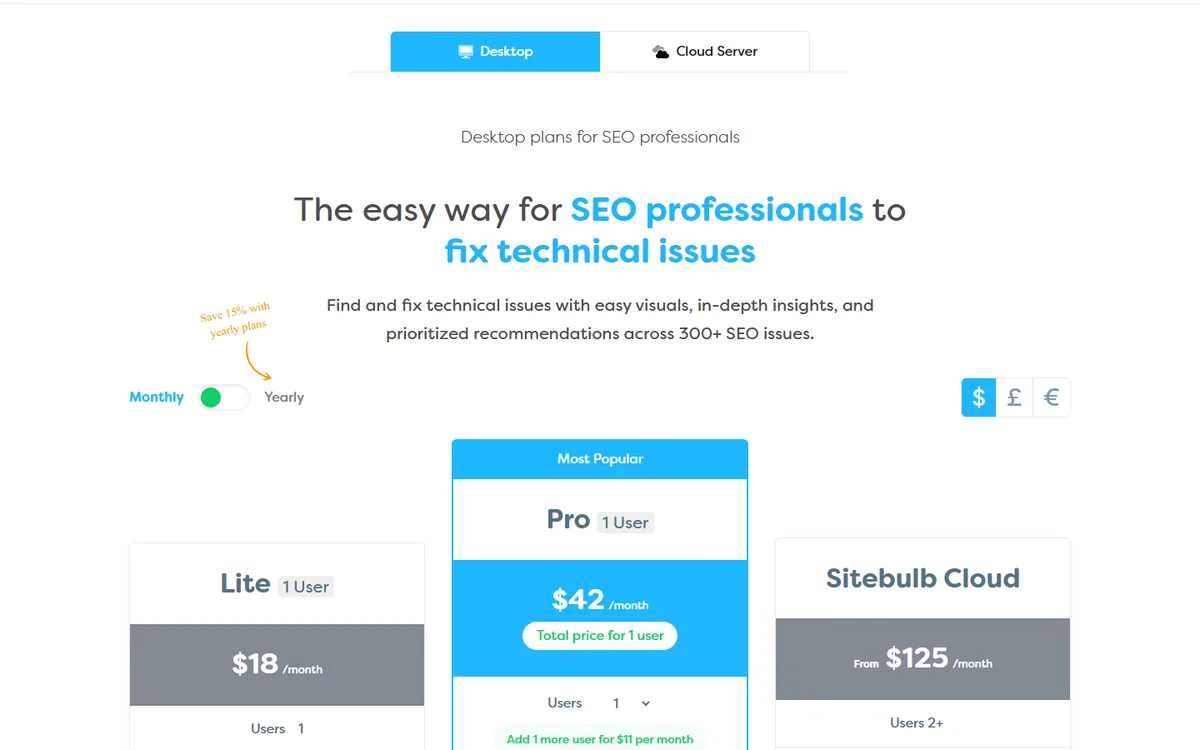
G2 lists Lite at $18 per user per month, Pro at $42 per user per month and Cloud at $245 per month. A 14-day free trial of Pro is offered.
Sitebulb Reviews
- G2: 4.5/5 average (from 13 reviews)
SEO PowerSuite
Four Desktop Tools That Cover Rank Tracking, Audits, Backlinks and Keywords at a Fixed Yearly Price
SEO PowerSuite bundles Rank Tracker, WebSite Auditor, SEO SpyGlass and LinkAssistant in one desktop package.
SEO PowerSuite appeals to freelancers who want to pay one yearly fee. You install it on your computer, run audits, track rankings and analyze backlinks without a per-project limit.
The interface feels dated, and some data lookups depend on paid third-party sources. I would not pick it for a team that needs shared dashboards.
Pros of SEO PowerSuite
- Fixed yearly price with generous project limits
- Free version to test the tools
- Covers most core SEO tasks
Cons of SEO PowerSuite
- Desktop interface feels dated
- Team collaboration is limited
SEO PowerSuite Pricing
SEO PowerSuite has a free version. G2 lists the Professional plan at $349 per year.
SEO PowerSuite Reviews
- G2: 4.5/5 average (from +550 reviews)
Majestic
A Specialist Link Index That Is Useful as a Second Opinion on Backlinks
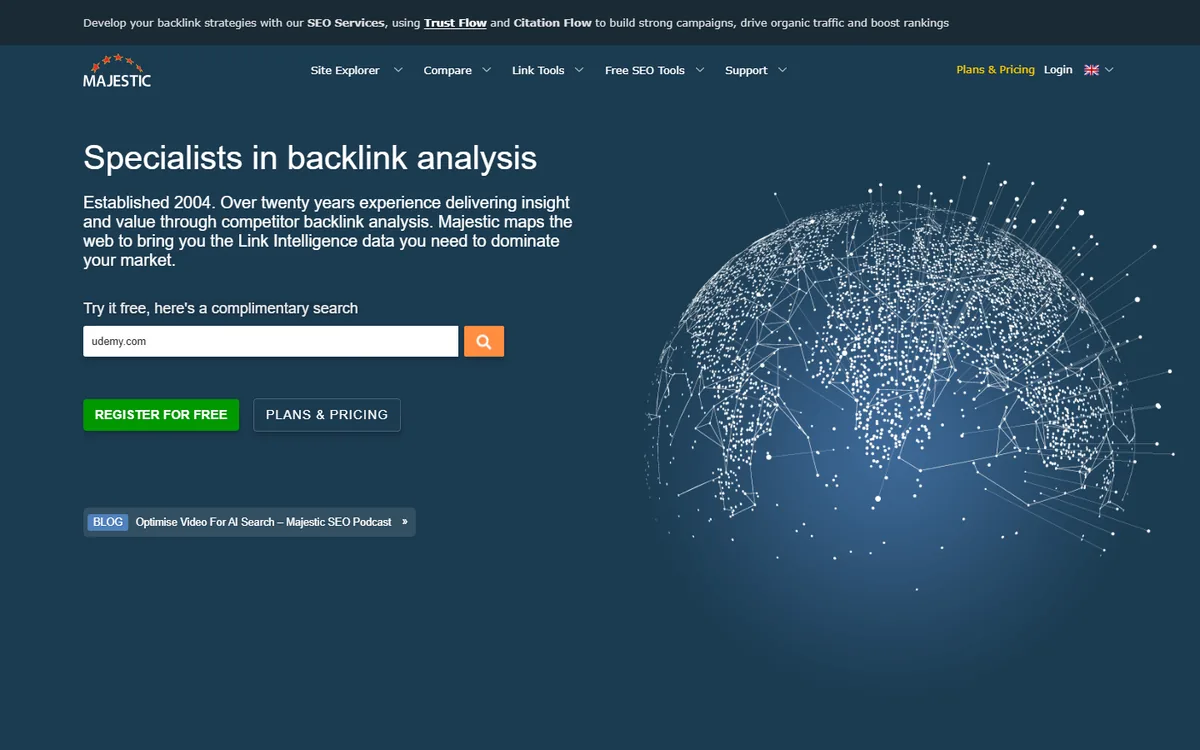
Majestic focuses on backlink data and its own Trust Flow and Citation Flow metrics.
Majestic has been mapping links for a long time, and its Trust Flow and Citation Flow scores remain a common shorthand. I use it as a second opinion when Ahrefs and Semrush disagree on a link profile.
It does nothing beyond links. If you need keyword research or audits, you need another tool next to it.
Pros of Majestic
- Large, focused backlink index
- Trust Flow and Citation Flow are widely recognized
- Reasonable price for a specialist tool
Cons of Majestic
- Links only, no keyword or audit tools
- Interface looks dated
Majestic Pricing
G2 lists subscriptions from £39.99 (US$49.99) per month, with higher tiers for agencies and enterprise.
Majestic Reviews
- G2: 4.3/5 average (from +70 reviews)
Surfer
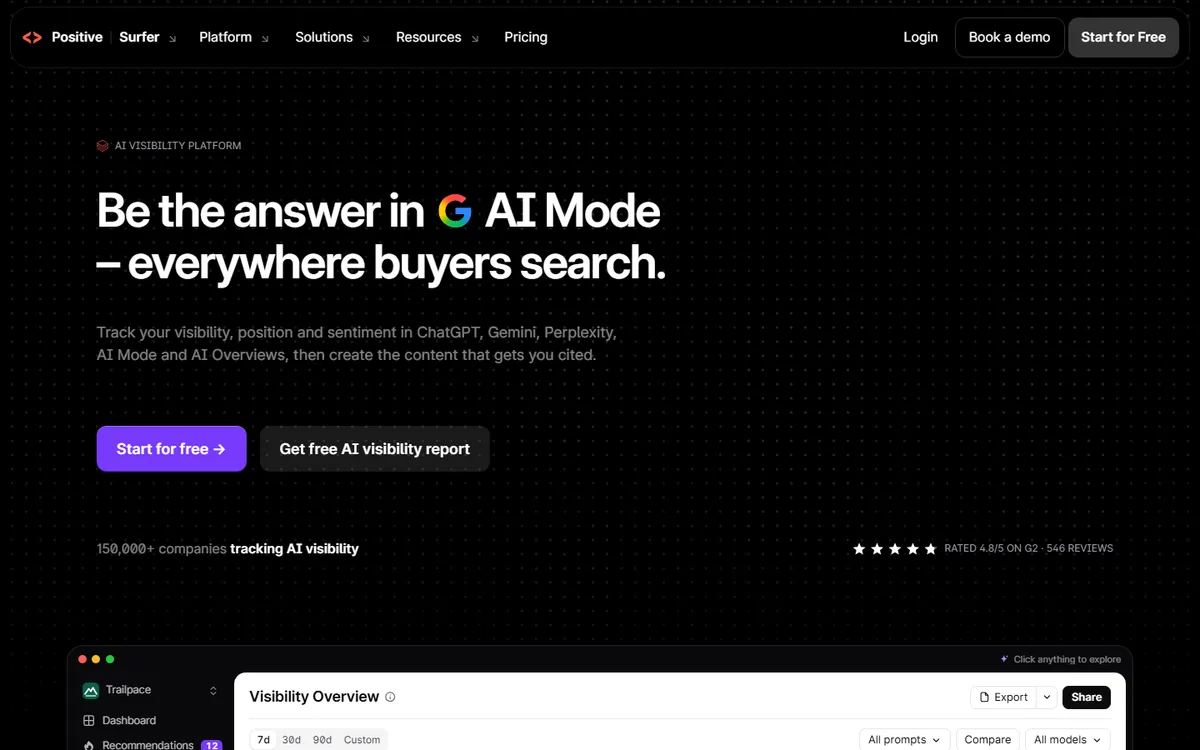
A Practical Editor That Shows What Top-Ranking Pages Cover Before You Write
Surfer analyzes the pages that rank for a query and gives you a content score with terms and headings to cover.
Surfer helps writers close content gaps. You enter a keyword, and the editor suggests headings, terms and length based on current results, so a draft covers what searchers expect.
Treat the score as a guide. Writers who chase 100 points produce stuffed text, and original insight still decides whether a page earns links. It works best on top of a keyword plan you already trust.
Pros of Surfer
- Clear content guidelines from live results
- Integrates with Google Docs
- Content audit for existing pages
Cons of Surfer
- The score can push writers to over-optimize
- Costs add up with extra articles
Surfer Pricing
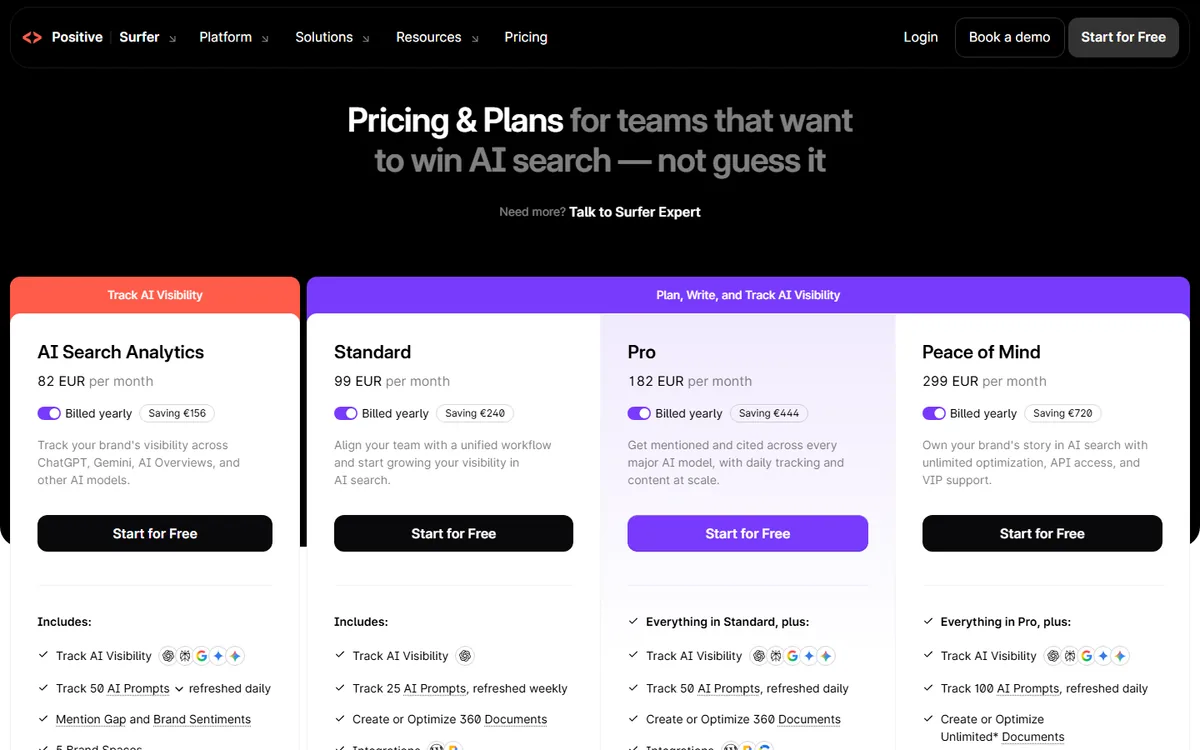
G2 lists the Standard plan at $99 per month. Higher plans add more articles, audits and AI features.
Surfer Reviews
- G2: 4.8/5 average (from +540 reviews)
Clearscope
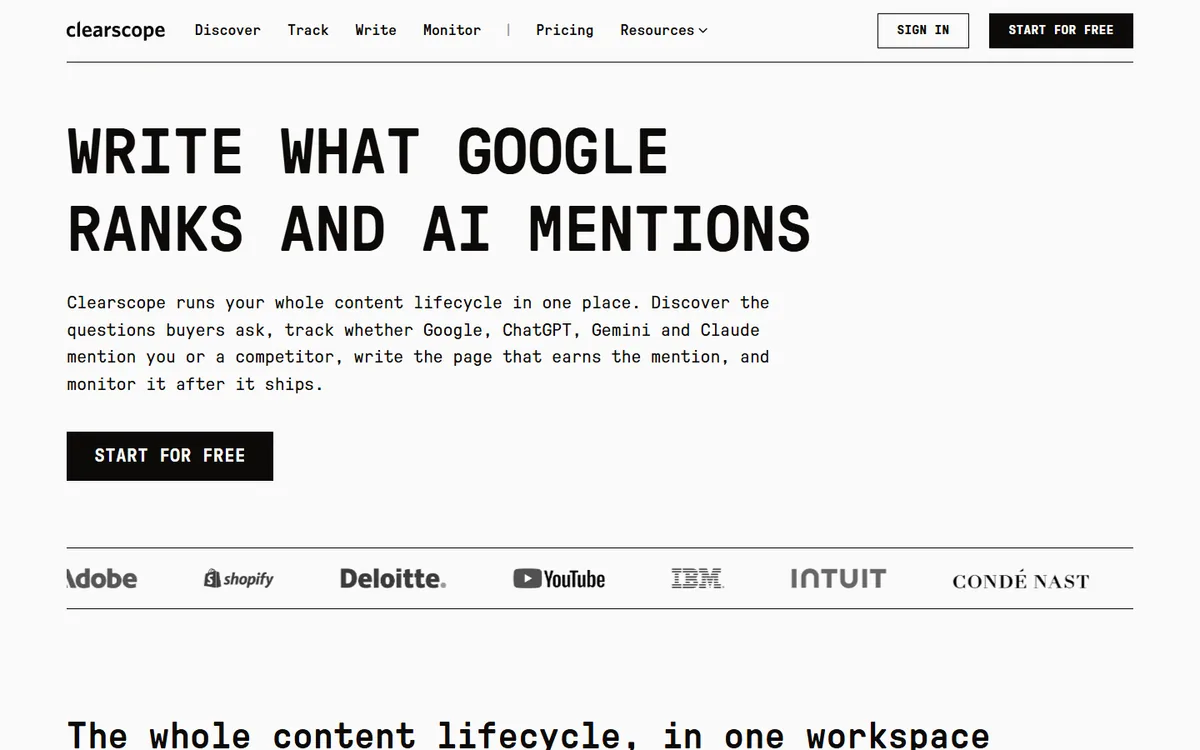
A Premium, Simple Content Grader Trusted by Larger Editorial Teams
Clearscope grades content against top results and suggests terms, with an interface designed for editors and writers.
Clearscope is the more minimal alternative to Surfer. It recommends terms and gives a letter grade, and the editor is quick for writers to use.
It costs more for fewer features, and it does not do keyword discovery or audits. I recommend it when an editorial team publishes at volume and wants consistency.
Pros of Clearscope
- Clean, fast editor
- High user ratings
- Good for consistent editorial standards
Cons of Clearscope
- Higher price for a narrow feature set
- No keyword discovery or audits
Clearscope Pricing
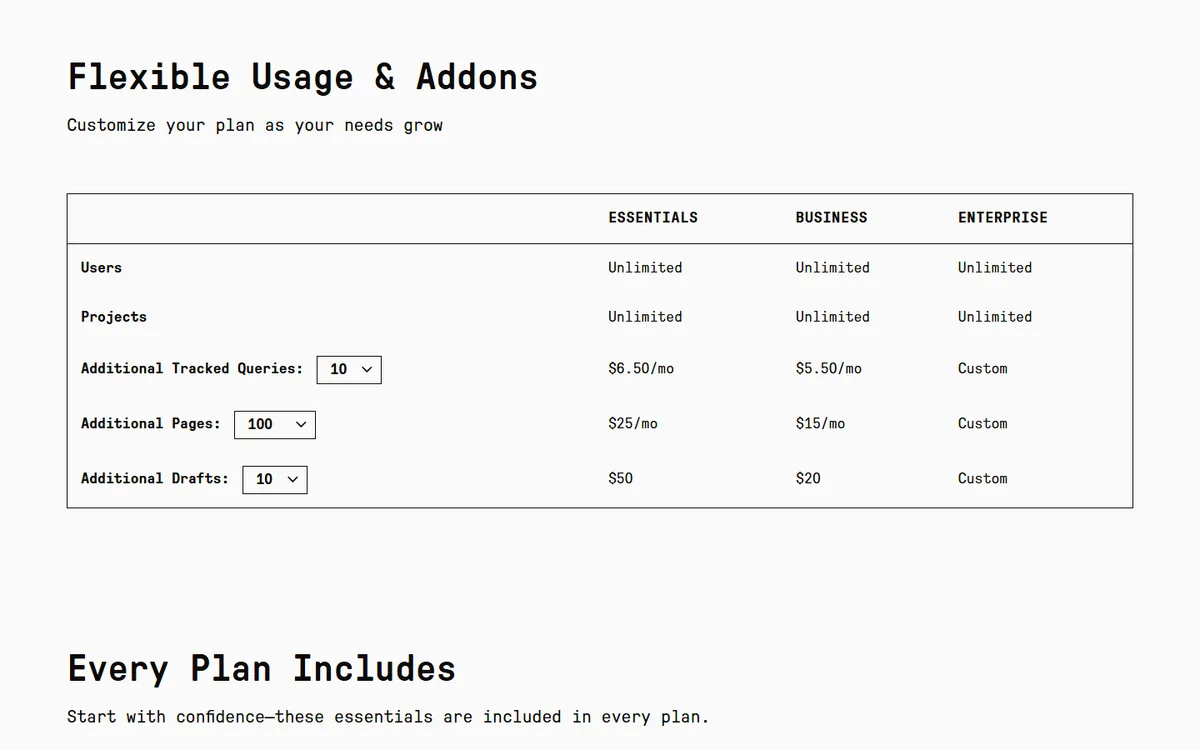
The vendor lists the Essentials plan at $129 per month and Business at $399 per month, with Enterprise on request.
Clearscope Reviews
- G2: 4.9/5 average (from +90 reviews)
Frase
A Fast Way to Turn Search Results into Content Briefs and First Drafts
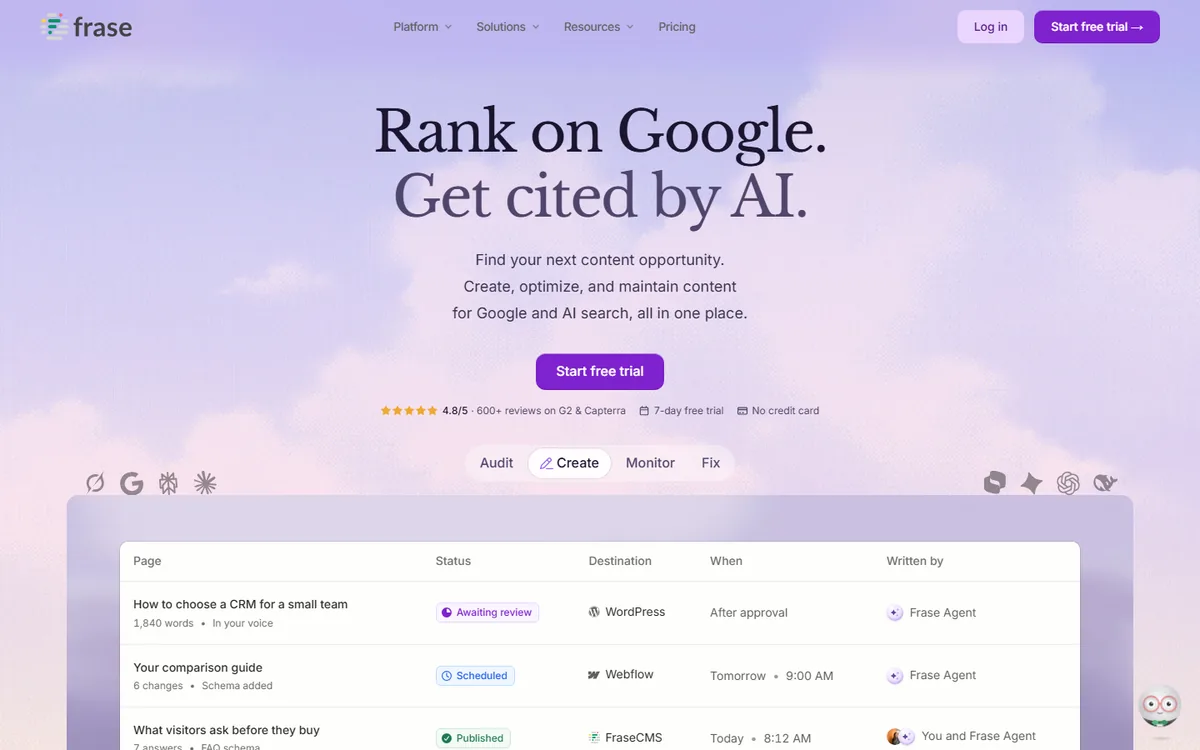
Frase researches a topic, builds an outline from the top results and helps draft and score content.
Frase is built for speed. It pulls the headings and questions from top pages into a brief you can hand to a writer, and its AI features draft sections from there.
I recommend you use it for research and structure, and keep a human in charge of voice and facts. Drafts from any AI feature need editing before they go live.
Pros of Frase
- Briefs in minutes
- Question research from search results
- Reasonable entry price
Cons of Frase
- AI drafts need heavy editing
- Less depth than the full SEO suites
Frase Pricing
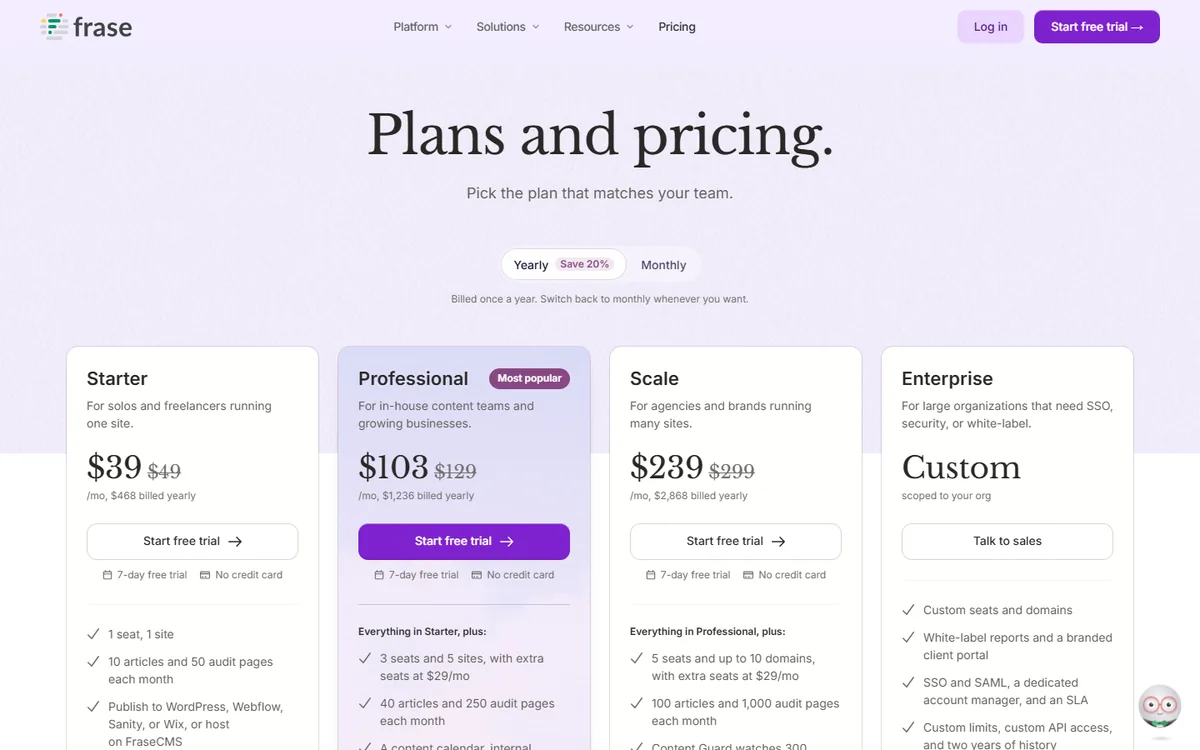
G2 lists the Starter plan at $49 per month. Higher plans add more documents, users and features.
Frase Reviews
- G2: 4.8/5 average (from +300 reviews)
Estimate the Return on an SEO Tool
Before you pick a plan, check whether the numbers work for you. Enter the manual hours you spend on research and reporting each week and the monthly price of the tool you are considering, and you will see what it could return in a year.
Will the Tool Pay Off for You?
Use the sliders to enter your workload and the plan you are considering.
How to Choose the Right SEO Tool
In my experience, your goal and team decide more than any feature list. Before you compare vendors, I suggest you answer four questions:
- Are you researching a new market, fixing a site or scaling content?
- How large is your site, and how many projects or clients do you track?
- Who will use the data: a specialist, a writer or a leader who needs reports?
- How much of your budget can go to software versus content and links?
Start with Google Search Console, then add one suite. Semrush or Ahrefs suit most teams, SE Ranking and Mangools are cheaper options, and Screaming Frog or Sitebulb help with technical work. Add a content tool like Surfer or Clearscope only when you publish at volume. If you want a second opinion on your stack, a short call usually settles it.
Questions About Choosing SEO Tools
What Is the Best SEO Tool Overall?
Semrush and Ahrefs are the two I recommend most. Semrush is stronger for competitor research and all-in-one reporting, and Ahrefs is stronger for backlinks and a cleaner interface. Try the one whose reports you will actually open every week.
Are There Good Free SEO Tools?
Yes. Google Search Console is free and essential, Screaming Frog is free up to 500 URLs, and Mangools and SEO PowerSuite offer free plans or versions. They are enough to start, though competitor research is limited.
Do I Need More than One SEO Tool?
Most teams need Search Console plus one suite. Add a crawler for technical audits and a content tool for volume publishing only when the need is clear. More tools mean more overlap and more cost.
How Much Do SEO Tools Cost?
Suites such as Semrush and Ahrefs start around $130 per month. Cheaper options like Mangools start near $30 per month, and some tools are free. Content tools and enterprise plans can cost several hundred dollars per month.
Which SEO Tool Is Best for Beginners?
Mangools, Ubersuggest and Moz Pro are easier to learn than the big suites. Search Console is also a good start because it shows real data about your own site.
Can SEO Tools Replace an SEO Strategy?
No. Tools give you data, but someone has to decide which topics, pages and links to pursue. A strategy sets that order, and the tools help you check progress against it.
Which SEO Tool Is Best for Technical Audits?
Screaming Frog is the standard for detailed crawls, and Sitebulb explains and prioritizes findings. Semrush and SE Ranking also include solid audits for teams that do not want a separate crawler.
Heads up: vendors change prices, plans and ratings often. Everything was checked at the last update date, but confirm on each vendor’s website first. This article is not legal or financial advice.
Was this article helpful?
Thank you for letting us know.
Russell Tennant
Russell leads the Brook editorial team and works with our consultants to turn real client engagements into practical guides on roadmaps, go-to-market planning, growth and competitive strategy. Before joining Brook, he spent 11 years in strategy and product marketing roles at software and financial services companies. He has since edited more than 300 articles on strategy practice and drawn on roadmaps and growth plans from over 100 client projects. He is based in Denver, Colorado.