Key Takeaways
- Shopify is the safest default platform, while WooCommerce gives the most control to teams that can maintain it.
- Klaviyo and Omnisend turn store data into email and SMS revenue, and email is usually the cheapest growth on your list.
- ShipStation, Gorgias and Cin7 cut the time and cost that eat into margin per order.
- Add tools one at a time and tie each to a number, such as repeat rate or cost per shipment.
The Best Ecommerce Tools at a Glance
| Tool | Type | Best for |
|---|---|---|
| 1. Shopify | Hosted store platform | Brands that want a fast, proven store with a large app ecosystem |
| 2. WooCommerce | Open-source WordPress store | Teams with WordPress skills that want full control |
| 3. BigCommerce | Hosted platform with built-in B2B | Growing and B2B brands that want features built in |
| 4. Wix eCommerce | Website builder with store | Small brands that want a store and a flexible site in one |
| 5. Squarespace | Design-led site and store | Design-focused brands with a small product range |
| 6. Klaviyo | Email and SMS marketing | Stores that want revenue from email and SMS |
| 7. Omnisend | Email and SMS marketing | Smaller stores that want simple, lower-cost automation |
| 8. Yotpo | Reviews, loyalty and referrals | Stores that want social proof and repeat purchase in one suite |
| 9. Nosto | Personalization | Stores with enough traffic to benefit from personalization |
| 10. Triple Whale | Store analytics | Stores running paid ads that need one view of profit |
| 11. Gorgias | Customer support helpdesk | Stores with growing email, chat and social support volume |
| 12. ShipStation | Shipping software | Stores that ship many orders across several carriers |
| 13. Cin7 | Inventory and order management | Multi-channel sellers with stock across locations |
| 14. Recharge | Subscriptions | Stores that sell consumables or replenishable products |
The 14 Best Ecommerce Tools, Ranked
I start with the store platforms, since that is the first decision, then move through marketing and analytics tools to operations software. The tool is only part of the result. In the ecommerce strategy consulting projects I run, the platform rarely decided whether a store made money, and margin per order, checkout and repeat purchase did. If you want that order of decisions, read my ecommerce strategy framework first. For real brand cases behind these tools, see these ecommerce strategy examples.
Shopify

The Safest Default for Most Online Stores, From First Sale to Seven Figures
Shopify is a hosted store platform that bundles checkout, payments, themes and a very large app store.
Shopify is where I send most brands that ask me which platform to start with. You get a working store, checkout and payment processing out of the box, and the app store covers almost every gap, from subscriptions to reviews. Because so many agencies and developers know it, hiring help is easy and quick.
The trade-off is that you rent the platform. Costs rise as you add apps and as sales grow, and checkout customization is tighter on lower plans. In my client work, the stores that stay happy with it are the ones that audit their app list every quarter, since overlapping apps slow the site and inflate the bill.
Pros of Shopify
- Checkout and payments work from day one
- The app store covers nearly every common need
- Plenty of agencies and developers know the platform
Cons of Shopify
- App fees add up quickly
- Deep checkout changes need a higher plan
Shopify Pricing
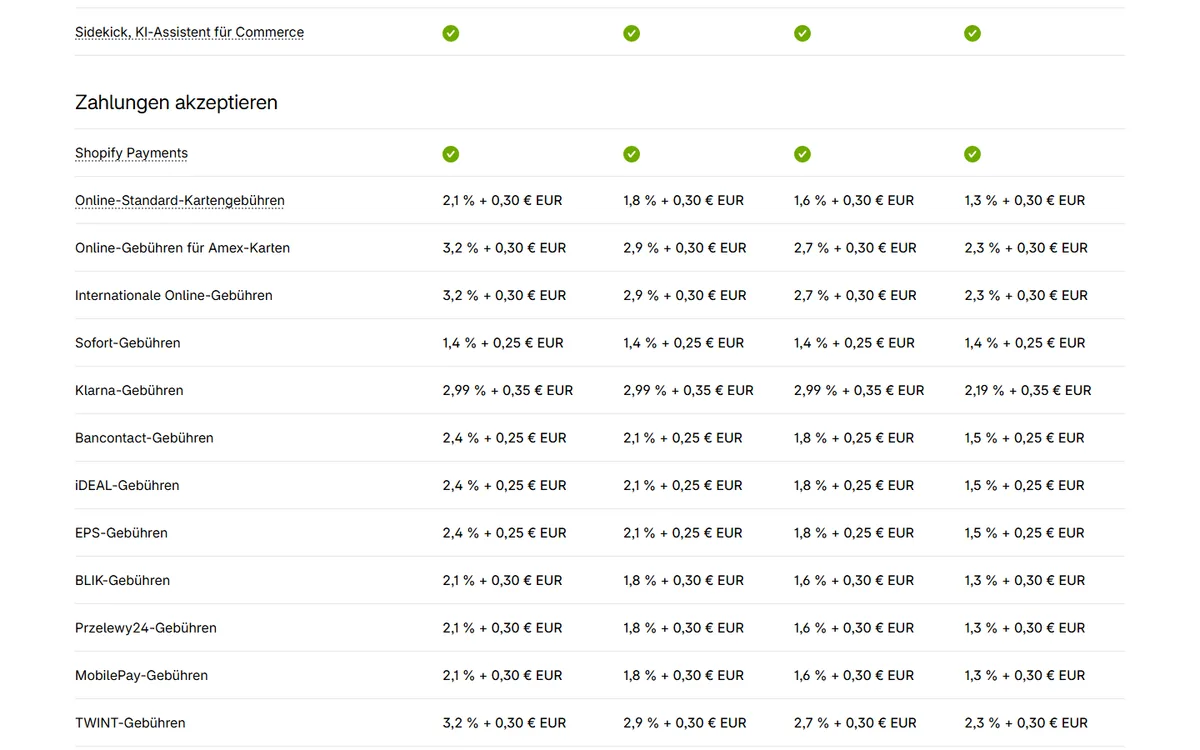
Shopify lists Basic at $29 per month on annual billing ($39 monthly), Grow at $79 ($105 monthly) and Advanced at $299 ($399 monthly). Shopify Plus starts from $2,300 per month. Payment processing fees and app costs come on top.
Shopify Reviews
- G2: 4.4/5 average (from 5,155 reviews)
- Capterra: 4.5/5 average (from 6,721 reviews)
WooCommerce
Maximum Control and Low Software Cost, If You Can Handle Hosting and Upkeep
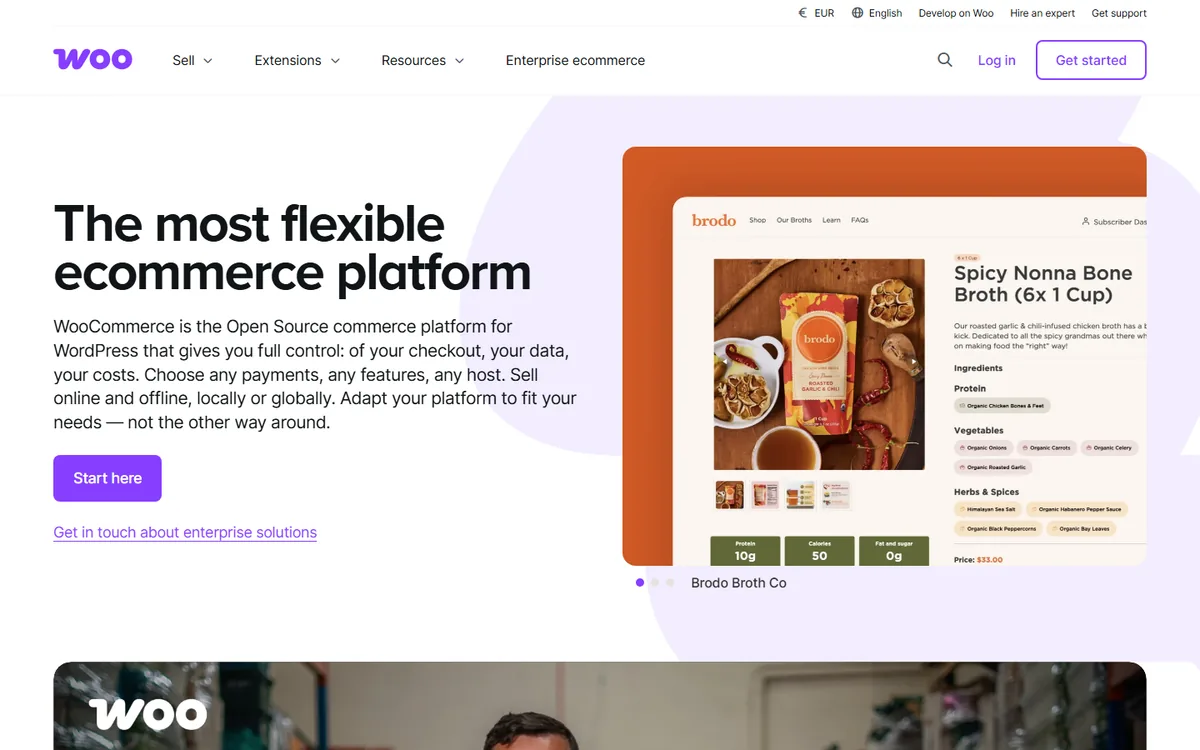
WooCommerce is a free, open-source plugin that turns a WordPress site into an online store.
WooCommerce suits brands that already run on WordPress or that need a store shaped around unusual products, content or B2B rules. You own the code and the data, and thousands of extensions let you change nearly any part of the experience.
The cost moves from software to people. You arrange hosting, security, backups and updates, and Capterra reviewers note that an update can occasionally break something unnoticed. If nobody on your team is responsible for the technical side, a hosted platform is the safer choice. If someone is, WooCommerce can be the cheapest way to get exactly the store you want.
Pros of WooCommerce
- The core plugin is free and fully customizable
- Strong fit for content-led stores on WordPress
- A very wide choice of payment gateways and extensions
Cons of WooCommerce
- You manage hosting, updates and security
- Premium extensions can add up, and performance depends on your hosting
WooCommerce Pricing
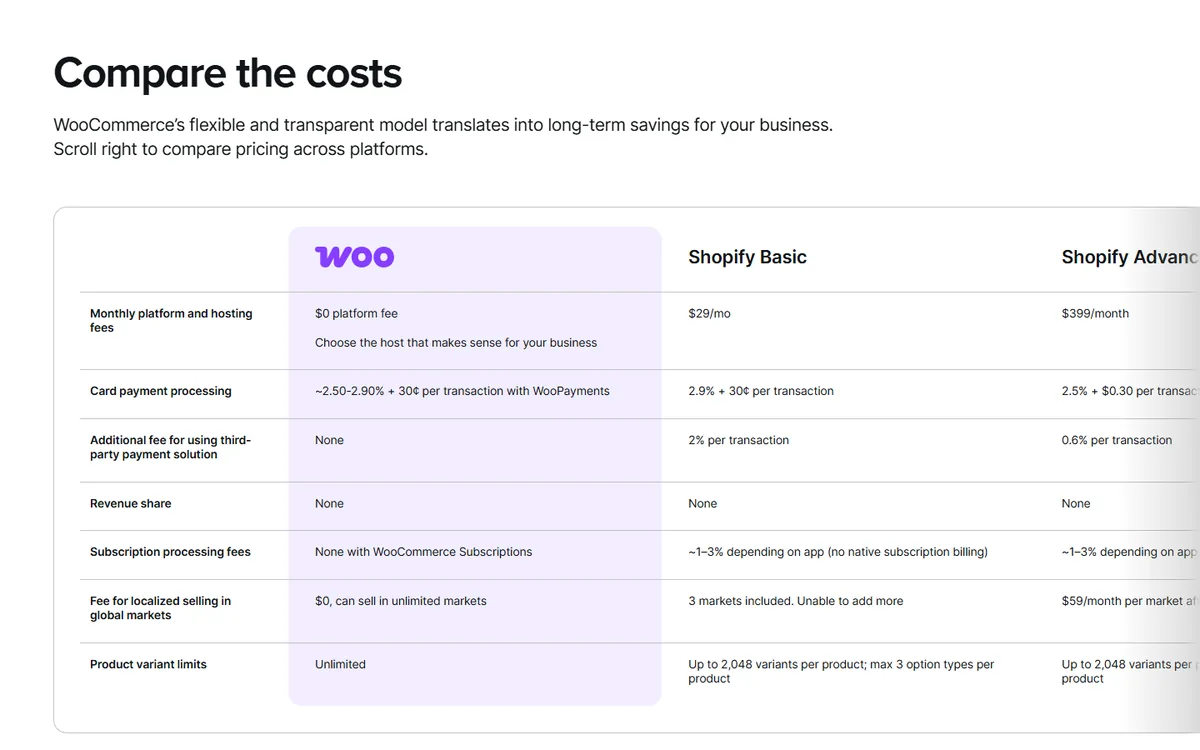
The WooCommerce plugin is free. Your real costs are hosting, a theme, paid extensions and payment fees, so budget for those before you compare it with a monthly platform fee.
WooCommerce Reviews
- G2: 4.4/5 average (from 1,284 reviews)
- Capterra: 4.5/5 average (from 1,054 reviews)
BigCommerce
Strong Built-In Features for B2B and Multi-Channel Selling, With Pricing Tied to Sales
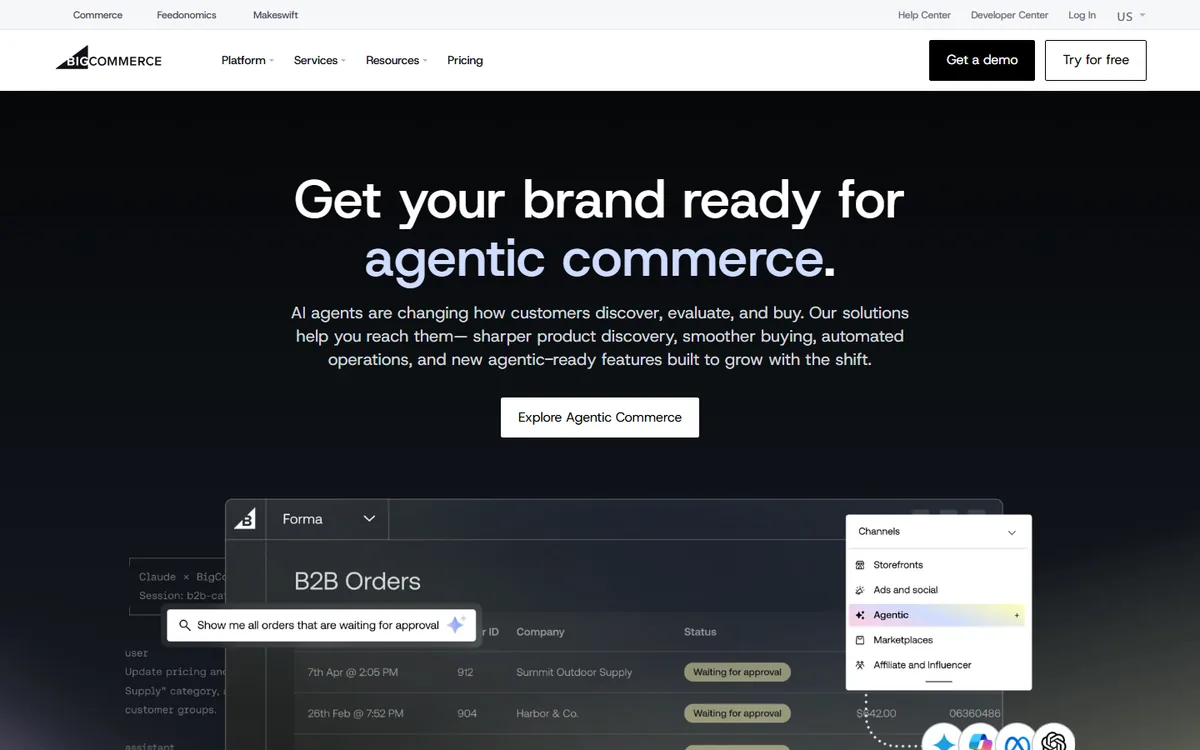
BigCommerce is a hosted platform with many features built in, including multi-currency, B2B pricing tools and multi-channel selling.
BigCommerce leans on built-in features where Shopify leans on apps. Product options, multi-currency support, category structure and B2B price lists are part of the platform, so you can run a more complex catalog with fewer add-ons. Capterra reviewers also praise scalability and responsive support.
The cost structure is the thing to watch. Plans are tied to trailing 12-month sales, and you move to a higher plan as you grow. Reviewers also say the back end can feel heavy at first and that free themes are limited. Check your expected sales over the next two years before you pick a plan.
Pros of BigCommerce
- Many features are built in, which reduces app costs
- B2B pricing tools and categories handle complex catalogs
- Reviewers describe support as responsive
Cons of BigCommerce
- Plan limits are tied to sales, so costs rise as you grow
- The back end has a learning curve and themes need developer help
BigCommerce Pricing
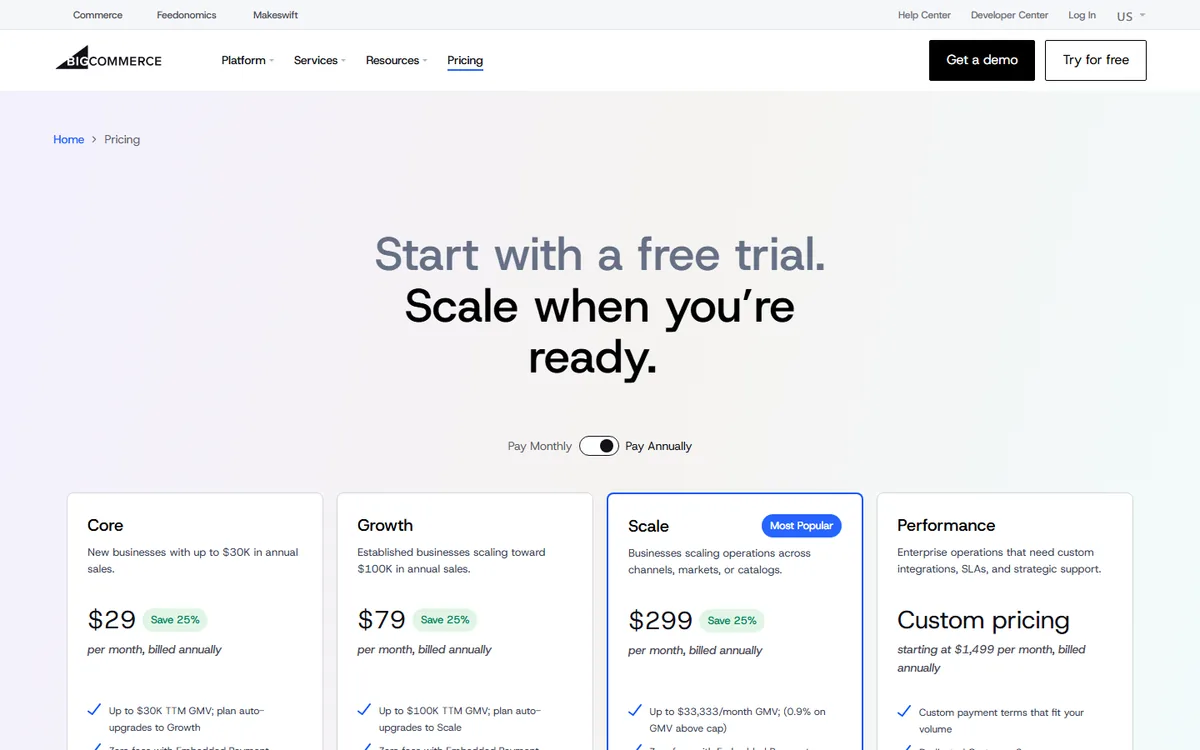
BigCommerce lists Core at $39 per month ($29 on annual billing) for up to $30,000 in trailing 12-month sales, Growth at $105 ($79 annual) and Scale at $399 ($299 annual). Performance starts at $1,499 per month with custom limits.
BigCommerce Reviews
- G2: 4.2/5 average (from 582 reviews)
- Capterra: 4.4/5 average (from 348 reviews)
Wix eCommerce

A Friendly Builder for Small Stores That Also Need a Good-Looking Website
Wix combines a drag-and-drop website builder with store features, payments and basic marketing tools.
Wix is a good fit when the website matters as much as the store, for example a brand with a lot of content, bookings or portfolio pages next to a modest product range. The editor gives you design freedom, and the ecommerce plans cover payments, inventory and basic marketing.
Larger catalogs and more complex operations stretch it. If you expect thousands of products, many sales channels or heavy B2B rules, a dedicated store platform will serve you better. For a small range and a founder who wants to edit pages without a developer, it removes a lot of friction.
Pros of Wix eCommerce
- Design freedom with a drag-and-drop editor
- Store, payments and site in one subscription
- Quick to launch without a developer
Cons of Wix eCommerce
- Less suited to very large catalogs
- Fewer advanced options for complex operations than a dedicated platform
Wix eCommerce Pricing
Wix lists three plans with online selling features: Core at $29.77 per month, Business at $39.77 and Business Elite at $159.77, billed yearly. The page notes that prices vary by location.
Wix eCommerce Reviews
- G2: 4.2/5 average (from 1,921 reviews)
Squarespace
The Best-Looking Option for Brands Where Design Sells the Product
Squarespace pairs polished templates with a built-in store, so a small brand can launch a clean site and sell from it.
Squarespace is the one I suggest to makers, studios and small brands where presentation matters. The templates look good without work, and the store features are included in every plan, so you do not have to add apps to take a first order.
It trades depth for polish. Reporting, inventory control and integrations are lighter than on a dedicated platform, and the transaction fee on the lowest plan is worth reading. If you expect fast growth in range or channels, plan to move later and keep your product data clean so the move is easy.
Pros of Squarespace
- Polished templates that need little design work
- Ecommerce is included in every plan
- Simple to manage for a small team
Cons of Squarespace
- Lighter reporting and inventory features
- Fewer integrations than larger platforms
Squarespace Pricing
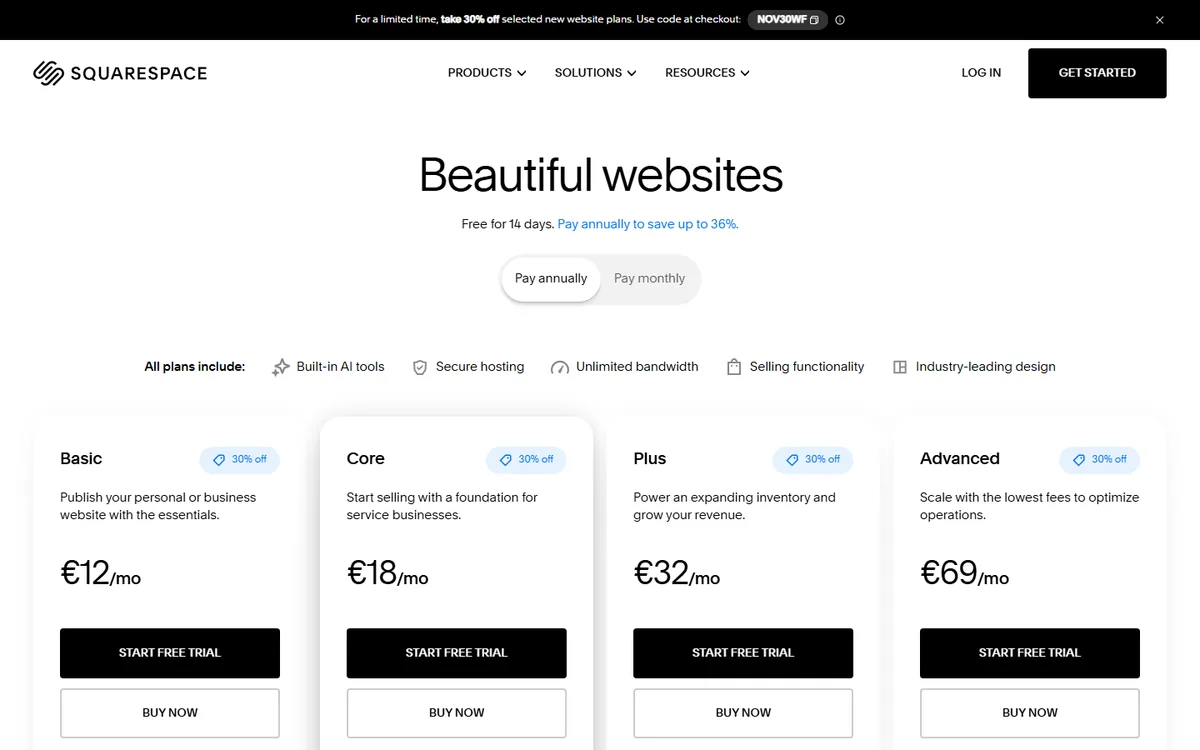
Squarespace lists Basic at $25 per month ($19 annual), Core at $39 ($29 annual), Plus at $65 ($49 annual) and Advanced at $139 ($99 annual). All four include ecommerce. The online store fee is 2% on Basic and 0% on the higher plans, and card processing fees apply with Squarespace Payments.
Squarespace Reviews
- G2: 4.4/5 average (from 1,137 reviews)
Klaviyo
The Standard Choice for Store-Connected Email and SMS Marketing
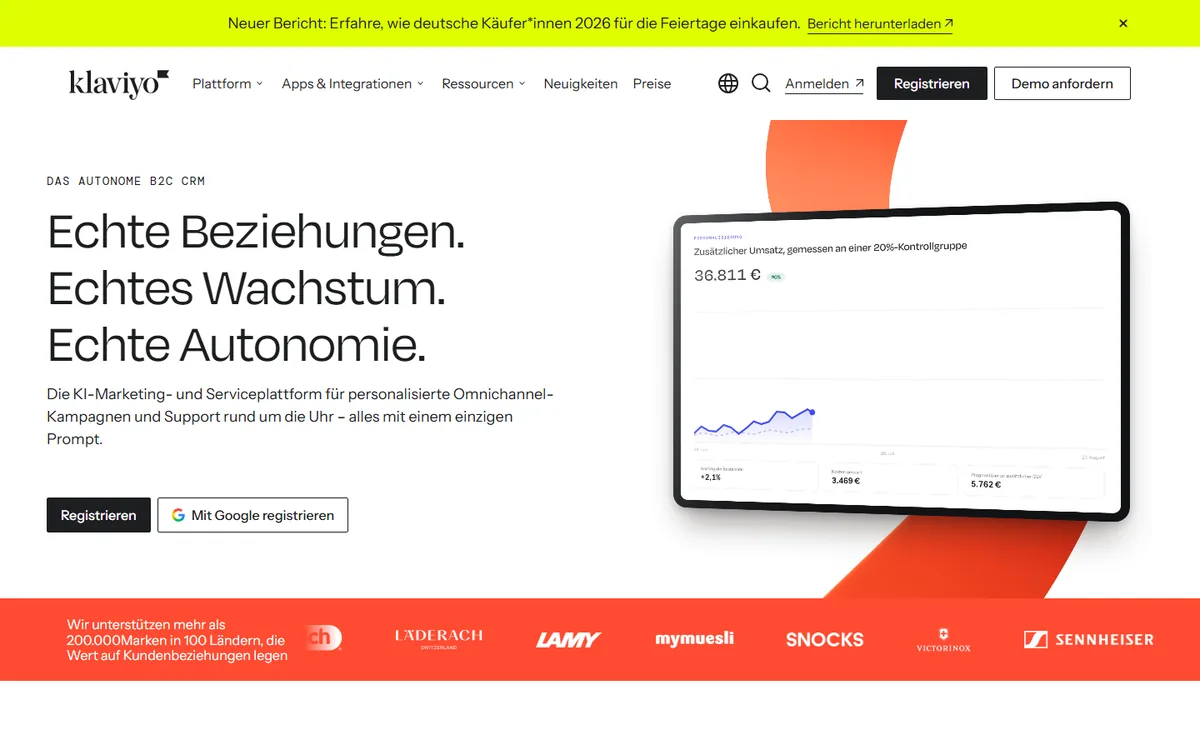
Klaviyo connects to your store data to send targeted email and SMS, with flows for abandoned carts, welcome series and reorders.
Klaviyo earns its place because it reads what customers do in your store and acts on it. A shopper who views a product and leaves can get a reminder, and a buyer who is due to reorder can get a nudge. For most stores, those flows are the cheapest revenue on the roadmap.
Costs scale with the number of profiles, so a big list can get pricey, and I clean out inactive contacts every quarter for clients. The segmentation is deep, and it takes a little time to learn. If your store is small, start with two flows, welcome and abandoned cart, and add more once those run well.
Pros of Klaviyo
- Deep store data powers precise segments and flows
- Strong templates for cart, welcome and reorder emails
- A free plan lets you start with a small list
Cons of Klaviyo
- Pricing climbs as your list grows
- Segmentation takes time to learn
Klaviyo Pricing
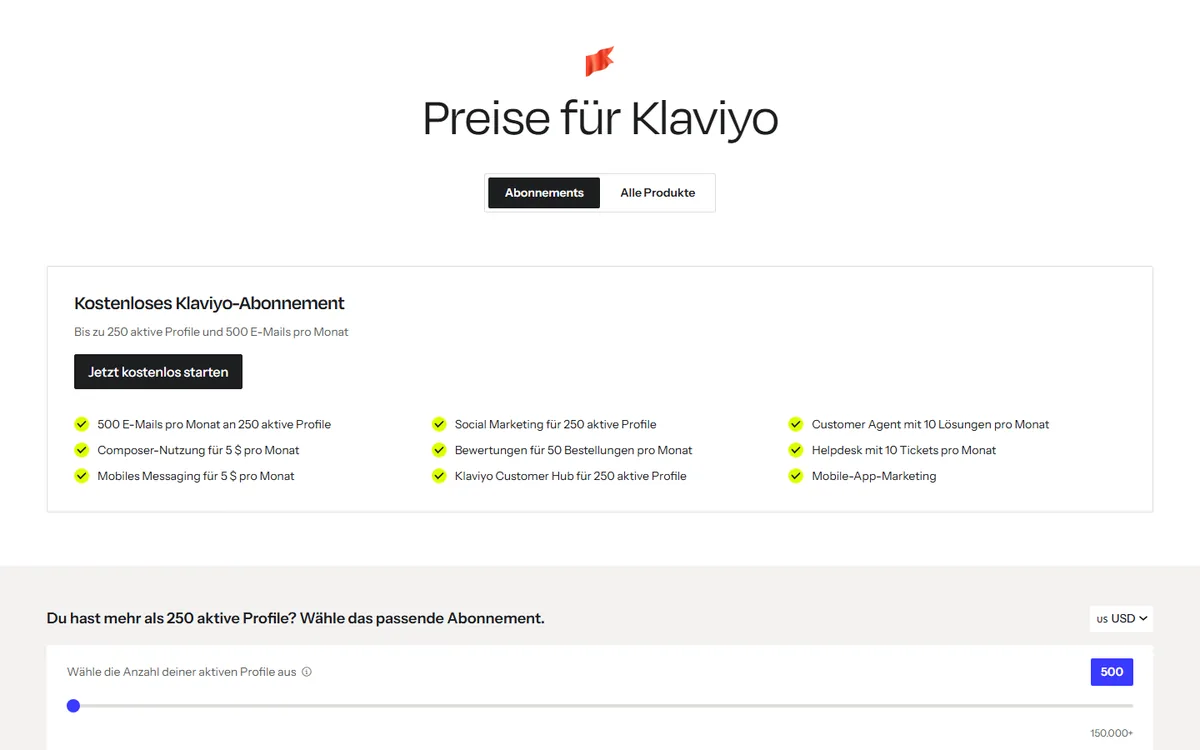
Klaviyo has a free plan for up to 250 active profiles and 500 emails per month. The Email plan starts at $20 per month for 500 active profiles and 5,000 emails per month, and prices rise with profile count.
Klaviyo Reviews
- G2: 4.6/5 average (from 1,371 reviews)
Omnisend
A Simpler, Lower-Cost Alternative to Klaviyo for Small and Mid-Size Stores
Omnisend offers email, SMS and push messages with ready-made store automations and a free starter plan.
Omnisend is easier to start with than Klaviyo and often cheaper at small list sizes. You get prebuilt automations for carts, browse abandonment and welcome flows, and one editor covers email and SMS, so a small team can launch without a specialist.
The compromise is depth. Complex segmentation and reporting are lighter than in Klaviyo, so a store with a large list and advanced needs may outgrow it. If your list is under a few tens of thousands and your needs are standard, it is a sensible way to keep email costs low.
Pros of Omnisend
- Quick setup with prebuilt store automations
- Email and SMS managed in one place
- Free plan and low entry price
Cons of Omnisend
- Less advanced segmentation than Klaviyo
- Larger stores may want deeper reporting
Omnisend Pricing
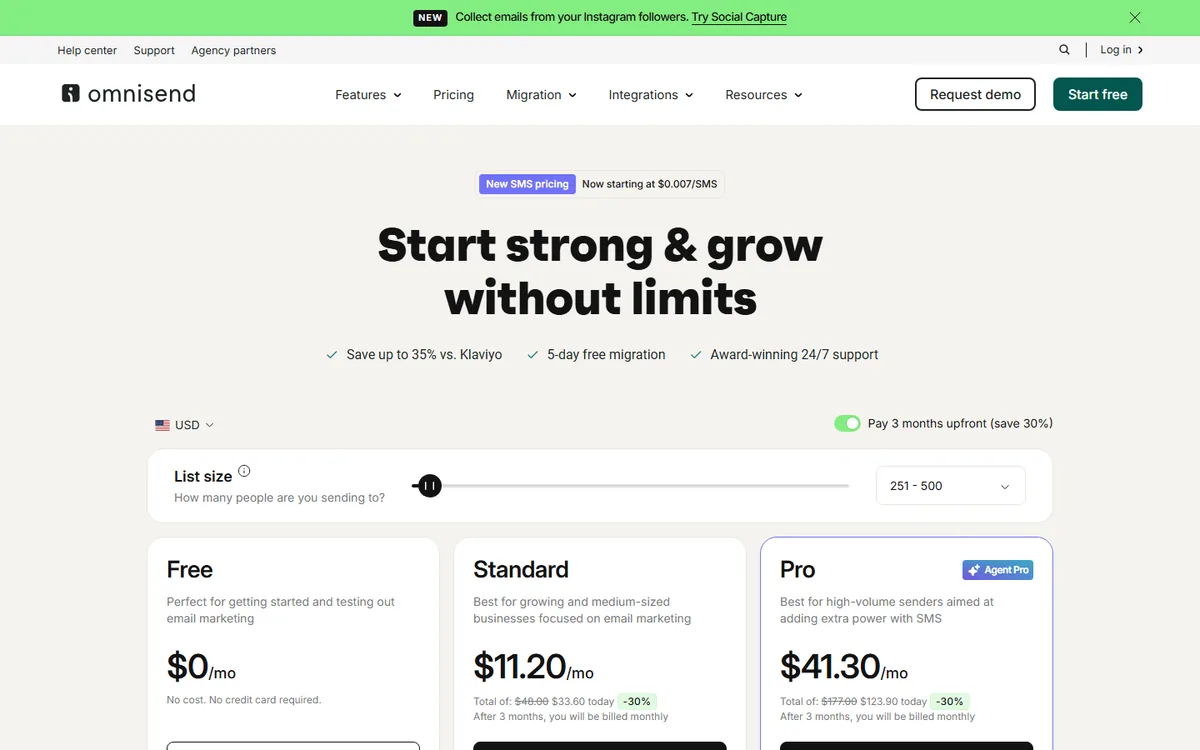
Omnisend has a free plan at $0. The Standard plan is listed at $16 per month and Pro at $59 per month, with an introductory 30% discount for the first three months on the monthly option. Prices depend on contact count and message volume.
Omnisend Reviews
- G2: 4.6/5 average (from 1,257 reviews)
Yotpo
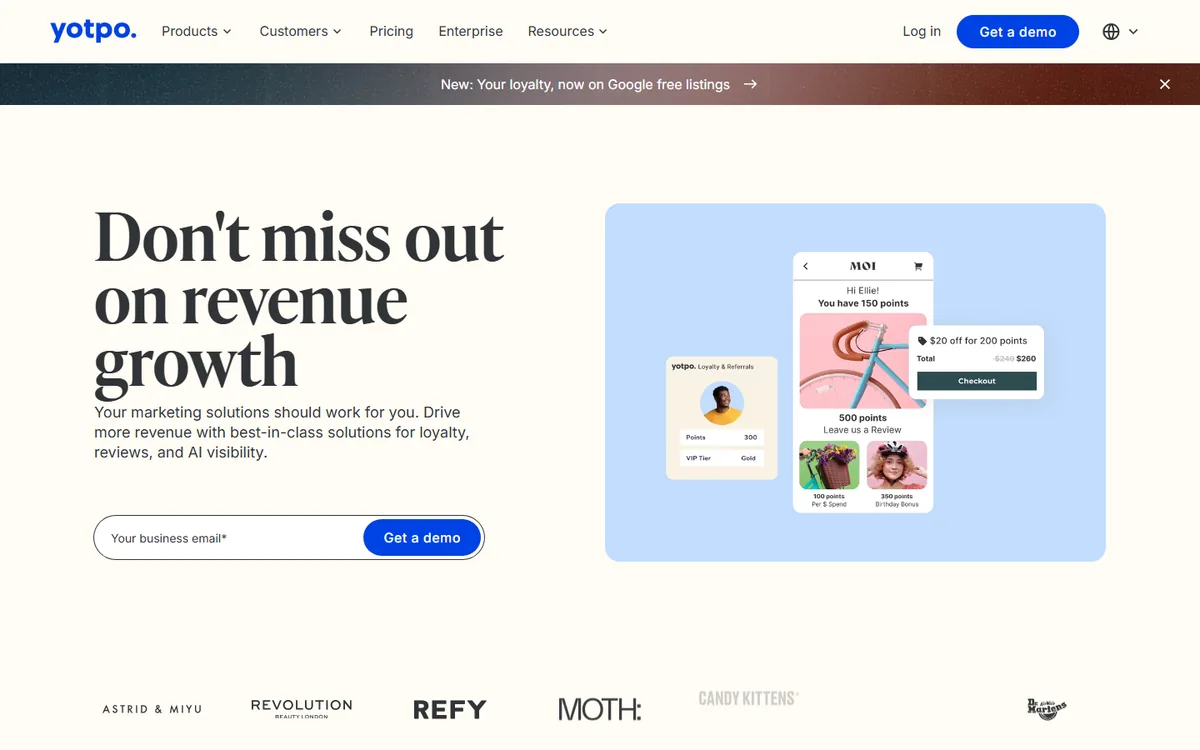
Reviews and Loyalty Under One Roof, Priced for Stores With Real Order Volume
Yotpo collects customer reviews and photos and runs loyalty and referral programs, with integrations for the main store platforms.
Reviews raise conversion, and loyalty raises repeat purchase, so a single supplier for both is attractive. Yotpo collects reviews and photos, shows them on product pages and in ads, and adds points and referral programs that bring buyers back.
The price jumps once you move past the free plan, and the pricing pages mix tiers in a way that can confuse a first-time buyer. Lighter review apps exist for small stores. Yotpo makes more sense once you have the order volume to justify the suite.
Pros of Yotpo
- Reviews, photos, loyalty and referrals in one suite
- Works with the main store platforms
- Free plan lets you test reviews on a small scale
Cons of Yotpo
- Paid tiers cost much more than lighter review apps
- Pricing pages are not always easy to compare
Yotpo Pricing
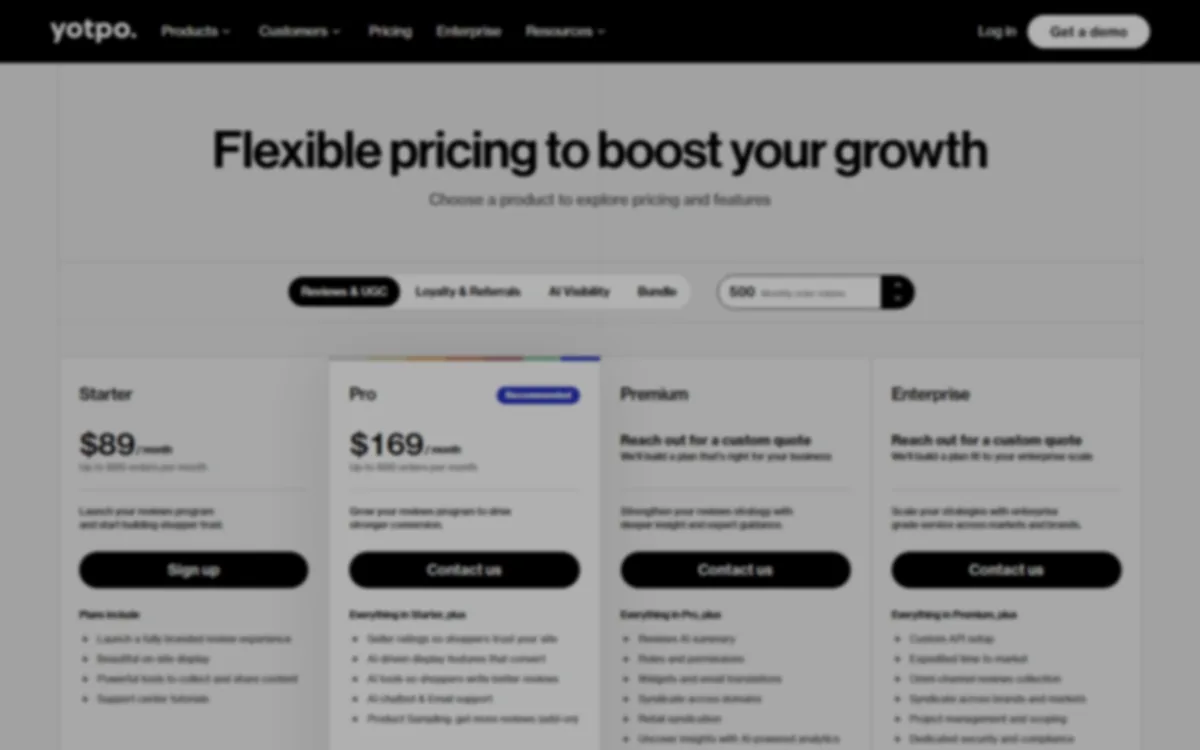
Yotpo lists a limited free Reviews plan for up to 50 orders per month, a Starter plan at $89 per month and Pro at $169 per month, both with a 500-order cap, plus custom Premium and Enterprise quotes. Loyalty and referrals have a free plan with paid tiers from $199 per month. The Yotpo page is inconsistent on the lowest Reviews price, so confirm it before you buy.
Yotpo Reviews
- G2: 4.3/5 average (from 269 reviews)
Nosto
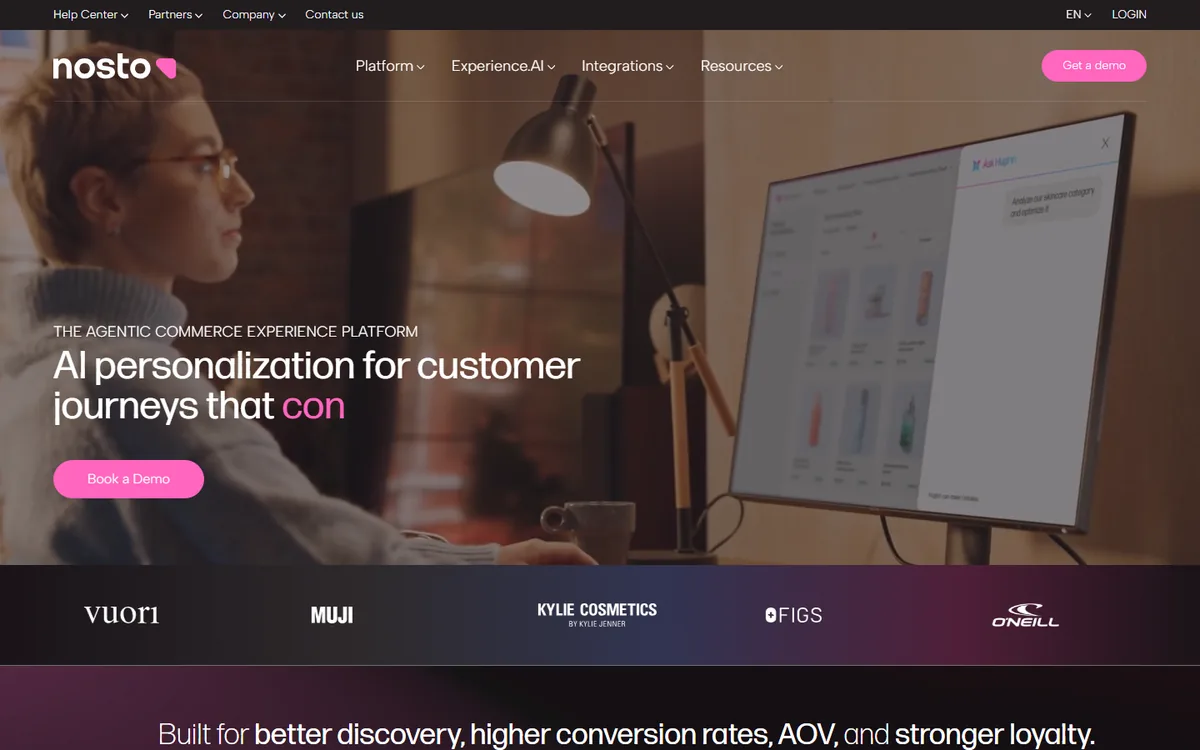
Product Recommendations and On-Site Personalization for Stores With Traffic to Test
Nosto personalizes product recommendations, search and content for each shopper using behavior and catalog data.
Nosto is a commerce experience platform. It changes what each shopper sees, from recommended products to content blocks and search results, using what that shopper has browsed or bought. It tends to pay off when you have a large catalog and enough traffic that small percentage lifts add up.
Pricing is by quote, which makes comparison harder, and the platform is overkill for a store with a few dozen products. In my experience, personalization does best after the basics, such as checkout and email flows, are fixed. Put it on the roadmap for after phase two.
Pros of Nosto
- Personalized recommendations and search across the store
- AI capabilities are included in every module
- Modular, so you can start with one module
Cons of Nosto
- No published prices, so you need a demo to get a quote
- Overkill for small catalogs and low traffic
Nosto Pricing
Nosto does not publish a starting price. Pricing is custom, with a base platform fee plus a fixed fee based on your store's volume, and a quote follows a demo. It has no self-service free trial, but qualified merchants can ask for a proof of concept with their own store data.
Nosto Reviews
- G2: 4.6/5 average (from 235 reviews)
Triple Whale
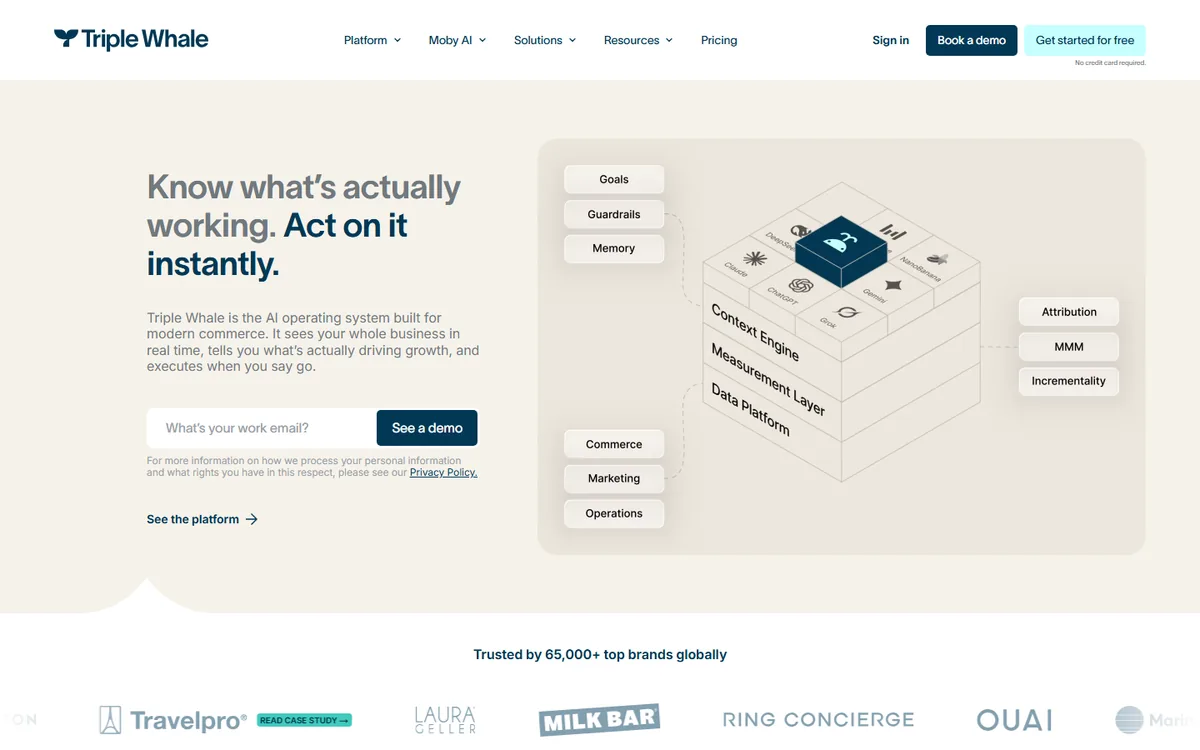
One Dashboard for Ad Spend, Attribution and Profit Across Your Marketing Channels
Triple Whale pulls store, ad and email data into one dashboard that shows spend, attribution and profit by channel.
If you run ads on several channels, the numbers in each ad platform rarely add up to your store's total. Triple Whale pulls store and ad data into one place and shows revenue, spend and profit by channel, which makes cost per customer much easier to track.
Attribution models are estimates, and no tool settles the argument between channels for good. Use it to spot trends and compare channels against your own cost ceiling, and keep checking against your payment processor. It is most useful once you spend enough on ads that guesswork costs real money.
Pros of Triple Whale
- One dashboard for ad spend, revenue and profit
- Free plan lets you try the basics
- Built for stores, so setup is quick
Cons of Triple Whale
- Attribution is an estimate and can disagree with ad platforms
- Advanced features sit on paid plans
Triple Whale Pricing
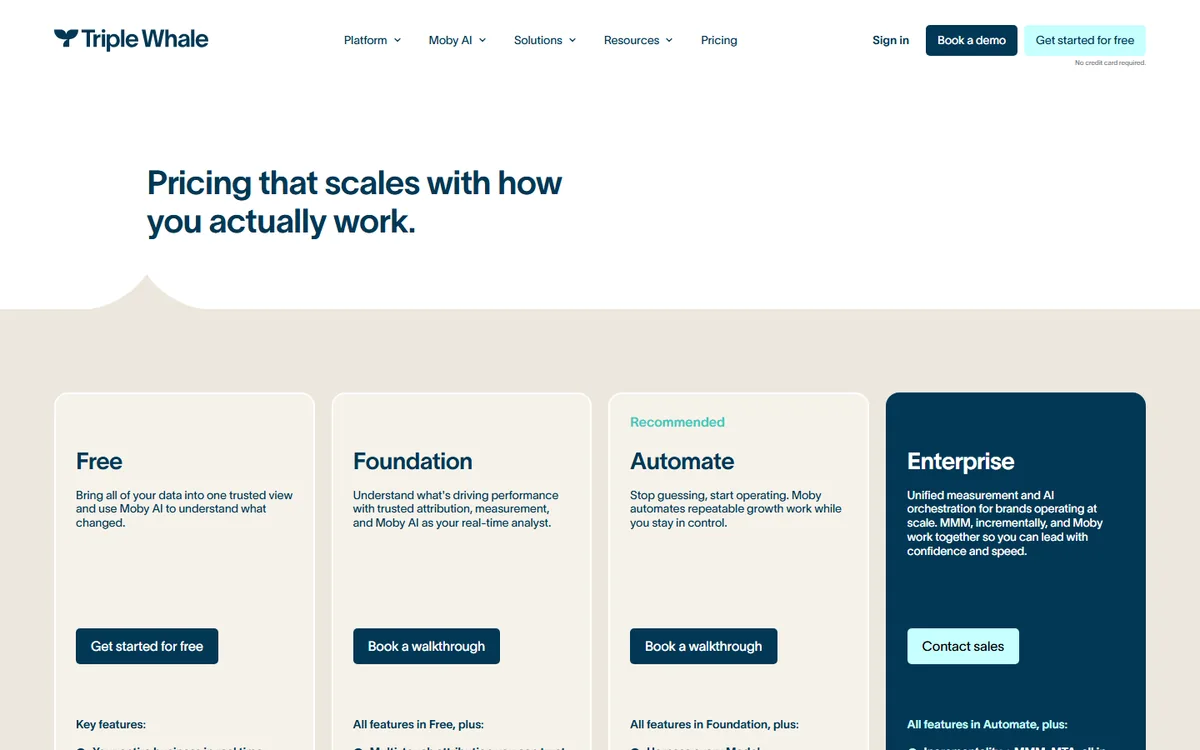
Triple Whale lists a free plan at $0 with benchmarks, core paid and owned channels, first and last click attribution and a 12-month lookback. A separate Founders Dash option is listed as free forever. Paid plans are not shown in the text I could read, so check the pricing page.
Triple Whale Reviews
- G2: 4.5/5 average (from 482 reviews)
Gorgias

A Helpdesk Built Around Orders, With Pricing by Ticket and Not by Agent
Gorgias is a helpdesk made for online stores that shows order data beside each ticket and can resolve routine questions with AI.
Support is where many stores lose repeat buyers, and Gorgias puts the order, tracking and customer history next to every message. Agents can refund, edit or cancel an order without leaving the ticket, which cuts handling time on the most common requests.
The pricing model is the interesting part. Gorgias prices by ticket volume and not per agent, and its AI agent charges per resolved conversation. That suits seasonal stores, but costs can rise in peak weeks, so estimate your busiest month and not your average.
Pros of Gorgias
- Order data and actions sit inside each ticket
- Pricing is by ticket volume, never per agent
- AI agent resolves routine questions and bills per resolution
Cons of Gorgias
- Peak-season ticket spikes can raise your bill
- The plan table was not readable in the page text I checked, so confirm current tiers
Gorgias Pricing
Gorgias says its helpdesk scales from 50 to 5,000 tickets a month and is never priced per agent. The AI agent is included on every plan and you pay per resolved conversation. Voice and SMS add-ons are priced by usage. I could not read the plan table, so check the live pricing page.
Gorgias Reviews
- G2: 4.6/5 average (from 582 reviews)
ShipStation
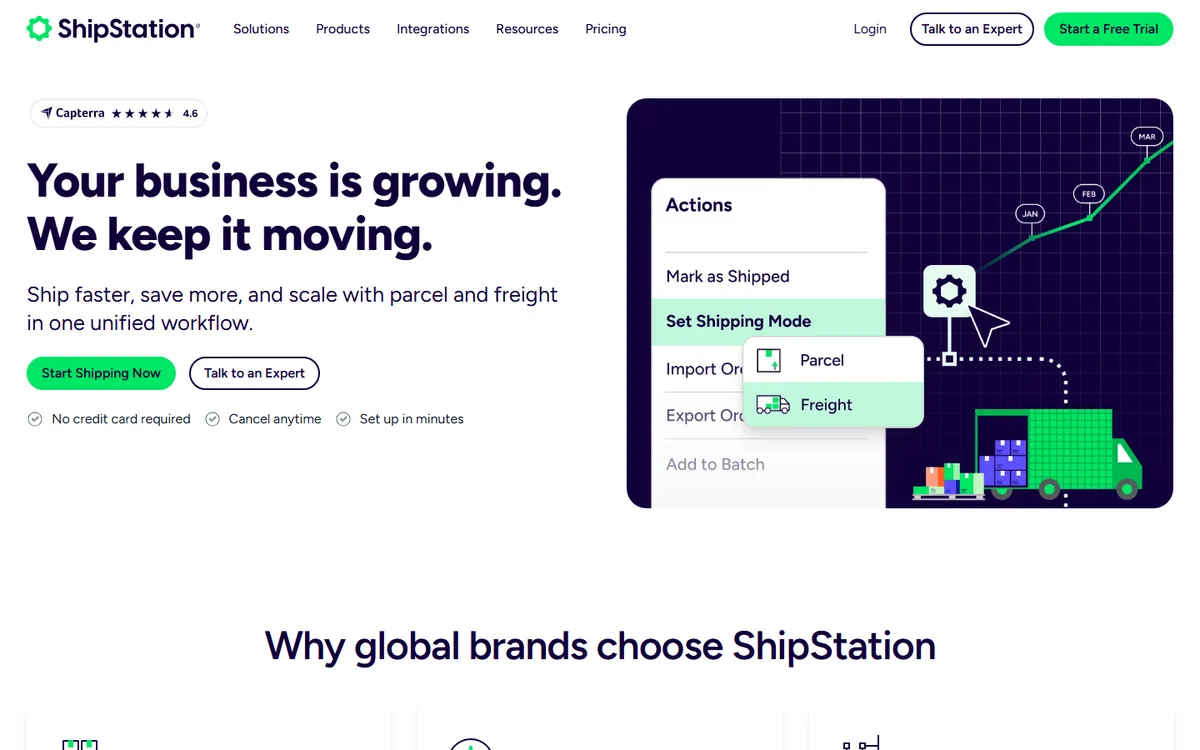
Cheaper Labels and Faster Fulfilment Once You Ship More Than a Few Orders a Day
ShipStation connects your store and marketplaces to carriers, prints labels and automates shipping rules.
Once you ship more than a few orders a day, printing labels by hand costs real hours. ShipStation pulls orders from your store and marketplaces, compares carrier rates, prints labels in batches and sends tracking to customers.
The tool pays off in two ways. You save time on every order, and shipping rules let you choose the cheaper carrier automatically. Since shipping is one of the line items that reduces margin per order, I treat it as one of the first operations tools to put in place.
Pros of ShipStation
- Batch label printing and tracking updates
- Rules choose the cheapest suitable carrier
- Connects to major stores, marketplaces and carriers
Cons of ShipStation
- Interface has many options and takes time to learn
- Prices depend on shipping volume, so check your tier
ShipStation Pricing
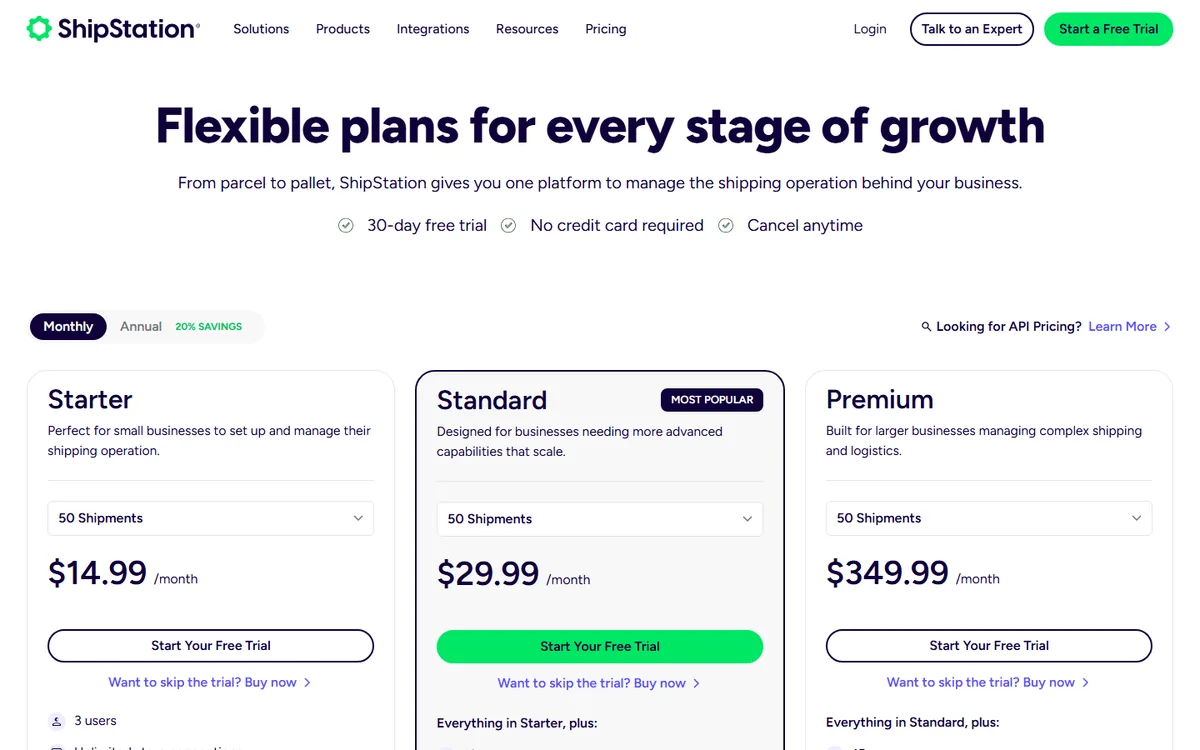
ShipStation lists a Free plan, Starter from $14.99 per month, Standard from $29.99 per month and Premium from $349.99 per month. The page says the starting price depends on your shipping volume tier.
ShipStation Reviews
- G2: 4.3/5 average (from 605 reviews)
Cin7
Inventory, Orders and Warehouses in One System for Multi-Channel Sellers
Cin7 manages stock, orders and fulfilment across stores, marketplaces, wholesale and warehouses in one system.
A store that sells through its own site, marketplaces and wholesale needs one view of stock. Cin7 keeps inventory, purchase orders and sales orders in one system and syncs levels across channels, which prevents overselling the item you do not have.
It is a heavier tool than a store plugin, and the G2 rating of 3.8 from 124 reviews is lower than most tools in this list, so talk to current users before you commit. For a simple one-channel store it is more than you need. For a multi-channel operation with warehouses, the stock accuracy can justify the setup effort.
Pros of Cin7
- Syncs stock across stores, marketplaces and wholesale
- Handles purchase orders and multiple locations
- Reduces overselling on connected channels
Cons of Cin7
- Setup is heavier than a simple store plugin
- Review scores are lower than most tools here
Cin7 Pricing
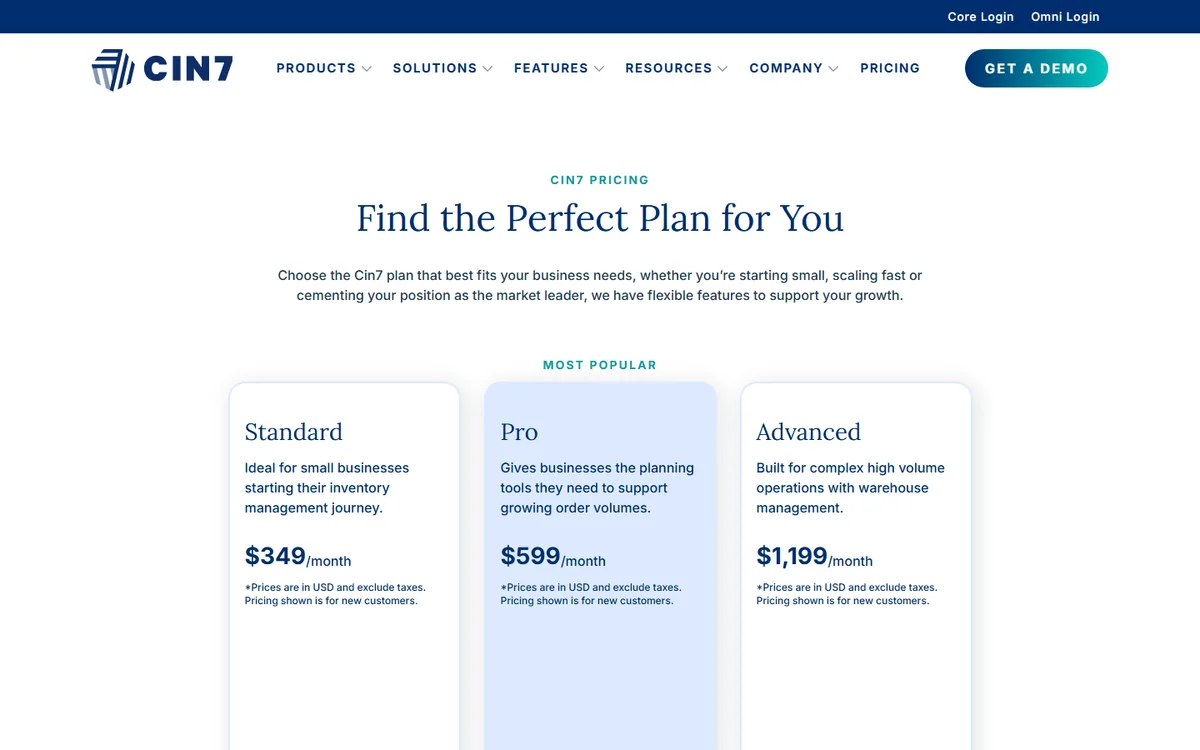
Cin7 lists Standard at $349 per month, Pro at $599 per month and Advanced at $1,199 per month, excluding taxes. The Cin7 Omni product is a custom solution, so ask for a quote.
Cin7 Reviews
- G2: 3.8/5 average (from 124 reviews)
Recharge
The Leading Subscription Engine for Stores That Want Predictable Reorders
Recharge adds subscriptions and recurring billing to stores on the main platforms, with a customer portal for skips and changes.
Recharge is the tool behind many store subscriptions. It handles recurring billing, a customer portal where buyers can skip, swap or cancel and the dunning emails that recover failed payments. If your product runs out on a schedule, a subscription can lift repeat rate and make revenue more predictable.
The cost is a monthly fee plus a per-transaction fee, so the math matters for low-priced products. Subscriptions also need a good product and a fair cancellation experience. Customers who cannot skip or pause easily tend to cancel and tell others. Test it on your best consumable first.
Pros of Recharge
- Customer portal for skips, swaps and cancellations
- Handles failed payment recovery
- Works with the main store platforms
Cons of Recharge
- Monthly fee plus transaction fee reduces margin on low-priced items
- Only suits products that people use up
Recharge Pricing
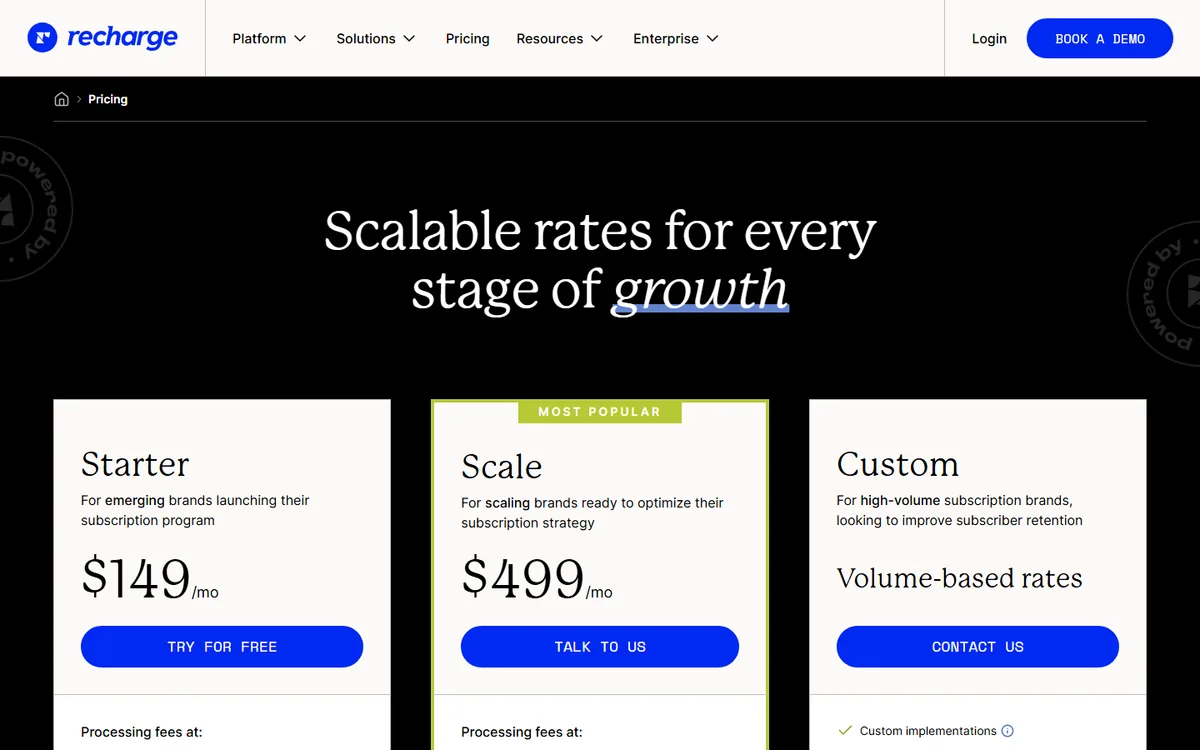
Recharge lists Starter at $149 per month with a 1.50% plus 20 cent transaction fee and Scale at $499 per month with 1.25% plus 20 cents. A Custom plan is volume-based. Starter includes a 60-day trial that begins when you install the app.
Recharge Reviews
- G2: 4.4/5 average (from 55 reviews)
Estimate the Return on an Ecommerce Tool
Before you pick a plan, check whether the numbers work for you. Enter the manual hours you want to remove, such as label printing or support replies, and the monthly price of the tool you are considering, and you will see what it could return in a year.
Will the Tool Pay Off for You?
Use the sliders to enter your workload and the plan you are considering.
How to Choose the Right Ecommerce Tools
In my experience, fit with your order economics decides more than any feature list. Before you compare vendors, answer four questions:
- What is your contribution margin per order, and which tool changes it?
- How many products and channels do you sell through today, and in two years?
- Who will run the tool day to day, and how much technical skill do they have?
- What is the total yearly cost, including apps, transaction fees and setup?
If you want the most control and have technical help, look at WooCommerce. If you want a proven store with the least maintenance, Shopify is the usual answer. For email, start with Klaviyo or Omnisend. Once orders grow, ShipStation and Gorgias remove the daily time sinks, and my ecommerce strategy roadmap shows when to add each tool.
Questions About Choosing Ecommerce Tools
What Is the Best Ecommerce Tool for a New Online Store?
For most new stores I recommend starting with Shopify, or Squarespace or Wix if design and a small range matter more than growth. Each gives you a store, checkout and payments in one subscription. Add Klaviyo or Omnisend for email once the first orders arrive.
Do I Need All 14 of These Tools?
No. A store needs a platform, a way to take payments and a way to email customers, and everything else is added when a problem justifies it. In my client work, I add tools one at a time and tie each to a number, such as repeat rate or cost per shipment.
Which Platform Is Cheapest to Run?
WooCommerce has no software fee, but hosting, extensions and the time to maintain it are your cost. Among hosted platforms, entry plans from Wix, Squarespace, Shopify and BigCommerce sit in a similar range, so compare total cost with apps and payment fees at your expected sales.
Is Klaviyo Worth the Price Over a Cheaper Email Tool?
It tends to pay off when your list is large, your catalog is varied and you want deep segmentation from store data. For a smaller list with standard flows, Omnisend can do the job for less. Run the numbers on your list size, since both tools scale price with contacts.
How Do I Know If a Tool Will Pay for Itself?
Estimate the hours saved or the extra margin it should bring, then subtract the full yearly cost including setup. The calculator in this article does the arithmetic for time savings. For revenue tools, such as email flows, compare results against a holdout period.
Should I Pick a Platform with the Most Features?
Pick the platform that fits your next two years. Heavy platforms add cost and complexity you may not use, while light ones can force a move at the wrong time. Check your expected catalog size, channels and B2B needs against what each platform handles natively.
Where Do I Start If I Am Unsure What My Store Needs?
Start with contribution margin per order and the biggest leak in your checkout, since those tell you whether you need more traffic or better conversion. My ecommerce strategy framework walks through that order, and the roadmap turns it into a plan.
Heads up: vendors change prices, plans and ratings often. Everything was checked at the last update date, but confirm on each vendor’s website first. This article is not legal or financial advice.
Was this article helpful?
Thank you for letting us know.
Russell Tennant
Russell leads the Brook editorial team and works with our consultants to turn real client engagements into practical guides on roadmaps, go-to-market planning, growth and competitive strategy. Before joining Brook, he spent 11 years in strategy and product marketing roles at software and financial services companies. He has since edited more than 300 articles on strategy practice and drawn on roadmaps and growth plans from over 100 client projects. He is based in Denver, Colorado.