Key Takeaways
- SEO suites like Semrush and Ahrefs show you where demand exists, so use them before you commit to channels.
- HubSpot, ActiveCampaign and Klaviyo connect campaigns to contacts and revenue, which is what proves a channel works.
- Free tools such as Google Analytics, Looker Studio and Canva cover measurement, reporting and design for early-stage teams.
- Choose tools after you choose channels and targets, then run a short pilot before you commit to an annual plan.
The Best Digital Marketing Tools at a Glance
| Tool | Type | Best for |
|---|---|---|
| 1. Semrush | SEO and marketing suite | Teams that want search, ads and competitor data in one place |
| 2. Ahrefs | SEO toolset | Link research, content gaps and organic competitor analysis |
| 3. HubSpot Marketing Hub | Marketing automation and CRM | Teams that want marketing, sales and reporting on one platform |
| 4. Google Analytics | Web and app analytics | Measuring traffic, conversions and channel performance for free |
| 5. Google Ads | Paid search and display | Capturing buyers who are already searching for what you sell |
| 6. Mailchimp | Email marketing | Small teams starting with email and simple automation |
| 7. Klaviyo | Email and SMS for ecommerce | Online stores that want behavior-based email and SMS |
| 8. ActiveCampaign | Email automation and CRM | Teams that need customer journeys and lead nurturing |
| 9. Canva | Design and content creation | Social posts, ads and presentations made by non-designers |
| 10. Hootsuite | Social media management | Scheduling and monitoring across several social networks |
| 11. Sprout Social | Social media management and listening | Brands that want social reporting, inbox and listening in one place |
| 12. Buffer | Social media scheduling | Small teams and solo marketers who want simple scheduling |
| 13. Hotjar | Behavior analytics and feedback | Seeing why visitors do not convert |
| 14. Moz Pro | SEO toolset | Smaller teams that want approachable SEO tracking and guidance |
| 15. Looker Studio | Reporting and dashboards | Combining channel data into one dashboard for stakeholders |
The 15 Best Digital Marketing Tools, Ranked
I start with the tools that suit the widest range of teams and move toward specialist platforms, so you can stop reading once you find your fit. The tool is only part of the result: in the digital marketing strategy consulting projects I review, choosing the right channels and targets matters even more than choosing the software.
Semrush
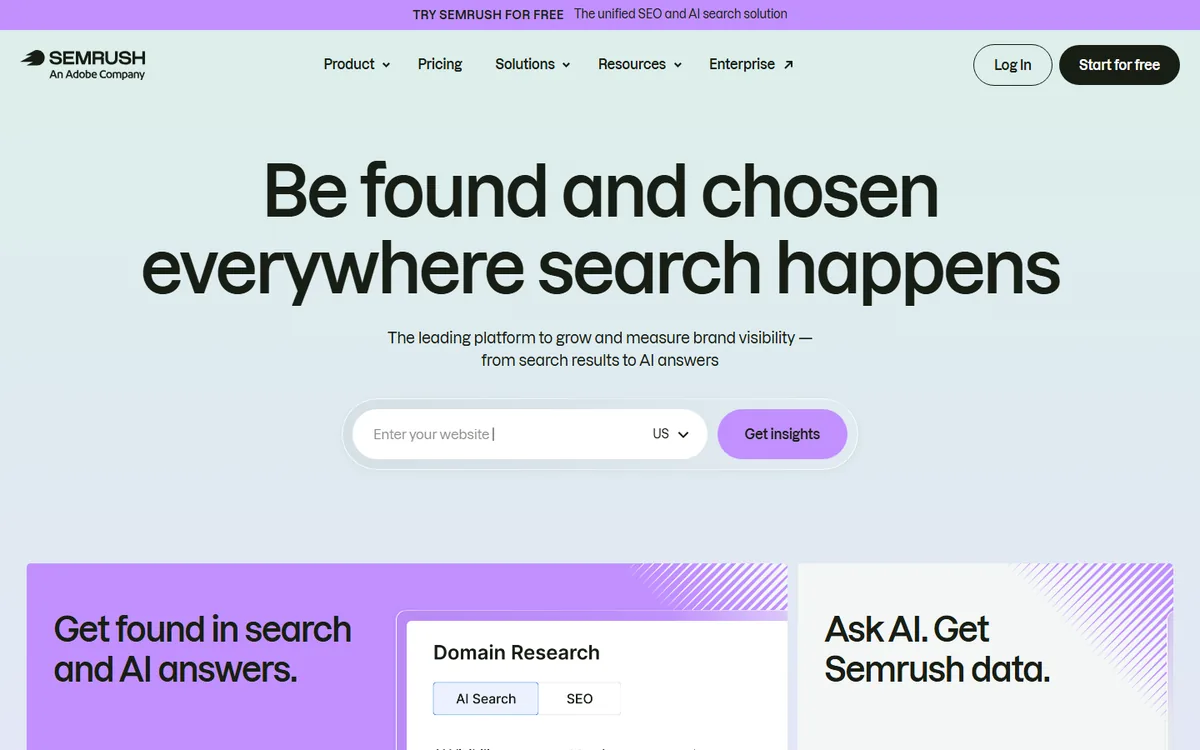
The Broadest Toolkit for Search, Content and Competitor Research in One Subscription
Semrush covers keyword research, site audits, rank tracking, backlink analysis and competitor insight, with add-ons for content, social and advertising.
I treat Semrush as the starting point for any plan that leans on organic search. Before I recommend a channel mix, I want to see what a market already searches for and which competitors win those searches. In the digital marketing strategy consulting work I review, a few hours in Semrush often reshapes the channel plan, because it shows where demand exists and how crowded each space is.
The suite is wide enough that most teams use a third of it. Keyword and competitor research are strong, the site audit catches technical problems early and the paid-search data helps you size ad budgets before you spend. The trade-off is price and complexity: smaller teams can feel buried by menus, and several features sit in paid add-ons.
Pros of Semrush
- Competitor and keyword data cover search and paid media in one login
- The site audit finds technical problems you can fix in a sprint
- Reports are easy to export for stakeholders
Cons of Semrush
- The price climbs once you add users, add-ons and projects
- The number of tools can overwhelm newer marketers
Semrush Pricing
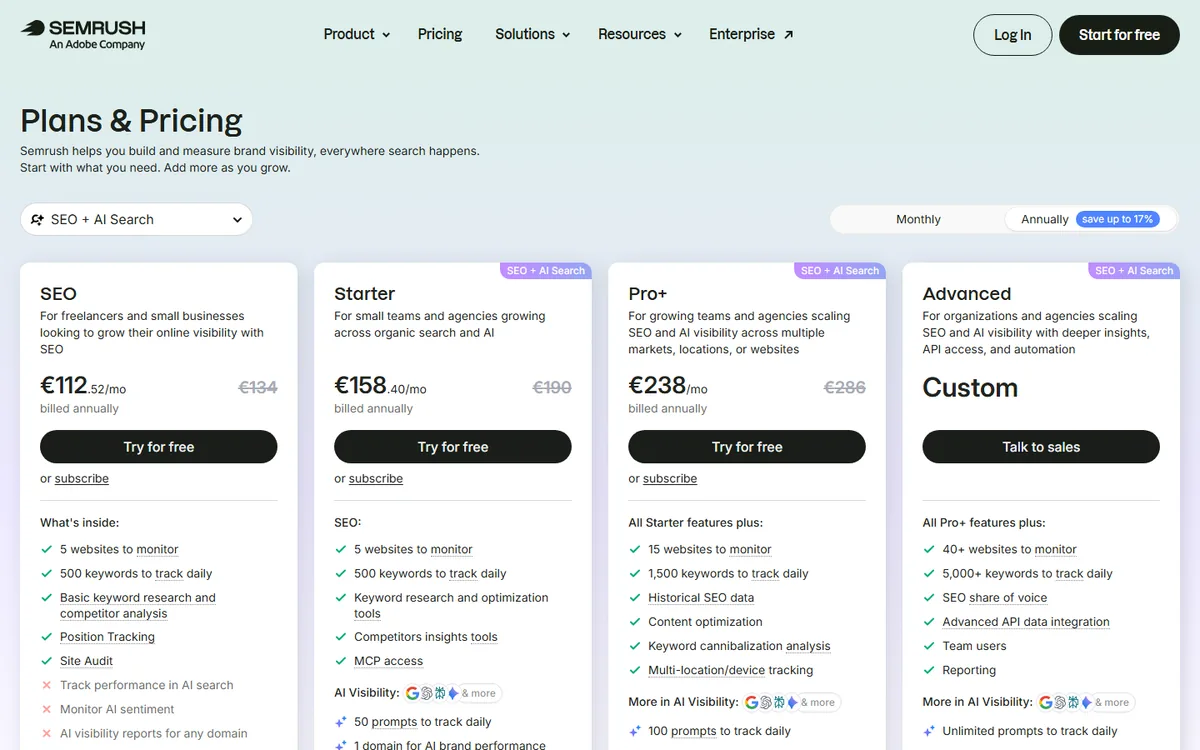
Semrush has a free version with limited daily queries. G2 and Capterra list the Pro plan from $139.95 per month, with higher plans for larger teams and agencies, and add-ons for extra features.
Semrush Reviews
- G2: 4.4/5 average (from +4,300 reviews)
- Capterra: 4.6/5 average (from +2,300 reviews)
Ahrefs
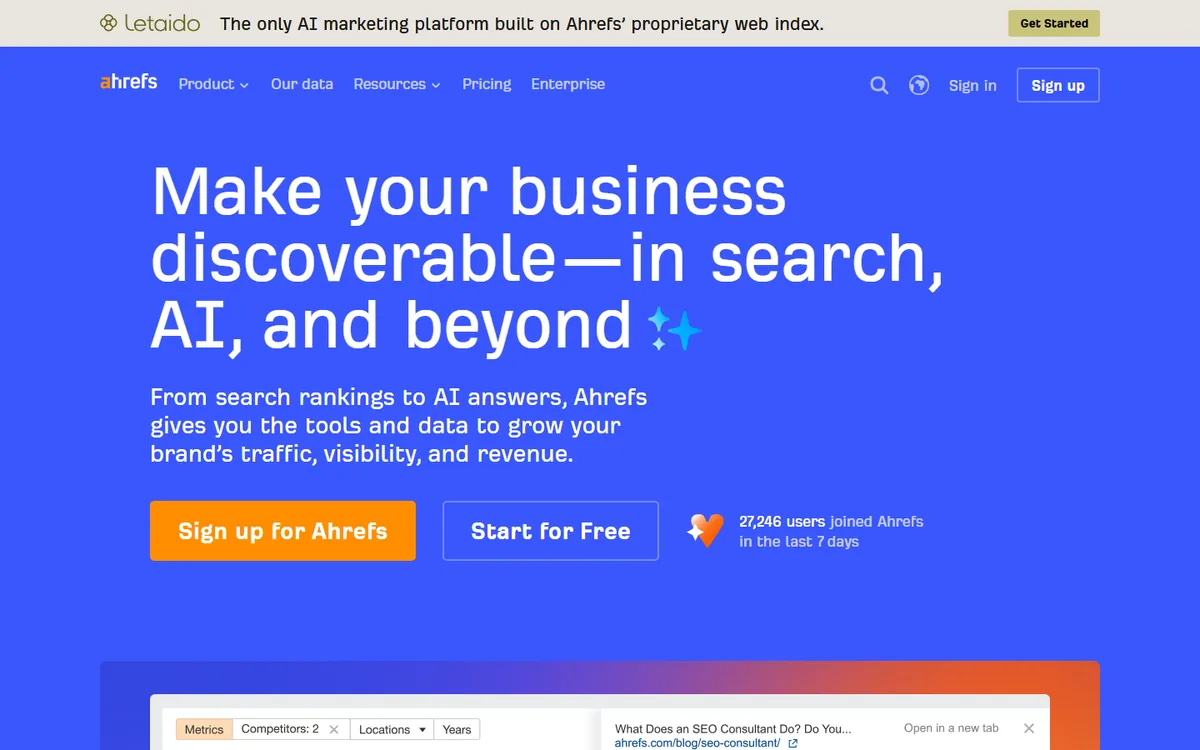
The Strongest Pick for Backlink Data and Seeing Why Competitors Rank
Ahrefs combines a large backlink index with keyword research, a site audit, rank tracking and a content explorer.
Ahrefs is the tool I open when the question is why a competitor outranks you. Its backlink index and the Site Explorer view show which pages bring a rival the most traffic and which links support them. That turns a vague goal such as growing organic traffic into a short list of pages to build and sites to approach.
The interface is clean and fast, and the keyword tools suit content planning well. It is less of an all-in-one platform than Semrush, so you will pair it with other tools for ads and social. Pricing recently moved toward usage-based credits on the lower plans, which suits occasional users but needs watching if several people run reports.
Pros of Ahrefs
- Backlink data is among the most complete you can buy
- Content gap views make topic planning faster
- The interface is fast and easy to learn
Cons of Ahrefs
- Little support for paid ads or social media
- Credit limits on lower plans can run out in busy weeks
Ahrefs Pricing
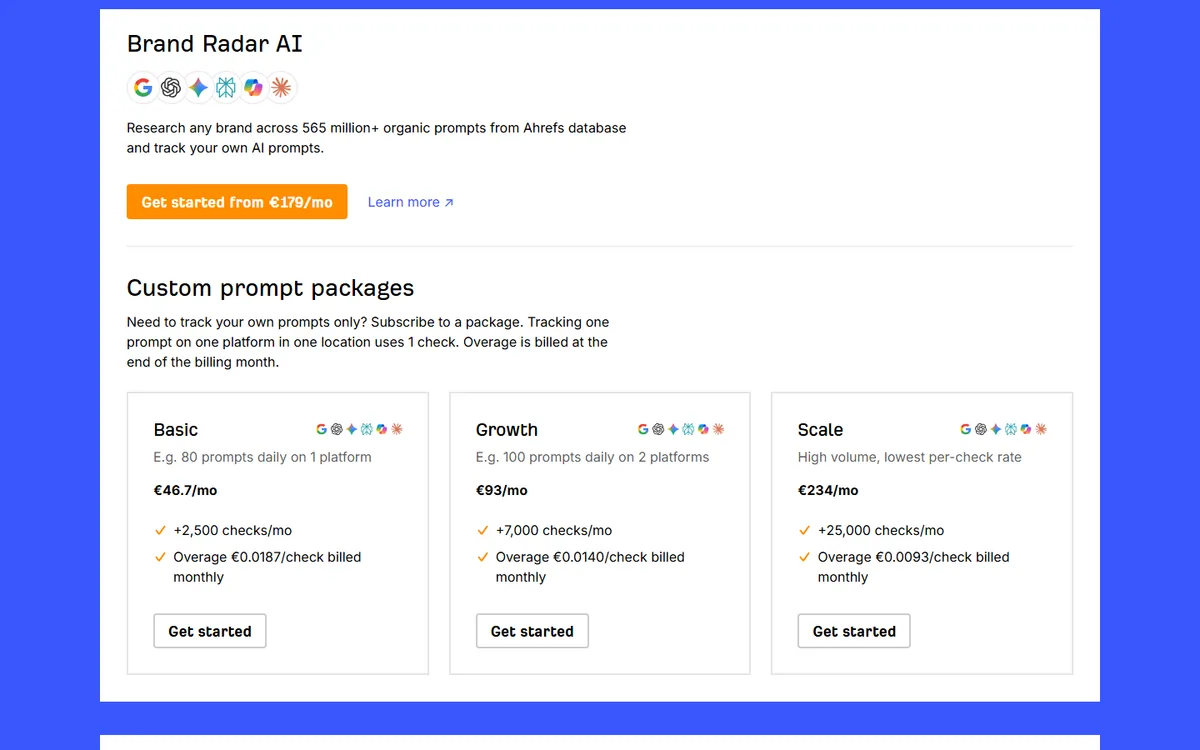
Ahrefs has a free plan with limited access. G2 lists a usage-based Starter plan at $29 and the Lite plan at $129 per month, with Standard, Advanced and Enterprise tiers above that.
Ahrefs Reviews
- G2: 4.5/5 average (from +700 reviews)
- Capterra: 4.7/5 average (from +580 reviews)
HubSpot Marketing Hub
The Best Fit When You Want Campaigns, Contacts and Revenue Reporting in the Same System
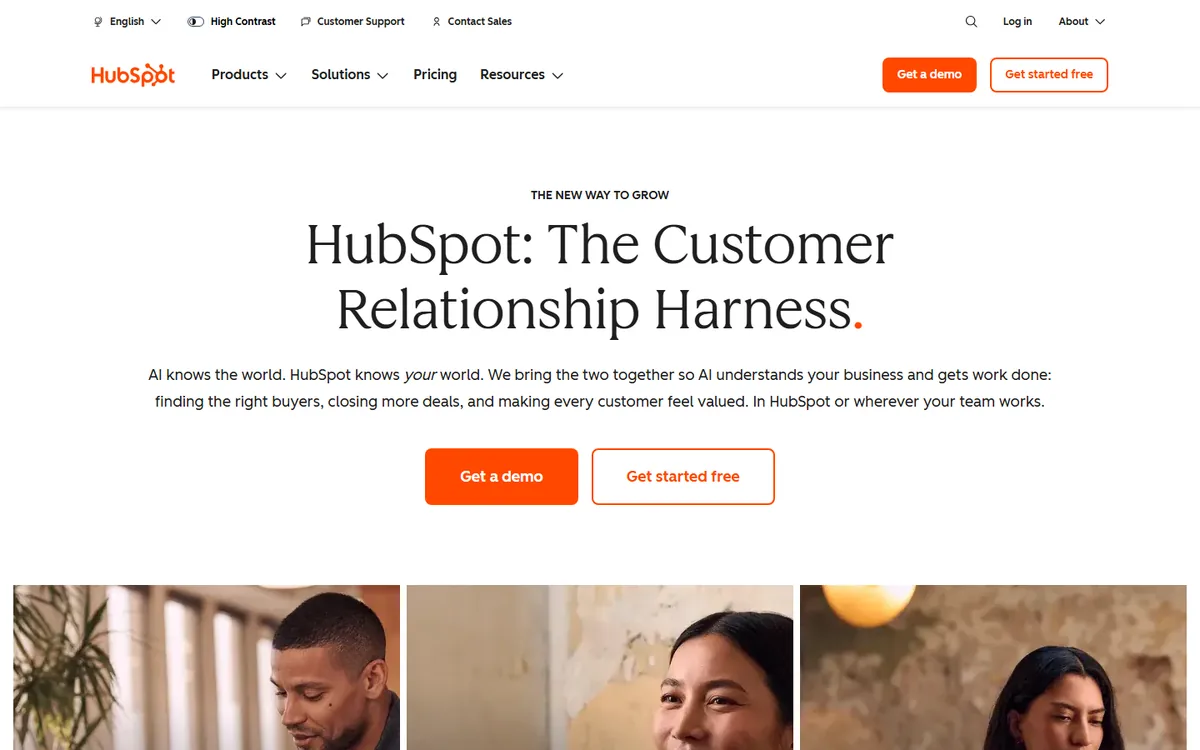
HubSpot Marketing Hub combines email, landing pages, forms, automation, social scheduling and attribution reporting on top of a free CRM.
HubSpot earns its place for companies that want marketing and sales to look at the same contacts. When a lead fills out a form, you see the source, the follow-up and the deal that came from it, which makes it much easier to prove what a channel returns. That reporting is the foundation of the digital marketing strategy roadmap I use with clients, because every quarterly review depends on knowing which channels created pipeline.
The catch is cost. The Starter tier is cheap, but the features most teams want, such as workflows and attribution, sit in Professional, and per-contact pricing grows as your database does. I suggest you map the features you need before you buy, because the jump between tiers is large.
Pros of HubSpot Marketing Hub
- One platform for campaigns, contacts and revenue reporting
- The free CRM is a low-risk starting point
- Training and community resources are extensive
Cons of HubSpot Marketing Hub
- The step from Starter to Professional is expensive
- Costs rise with contact counts and add-ons
HubSpot Marketing Hub Pricing
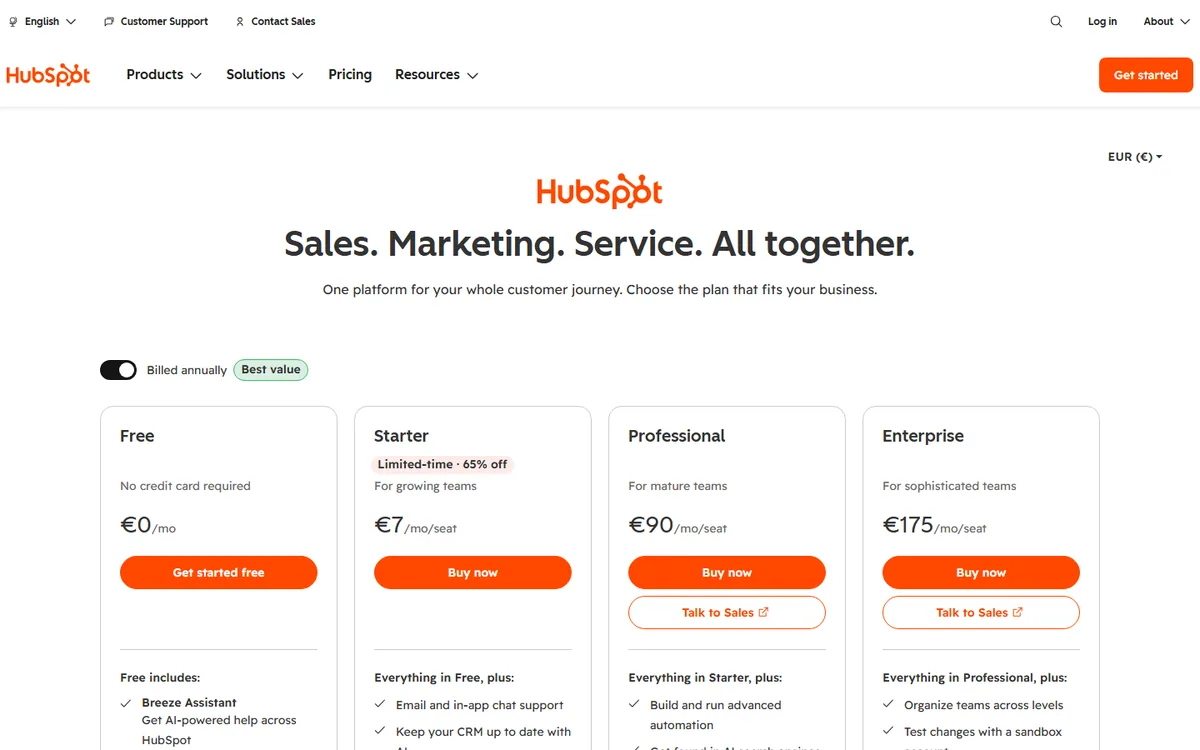
HubSpot offers free tools and a Starter plan from $15 per user per month. G2 lists Professional at $890 per month and Enterprise at $3,600 per month, and Professional usually carries a separate onboarding fee, so confirm the current terms with HubSpot.
HubSpot Marketing Hub Reviews
- G2: 4.4/5 average (from +16,000 reviews)
- Capterra: 4.5/5 average (from +6,200 reviews)
Google Analytics
The Default Source of Truth for Website Traffic and Conversions, and It Costs Nothing
Google Analytics 4 tracks visits, events and conversions across your site and app, and connects to Google Ads and Search Console.
Almost every plan I review depends on Google Analytics, because it is free and sits behind the numbers most teams report. When a channel claims to drive sign-ups, GA4 is where you check it. A clean setup with named conversions and consistent campaign tags turns it into the backbone of a measurement plan, as in my digital marketing strategy checklist.
GA4 has a steeper learning curve than the old version, and the default reports hide detail until you build explorations. Many teams also find the interface unfriendly at first. A few hours spent on tracking setup saves months of arguing about the numbers, and pairing it with Looker Studio makes the data readable for stakeholders.
Pros of Google Analytics
- Free for most businesses, with a large community
- Event-based tracking suits sites and apps
- Connects directly to Google Ads and Search Console
Cons of Google Analytics
- The interface and reports take time to learn
- Bad setup produces numbers nobody trusts
Google Analytics Pricing
Google Analytics is free for standard use. Google Analytics 360 is the paid enterprise version, priced on request.
Google Analytics Reviews
- G2: 4.5/5 average (from +6,800 reviews)
Google Ads
Still the Fastest Way to Reach People Who Are Searching for Your Solution Right Now
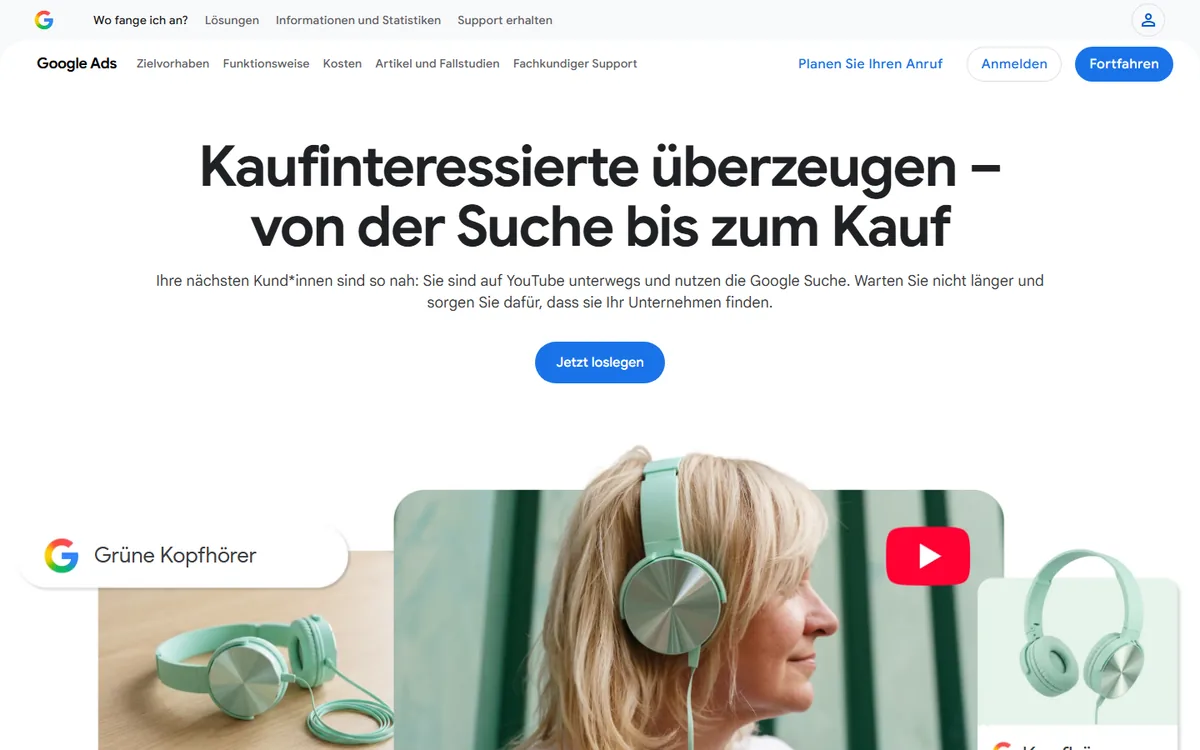
Google Ads runs search, shopping, display, video and Performance Max campaigns, with budgets you set and pay per click or view.
Google Ads is where intent is easiest to buy. Someone typing a problem into search is closer to a decision than someone who scrolled past a post, and you only pay when they click. For a new strategy, a small search test often gives you answers on messaging and cost per lead in weeks, long before organic content matures.
The danger is automation that spends your money for you. Performance Max and broad match can drift toward cheap, low-quality traffic if conversion tracking is weak. Start with tight campaigns, accurate conversion data and a budget you are happy to lose while you learn, and review search terms every week.
Pros of Google Ads
- Reaches buyers at the moment of search intent
- Fast feedback on messages, offers and keywords
- Granular targeting and budget control
Cons of Google Ads
- Competitive keywords get expensive quickly
- Automated campaign types can hide where the money goes
Google Ads Pricing
Google Ads has no subscription fee. You set a budget and pay for clicks or views, so your cost depends on your market and keywords.
Google Ads Reviews
- G2: 4.3/5 average (from +2,000 reviews)
- Capterra: 4.4/5 average (from +1,000 reviews)
Mailchimp
A Friendly Place to Start Email Marketing, Though Larger Teams Often Outgrow It
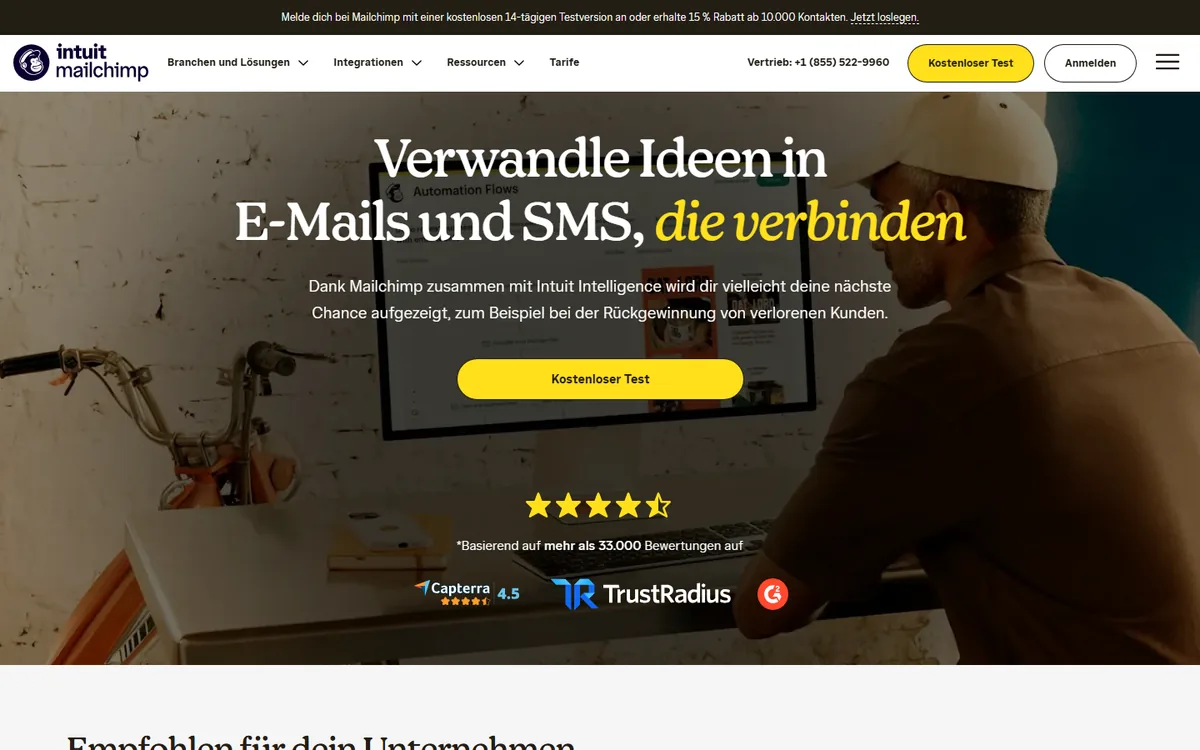
Mailchimp offers email campaigns, landing pages, simple automation, forms and basic reporting in one easy interface.
Mailchimp is the tool I usually see when a team sends its first newsletters. The editor is easy, templates are plentiful and a free plan lets you test the channel before paying. For a company building a list through content and events, that is enough to run a welcome series and a monthly send.
As your lists and journeys grow, you may hit limits in segmentation and automation, and pricing rises with contact counts. At that point teams often move to a platform with stronger behavior-based flows. Keep your list clean and your exports tidy, so a later move is painless.
Pros of Mailchimp
- Simple editor and a wide template library
- A free plan for testing the channel
- Quick setup for welcome and newsletter flows
Cons of Mailchimp
- Advanced segmentation is weaker than specialist tools
- Cost rises as your contact list grows
Mailchimp Pricing
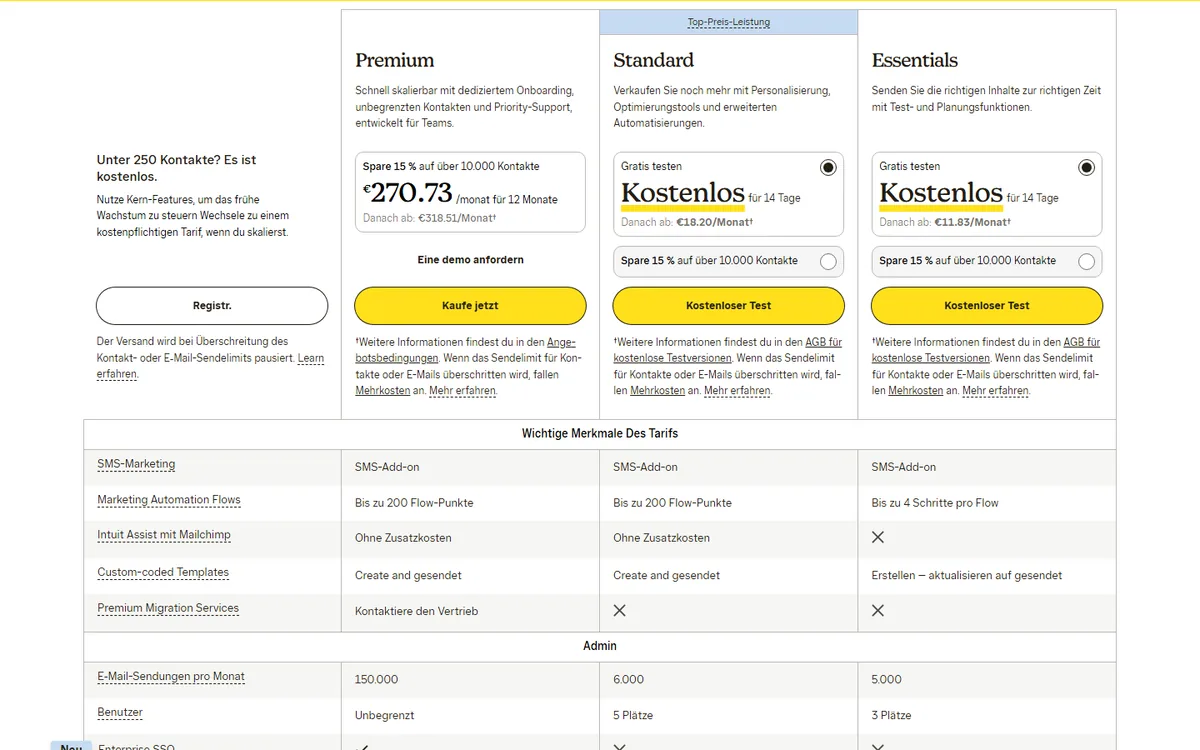
Mailchimp has a free plan. G2 lists Essentials from $13 and Standard from $20, and prices rise with the size of your contact list.
Mailchimp Reviews
- G2: 4.3/5 average (from +13,000 reviews)
- Capterra: 4.5/5 average (from +17,000 reviews)
Klaviyo
The Strongest Choice for Ecommerce Teams That Want Email and SMS Tied to Purchase Data
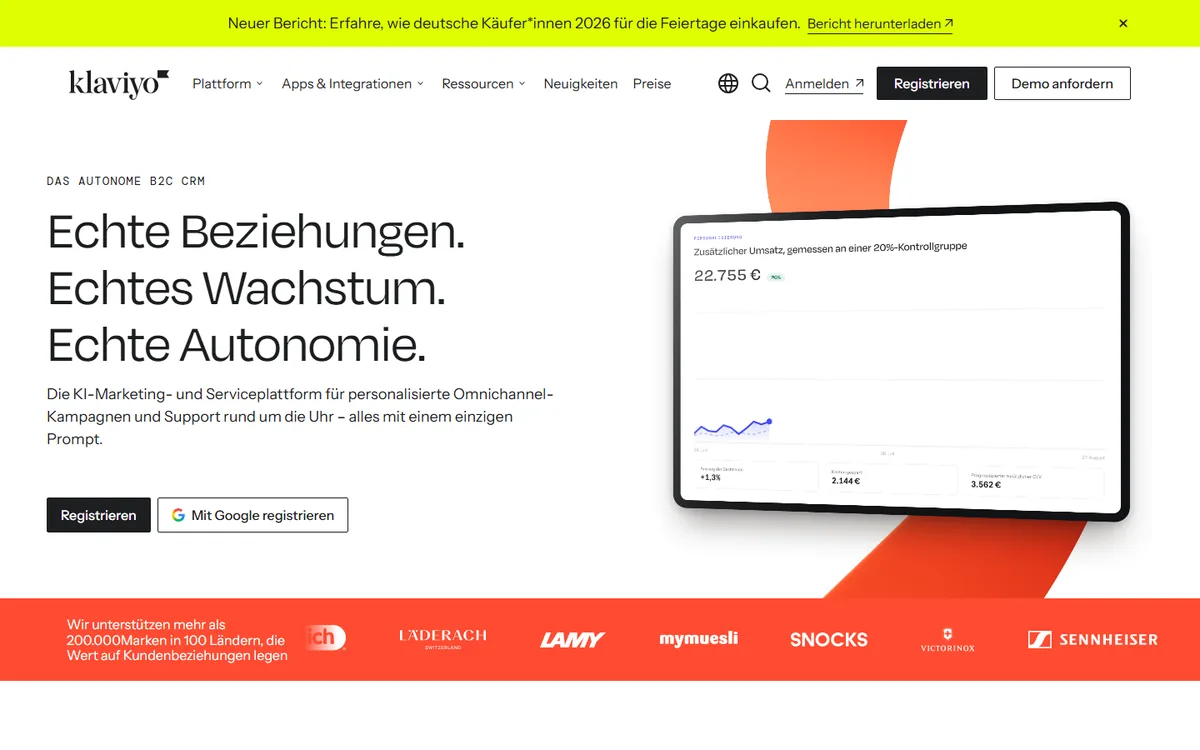
Klaviyo connects to your store, builds segments from browsing and buying behavior and sends email and SMS flows that react to it.
Klaviyo is where I point ecommerce clients once email becomes a serious revenue channel. Because it reads purchase and browsing data from your store, you can send an abandoned cart reminder, a replenishment note or a win-back message to exactly the right people. Those flows often outperform one-off campaigns.
It is built for stores, so B2B and service companies may find it more than they need. Pricing scales with active profiles, which keeps small lists cheap but needs watching as you grow. Plan your flows before you build them, because a messy account is hard to untangle later.
Pros of Klaviyo
- Deep ecommerce integrations and segmentation
- Ready-made flows for carts, welcomes and win-backs
- Email and SMS sit in the same account
Cons of Klaviyo
- Less suited to non-ecommerce businesses
- Costs grow with active profiles and SMS volume
Klaviyo Pricing
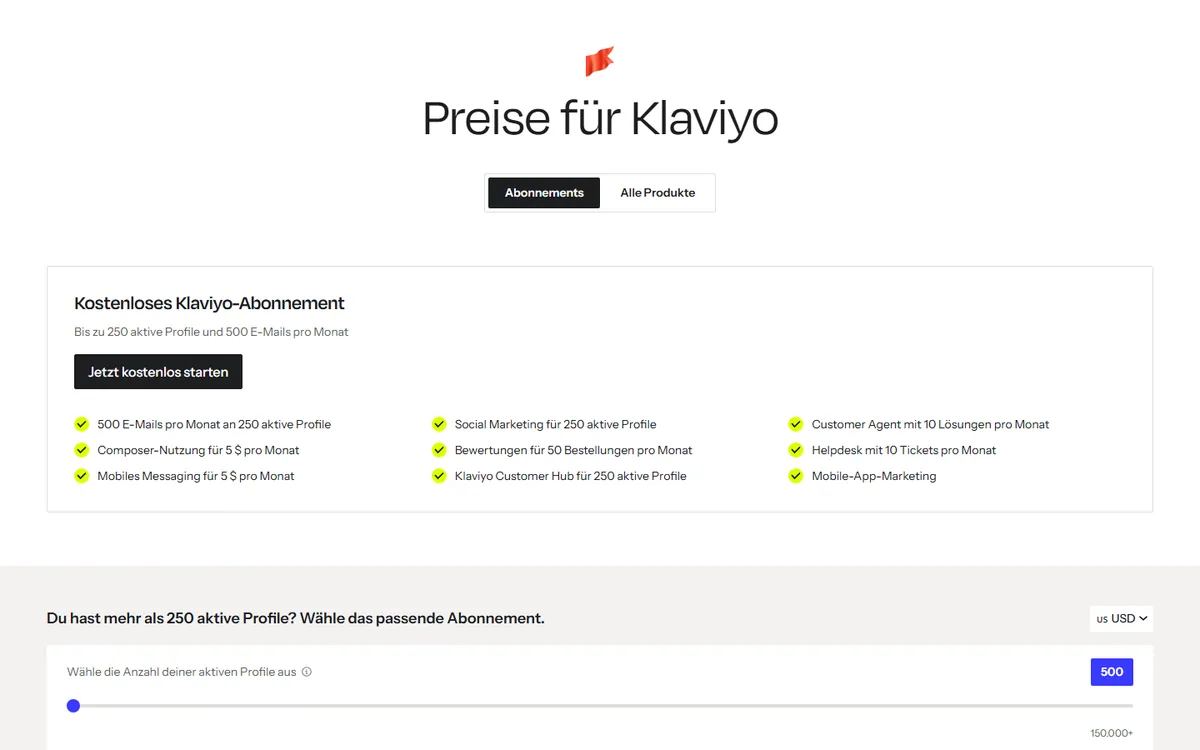
Klaviyo has a free plan for up to 250 active profiles. G2 lists a paid Email plan from $20 per month and Email plus SMS from $35 per month, both priced by usage.
Klaviyo Reviews
- G2: 4.6/5 average (from +1,300 reviews)
- Capterra: 4.6/5 average (from +530 reviews)
ActiveCampaign
A Powerful Automation Builder for Nurturing Leads Without Paying Enterprise Prices
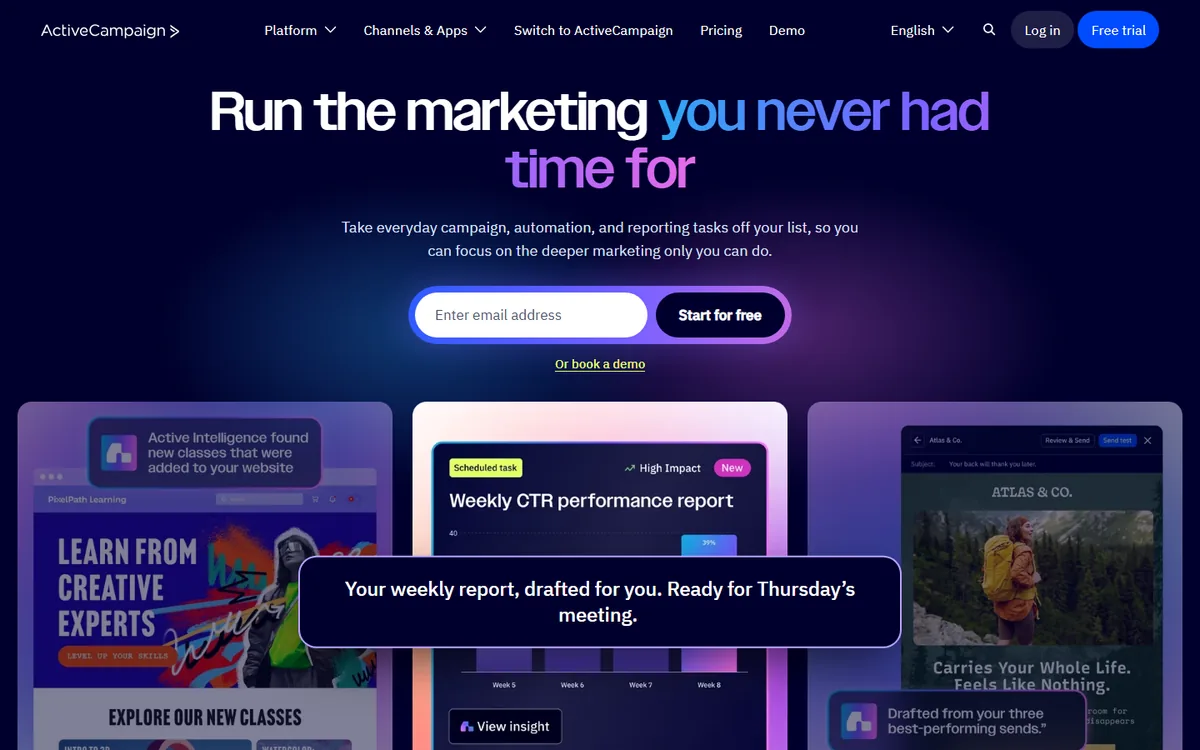
ActiveCampaign combines email, automation, a light CRM, lead scoring and messaging in one platform.
ActiveCampaign suits teams whose marketing is mostly about nurturing leads over weeks or months. You can build journeys that react to what a contact reads, clicks or buys, and score leads so sales sees the warm ones first. For B2B companies with longer decisions, that fills the gap between a form fill and a sales call.
The builder is powerful, and with that comes a learning curve. Complex automations can turn into a maze if nobody documents them, so I suggest you keep a simple map of each journey and its goal. Pricing is tiered by contacts and features, so check which plan holds the automations you really need.
Pros of ActiveCampaign
- A flexible visual automation builder
- Lead scoring and CRM features at a mid-range price
- Good deliverability and reporting
Cons of ActiveCampaign
- Complex automations take time to learn
- Some features sit only in higher tiers
ActiveCampaign Pricing
ActiveCampaign offers a free trial but no free plan. G2 and Capterra list the Starter plan from $15 per month, with higher tiers adding more automation, CRM and reporting features.
ActiveCampaign Reviews
- G2: 4.4/5 average (from +14,800 reviews)
- Capterra: 4.6/5 average (from +2,500 reviews)
Canva
The Quickest Way to Produce On-Brand Social, Ad and Presentation Assets Without a Designer
Canva is a drag-and-drop design platform with templates, a brand kit, scheduling, video tools and AI-assisted editing.
Canva solves a practical problem: content takes too long when every asset needs a designer. With a brand kit holding your colors, fonts and logos, anyone on your team can produce social posts, ad variations and slides that look consistent. That speed matters most when you test many creative ideas on paid channels.
It will not replace a designer for a major campaign or a full identity. Templates are also used by many other brands, so look out for work that feels generic. Keep a small set of locked brand templates, and review output the way you would any outside agency.
Pros of Canva
- Easy enough for anyone on the team to use
- A brand kit keeps assets consistent
- Large libraries of templates, photos and video
Cons of Canva
- Template-based designs can look generic
- Advanced layout control is limited
Canva Pricing
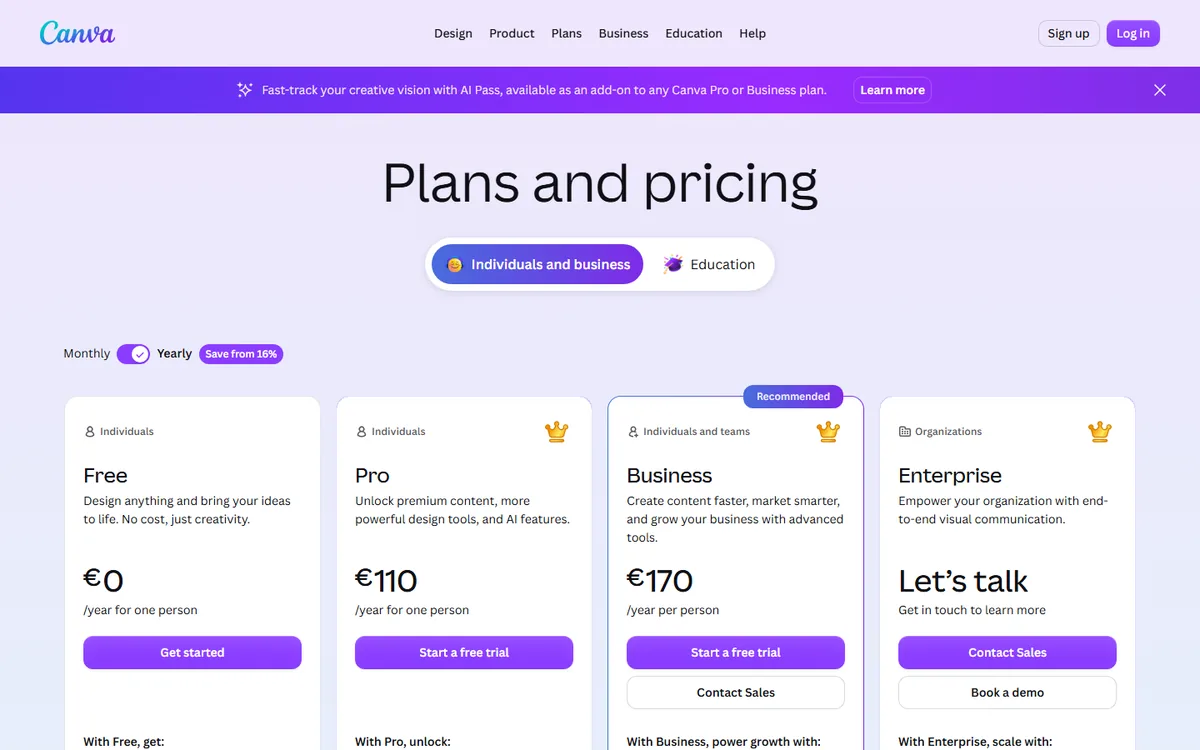
Canva has a free plan. G2 and Capterra list Canva Teams at $10 per user per month and Canva Pro at $15 per user per month.
Canva Reviews
- G2: 4.7/5 average (from +7,800 reviews)
- Capterra: 4.7/5 average (from +13,000 reviews)
Hootsuite
A Mature Social Management Tool for Teams Juggling Several Networks and Approvals
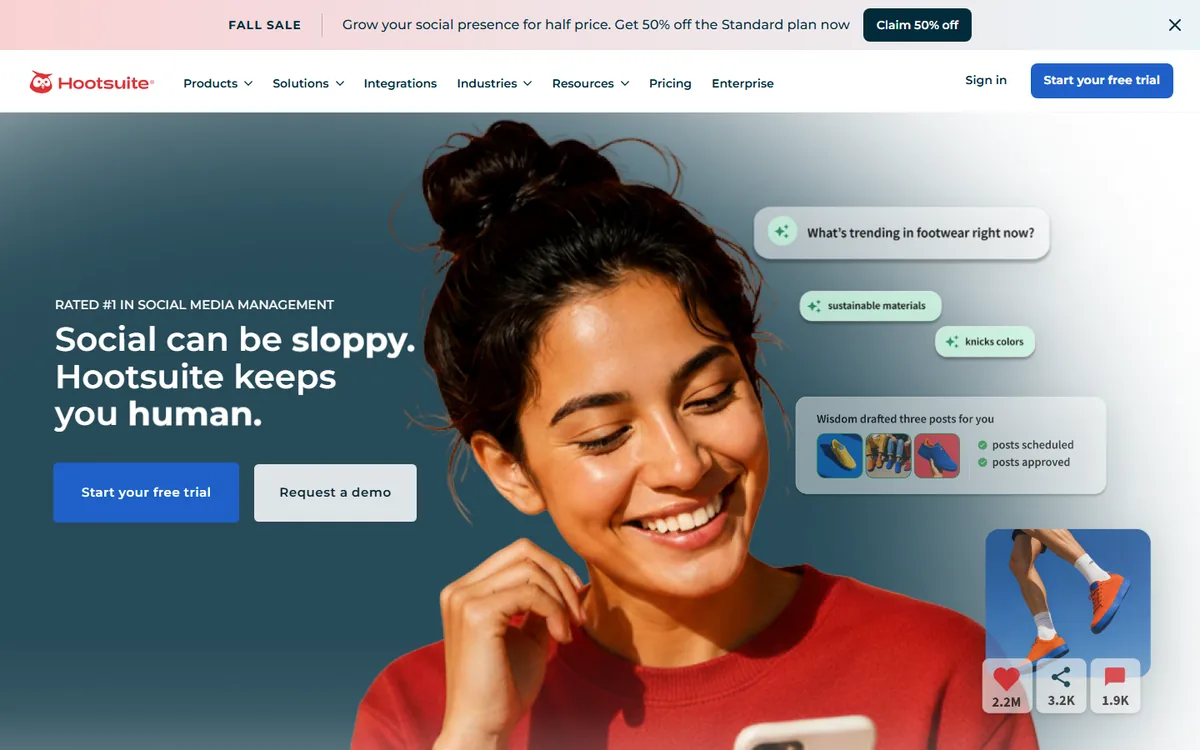
Hootsuite schedules posts, monitors conversations, handles approvals and reports on performance across the major social networks.
Hootsuite is a solid choice when social is run by more than one person. You can plan a month of posts in one calendar, route drafts through approvals and watch mentions and comments in one place. For brands with several accounts, that control matters more than any single feature.
It is not cheap, and the price per seat adds up for bigger teams. The analytics are fine for routine reports, but they do not always go as deep as the platforms' own tools. If your needs are simple, a lighter scheduler may serve you better.
Pros of Hootsuite
- A shared calendar and approval workflows
- Monitoring across networks in one view
- Established integrations and support
Cons of Hootsuite
- Higher price per user than lighter schedulers
- Some analytics are shallow
Hootsuite Pricing
Hootsuite offers a free trial but no free plan. G2 and Capterra list the Standard plan from $99 per user per month, with higher plans for larger teams.
Hootsuite Reviews
- G2: 4.3/5 average (from +7,700 reviews)
- Capterra: 4.4/5 average (from +3,800 reviews)
Sprout Social
A Polished Choice for Brands That Treat Social as a Customer Service and Reporting Channel
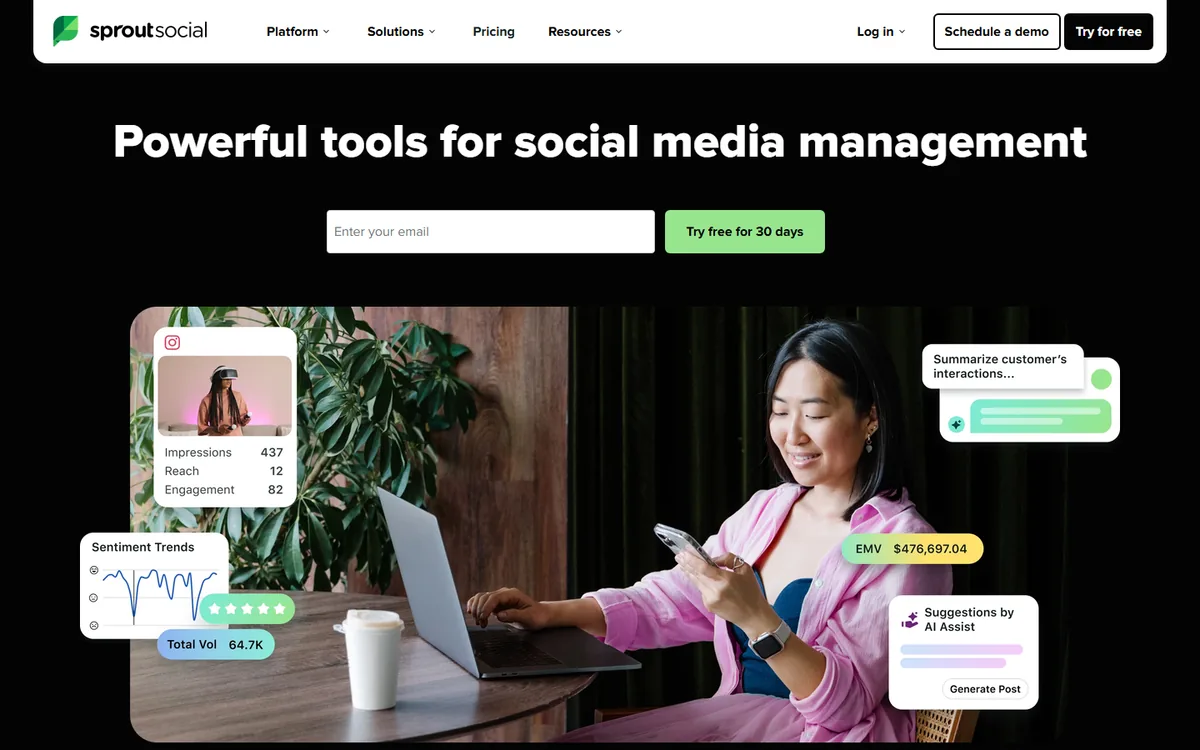
Sprout Social offers publishing, a unified inbox, social listening and polished reporting for teams.
Sprout Social stands out for its inbox and reporting. Messages from several networks arrive in one stream, so replies are faster and nothing gets lost. Its reports are clear enough to share with leadership without much editing, which helps when you need to justify social spend.
That polish has a price. Sprout costs more per seat than most competitors, and listening features sit in higher tiers. If you mainly want to schedule posts, you will pay for tools you do not use.
Pros of Sprout Social
- A unified inbox that keeps replies organized
- Clean, shareable reports
- Listening tools for tracking brand mentions
Cons of Sprout Social
- Among the pricier options per seat
- The best listening features cost extra
Sprout Social Pricing
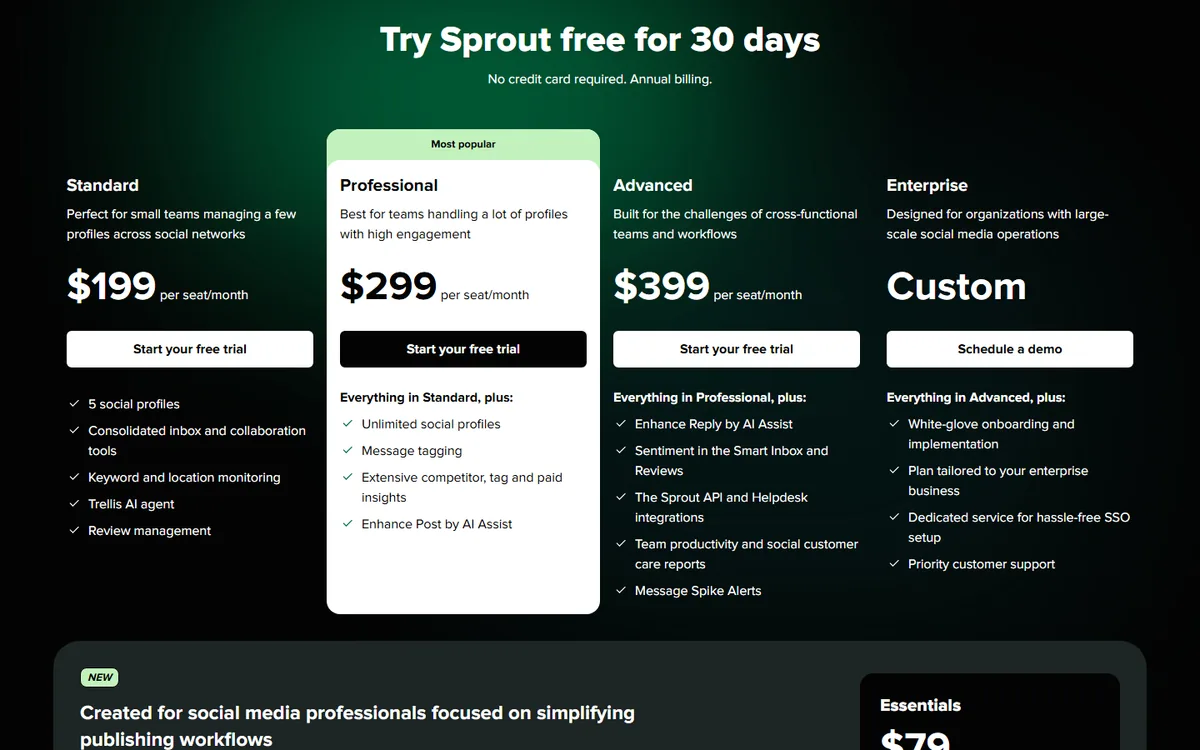
Sprout Social offers a free trial. G2 lists the Standard plan at $79 per user per month, while Capterra shows conflicting figures for the same plan, so check Sprout's pricing page before you plan a budget.
Sprout Social Reviews
- G2: 4.4/5 average (from +7,500 reviews)
- Capterra: 4.4/5 average (from +600 reviews)
Buffer
The Simplest, Lowest-Cost Way to Schedule Posts Without Learning a Complex Platform
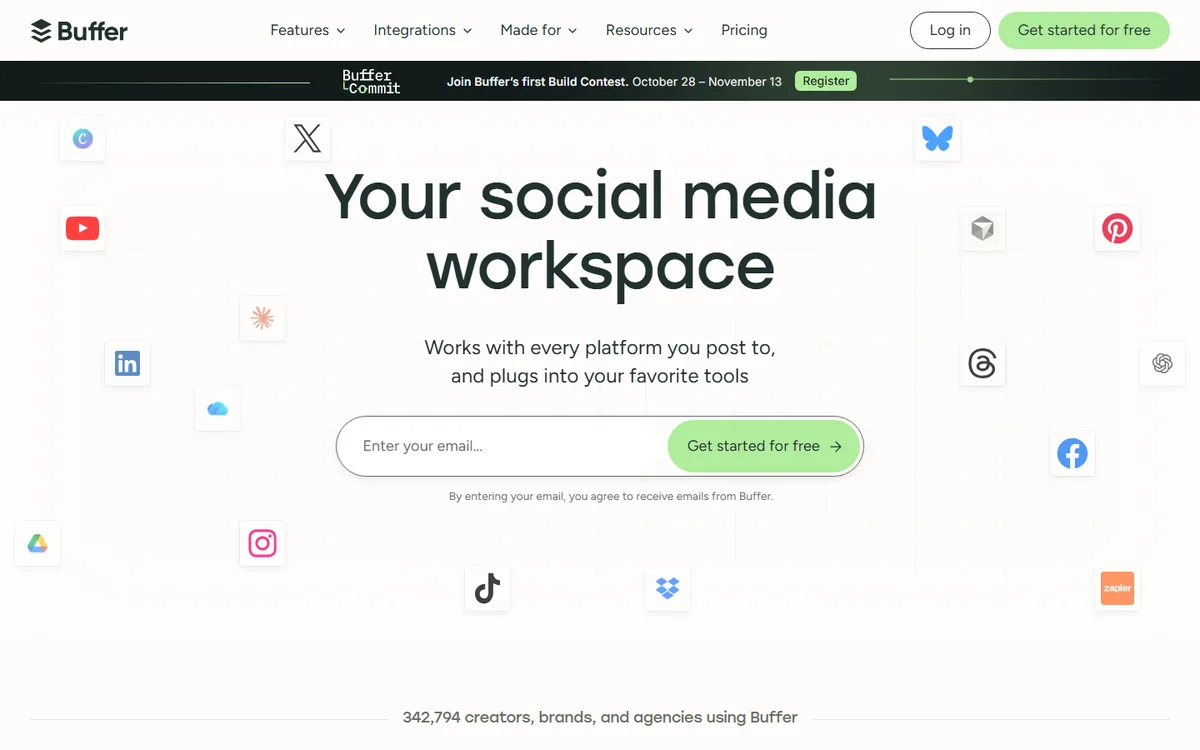
Buffer lets you plan, schedule and publish posts to several social networks, with basic analytics and a content calendar.
Buffer does one job and does it cleanly. You write a post, choose the networks and times, and it goes out. For a small team without social specialists, that is often all you need, and the low entry price makes it easy to approve.
Its simplicity is also its limit. Approval flows, deep listening and detailed reporting are lighter than in Hootsuite or Sprout. If your social program grows into customer care or several brands, plan on moving up.
Pros of Buffer
- Clean, quick interface
- Low entry price and a free plan
- Good fit for small teams
Cons of Buffer
- Lighter analytics and approvals
- Limited listening features
Buffer Pricing
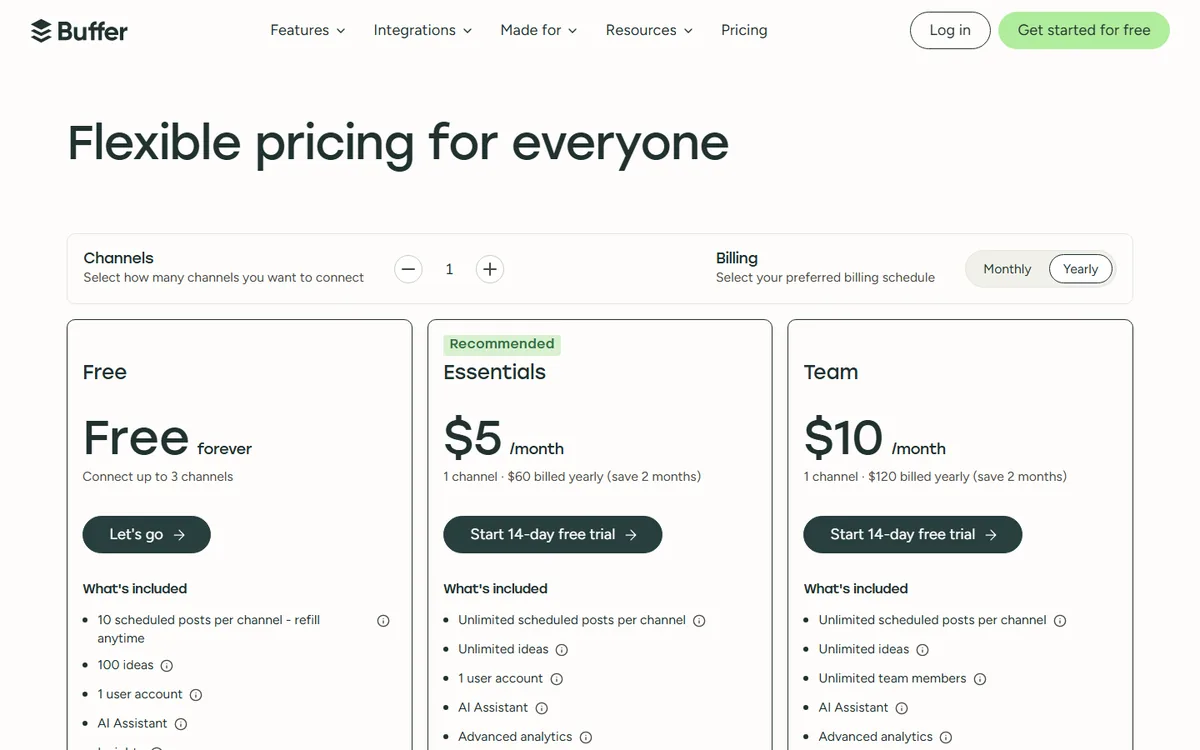
Buffer has a free plan. G2 and Capterra list the Essentials plan from $6 per month, and pricing scales with the number of channels you connect.
Buffer Reviews
- G2: 4.3/5 average (from +1,000 reviews)
- Capterra: 4.5/5 average (from +1,400 reviews)
Hotjar
The Quickest Way to See Where Visitors Get Stuck and Why They Leave
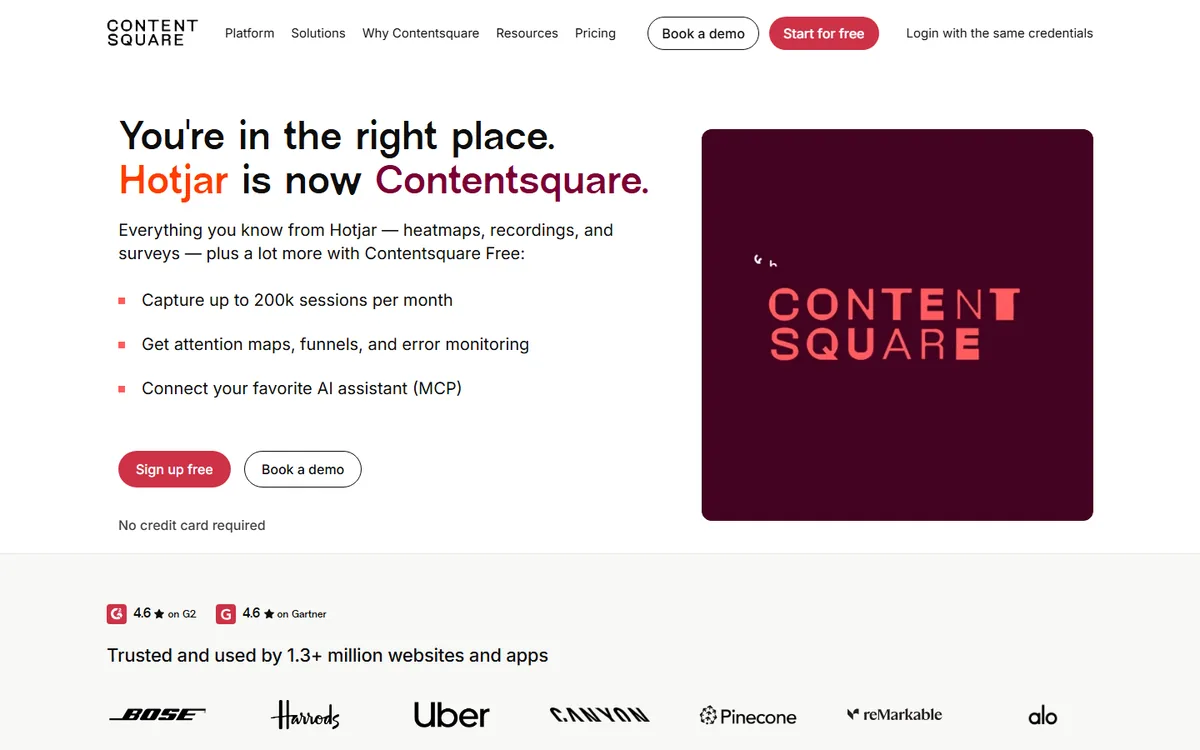
Hotjar offers heatmaps, session recordings, surveys and feedback widgets that show how people use your pages.
Analytics tells you what happened, and Hotjar helps you see why. Watching a handful of session recordings on a pricing page often reveals a button people miss or a form that confuses them. Those findings give your team concrete fixes instead of guesses about conversion.
Behavior tools reward focus. Teams who record everything and review nothing waste the subscription, so choose a few pages, set a question and review them every week. Check privacy settings too, since recordings can capture sensitive information if you do not mask fields.
Pros of Hotjar
- Heatmaps and recordings are easy to read
- Surveys give direct customer language
- A free plan to try it on one site
Cons of Hotjar
- Recording limits fill quickly on busy sites
- Needs privacy settings reviewed carefully
Hotjar Pricing
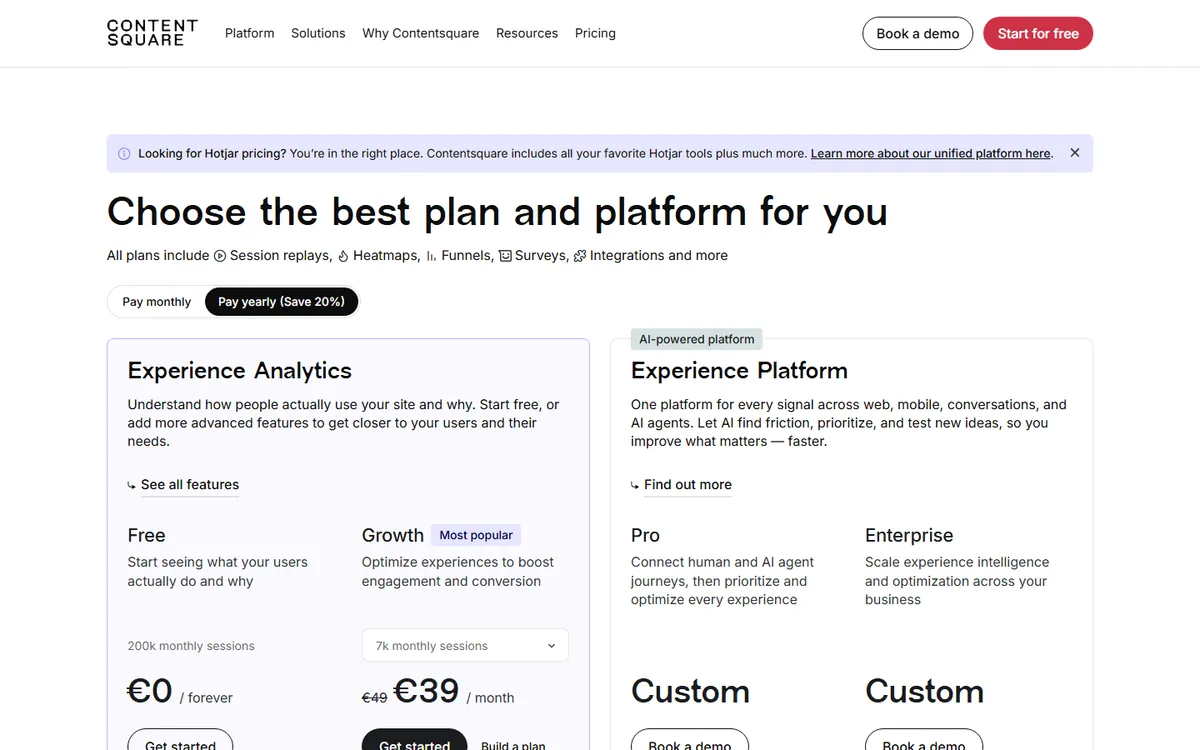
Hotjar has a free plan. G2 and Capterra list the paid Growth plan from $40 per month, with higher tiers for more sessions and features.
Hotjar Reviews
- G2: 4.3/5 average (from +350 reviews)
- Capterra: 4.6/5 average (from +540 reviews)
Moz Pro
A Friendlier SEO Tool for Teams That Want Clear Guidance Over Raw Data
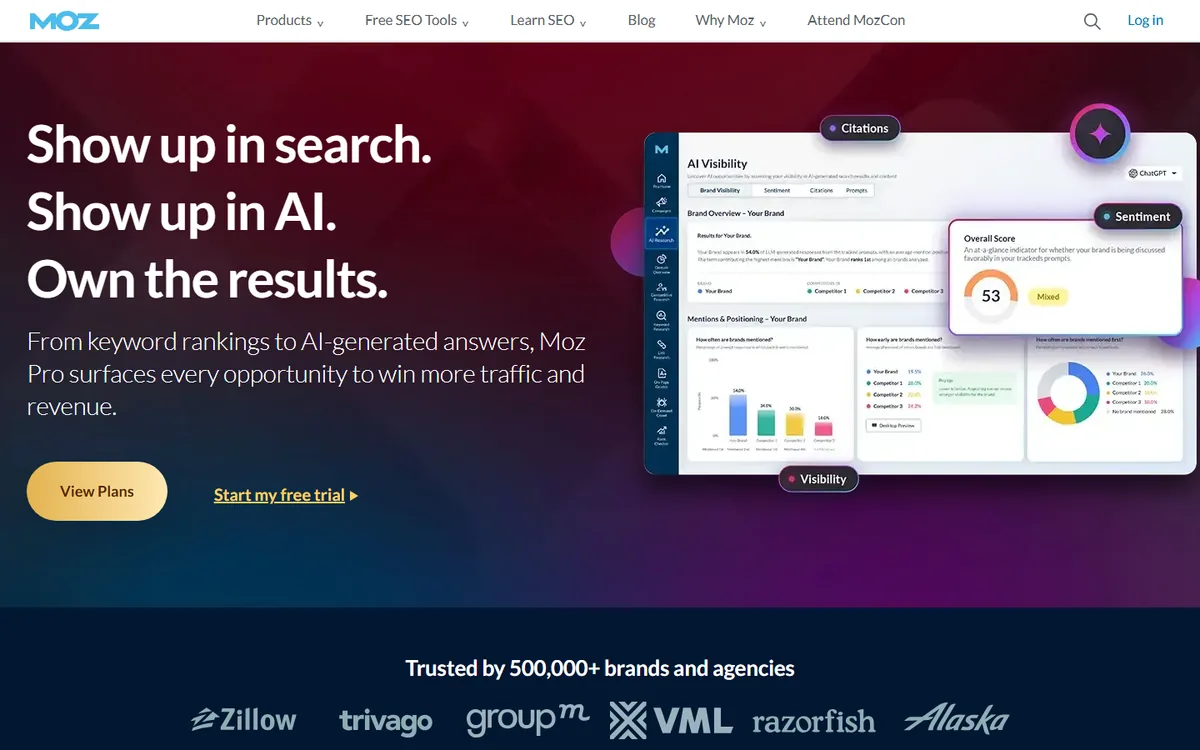
Moz Pro offers keyword research, rank tracking, site crawls, link analysis and page optimization suggestions.
Moz Pro is easier to pick up than the largest SEO suites. Its recommendations are written for people who are not SEO specialists, so a marketing generalist can see what to fix first and why. Rank tracking and site crawls give a steady picture of progress.
Its data sets are smaller than those in Semrush or Ahrefs, which matters if you do heavy competitor or link research. For a small site with a clear list of priorities, though, that depth may not be necessary, and the lower price helps.
Pros of Moz Pro
- Clear, beginner-friendly recommendations
- Solid rank tracking and site crawls
- A lower entry price than the big suites
Cons of Moz Pro
- Smaller data sets than the leading tools
- Fewer features for paid ads and social
Moz Pro Pricing
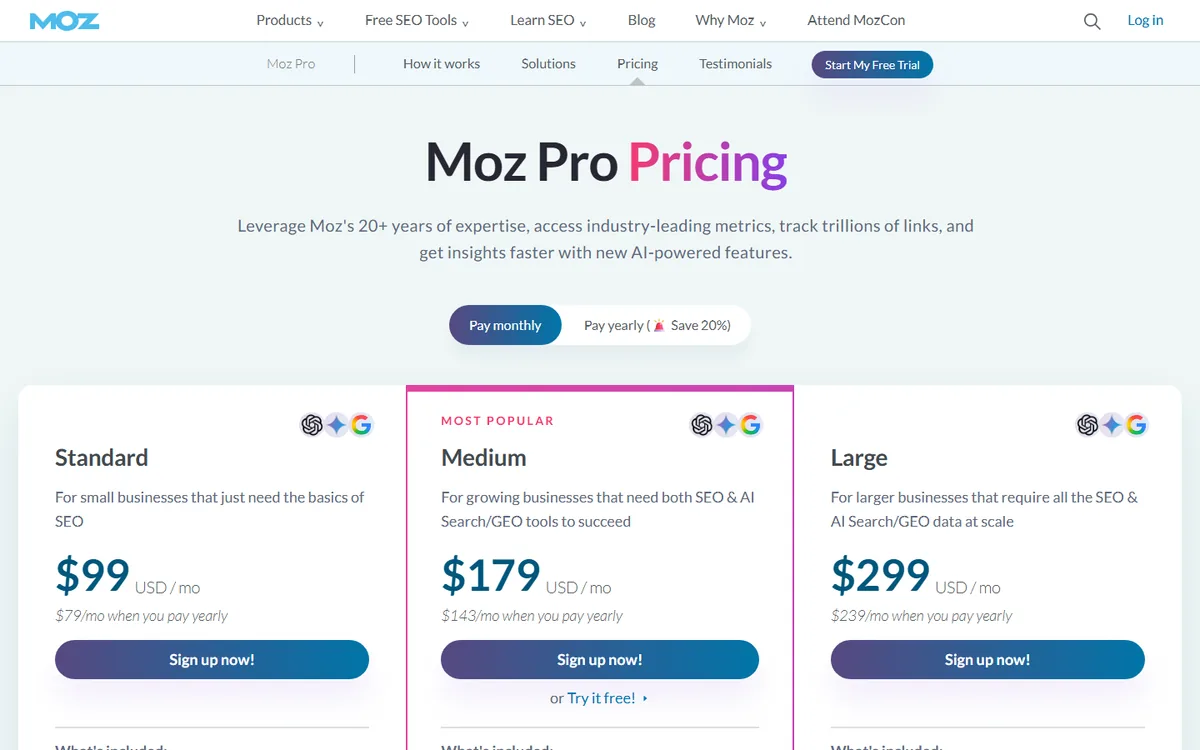
Moz Pro offers a free trial. G2 lists the Starter plan at $49 per month for one user, while the product description mentions $39 per month billed annually, so confirm the current price on Moz.
Moz Pro Reviews
- G2: 4.3/5 average (from +600 reviews)
Looker Studio
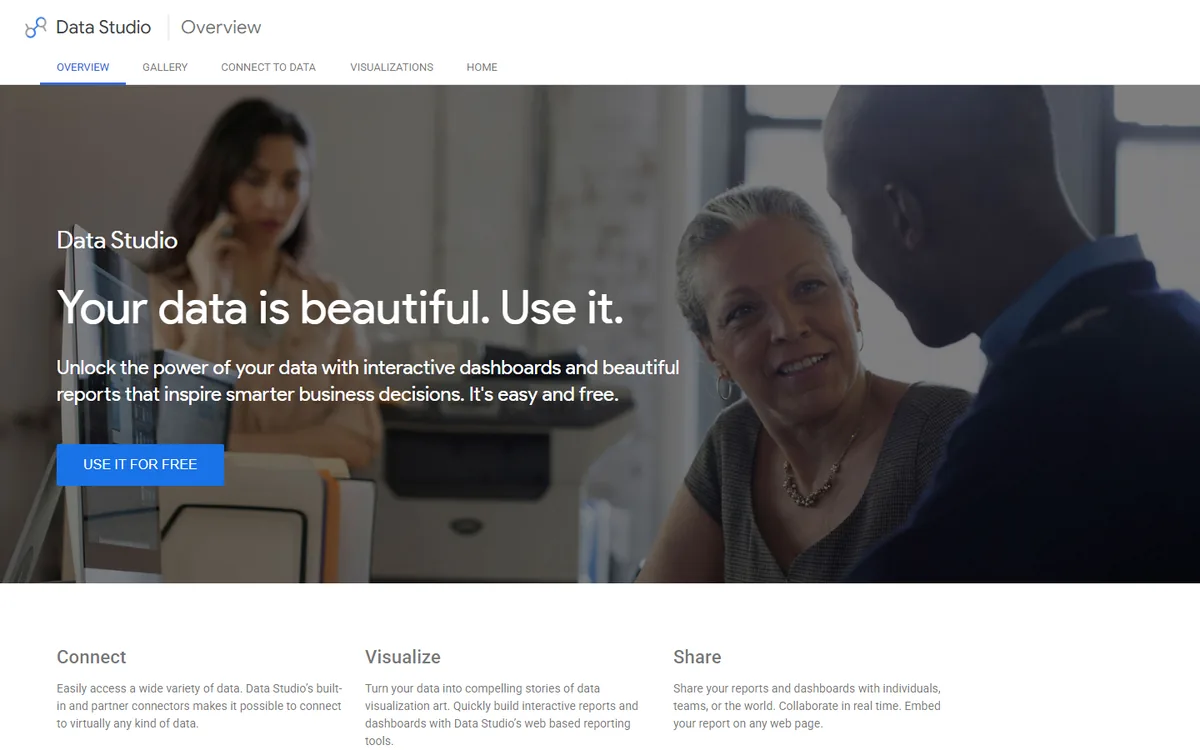
The Easiest Free Way to Turn Scattered Channel Data Into One Readable Dashboard
Looker Studio connects Google Analytics, Google Ads, Search Console, spreadsheets and many other sources into shareable dashboards.
Reporting is where many strategies lose momentum, because nobody wants to assemble a monthly deck by hand. Looker Studio lets you build one dashboard that pulls from analytics, ads and spreadsheets, then share it as a live link. Leaders see the same numbers you do, which shortens review meetings.
Google's own connectors are free, but many third-party sources need paid connectors. Dashboards also slow down when you pull too much data, so keep each page focused on a few decisions. Agree on definitions before you design anything, or you will build a pretty page with disputed numbers.
Pros of Looker Studio
- Free to use with Google data sources
- Easy sharing with stakeholders
- Large library of connectors and templates
Cons of Looker Studio
- Third-party connectors often cost extra
- Large dashboards can load slowly
Looker Studio Pricing
Looker Studio is free to use. Google also sells a paid Looker Studio Pro tier with team management features, so check Google's site for current terms.
Looker Studio Reviews
- G2: 4.4/5 average (from +470 reviews)
Estimate the Return on a Marketing Tool
Before you pick a plan, check whether the numbers work for you. Enter the manual hours the tool would cover and its monthly price, and you will see what it could return in a year.
Will the Tool Pay Off for You?
Use the sliders to enter your workload and the plan you are considering.
How to Choose the Right Digital Marketing Tool
In my experience, fit with your plan decides more than any feature list. Before you compare vendors, I suggest you answer four questions:
- Which channels carry your plan, and what must each one deliver?
- Which data must connect, such as your CRM, ad accounts and analytics?
- Who will use the tool every week, and how much training will they need?
- What will it cost at the contact, seat or traffic volume you expect next year?
If you run an organic-led plan, start with Semrush or Ahrefs. If your pipeline depends on nurturing, look at HubSpot or ActiveCampaign, and if you sell online, Klaviyo is hard to beat. If you want a second opinion on your setup, a short call usually settles it.
Questions About Choosing Digital Marketing Tools
What Is the Best Digital Marketing Tool for a Small Business?
For most small businesses, I recommend starting with free or low-cost tools: Google Analytics for measurement, Canva for content, Mailchimp or Buffer for email and social, and one SEO tool such as Moz Pro or Semrush once search matters. Add paid tools only when a channel is working and you need more speed or data.
Do I Need an All-in-One Platform or Separate Tools?
It depends on your team. An all-in-one platform such as HubSpot Marketing Hub keeps data in one place and makes reporting simpler, but costs more. Separate tools let you pick the best option for each channel, but you must connect the data yourself. I suggest you decide how you will measure results before you choose.
Which Tool Is Best for SEO?
Semrush and Ahrefs are the two I see most often. Semrush covers more ground, including paid search and content, while Ahrefs is stronger on backlinks and competitor analysis. Moz Pro is a lighter option for smaller teams, and Google Search Console, which is free, should sit beside any of them.
Which Tool Is Best for Social Media Management?
Hootsuite and Sprout Social suit teams with several people, approvals and reporting needs. Buffer is simpler and cheaper for small teams. Pick based on how many networks you manage, who approves posts and whether you need a shared inbox or listening.
Are Free Marketing Tools Good Enough to Start?
For a first stage, yes. Google Analytics, Looker Studio, free plans from Mailchimp, Buffer and Hotjar, and Canva's free plan cover measurement, email, scheduling, behavior and design. Move to paid plans once you hit limits, such as contact counts, recordings or team seats.
How Many Marketing Tools Should a Team Use?
As few as you can manage. Most small teams do well with one tool each for analytics, email, social and design, plus one for SEO. Every extra tool adds cost, training and data to reconcile, so add one only when it removes a clear bottleneck.
Should Tools Come Before or After Strategy?
After. A strategy tells you which channels matter, what you must measure and how much each is worth, and the tools follow from that. Buying software first usually leads to unused licenses. If you want help with the order, a short call can settle it.
Heads up: vendors change prices, plans and ratings often. Everything was checked at the last update date, but confirm on each vendor’s website first. This article is not legal or financial advice.
Was this article helpful?
Thank you for letting us know.
Russell Tennant
Russell leads the Brook editorial team and works with our consultants to turn real client engagements into practical guides on roadmaps, go-to-market planning, growth and competitive strategy. Before joining Brook, he spent 11 years in strategy and product marketing roles at software and financial services companies. He has since edited more than 300 articles on strategy practice and drawn on roadmaps and growth plans from over 100 client projects. He is based in Denver, Colorado.