Key Takeaways
- Dedicated strategy platforms like Cascade and WorkBoard link company goals to team work, and they pay off once several teams share one plan.
- Free and low-cost tools such as Miro, Notion and Perdoo's free plan are enough to start, as long as someone owns the review rhythm.
- Project tools like monday.com, Asana and Smartsheet fit best when execution matters more than strategy modeling.
- Pick the tool after you settle your planning cadence and owners, then test it with one real quarterly review.
The Best Corporate Strategy Tools at a Glance
| Tool | Type | Best for |
|---|---|---|
| 1. Cascade | Strategy execution platform | Mid-sized companies linking strategy to team plans |
| 2. Perdoo | OKR and strategy platform | Teams that run strategy through objectives and key results |
| 3. Miro | Visual collaboration whiteboard | Workshops, strategy mapping and offsites |
| 4. Notion | Docs and database workspace | Small leadership teams that want one flexible strategy hub |
| 5. monday.com | Work management platform | Teams that need execution tracking for strategic initiatives |
| 6. Asana | Work management platform | Cross-team projects tied to company goals |
| 7. Smartsheet | Spreadsheet-style work management | Finance-minded teams that plan in grids and portfolios |
| 8. Lucidchart | Diagramming tool | Org charts, value chains and strategy diagrams |
| 9. ClearPoint Strategy | Strategy scorecard software | Balanced scorecards and board-ready strategy reports |
| 10. WorkBoard | Enterprise strategy execution platform | Large organizations that run OKRs and reviews at scale |
The 10 Best Corporate Strategy Tools, Ranked
I rank the tools that fit most leadership teams first and move toward specialist or heavier platforms later. A tool never fixes a vague plan, so settle the basics with a corporate strategy consulting partner or a one-page framework before you buy. My notes on corporate strategy frameworks cover that groundwork, and the habits that keep a plan alive are in my list of corporate strategy best practices.
Cascade
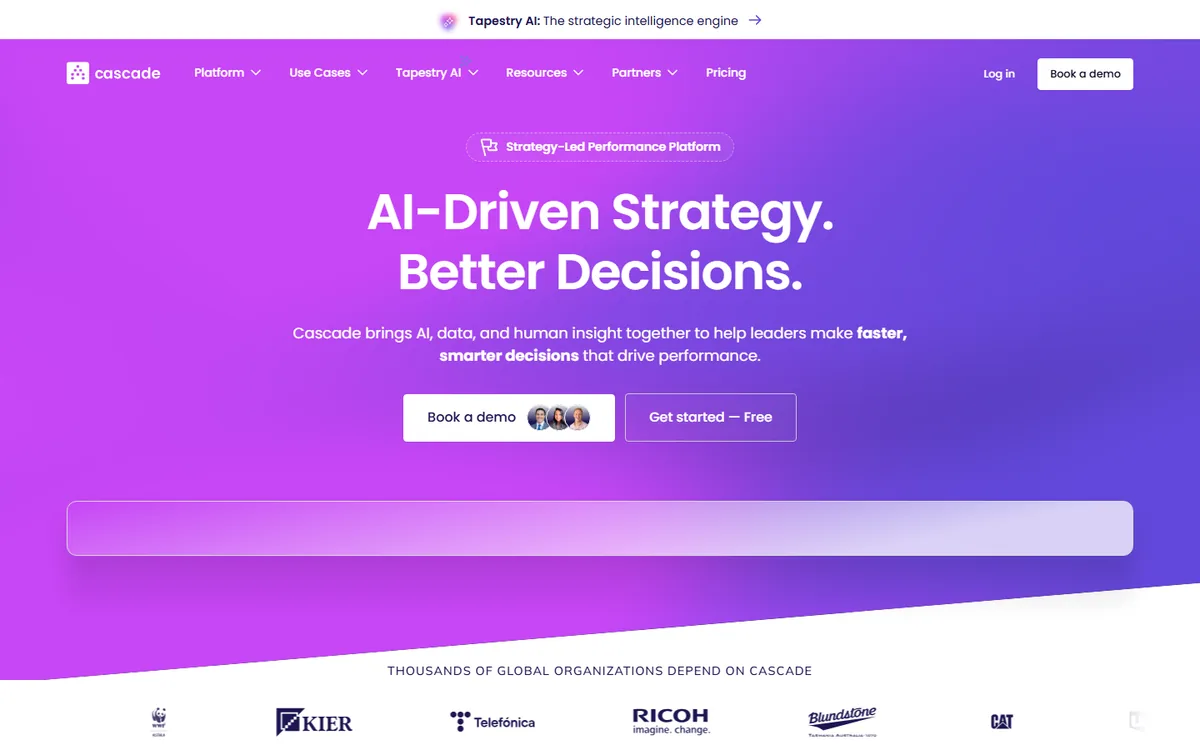
The Most Complete Pick for Turning a Strategic Plan into Tracked Work Across Teams
Cascade is a dedicated platform for building a strategic plan, cascading objectives down to teams and reporting progress in one place.
Cascade is the tool I point to first when a leadership team already has a plan and the problem is follow-through. You set the vision, priorities and objectives, then link each team's initiatives and measures to them, so every project shows which strategic goal it serves. Dashboards and reports pull progress from those links.
In my client work, the useful part is the structure it forces. You cannot add an initiative without saying what it supports, which exposes the pet projects fast. The cost is setup time: someone has to design the plan hierarchy and keep owners updating, or the tool turns into another stale document.
Pros of Cascade
- Every initiative links back to a strategic objective
- Reports for the board come straight from the plan data
- A free plan lets you test the structure before paying
Cons of Cascade
- Setup needs a clear owner and a defined plan hierarchy
- Paid pricing is not published, so you need a sales conversation
Cascade Pricing
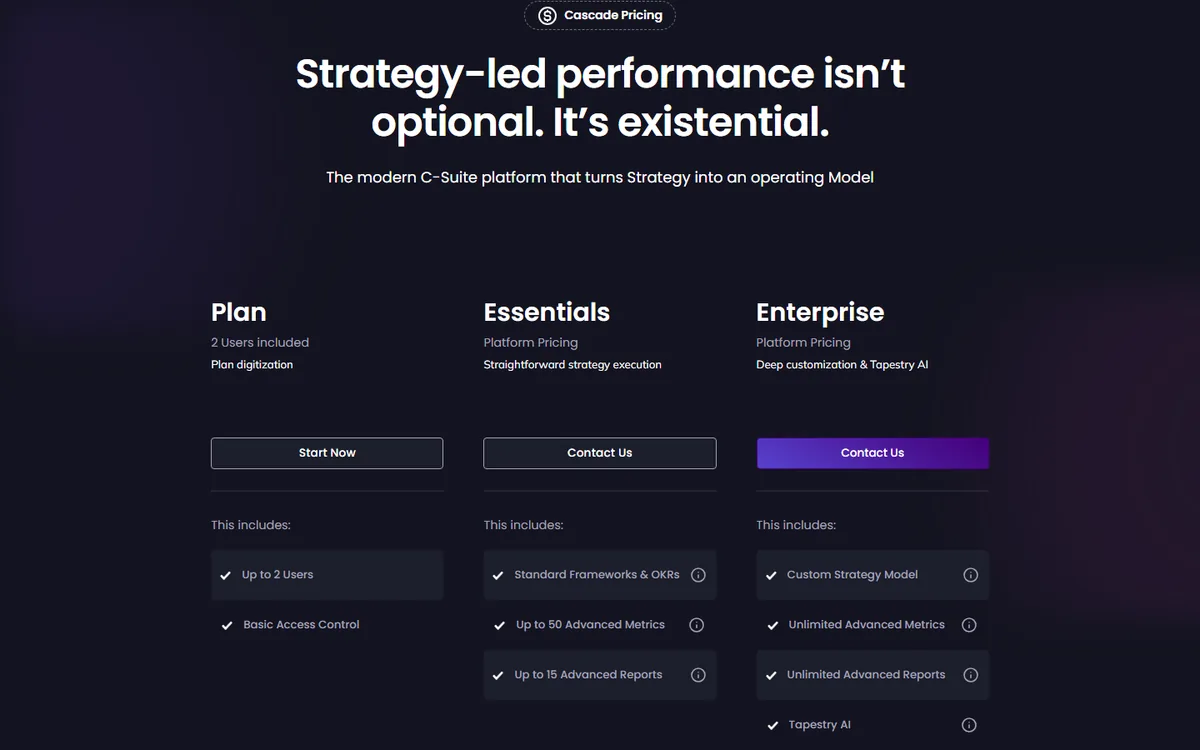
Cascade lists a free plan on G2, and the paid Essentials plan is quote-based. Capterra shows pricing as contact vendor, so budget for a call before you compare it with self-serve tools.
Cascade Reviews
- G2: 4.8/5 average (from +260 reviews)
- Capterra: 4.9/5 average (from +26 reviews)
Perdoo
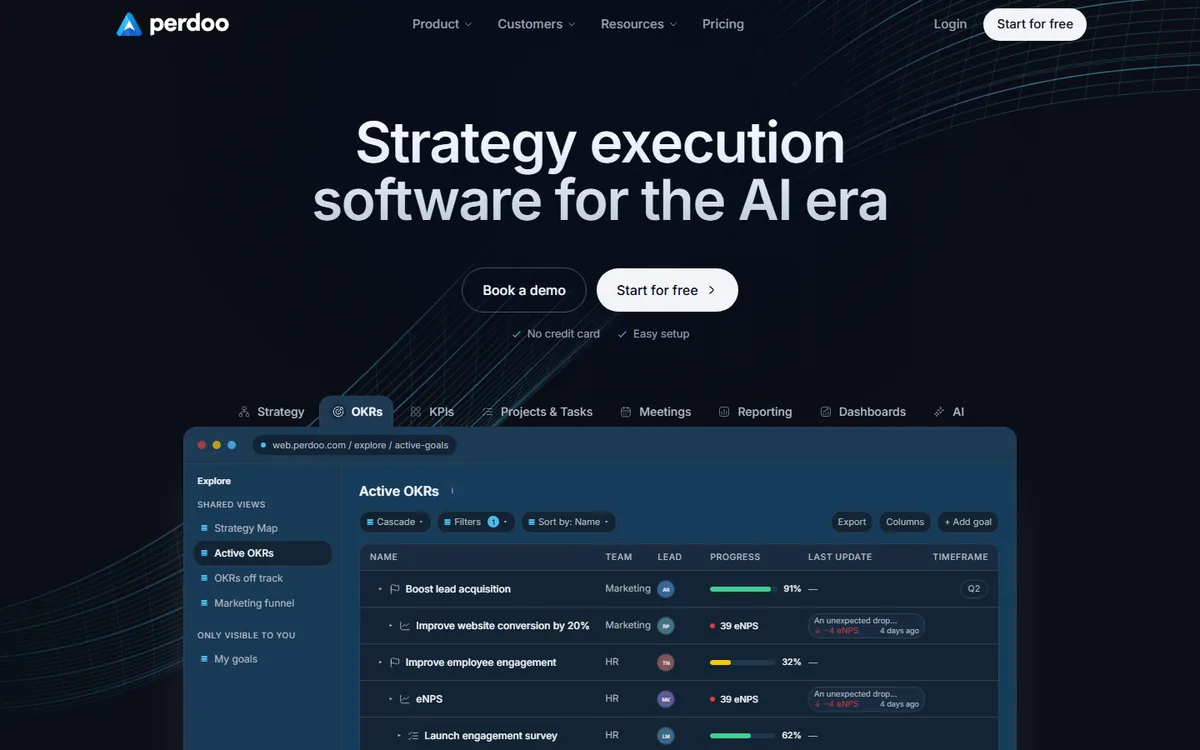
A Clean, Affordable Way to Run Company Strategy Through OKRs
Perdoo combines OKRs, KPIs and strategy maps so each team's goals visibly roll up into company priorities.
Perdoo suits companies that already think in objectives and key results. You build a strategy map, set company-level objectives and let teams attach their own, with check-ins that prompt owners to update progress every week or month.
I like that it stays light. A leadership team can run a quarterly review straight from the objectives view without a long preparation week. Where it struggles is depth: if you need scenario modeling, budgets tied to initiatives or detailed project plans, you will pair it with other tools.
Pros of Perdoo
- Strategy maps show how team goals support company goals
- Check-in reminders keep progress data current
- A free plan and low per-user prices
Cons of Perdoo
- Limited project management and financial modeling
- Works best if your team already commits to OKRs
Perdoo Pricing
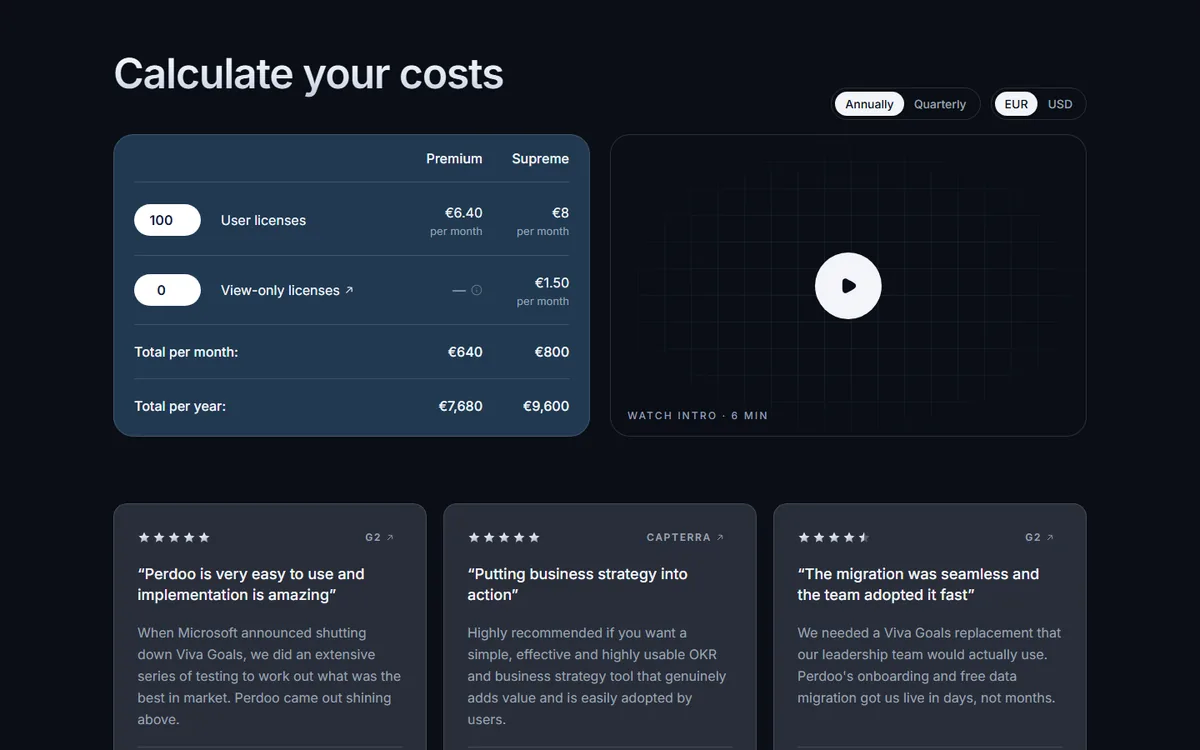
Perdoo has a free plan. G2 lists the Premium plan at €6.40 per user per month and the Supreme plan at €8.00 per user per month, with enterprise options on request.
Perdoo Reviews
- G2: 4.4/5 average (from +550 reviews)
Miro
The Best Free Place to Run Strategy Workshops and Map Ideas Before They Become a Plan
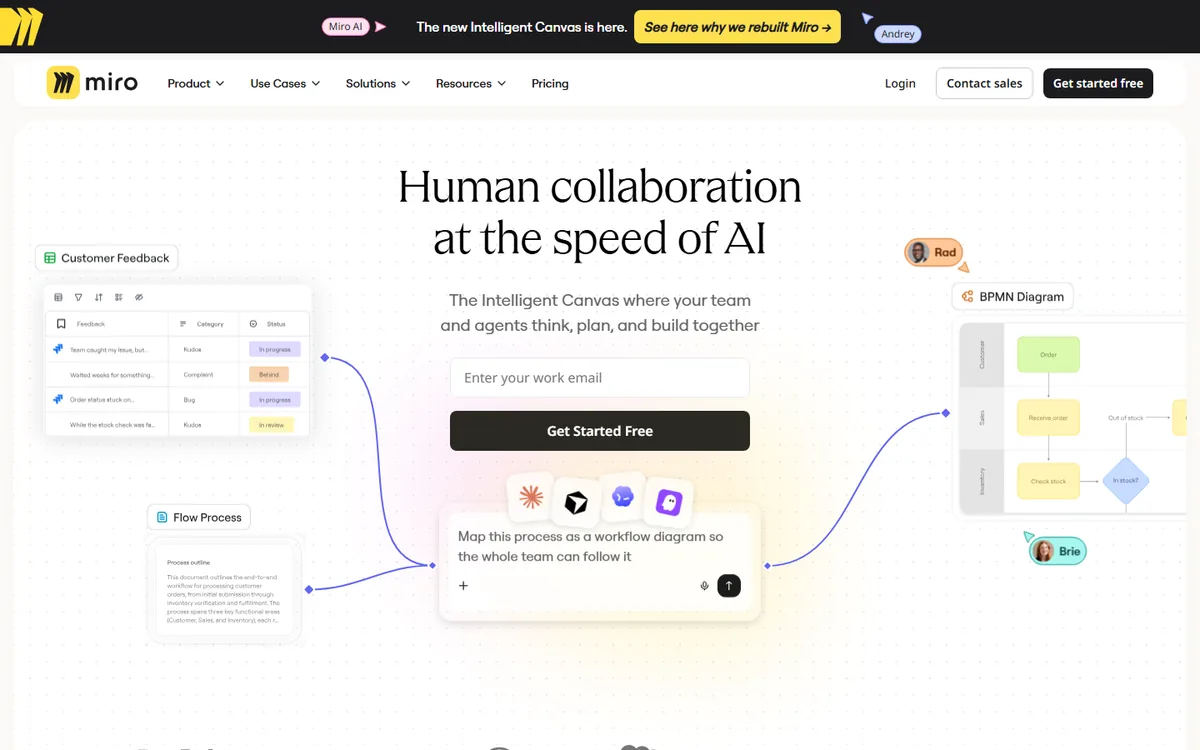
Miro is an online whiteboard with templates for SWOT, strategy canvases, roadmaps and stakeholder maps that large groups can edit together.
Miro is where I run most strategy offsites. A leadership team can fill a SWOT, a strategy canvas or a roadmap together, in the same room or across time zones, and the board stays as a record of how the decision was reached.
It is a thinking tool, not a tracking tool. Once you leave the workshop, progress, owners and reporting need to live somewhere else. Teams that try to run a whole planning cycle on a board end up with beautiful frames and no follow-up.
Pros of Miro
- Strong template library for common strategy frameworks
- Easy for non-technical leaders to join and edit
- A free plan covers a small number of boards
Cons of Miro
- No built-in progress tracking against goals
- Large boards get hard to navigate over time
Miro Pricing
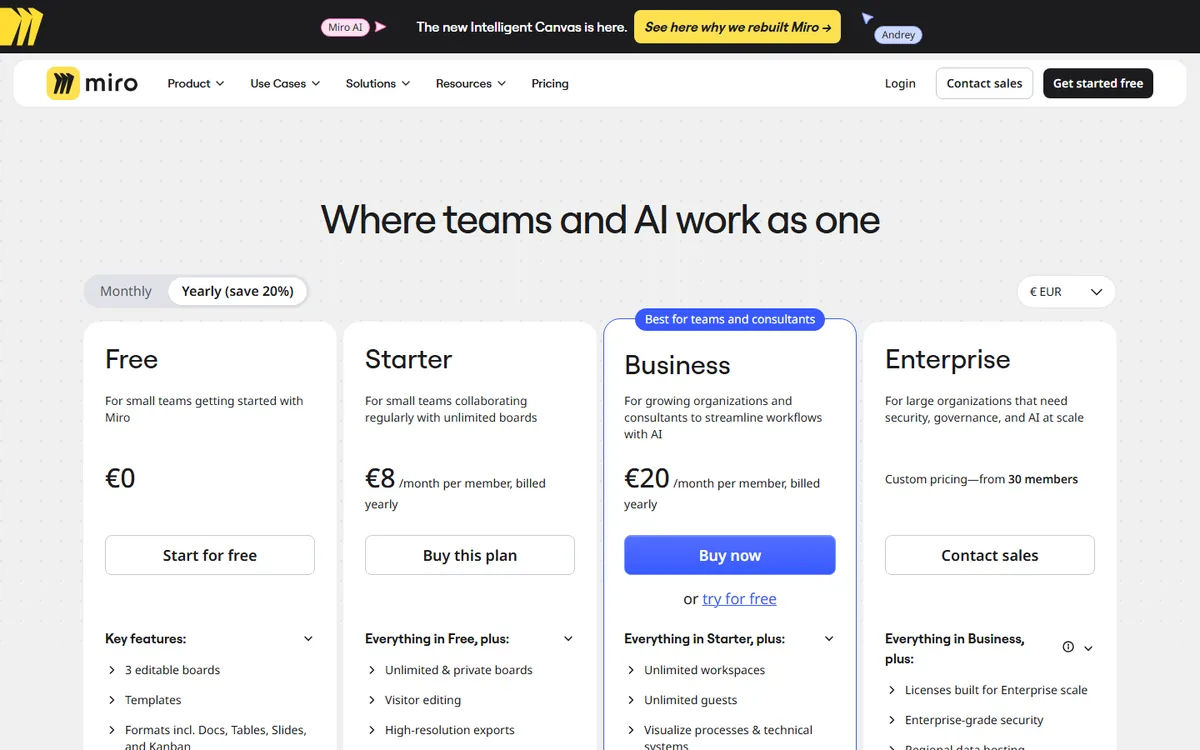
Miro has a free plan with a limited number of editable boards. G2 lists the Starter plan at $10 per user per month and Business at $20 per user per month.
Miro Reviews
- G2: 4.6/5 average (from +13,000 reviews)
Notion
A Flexible Home for Your Strategy Document, Priorities and Meeting Notes If You Enjoy Building Your Own System
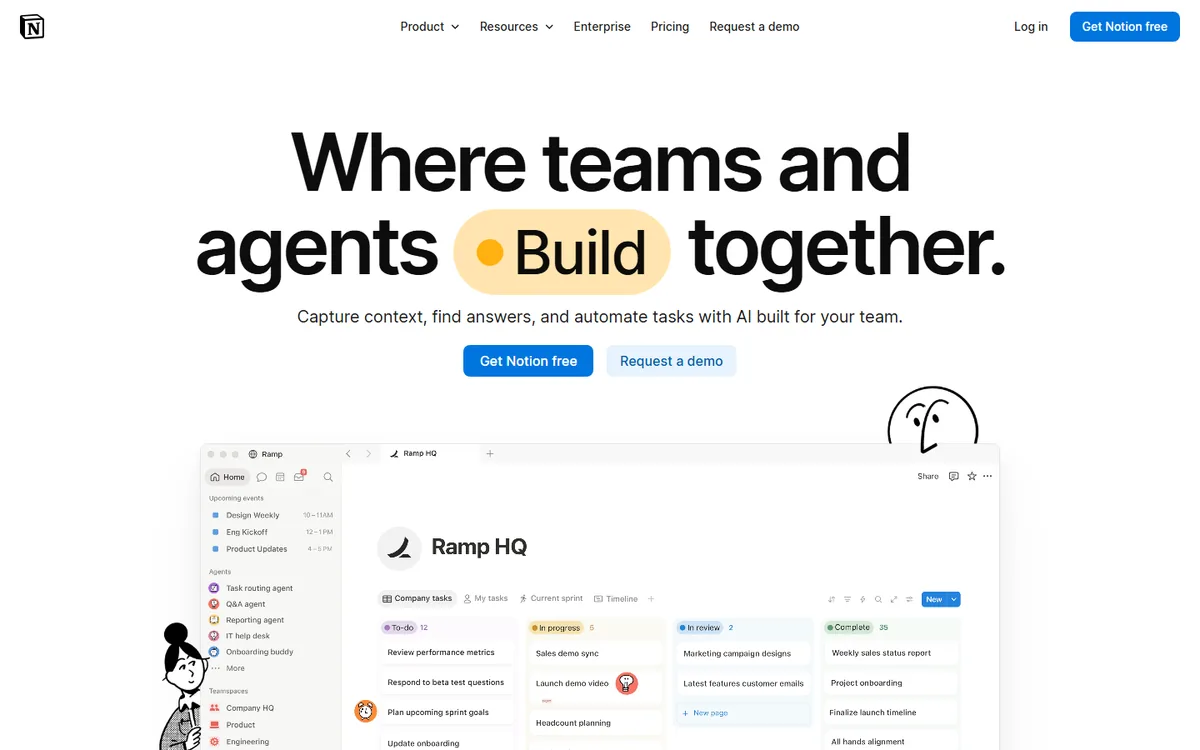
Notion mixes documents with databases, so you can keep the strategy narrative, quarterly priorities and review notes linked in one workspace.
Notion works well when the whole leadership team is under twenty people and wants one place for the strategy page, the priority list and the quarterly review notes. A database of initiatives with owners, status and a link to the strategic theme takes an afternoon to build.
The freedom is the trap. Nobody enforces a structure, so I see Notion strategy hubs drift within two quarters unless one person owns the template and the review calendar. It also lacks native roll-ups of progress across goals, so you build those views yourself.
Pros of Notion
- Strategy text and tracking databases live side by side
- Free plan is generous for small teams
- Easy to reshape as your planning process changes
Cons of Notion
- No enforced structure, so hubs drift without an owner
- Goal progress roll-ups need manual setup
Notion Pricing
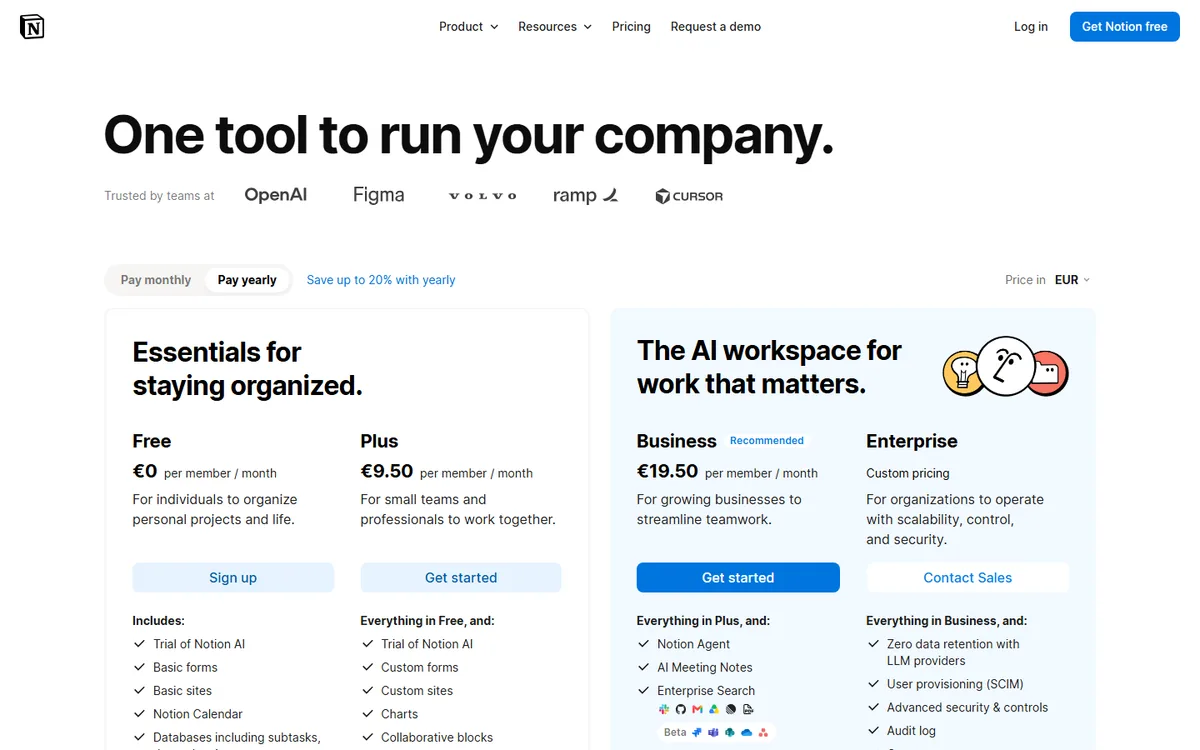
Notion has a free plan. G2 lists Plus at $12 per user per month and Business at $24 per user per month, with Enterprise on request.
Notion Reviews
- G2: 4.6/5 average (from +13,900 reviews)
monday.com
A Colorful, Easy Board System for Tracking the Initiatives Behind Your Strategy
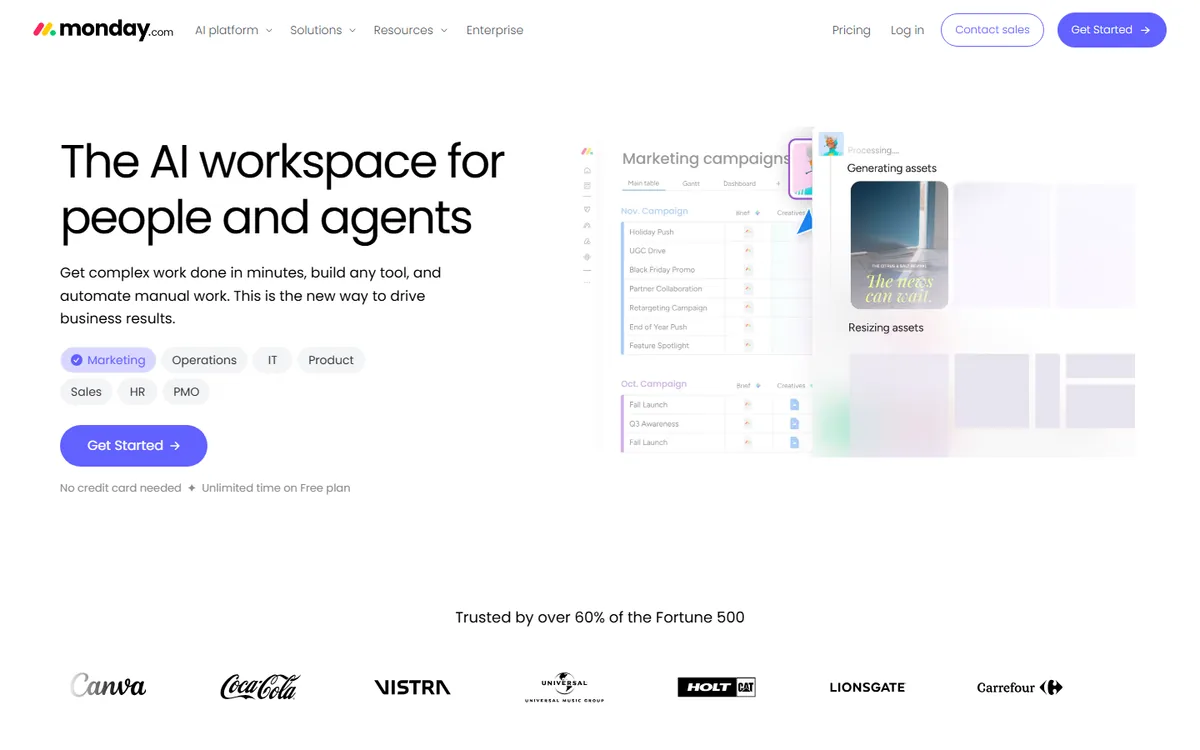
monday.com tracks initiatives on boards with owners, dates, dependencies and dashboards, and it connects to most business tools.
monday.com is a strong choice when the plan is settled and the challenge is getting dozens of initiatives delivered. Each initiative becomes an item with an owner, a timeline and a status, and dashboards roll the boards up for a leadership review.
It does not model strategy itself. There is no native objective hierarchy as in Cascade or Perdoo, so you build one with board connections and dashboards. For many teams that is fine, but expect to spend time on the structure and keep the number of boards under control.
Pros of monday.com
- Boards are quick for non-technical teams to adopt
- Dashboards combine data from many initiative boards
- Wide integration library
Cons of monday.com
- No built-in strategy or objective hierarchy
- Costs rise as seats and automations grow
monday.com Pricing
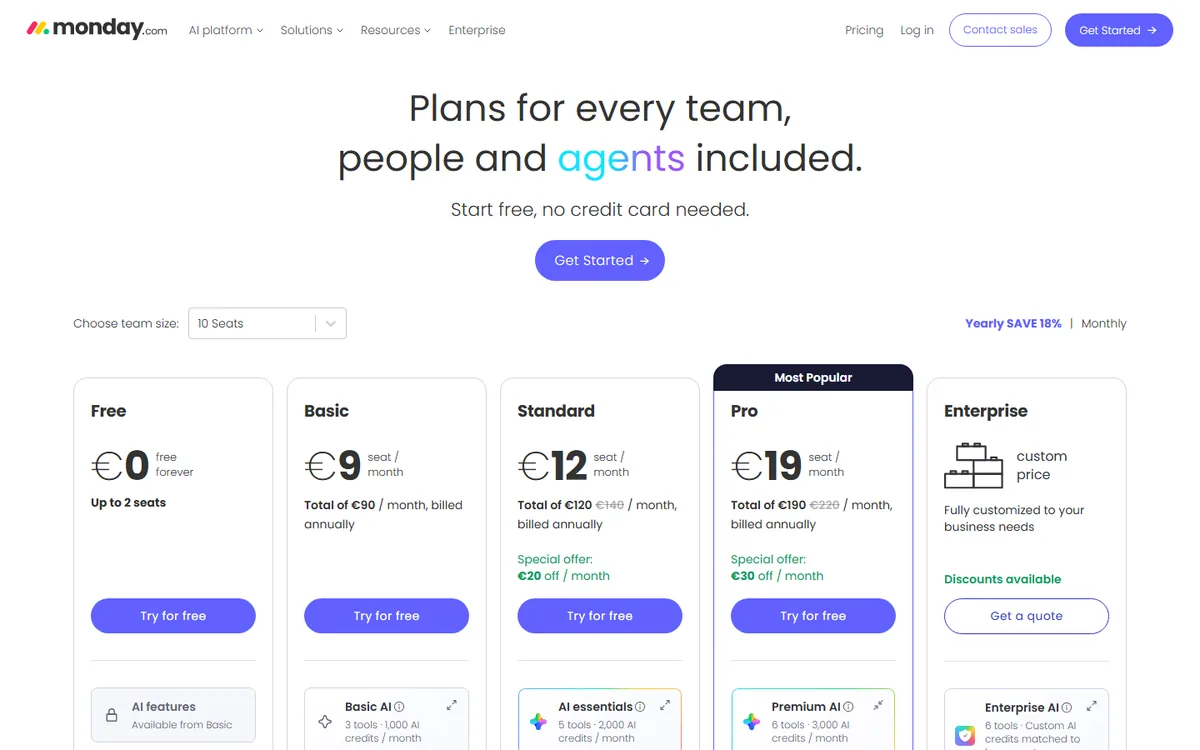
monday.com has a free plan. G2 lists the Basic plan at $9 per seat per month and Standard at $12 per seat per month, with the paid plans sold in seat bundles.
monday.com Reviews
- G2: 4.7/5 average (from +17,900 reviews)
Asana
A Dependable Project Layer with Goals That Connect Daily Work to Company Priorities
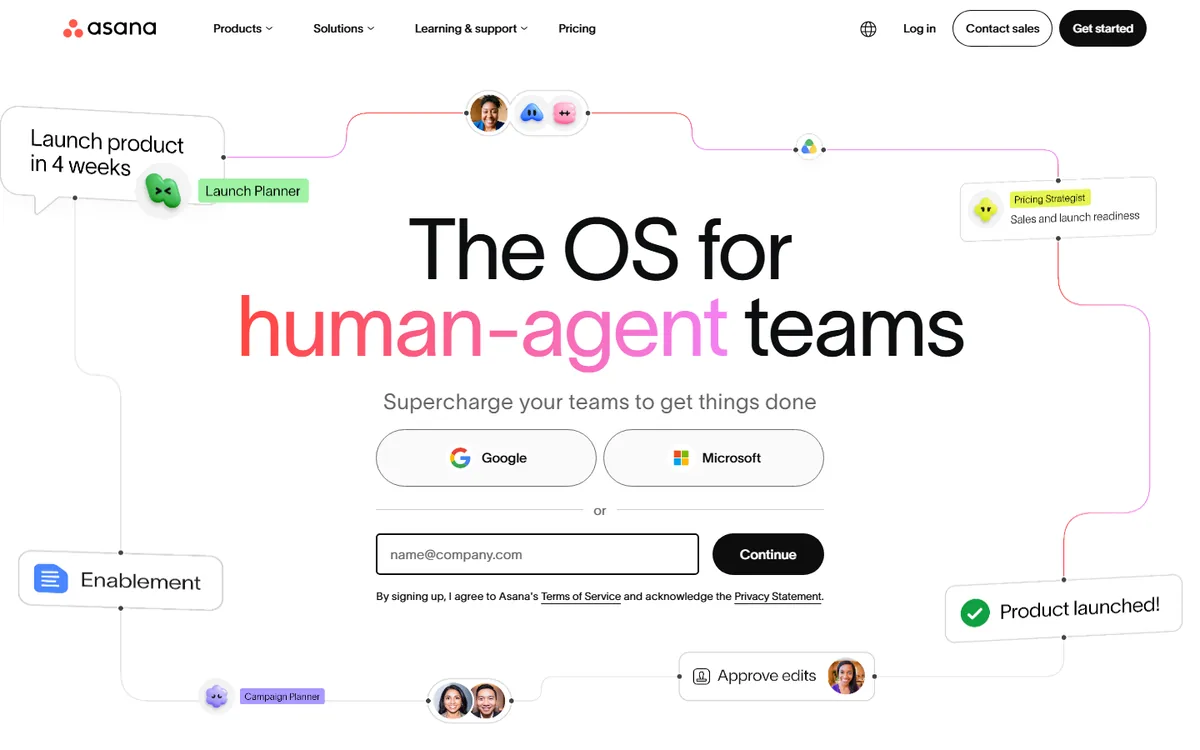
Asana tracks projects and tasks and has a goals feature that links company objectives to the work that supports them.
Asana is a good fit when most of your strategy turns into cross-team projects. Its goals feature lets you set a company objective, attach the projects that support it and see progress update as tasks close.
I find it strongest for operating rhythm: weekly tasks, owners and deadlines are clear. It is weaker for the strategy conversation itself, such as comparing options or mapping markets. Some goal features sit on higher paid plans, so check what your tier includes.
Pros of Asana
- Goals connect straight to the projects that deliver them
- Clear task ownership and deadlines
- Reliable for large cross-team programs
Cons of Asana
- Goal features need higher plans
- Little support for strategic analysis or modeling
Asana Pricing
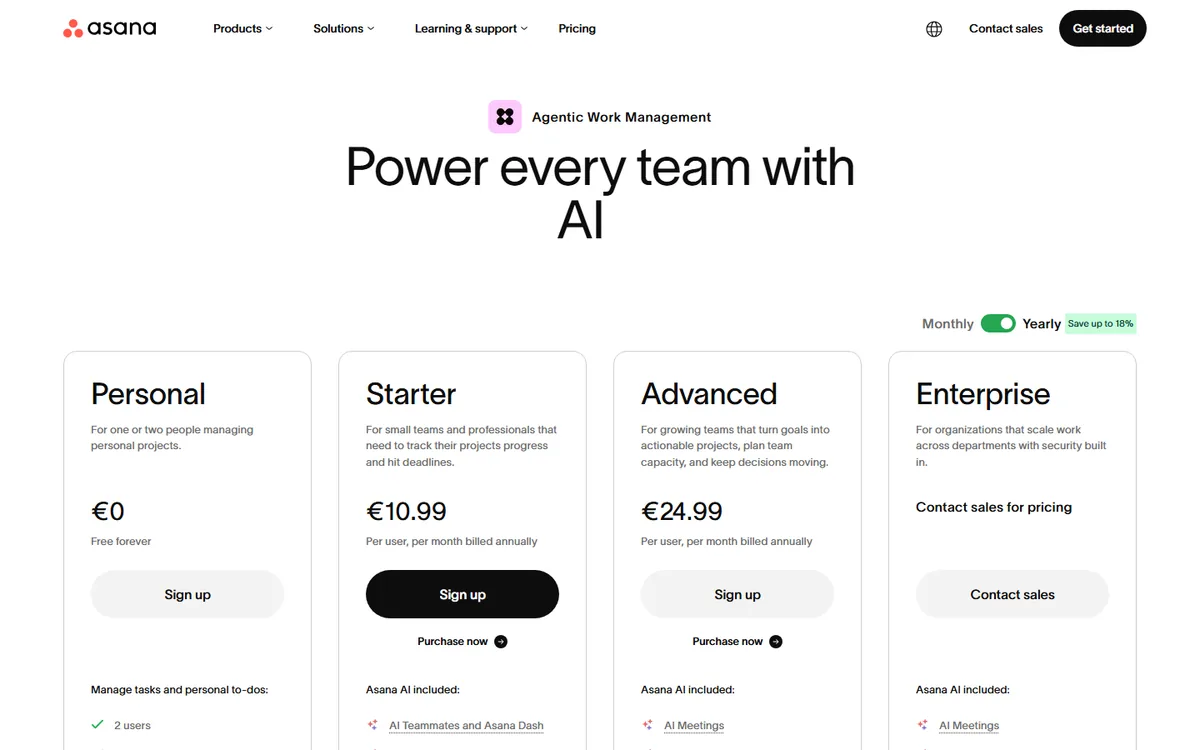
Asana has a free Personal plan. G2 lists the Starter plan at $10.99 per user per month, and higher plans add goals, portfolios and reporting.
Asana Reviews
- G2: 4.4/5 average (from +14,000 reviews)
Smartsheet
The Familiar Spreadsheet Feel for Teams That Plan Initiatives, Budgets and Timelines in Rows
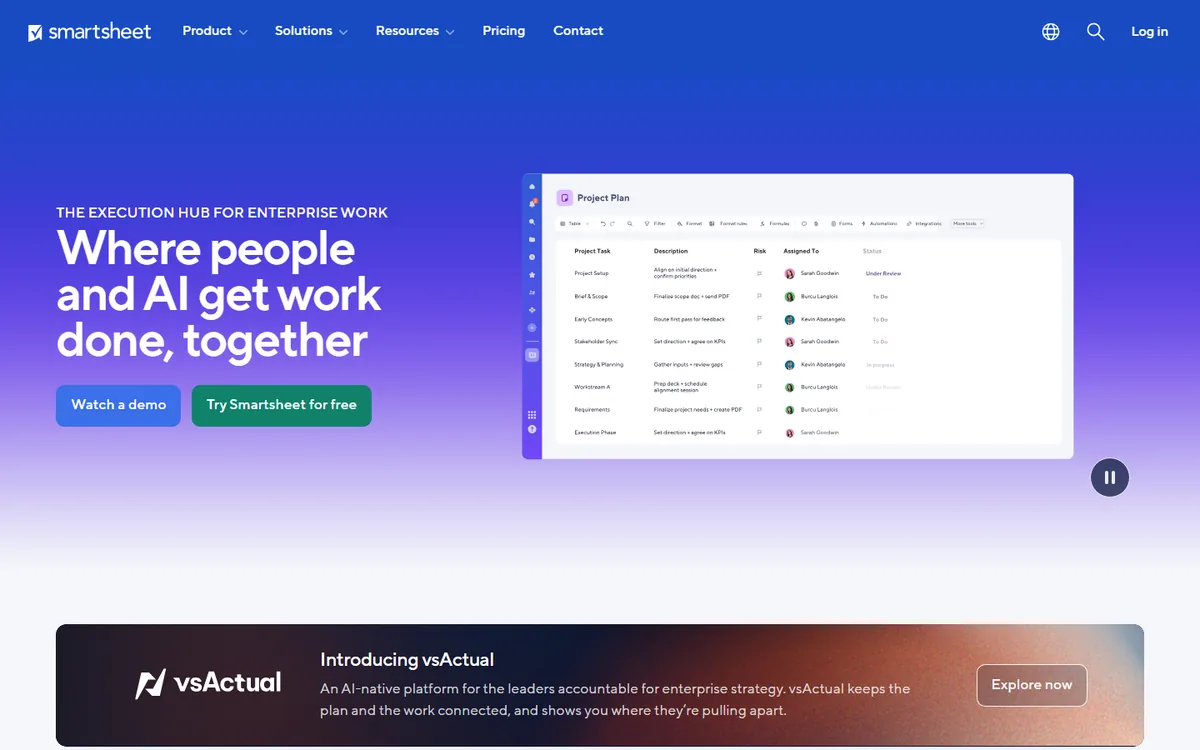
Smartsheet gives you a spreadsheet interface with Gantt views, automations and portfolio reporting for tracking strategic initiatives.
Smartsheet feels natural to finance and operations leaders who plan in spreadsheets. You can track initiatives, budgets and milestones in rows, add Gantt and dependency views and roll sheets up into portfolio dashboards.
The same strength limits it for strategy. It handles numbers and schedules well, but there is no strategy map or objective cascade out of the box. I recommend it when the strategy is clear and the work is mostly program delivery.
Pros of Smartsheet
- Familiar grid makes adoption easy for finance teams
- Strong timeline and dependency views
- Portfolio reporting scales across many initiatives
Cons of Smartsheet
- Not designed for strategy mapping or objectives
- Advanced portfolio features cost more
Smartsheet Pricing
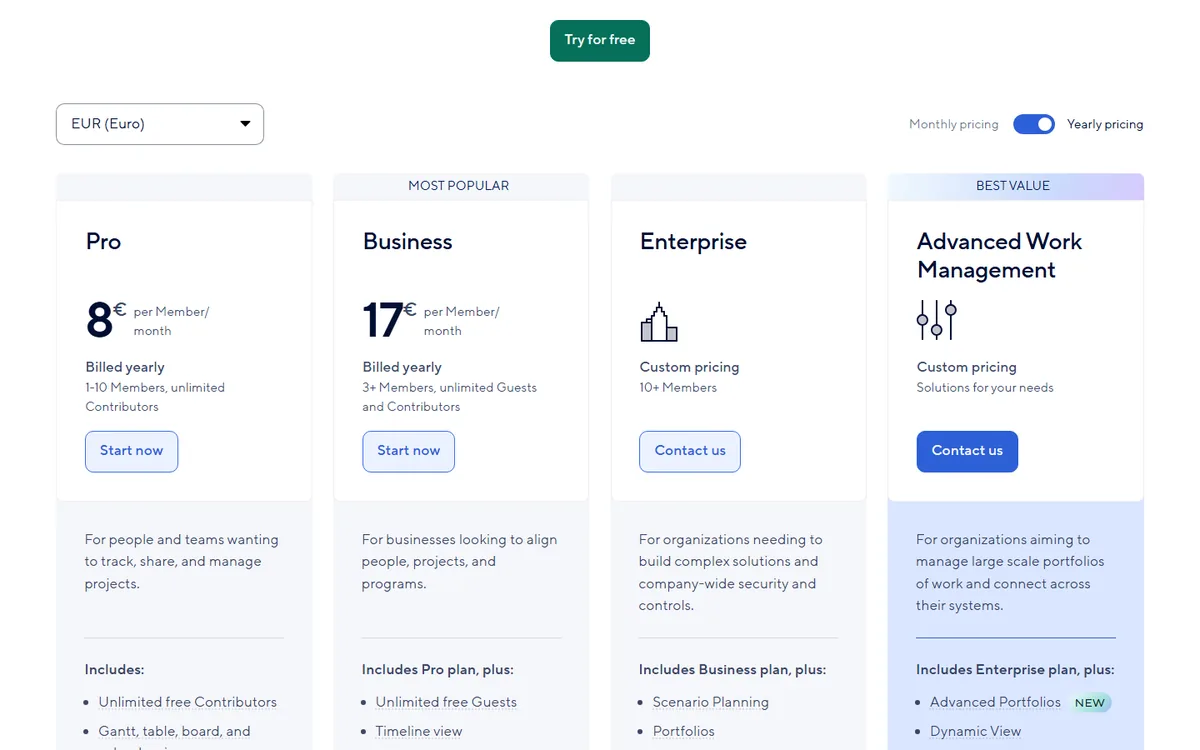
G2 lists the Pro plan at $9 per user per month. Business and Enterprise plans add automation, portfolio tools and admin controls, and Enterprise is quote-based.
Smartsheet Reviews
- G2: 4.4/5 average (from +23,000 reviews)
Lucidchart
A Precise Way to Draw Org Structures, Value Chains and Process Maps That Support the Plan
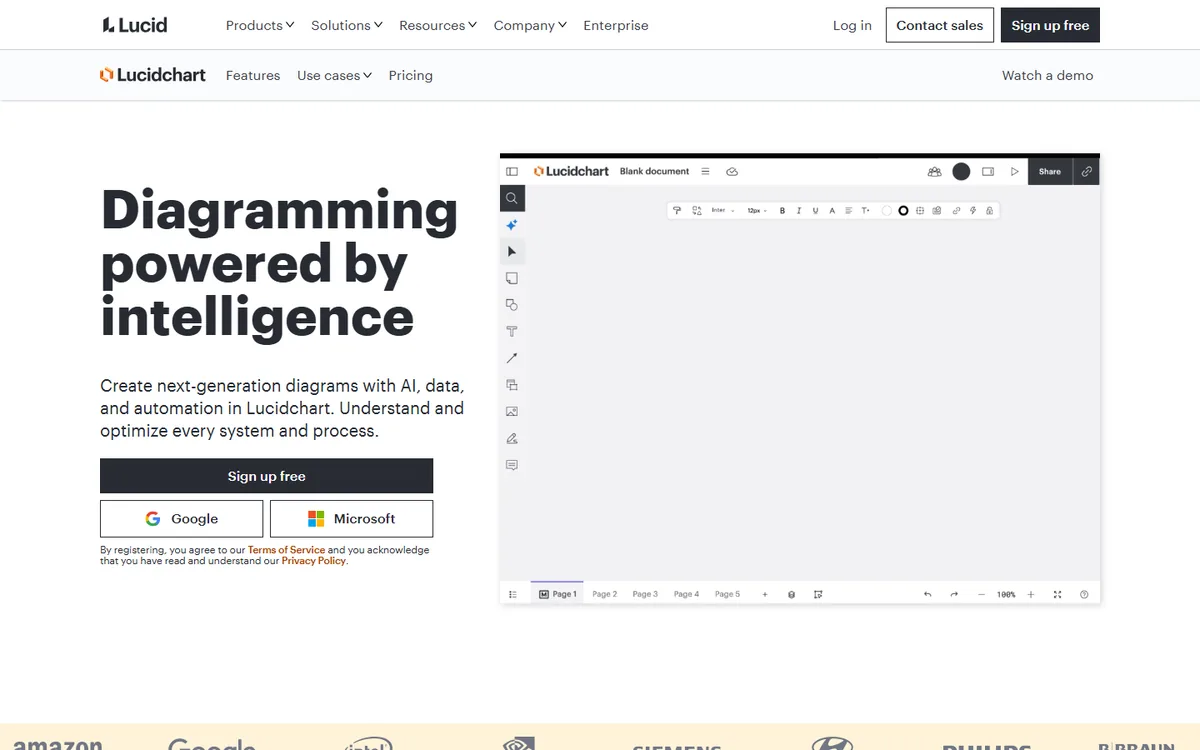
Lucidchart is a diagramming tool for org charts, process flows and structured strategy visuals with data linking.
Lucidchart fits the tidy end of strategy work: org designs, value chains, customer journeys and process maps that need to look exact. Shapes snap to a grid, diagrams can link to data and the output exports cleanly into board decks.
It is a drawing tool, so it supports the strategy rather than runs it. I use it when a plan depends on a clear picture of structure or process, and I move tracking to another tool. Miro is a better pick for loose workshop sessions.
Pros of Lucidchart
- Clean, exact diagrams for board materials
- Data linking keeps org charts current
- Good export and sharing options
Cons of Lucidchart
- No goal or progress tracking
- Less suited to freeform brainstorming than Miro
Lucidchart Pricing
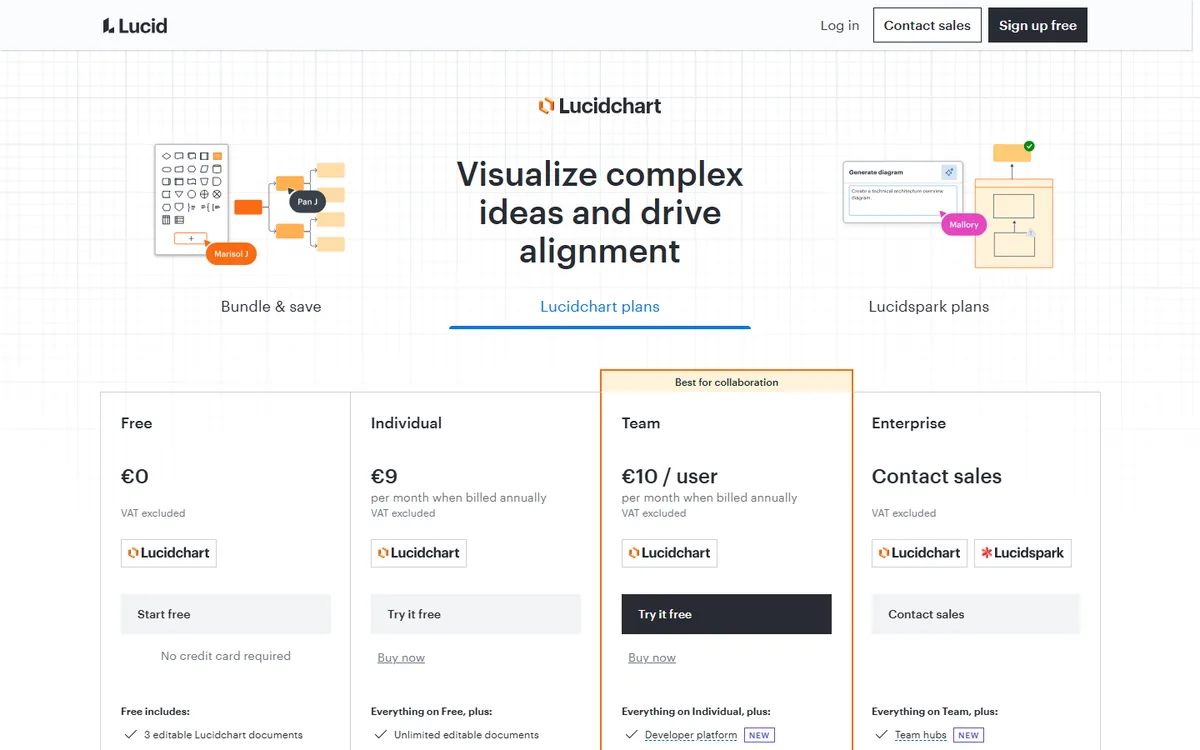
G2 lists Lucid bundles from $13.50 per month for an individual and $15 per user per month for a team, with enterprise plans on request. A free plan with limited documents is also offered.
Lucidchart Reviews
- G2: 4.5/5 average (from +9,100 reviews)
ClearPoint Strategy
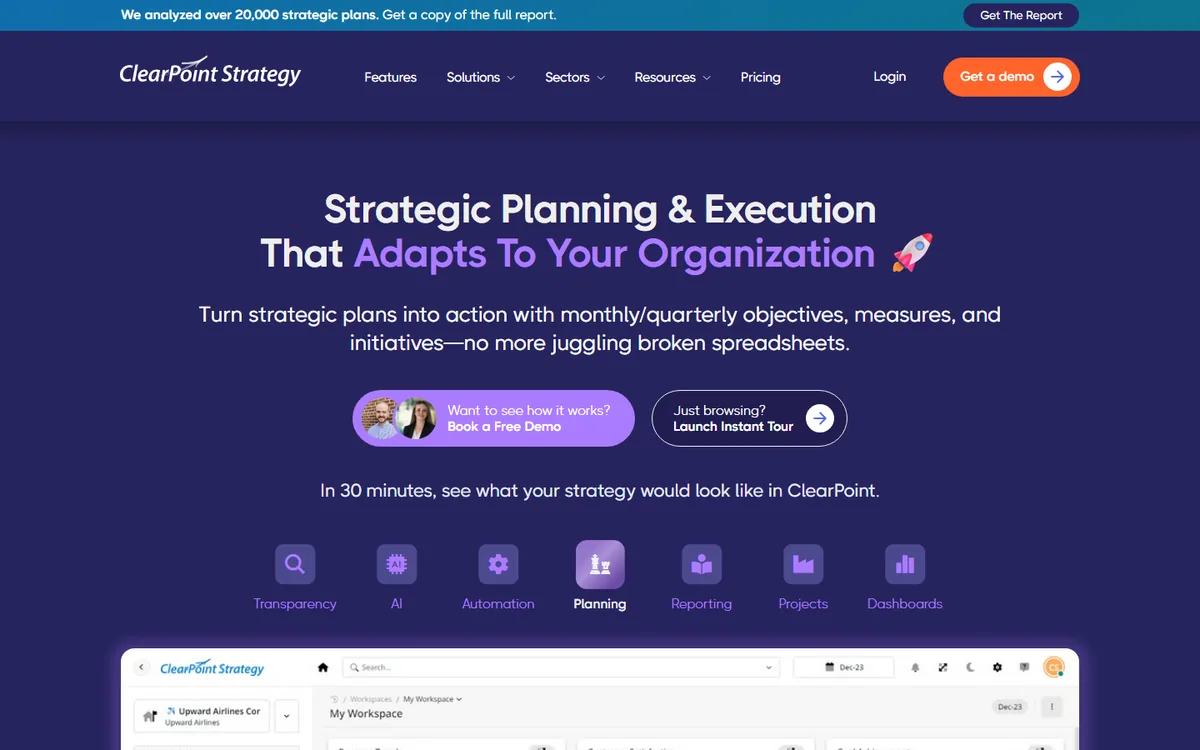
A Specialist for Balanced Scorecards and Reports Your Board Will Actually Read
ClearPoint Strategy focuses on scorecards, KPIs and automated reports for organizations that manage strategy through measures.
ClearPoint is built for the scorecard approach: perspectives, objectives, measures and initiatives, with reports that assemble themselves for leadership and board meetings. If your organization already runs a balanced scorecard, it replaces a lot of manual slide building.
The trade-off is that it assumes that method. Teams that want a looser planning style or an OKR rhythm will find it rigid. Pricing is also per feature, so cost grows with what you switch on.
Pros of ClearPoint Strategy
- Automated reports save hours before every board meeting
- Scorecard structure is clear from day one
- Good fit for public sector and nonprofits
Cons of ClearPoint Strategy
- Rigid if you do not follow a scorecard method
- Per-feature pricing needs careful scoping
ClearPoint Strategy Pricing
G2 lists the Starter plan at $50 per feature per month. Higher tiers are quoted, depending on the features and users you need.
ClearPoint Strategy Reviews
- G2: 4.6/5 average (from +179 reviews)
WorkBoard
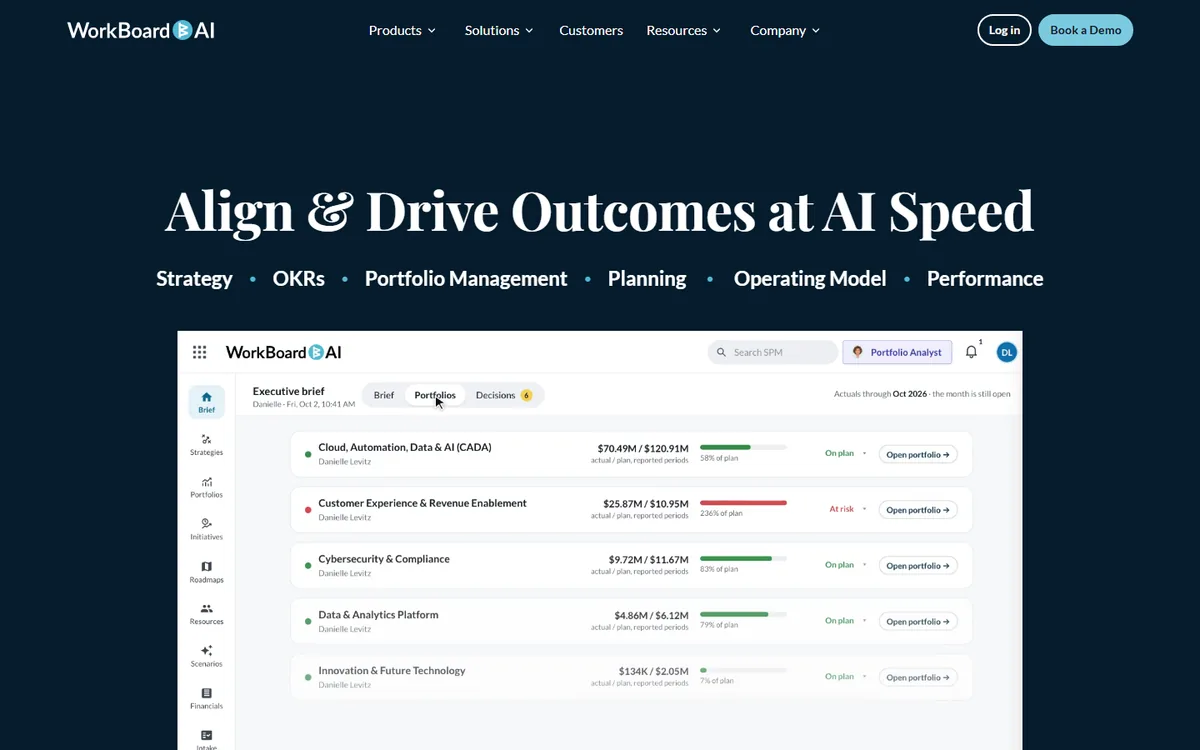
An Enterprise Platform Built for Running Strategy Reviews Across Many Teams
WorkBoard links OKRs, metrics and meeting rhythms across a large organization and adds AI summaries for leadership reviews.
WorkBoard targets companies with hundreds or thousands of employees where strategy gets lost between levels. It connects objectives, metrics and the review meetings that follow, so executives can see where teams are stuck.
I would not start here with a small team. The platform shines when you have a program office or strategy team to run it and a leadership group willing to hold regular reviews. Without those habits, the tool adds cost without changing behavior.
Pros of WorkBoard
- Designed for large, multi-level organizations
- Review rhythms are built into the product
- Strong link between objectives and metrics
Cons of WorkBoard
- Pricing is not published
- Too heavy for small teams
WorkBoard Pricing
WorkBoard does not publish its pricing. G2 shows pricing as quote-based, so you need to contact the vendor for a quote.
WorkBoard Reviews
- G2: 4.6/5 average (from +300 reviews)
Estimate the Return on a Corporate Strategy Tool
Before you pick a plan, check whether the numbers work for you. Enter the manual hours your team spends on plan updates and reporting each week and the monthly price of the tool you are considering, and you will see what it could return in a year.
Will the Tool Pay Off for You?
Use the sliders to enter your workload and the plan you are considering.
How to Choose the Right Corporate Strategy Tool
In my experience, fit with your planning habits decides more than any feature list. Before you compare vendors, I suggest you answer four questions:
- Do you plan with objectives and key results, a balanced scorecard or a simple priority list?
- Who will own the plan and update it every month?
- Do you need strategy mapping, or mainly delivery tracking for projects?
- How many teams must see the same plan, and what reporting does the board expect?
If you plan in workshops, start with Miro. For a small team that wants one flexible hub, Notion is hard to beat on price. If you run OKRs, Perdoo or Cascade give you the structure, and larger organizations should look at Cascade or WorkBoard. If delivery is your bottleneck, monday.com, Asana or Smartsheet fit better. If you want a second opinion on your setup, a short call usually settles it.
Questions About Choosing Corporate Strategy Tools
What Are Corporate Strategy Tools?
They are software that helps leadership teams build a strategic plan, assign owners and track progress against goals. They range from whiteboards and documents to dedicated platforms that cascade objectives from the company to each team. I suggest you pick by how your team plans, not by feature count.
What Is the Best Free Corporate Strategy Tool?
For most small teams, I would start with Notion or Miro. Notion works as a strategy document with a tracking database, and Miro is excellent for workshops. Perdoo and Cascade also offer free plans, which let you test a goal structure before you pay.
Do I Need a Dedicated Strategy Platform?
Not always. If one team owns a short list of priorities, a shared document and a project tool are enough. A dedicated platform starts to pay off when several teams share one plan and leadership wants reports without chasing updates.
How Is a Strategy Tool Different from a Project Management Tool?
A strategy tool starts from objectives and shows how work supports them. A project management tool starts from tasks and deadlines. Asana and monday.com sit in the middle, since they can link projects to goals, but they model strategy less deeply than Cascade or Perdoo.
How Much Do Corporate Strategy Tools Cost?
Prices run from free plans to a few dollars per user per month for OKR tools such as Perdoo, up to quote-based enterprise platforms like WorkBoard. Budget for setup time as well, because the real cost is the hours your team spends keeping the plan current.
Which Tool Works Best for a Board-Level Strategy Review?
ClearPoint Strategy and Cascade create board-ready reports from plan data, which saves manual slide building. If your board prefers a clean visual, Lucidchart or Miro can supply the diagrams while another tool holds the numbers.
Can I Use More than One Tool?
Yes, and many teams do. A common setup is Miro for workshops, a strategy platform or Notion for the plan, and a project tool for delivery. Decide which tool is the source of truth for each type of information, so updates do not split across several places.
Heads up: vendors change prices, plans and ratings often. Everything was checked at the last update date, but confirm on each vendor’s website first. This article is not legal or financial advice.
Was this article helpful?
Thank you for letting us know.
Russell Tennant
Russell leads the Brook editorial team and works with our consultants to turn real client engagements into practical guides on roadmaps, go-to-market planning, growth and competitive strategy. Before joining Brook, he spent 11 years in strategy and product marketing roles at software and financial services companies. He has since edited more than 300 articles on strategy practice and drawn on roadmaps and growth plans from over 100 client projects. He is based in Denver, Colorado.