Key Takeaways
- A free CRM, simple accounting and shared documents cover most of what a small business needs.
- Watch per-user pricing: costs grow as you hire, so check the price at your expected team size.
- Add one tool at a time, and give each a named owner.
- Choose a tool for a problem you already have, not for a feature you might use.
The Best Small Business Tools at a Glance
| Tool | Type | Best for |
|---|---|---|
| 1. QuickBooks Online | Accounting | Owners who want the standard bookkeeping tool |
| 2. HubSpot CRM | CRM | Teams that want a free CRM with room to grow |
| 3. Google Workspace | Email and productivity | Teams that want email, docs and meetings in one place |
| 4. Slack | Team messaging | Teams that want faster internal communication |
| 5. Canva | Design | Owners who make their own marketing graphics |
| 6. Trello | Project boards | Small teams that want a simple visual board |
| 7. Asana | Project management | Teams that need timelines and clear ownership |
| 8. Notion | Workspace and wiki | Owners who want notes, docs and tasks in one place |
| 9. Mailchimp | Email marketing | Businesses starting an email list |
| 10. Square | Payments and point of sale | Shops and service businesses that take cards in person |
| 11. Gusto | Payroll and HR | Teams that need payroll that files its own taxes |
| 12. Wave | Free accounting | Freelancers and very small businesses |
| 13. FreshBooks | Invoicing and accounting | Service businesses that bill by project or hour |
| 14. Zoho CRM | CRM | Budget-conscious teams that want more customization |
| 15. Calendly | Scheduling | Anyone who books meetings with clients |
| 16. Zapier | Automation | Owners who want apps to pass data without code |
| 17. Shopify | Ecommerce | Businesses selling products online |
| 18. Xero | Accounting | Businesses with international clients or many users |
| 19. Zoom | Video meetings | Teams that meet clients and staff remotely |
| 20. 1Password | Password manager | Teams that share logins and need basic security |
The 20 Best Small Business Tools, Ranked
I start with the tools that fit nearly every business and move toward specialist picks, so you can stop reading once you find your fit. Keep in mind that the tool is only part of the result: in the small business strategy consulting projects I run, deciding what to improve first matters more than the software.
QuickBooks Online
The Default Choice for Bookkeeping, With a Price That Keeps Climbing
QuickBooks Online handles invoicing, expenses, bank feeds, reports and sales tax for small businesses, and most accountants already know it.
I put QuickBooks first because your accountant almost certainly uses it, which makes year-end far less painful. Bank feeds, invoicing and reports work well out of the box, and the app marketplace connects it to nearly every other tool on this list.
The catch is price. Intuit has raised plans several times, and the cheaper tiers limit users and features, so costs creep up as you grow. If your books are simple, a lighter tool can do the same job for less.
Pros of QuickBooks Online
- Your accountant probably knows it already
- Bank feeds and invoicing work reliably
- Hundreds of integrations with other tools
Cons of QuickBooks Online
- Prices have risen repeatedly
- Cheaper plans cap users and features
QuickBooks Online Pricing
QuickBooks Online has no permanent free plan. Simple Start lists at about $38 per month, and Essentials, Plus and Advanced cost more, with frequent promotional discounts in the first months. Confirm the current price on Intuit’s site.
QuickBooks Online Reviews
- G2: 4.0/5 average (from +4,000 reviews)
- Capterra: 4.4/5 average (from +6,000 reviews)
HubSpot CRM
A Free CRM That Is Good Enough to Run Your Whole Pipeline
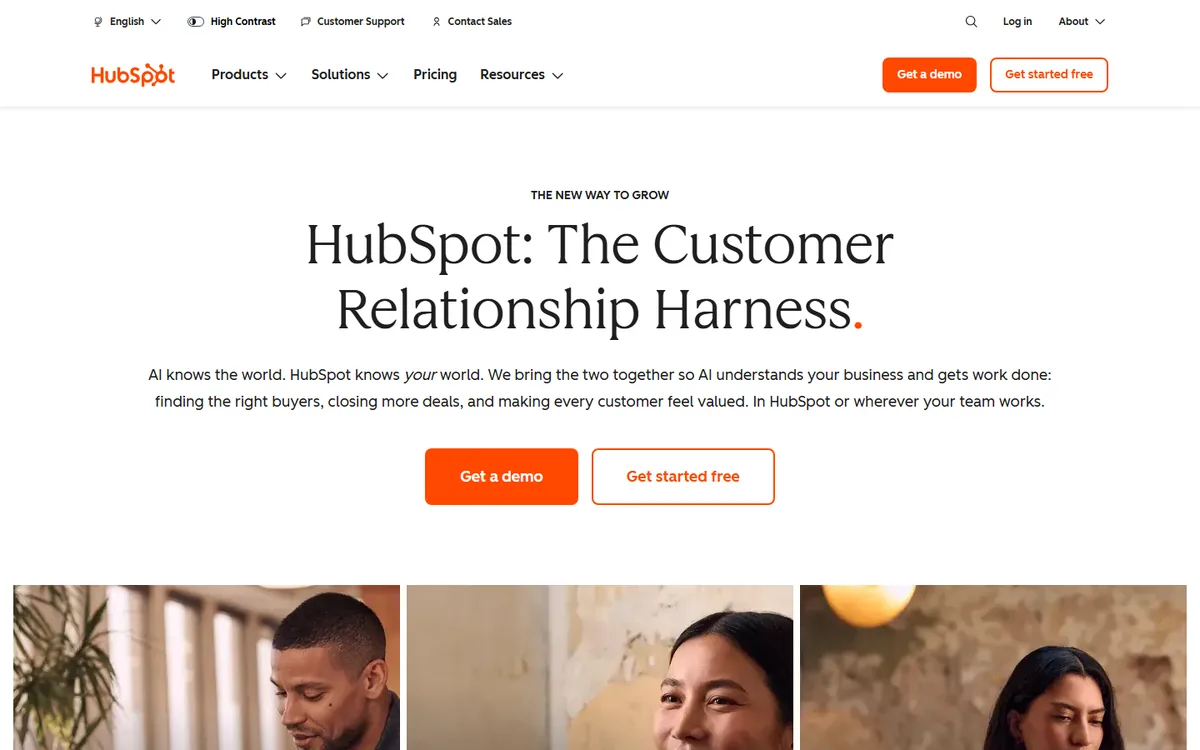
HubSpot CRM tracks contacts, deals and emails for free, with paid add-ons for marketing, sales and service when you need them.
For small teams, the free CRM is hard to beat. You get contact records, a deal pipeline, email tracking and meeting links without paying, and it takes an afternoon to set up. I often suggest it to owners who currently run their pipeline in a spreadsheet.
The trap is the upgrade path. Features you grow into, such as automation and reporting, sit behind paid tiers that jump in price. Decide early what you will pay for, or you will be surprised later.
Pros of HubSpot CRM
- The free plan covers a real pipeline
- Easy to set up without a consultant
- Email and meeting tracking built in
Cons of HubSpot CRM
- Paid tiers get expensive quickly
- Advanced reporting needs a higher plan
HubSpot CRM Pricing
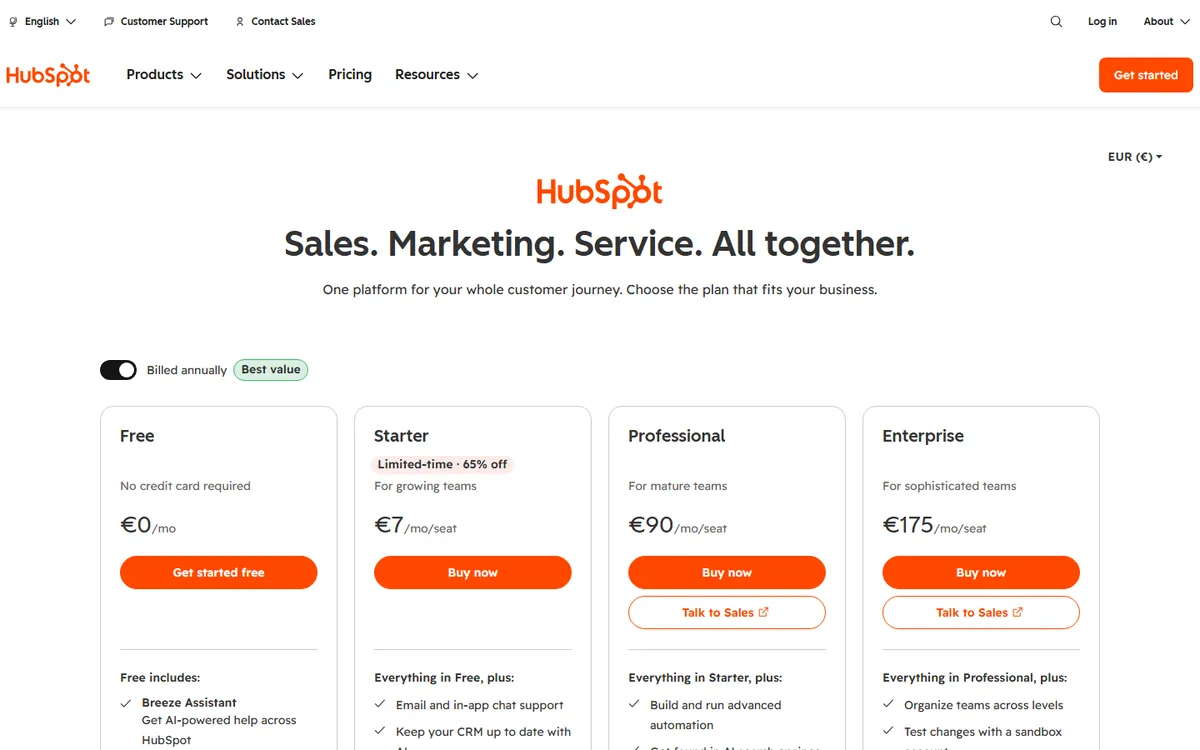
The core CRM is free. Paid Starter plans begin at about $15 per seat per month, while Professional and Enterprise tiers cost much more. Check HubSpot’s pricing page for the current figures.
HubSpot CRM Reviews
- G2: 4.4/5 average (from +10,000 reviews)
- Capterra: 4.5/5 average (from +4,000 reviews)
Google Workspace
Business Email, Documents and Video Meetings From One Login
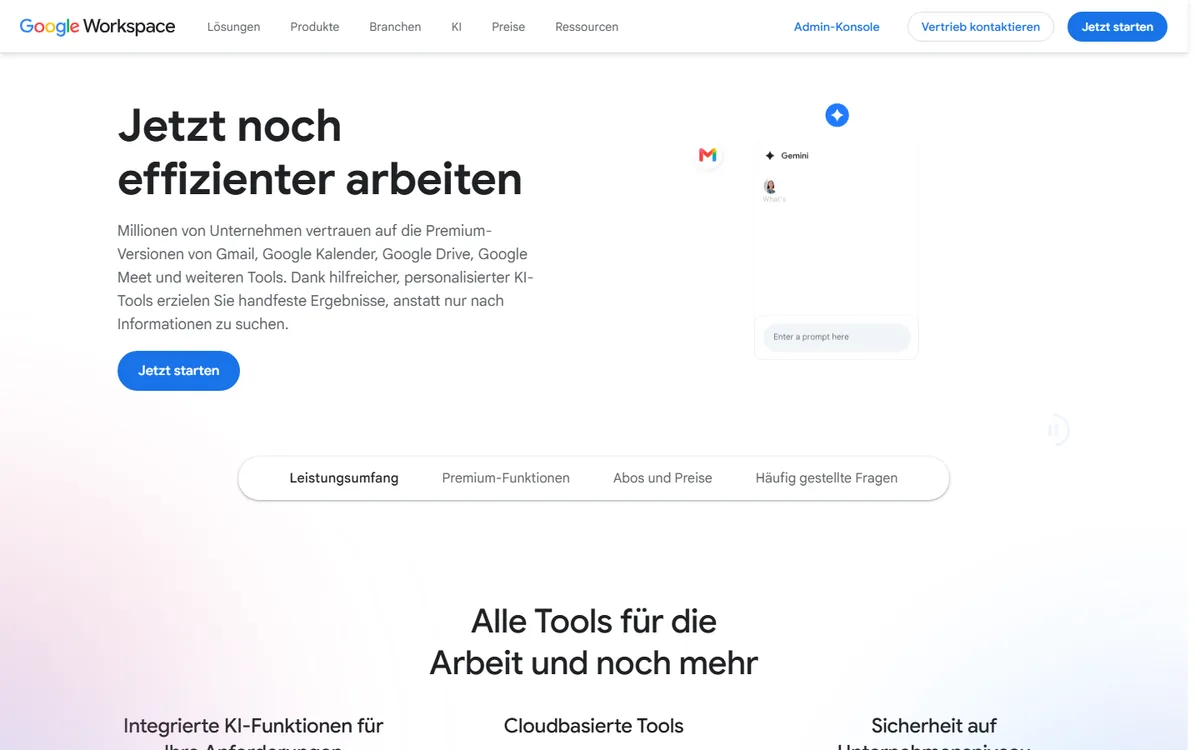
Google Workspace bundles Gmail on your own domain, Drive, Docs, Sheets and Meet with admin controls for small teams.
Almost every small business I work with ends up here, because it removes arguments about file versions. Everyone edits the same document, email runs on your own domain and shared drives keep client files in one place.
The weak spot is advanced spreadsheets and design work, where Excel and dedicated tools do more. Storage limits on lower plans also catch growing teams, so check the allowance before you pick a tier.
Pros of Google Workspace
- Real-time editing ends version confusion
- Simple admin and user management
- Fair pricing per user
Cons of Google Workspace
- Advanced spreadsheet features lag behind Excel
- Lower tiers limit storage and meeting features
Google Workspace Pricing
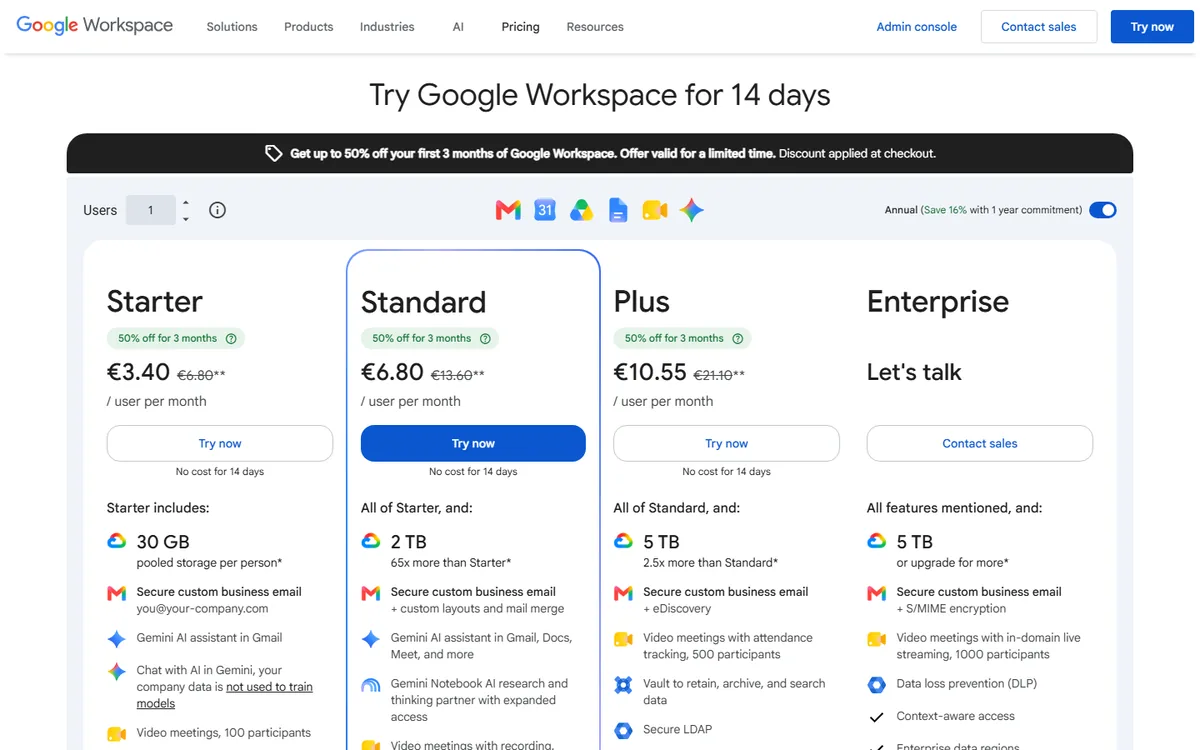
Business Starter lists at about $7 per user per month on an annual plan, and Standard and Plus cost more. Monthly billing costs slightly more per user.
Google Workspace Reviews
- G2: 4.6/5 average (from +40,000 reviews)
- Capterra: 4.7/5 average (from +14,000 reviews)
Slack
Replace Long Email Threads With Channels Your Team Can Search
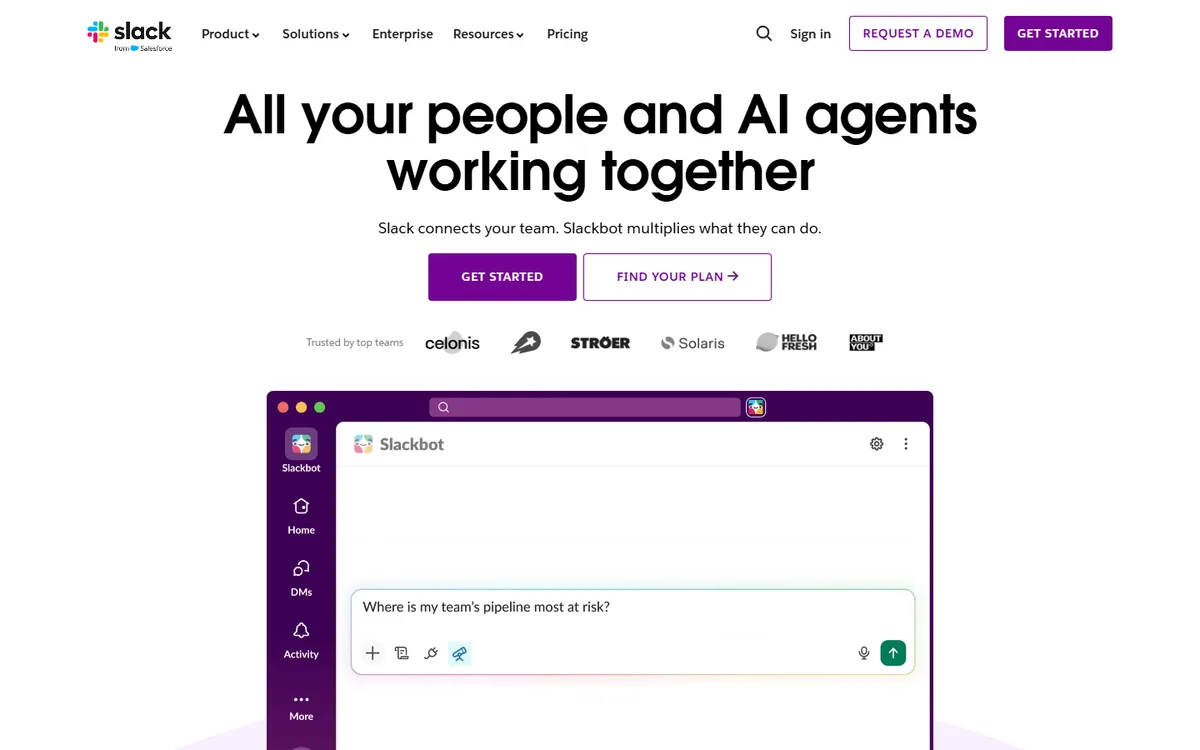
Slack organizes team conversations into channels and connects to thousands of business apps.
Slack works best when you keep it tidy. One channel per client or project, a few rules about when to use direct messages and a habit of posting decisions in the right channel cut the email volume in a small team a lot.
The danger is noise. Without rules, a busy workspace turns into a stream that people check all day. If your team is under five people and sits together, you may not need it yet.
Pros of Slack
- Channels keep project talk in one place
- Search finds old decisions quickly
- Strong app integrations
Cons of Slack
- Constant notifications distract people
- The free plan limits message history
Slack Pricing
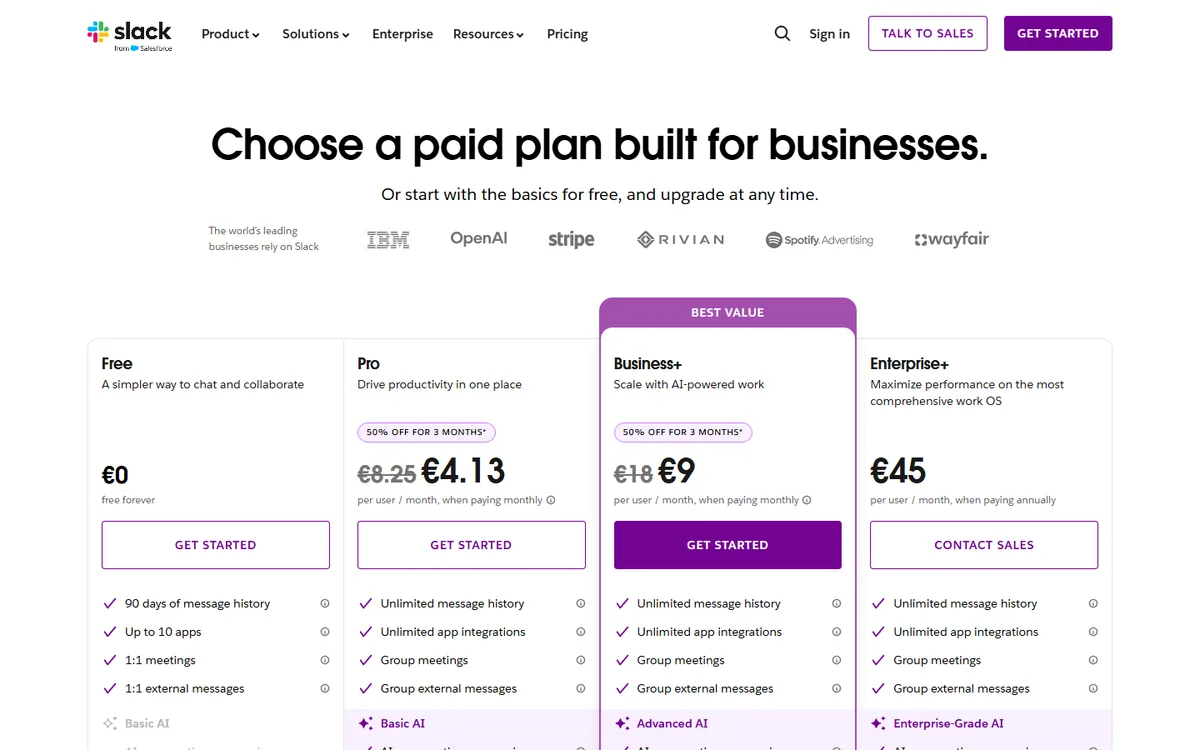
Slack has a free plan with limited history. Pro lists at about $8.75 per user per month billed annually, and Business+ costs more.
Slack Reviews
- G2: 4.5/5 average (from +35,000 reviews)
- Capterra: 4.7/5 average (from +23,000 reviews)
Canva
Professional-Looking Graphics Without Hiring a Designer
Canva lets you build social posts, flyers, presentations and simple videos from templates, with brand kits for teams.
If you make your own marketing materials, Canva saves hours every week. Templates for social posts, proposals and flyers mean you start from something decent instead of a blank page, and a brand kit keeps colors and fonts consistent.
It is not a substitute for a designer when you need a logo or a full brand. Templates also make many small businesses look alike, so change colors, photos and wording to stand out.
Pros of Canva
- Large template library
- Brand kits keep your look consistent
- Easy enough for anyone on the team
Cons of Canva
- Templates can look generic
- Some assets sit behind the paid plan
Canva Pricing
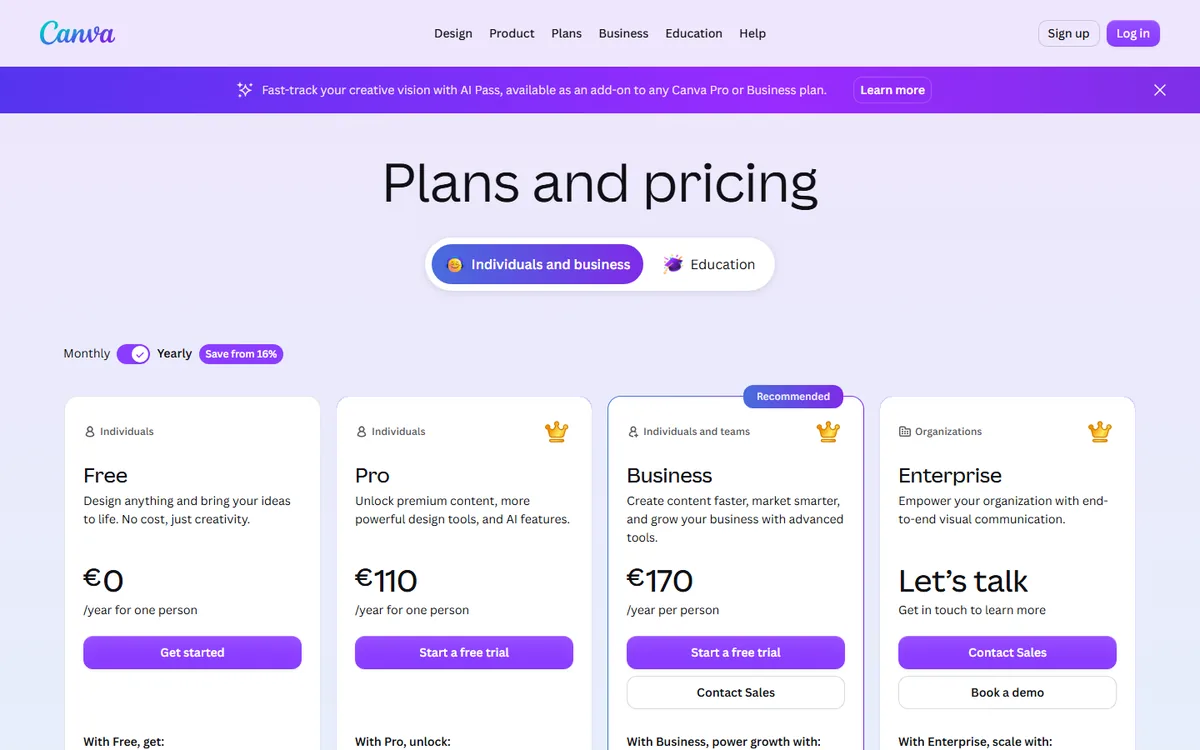
Canva has a free plan. Canva Pro lists at about $15 per month or $120 per year for one person, and Teams starts at around $10 per person per month for three or more people.
Canva Reviews
- G2: 4.7/5 average (from +4,000 reviews)
- Capterra: 4.7/5 average (from +12,000 reviews)
Trello
The Simplest Way to See Who Is Doing What
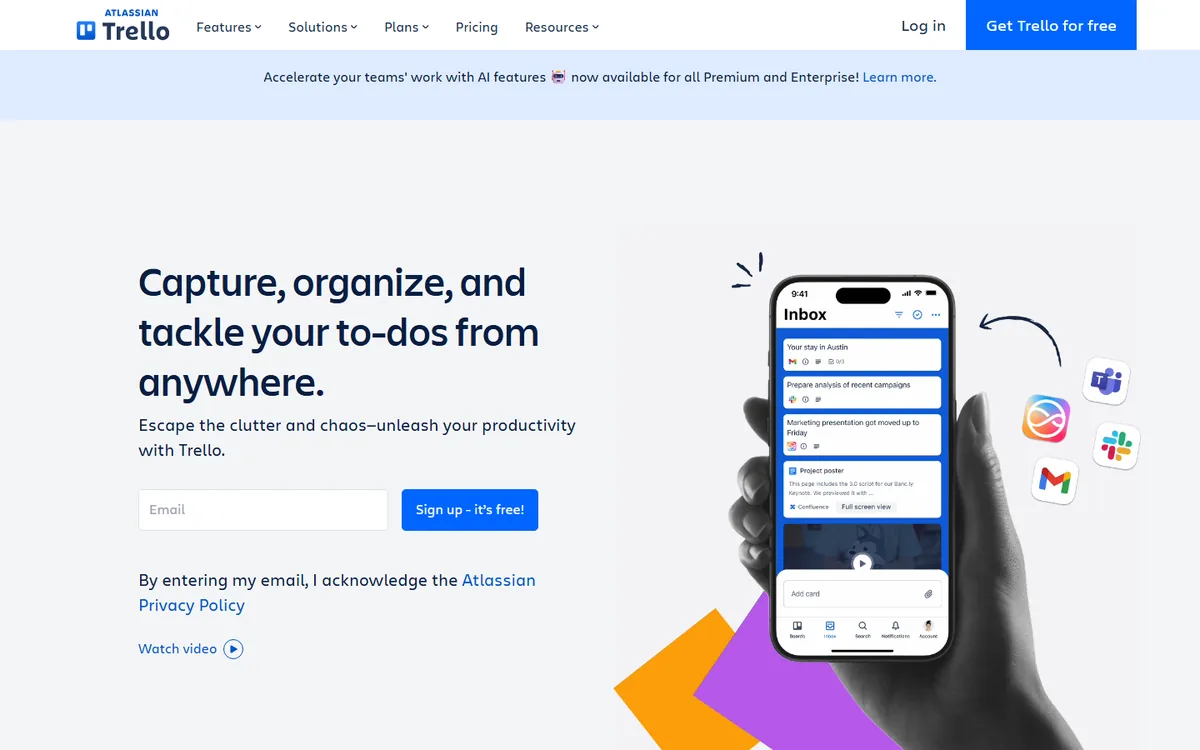
Trello organizes work on cards and boards, so you can see tasks move from to-do to done at a glance.
I recommend Trello to owners who have never used project software, because the learning curve is about ten minutes. A board with three columns is enough to start, and the cards hold notes, files and due dates.
As projects grow, boards get crowded, and reporting is thin. When you need timelines, dependencies or workload views, you will likely move to a bigger tool.
Pros of Trello
- Almost no learning curve
- Free plan is generous
- Works well for simple workflows
Cons of Trello
- Limited reporting
- Large projects get hard to follow
Trello Pricing
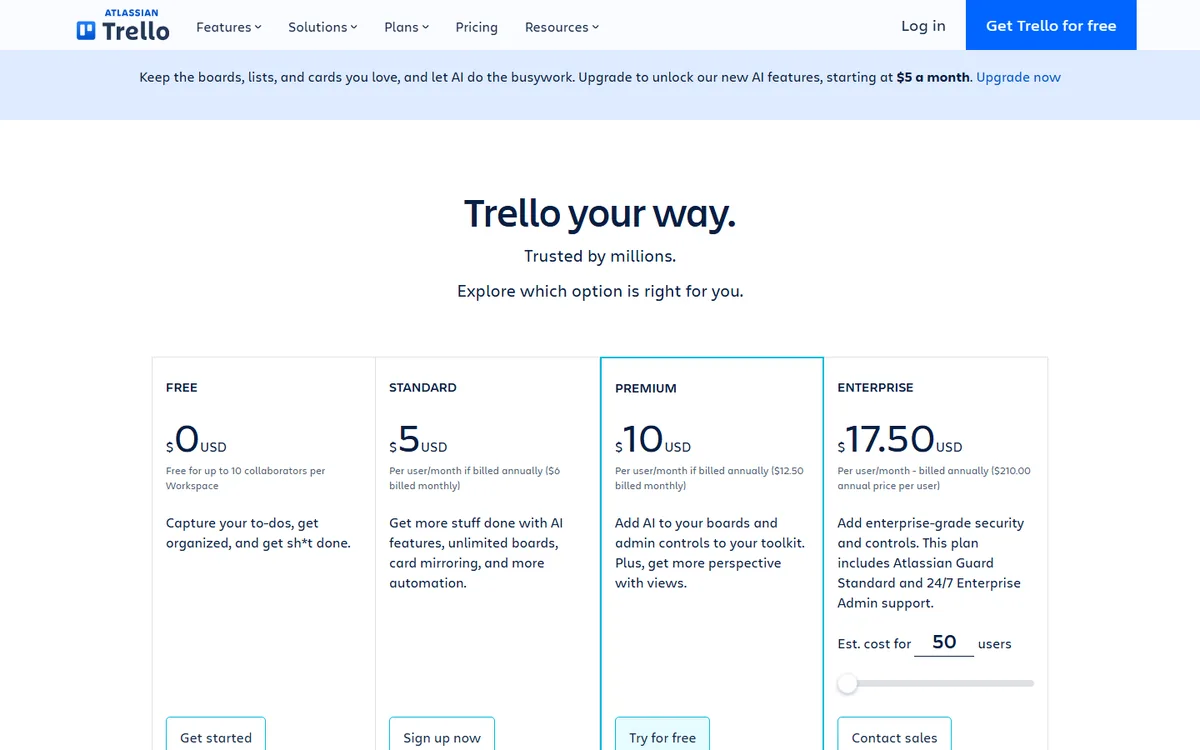
Trello has a free plan. Standard lists at about $5 per user per month billed annually, and Premium at about $10 per user per month.
Trello Reviews
- G2: 4.4/5 average (from +13,000 reviews)
- Capterra: 4.5/5 average (from +23,000 reviews)
Asana
A Step Up From Boards When Work Has Owners and Deadlines
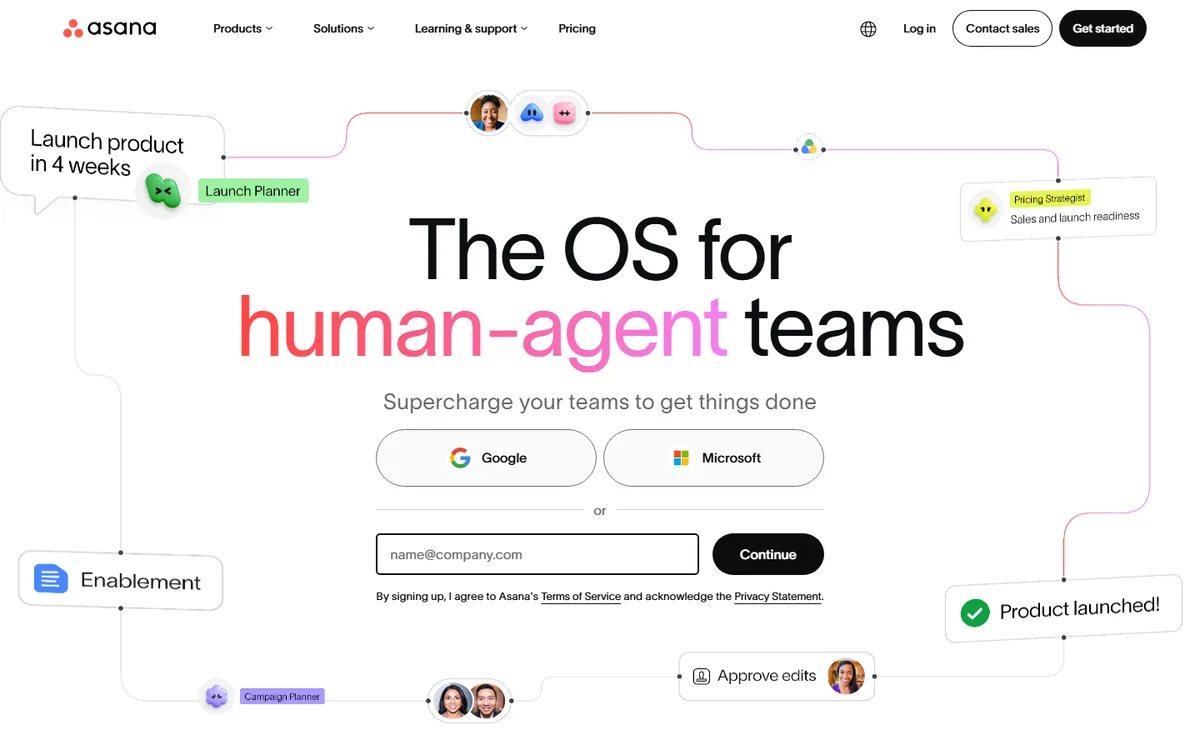
Asana tracks tasks, projects and workloads with list, board and timeline views.
Asana suits teams of ten or more where several people hand work to each other. Every task has one owner and a due date, and the timeline view shows what slips before it becomes a problem.
It asks more of you than Trello. Without a clear structure, projects multiply and nobody knows where to look, so set up a few templates early and agree on naming.
Pros of Asana
- Clear task ownership and due dates
- Timeline and workload views
- Good templates for common projects
Cons of Asana
- More setup than simpler boards
- Paid plans cost more per user
Asana Pricing
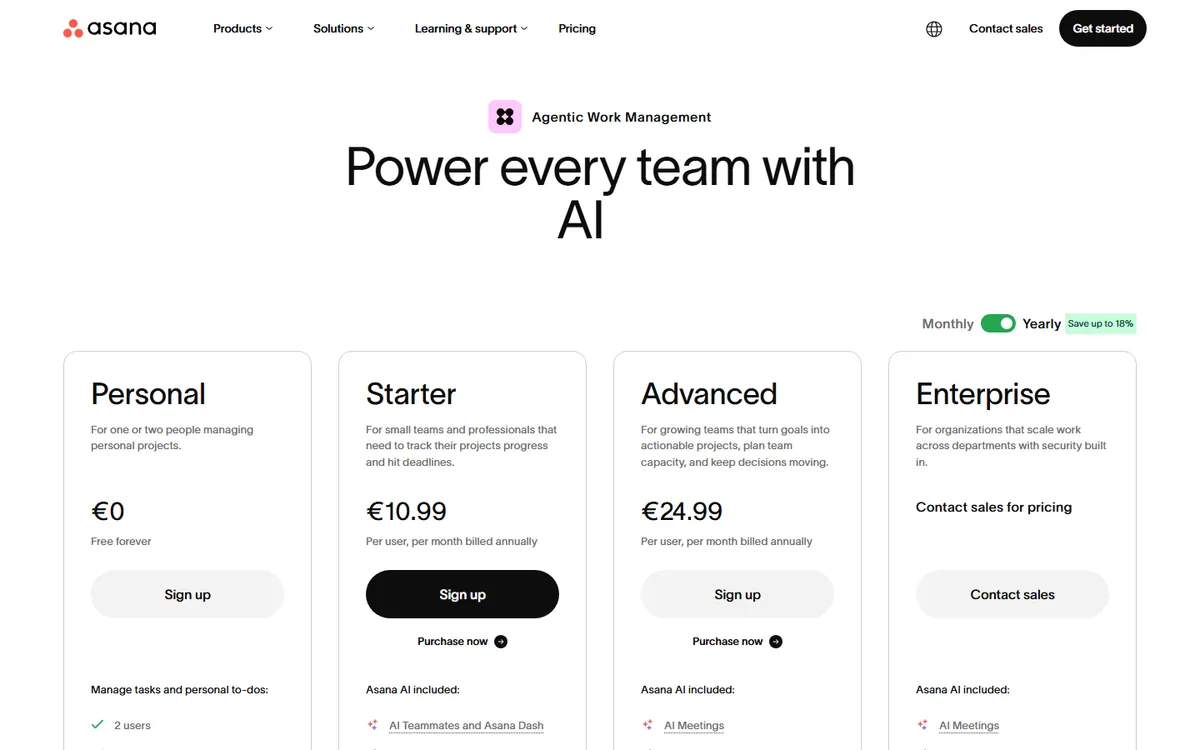
Asana has a free plan for small teams. Starter lists at about $10.99 per user per month billed annually, and Advanced costs more.
Asana Reviews
- G2: 4.4/5 average (from +10,000 reviews)
- Capterra: 4.5/5 average (from +12,000 reviews)
Notion
One Workspace for Processes, Notes and Simple Databases
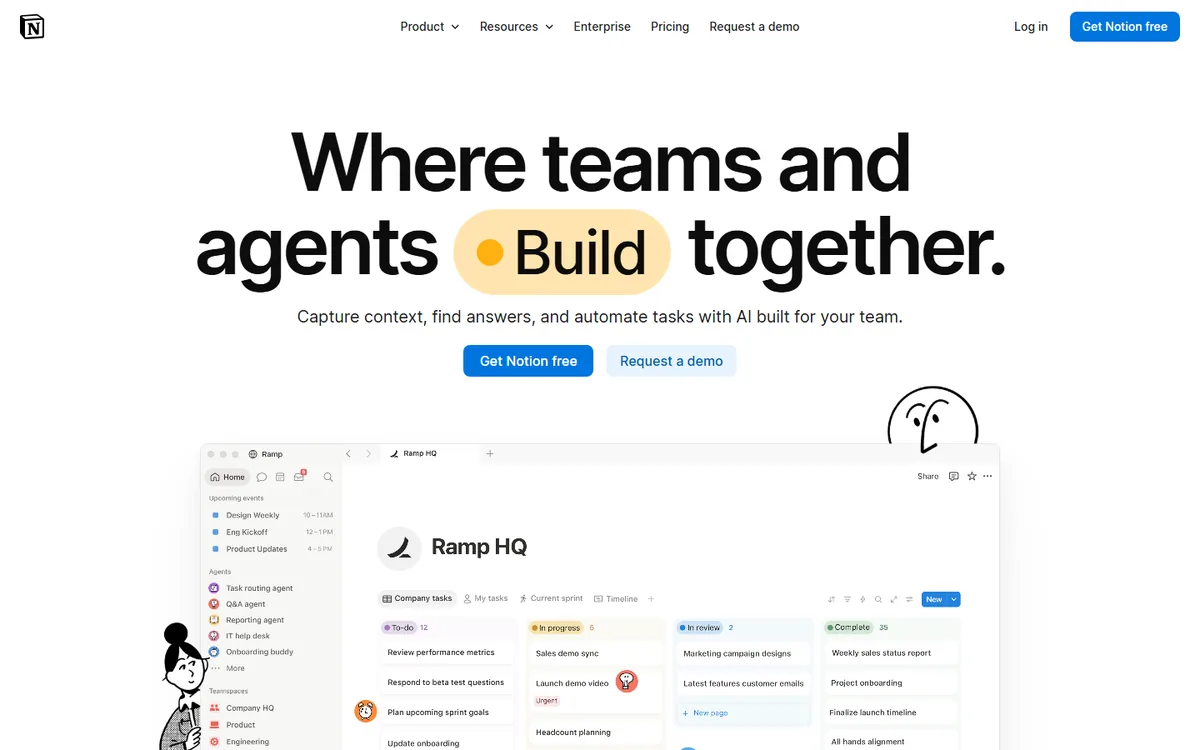
Notion combines documents, wikis and databases, and works well as a company handbook for a small team.
I use Notion as a place for written processes. A new hire can read how invoicing works, how to answer a client and where files live, and the owner stops answering the same questions each week.
Its flexibility is also its weakness. Without a structure, a workspace fills with half-finished pages. Start with five pages and add more only when you need them.
Pros of Notion
- Flexible docs and databases in one tool
- Great for written processes
- Generous free plan
Cons of Notion
- Easy to build a messy workspace
- Slower with very large databases
Notion Pricing
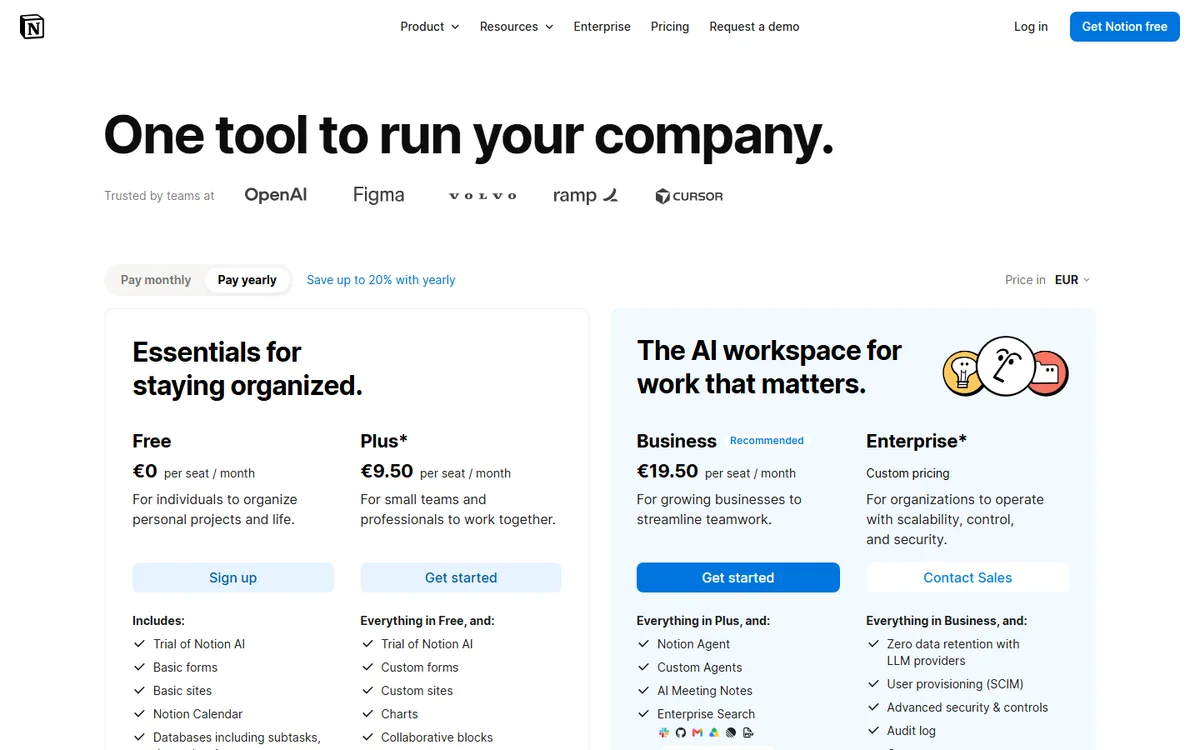
Notion has a free plan. Plus lists at about $10 per seat per month billed annually, and Business costs about $20.
Notion Reviews
- G2: 4.7/5 average (from +5,000 reviews)
- Capterra: 4.7/5 average (from +2,000 reviews)
Mailchimp

A Familiar Way to Start Sending Newsletters and Automations
Mailchimp lets you build email lists, send campaigns and set up simple automations such as welcome emails.
Mailchimp is where many small businesses start with email, and the free plan lets you test the habit. A welcome email and a monthly newsletter often bring back more customers than another social post.
Price jumps as your list grows, and some features sit behind higher plans. If email becomes a main channel, compare it with alternatives before you commit.
Pros of Mailchimp
- Easy templates and editor
- Free plan for small lists
- Simple automations to start
Cons of Mailchimp
- Costs rise as your list grows
- Some features locked to higher plans
Mailchimp Pricing
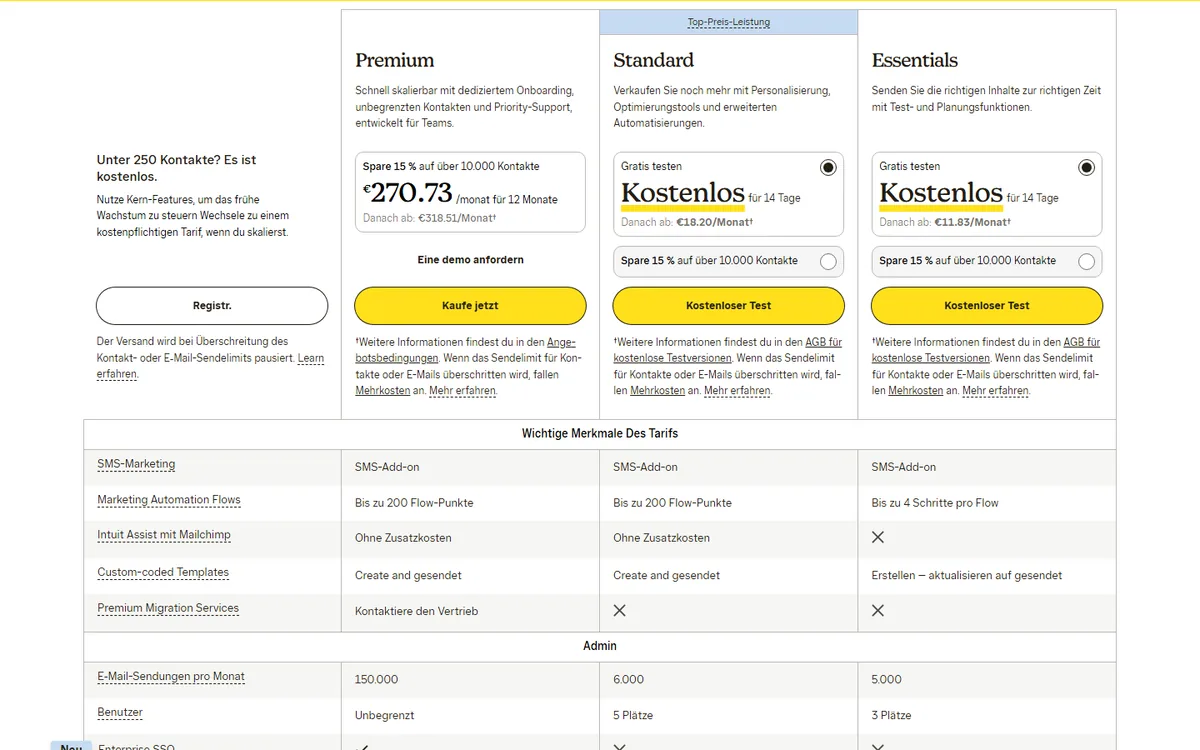
Mailchimp has a free plan for a small contact list. Essentials starts at about $13 per month and Standard at about $20, with prices rising by contact count.
Mailchimp Reviews
- G2: 4.4/5 average (from +14,000 reviews)
- Capterra: 4.5/5 average (from +12,000 reviews)
Square

Card Payments and a Simple Point of Sale Without a Monthly Fee
Square provides card readers, a point-of-sale app and invoicing, with no monthly fee on its basic plan.
For a shop, salon or food stand, Square gets you taking cards on the same day. The hardware is cheap, the app is simple and reports show daily sales without extra software.
You pay per transaction, so the cost grows with sales. If your volume is high, ask about custom rates, and compare against processors that charge a monthly fee instead.
Pros of Square
- Quick to start
- No monthly fee on the basic plan
- Reports and inventory in one app
Cons of Square
- Per-transaction fees add up
- Account holds can happen on unusual activity
Square Pricing
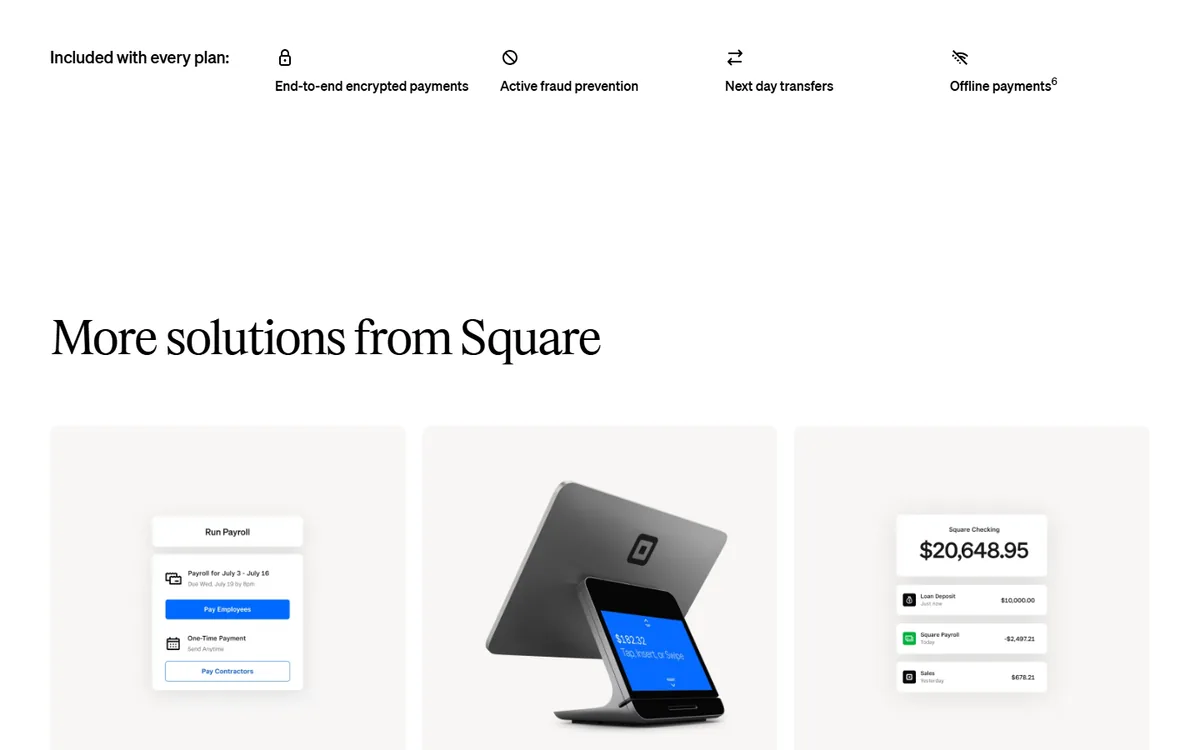
Square’s free plan has no monthly fee, and in-person card payments cost about 2.6% plus 15 cents. Paid plans for retail or restaurants cost more per month. Check current rates on Square’s site.
Square Reviews
- G2: 4.5/5 average (from +1,000 reviews)
- Capterra: 4.6/5 average (from +1,000 reviews)
Gusto
Run Payroll and Tax Filings Without Spending Your Evenings on It
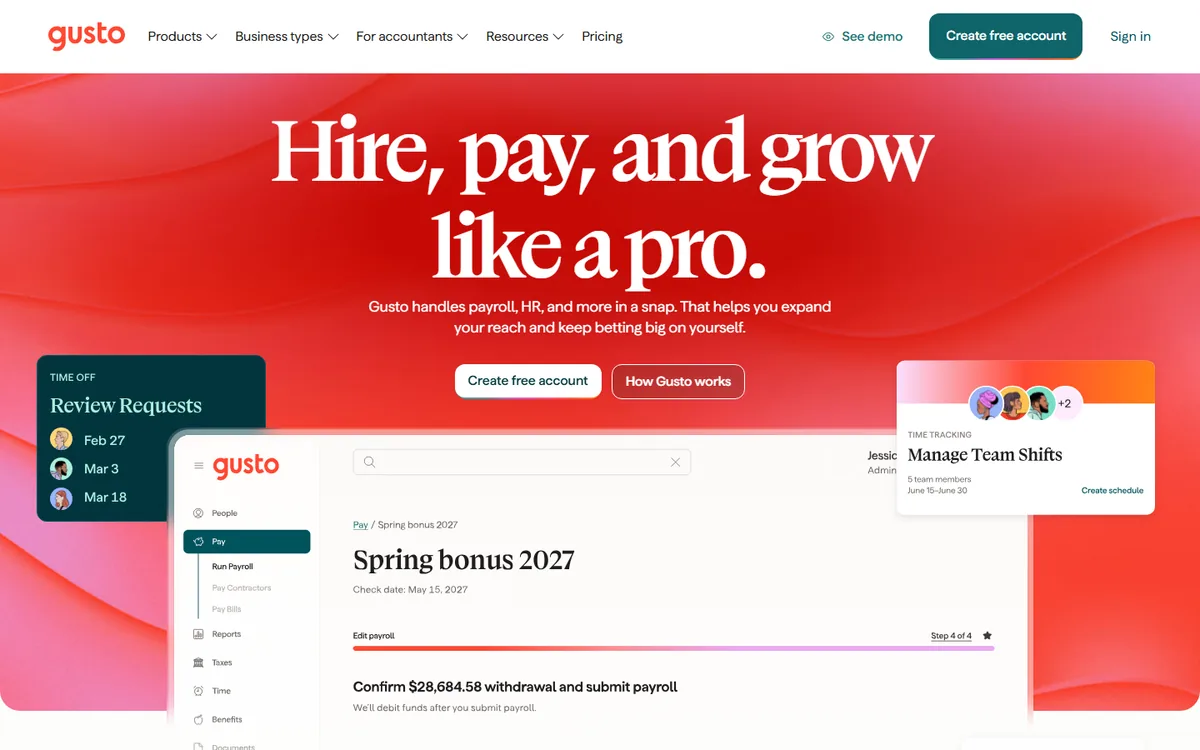
Gusto runs payroll, files payroll taxes and handles benefits administration and onboarding.
Payroll is a task most owners should not do by hand. Gusto calculates taxes, pays staff and files the forms, and employees get a simple portal for pay stubs and time off.
It charges a base fee plus a fee per person, so costs rise as you hire. If you have contractors only, check that the plan you choose fits that case.
Pros of Gusto
- Automatic tax filings
- Easy employee portal
- Benefits and onboarding included
Cons of Gusto
- Fees grow with headcount
- Support tiers vary by plan
Gusto Pricing
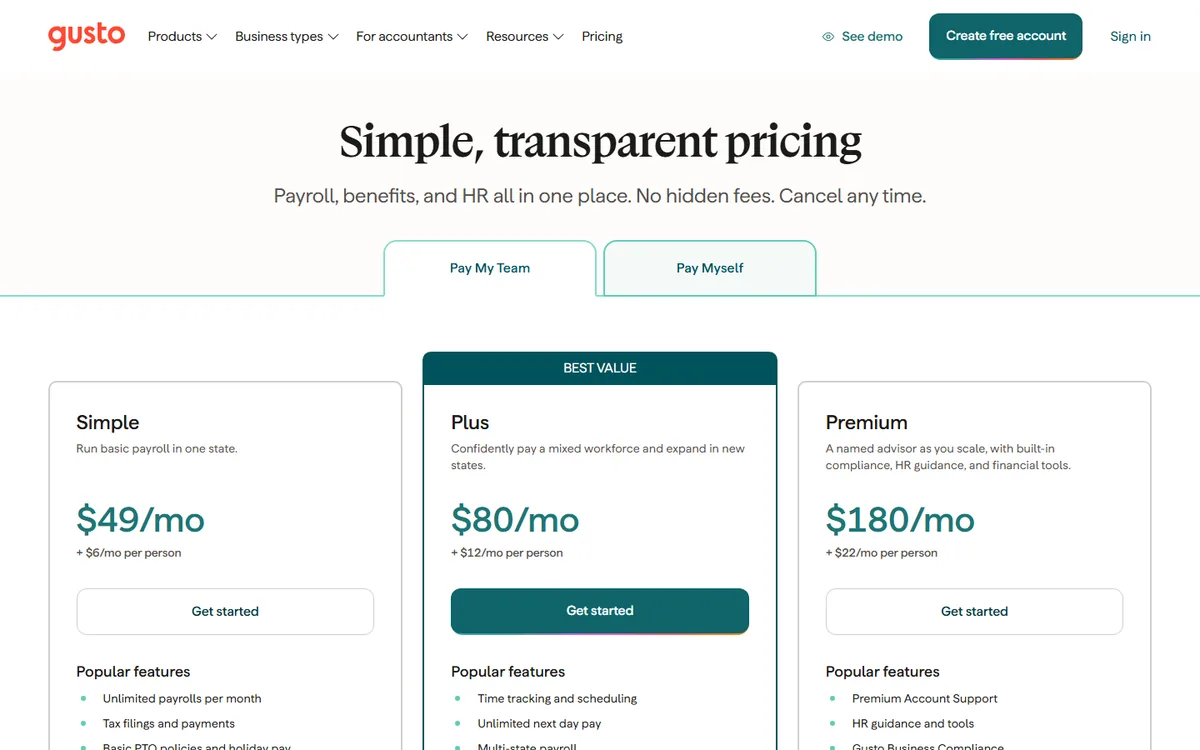
Simple lists at about $49 per month plus $6 per person, and Plus at about $80 per month plus $12 per person. Confirm current figures on Gusto’s site.
Gusto Reviews
- G2: 4.5/5 average (from +2,000 reviews)
- Capterra: 4.6/5 average (from +6,000 reviews)
Wave
Free Accounting and Invoicing for Businesses With Simple Books
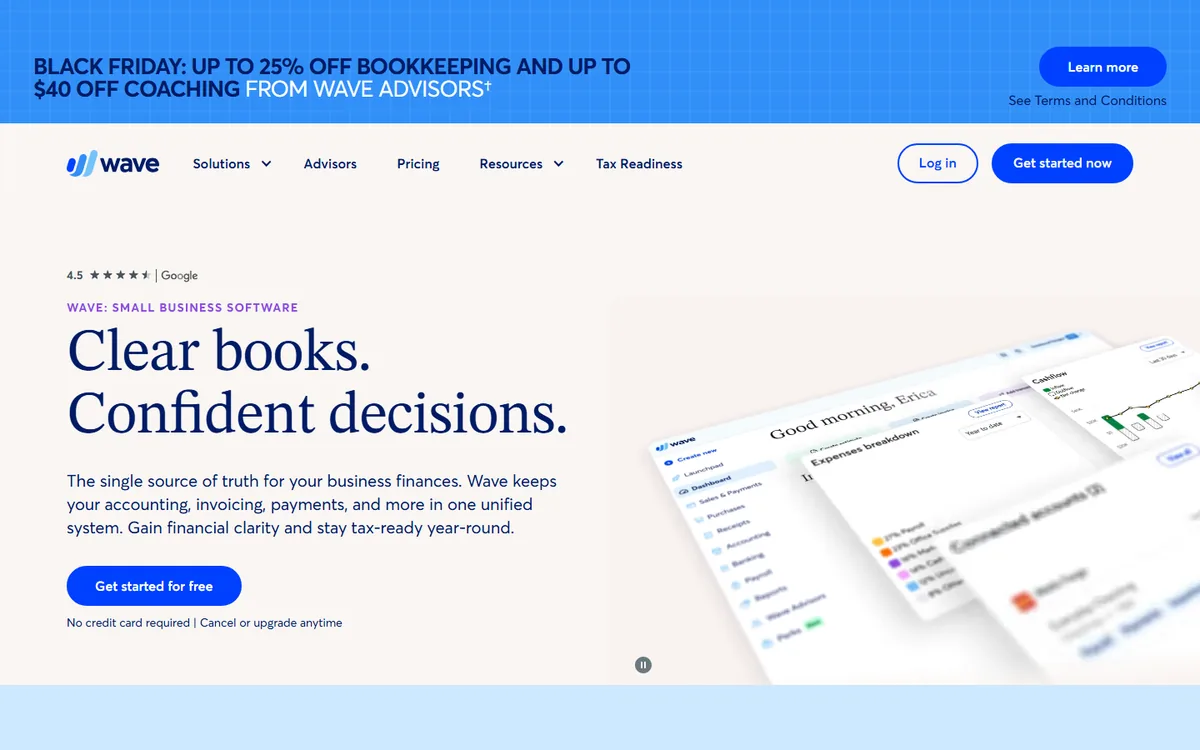
Wave offers free accounting and invoicing, and charges for card payments and payroll.
Wave is where I send solo owners who just need invoices and a clean ledger. It is free for the core tools, so the cost is zero until you start taking payments through it.
The feature set is small, and growing firms usually outgrow it. If you need inventory or multi-user permissions, move to a larger tool before the books get messy.
Pros of Wave
- Free accounting and invoicing
- Clean and simple interface
- Good for solo owners
Cons of Wave
- Limited features for growing firms
- Support can be slow on the free plan
Wave Pricing
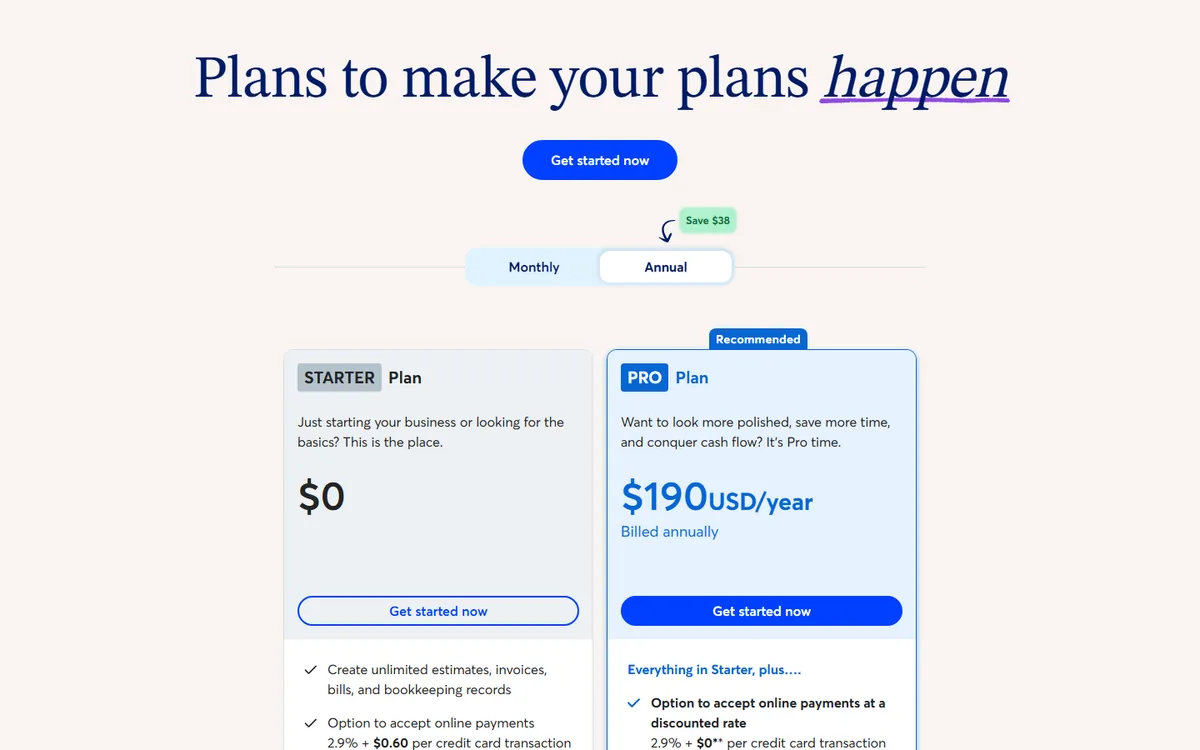
Wave’s accounting and invoicing are free. Card payments cost about 2.9% plus 60 cents, and payroll is a paid add-on. Check Wave’s site for current rates.
Wave Reviews
- G2: 4.4/5 average (from +500 reviews)
- Capterra: 4.4/5 average (from +2,000 reviews)
FreshBooks
Invoicing, Time Tracking and Proposals for Service Businesses
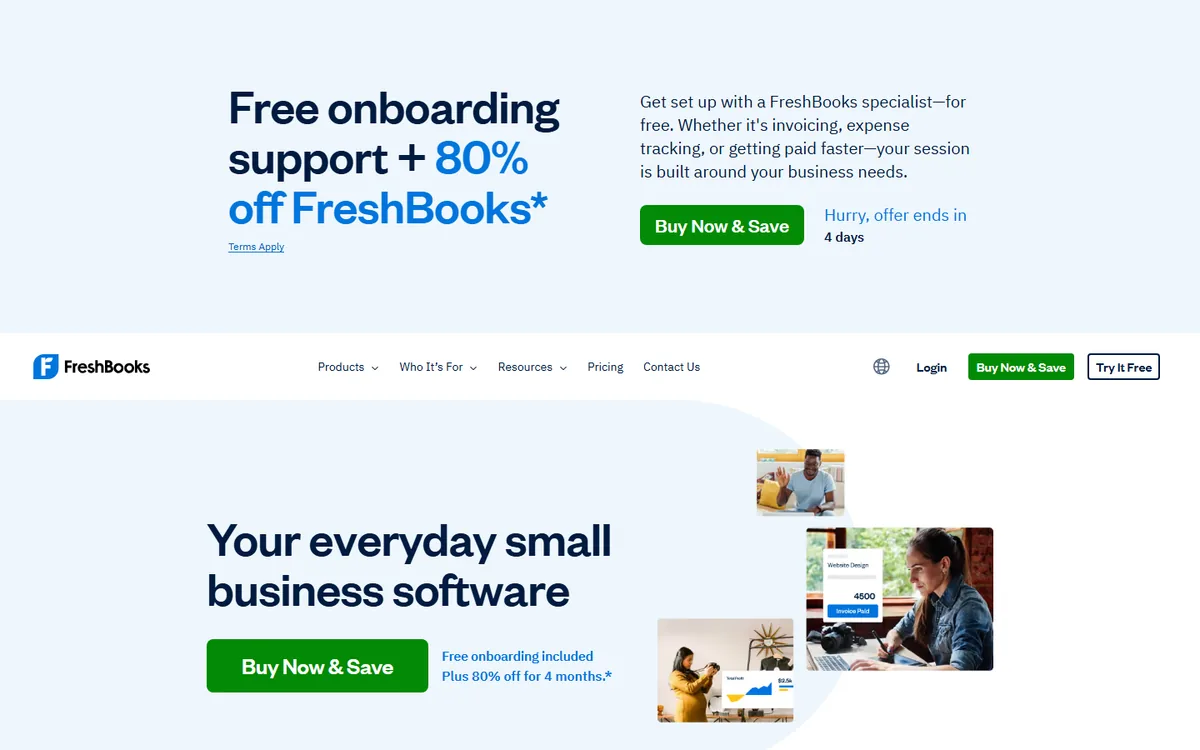
FreshBooks focuses on invoicing, time tracking and expenses for freelancers and service firms.
If you bill for time or projects, FreshBooks feels friendlier than a full accounting suite. Invoices go out quickly, time entries become line items and clients can pay online.
Prices rise with the number of billable clients, which is awkward if you have many small customers. Accountants sometimes prefer QuickBooks, so ask yours first.
Pros of FreshBooks
- Pleasant invoicing and time tracking
- Proposals and expenses included
- Clean reports for service work
Cons of FreshBooks
- Pricing depends on billable clients
- Less familiar to some accountants
FreshBooks Pricing
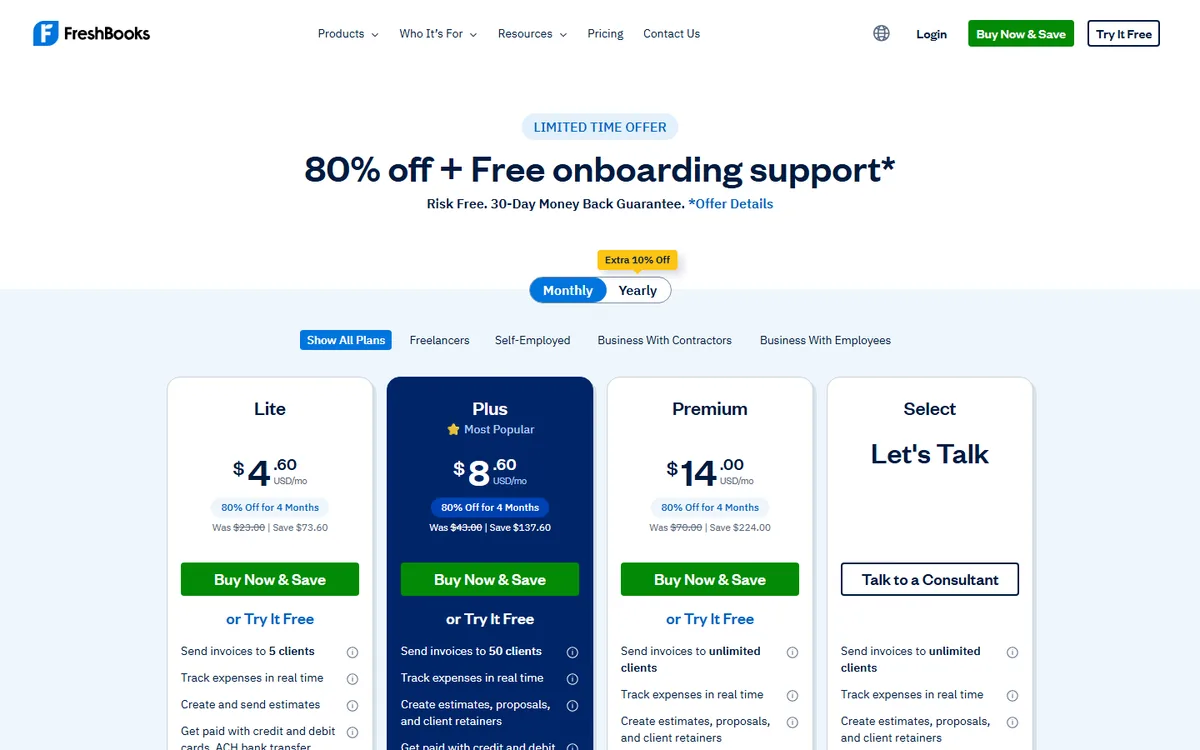
Lite lists at about $21 per month, with higher plans for more billable clients. Confirm on FreshBooks’ site, since promotions change often.
FreshBooks Reviews
- G2: 4.5/5 average (from +900 reviews)
- Capterra: 4.5/5 average (from +4,000 reviews)
Zoho CRM
A Customizable CRM at a Lower Price Than Most Rivals
Zoho CRM offers contact management, pipelines and automations, with deep customization on affordable plans.
Zoho is my pick when HubSpot feels too expensive and Salesforce is too heavy. You can tailor fields and pipelines, and it connects to the wider Zoho suite.
The interface takes more time to learn. Expect an hour or two of setup before it feels natural, and keep the first version simple.
Pros of Zoho CRM
- Strong features for the price
- Customizable fields and pipelines
- Works with other Zoho apps
Cons of Zoho CRM
- Steeper learning curve
- Interface feels busy at first
Zoho CRM Pricing
Zoho CRM offers a free edition for a few users. Paid plans start at about $14 per user per month billed annually, and higher tiers cost more.
Zoho CRM Reviews
- G2: 4.1/5 average (from +2,800 reviews)
- Capterra: 4.3/5 average (from +6,000 reviews)
Calendly
End the Back-and-Forth of Booking Meetings
Calendly lets people book time on your calendar based on your availability.
Booking calls by email often takes four messages. Calendly cuts it to one link, which matters when you take sales calls or client consultations.
Free use is limited, and team features cost more. Make sure your meeting types are set up properly, so clients do not book the wrong slot.
Pros of Calendly
- Cuts email back-and-forth
- Works with common calendars
- Reminders reduce no-shows
Cons of Calendly
- Free plan is limited
- Team scheduling needs a higher tier
Calendly Pricing
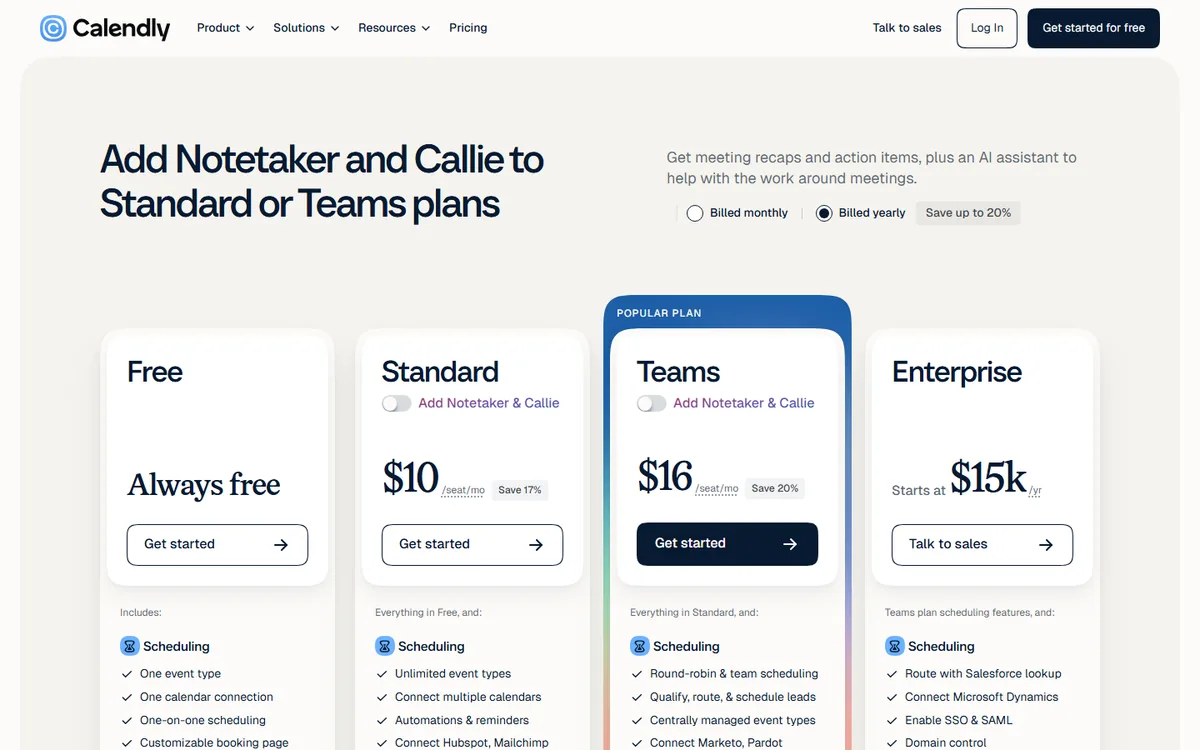
Calendly has a free plan. Standard lists at about $10 per seat per month billed annually, and Teams costs about $16.
Calendly Reviews
- G2: 4.7/5 average (from +1,800 reviews)
- Capterra: 4.7/5 average (from +3,000 reviews)
Zapier
Connect Your Apps So Data Moves Without Copy and Paste
Zapier connects thousands of apps through simple triggers and actions, and now includes AI steps.
A simple Zap, such as new form entry to CRM contact to Slack alert, often saves an hour a week. I suggest you automate one small job first and see how it holds.
Costs scale with the number of tasks, and long chains get hard to maintain. Keep automations short and document what each one does.
Pros of Zapier
- Thousands of supported apps
- Fast to build the first workflow
- AI steps included
Cons of Zapier
- Costs climb with task volume
- Long chains are hard to maintain
Zapier Pricing
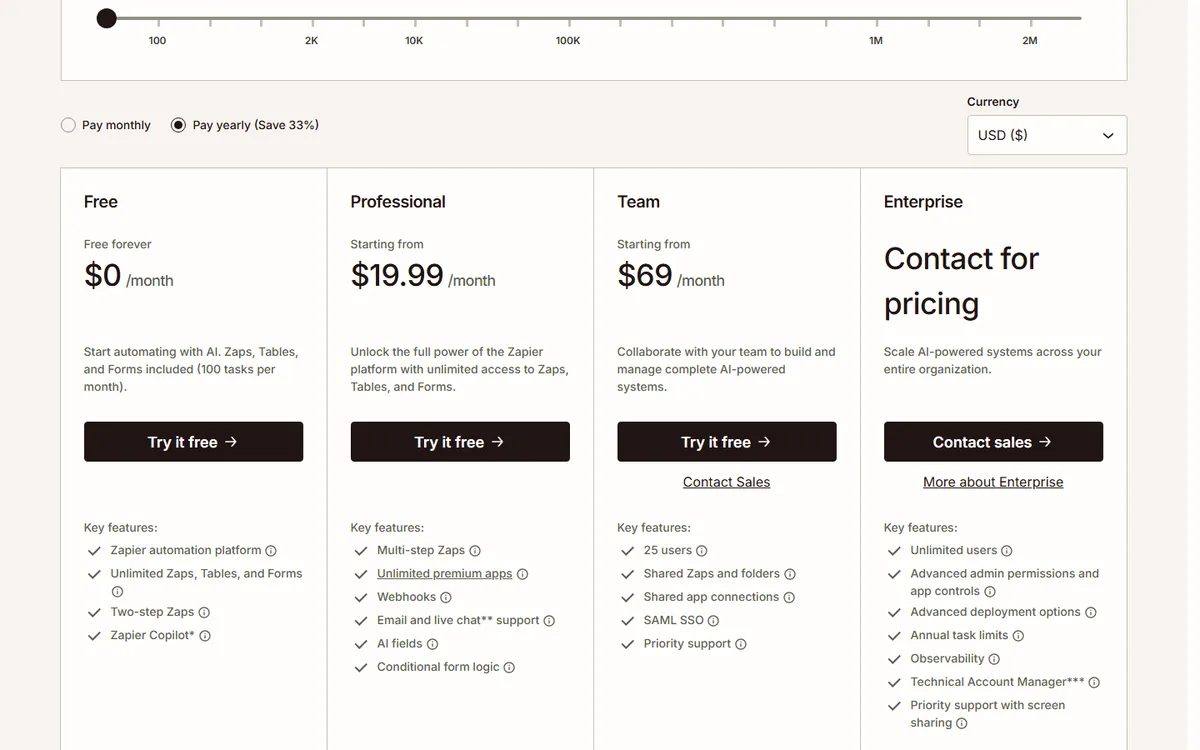
Zapier has a free plan. Paid plans start at about $19.99 per month billed annually, with higher tiers for more tasks.
Zapier Reviews
- G2: 4.5/5 average (from +1,300 reviews)
- Capterra: 4.7/5 average (from +3,000 reviews)
Shopify

The Most Complete Option if You Sell Products Online
Shopify provides online stores, payments, inventory and shipping tools for product businesses.
If you plan to sell physical products, Shopify handles the store, checkout and shipping labels in one place. Apps extend it, though each adds a monthly cost.
Fees add up: the plan, payment processing and apps. Budget for the real monthly total before you launch.
Pros of Shopify
- Complete store setup
- Large app and theme library
- Reliable checkout
Cons of Shopify
- Apps add monthly costs
- Customization sometimes needs a developer
Shopify Pricing
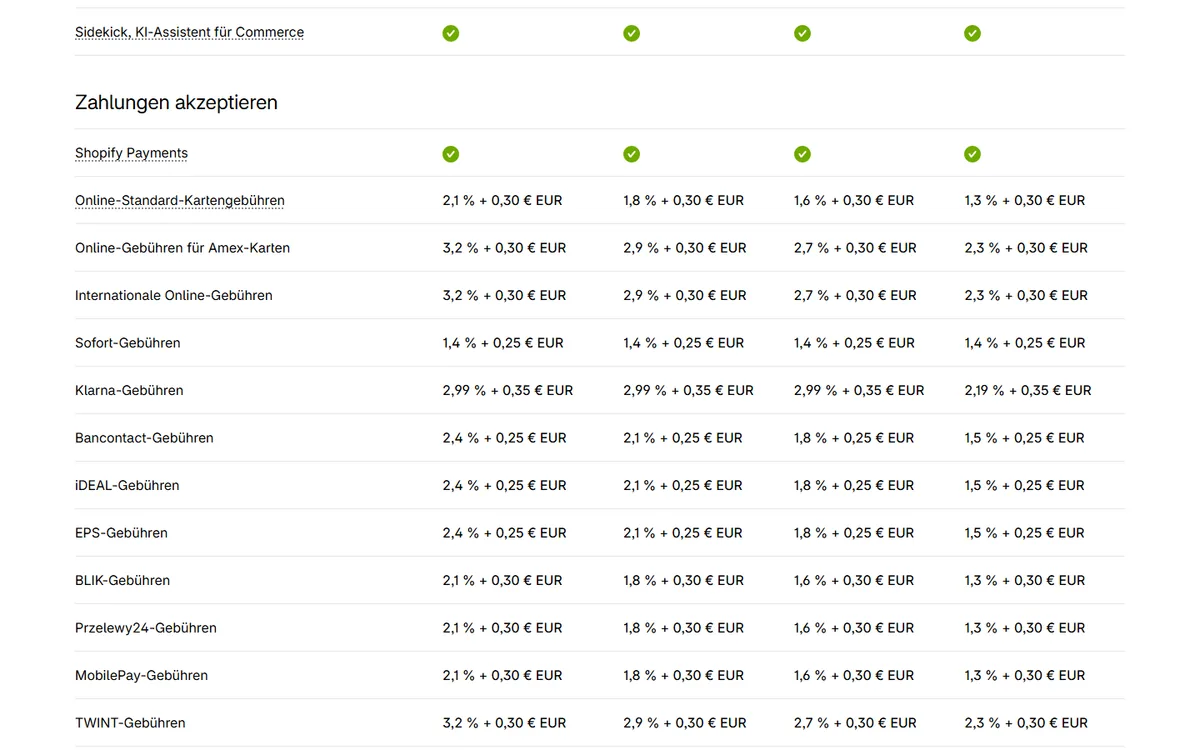
Basic lists at about $29 per month on an annual plan, with Grow and Advanced above it. Shopify often runs a low-price trial offer for new stores.
Shopify Reviews
- G2: 4.4/5 average (from +4,000 reviews)
- Capterra: 4.5/5 average (from +5,000 reviews)
Xero
Unlimited Users and Strong Bank Reconciliation at a Fixed Price
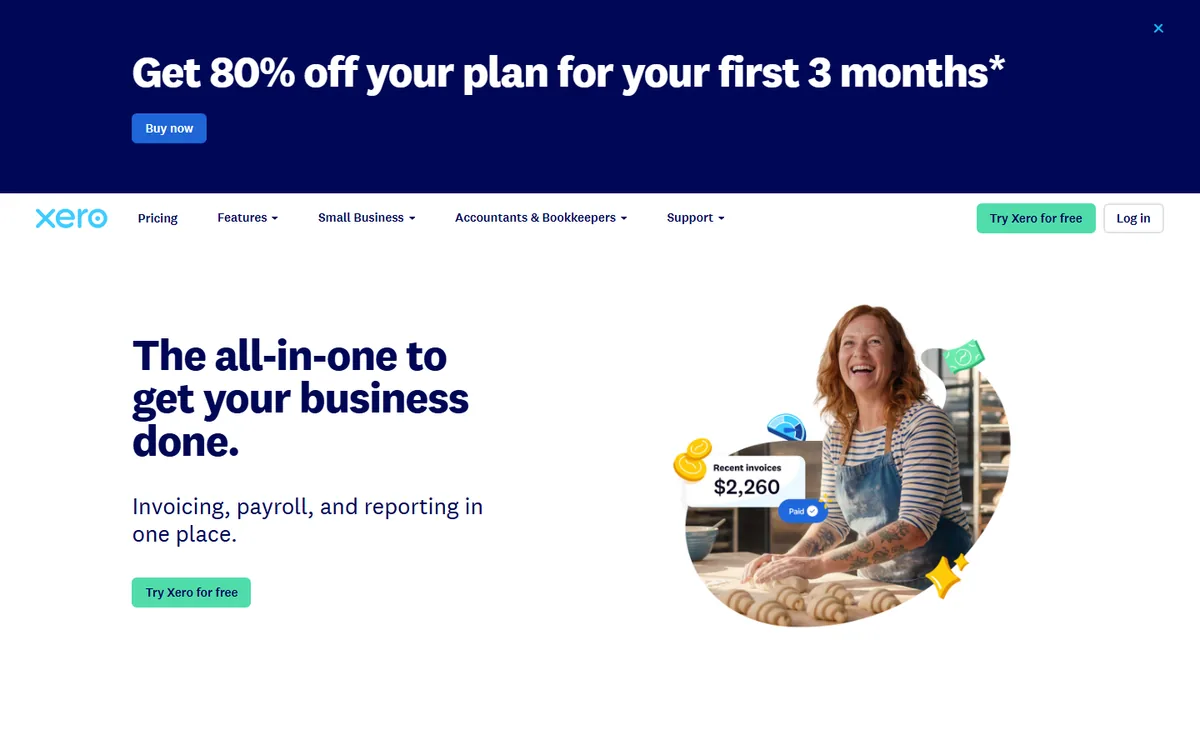
Xero covers invoicing, bank reconciliation, expenses and reports with unlimited users on every plan.
Xero is a strong alternative to QuickBooks, especially if several people need access, since it does not charge per user. Bank reconciliation is smooth and the reports are clear.
US accountants know it less well than QuickBooks, and some features need add-ons. Ask your accountant before you switch.
Pros of Xero
- Unlimited users on every plan
- Smooth bank reconciliation
- Clear reporting
Cons of Xero
- Less common among US accountants
- Some features need paid add-ons
Xero Pricing
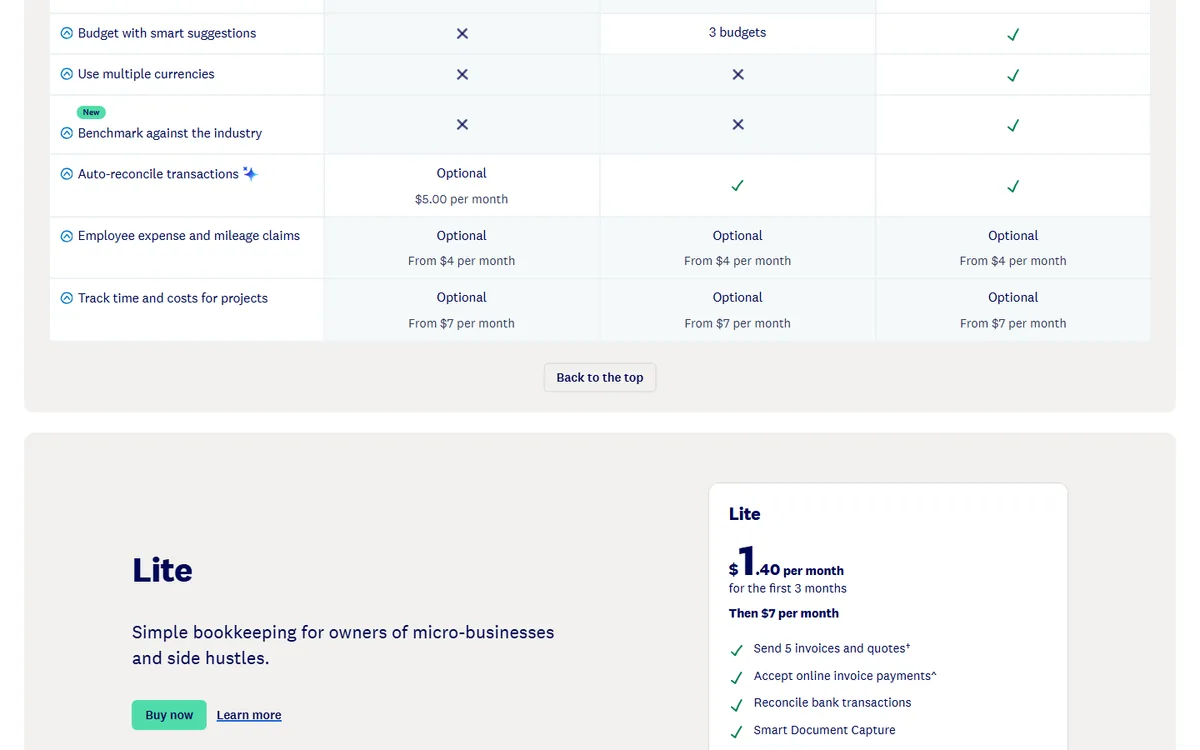
Early lists at about $20 per month, Growing at about $47 and Established at about $80 in the US. Check Xero’s site for current plans and offers.
Xero Reviews
- G2: 4.3/5 average (from +1,500 reviews)
- Capterra: 4.4/5 average (from +4,000 reviews)
Zoom
Reliable Video Meetings That Clients Already Know
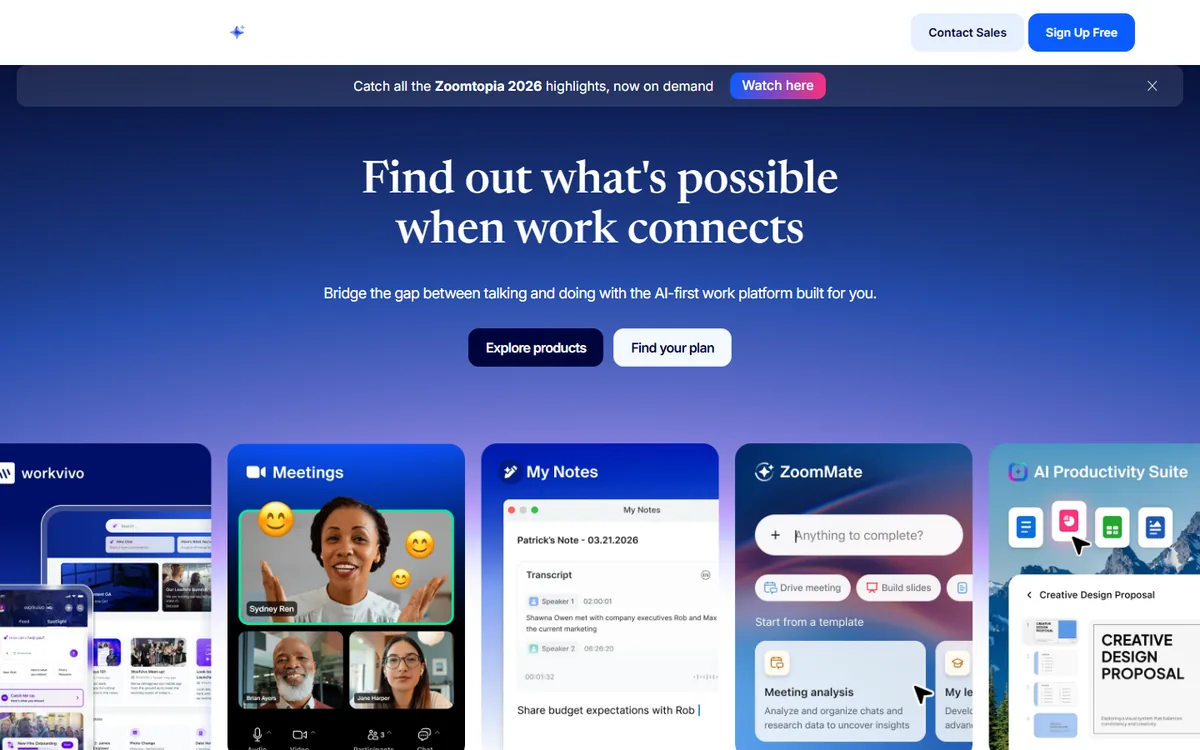
Zoom hosts video meetings and webinars, with chat, recording and phone options on paid plans.
Clients know how to join a Zoom call, which saves time when you meet new people. Recording and transcripts help when you run interviews, such as the customer calls I describe in my small business strategy examples.
If your team already uses Google Workspace or Microsoft 365, the built-in meeting tools may be enough. Zoom shines for clients and larger groups.
Pros of Zoom
- Clients know how to join
- Reliable quality
- Recording and transcripts
Cons of Zoom
- Free plan limits meeting length
- Overlap with other suites you already pay for
Zoom Pricing
Zoom has a free plan with 40-minute group meetings. Pro lists at about $13.33 per user per month billed annually, and about $15.99 monthly.
Zoom Reviews
- G2: 4.5/5 average (from +55,000 reviews)
- Capterra: 4.6/5 average (from +13,000 reviews)
1Password
Share Logins Safely and Stop Passwords Living in Spreadsheets
1Password stores and shares passwords for teams, with admin controls and breach alerts.
A shared spreadsheet of passwords is a real risk. 1Password gives each person their own vault and shared vaults for client accounts, so access ends when someone leaves.
It is another monthly cost per user, and your team must adopt it. Make it a rule for new accounts from day one.
Pros of 1Password
- Shared vaults for teams
- Easy offboarding when people leave
- Strong security reputation
Cons of 1Password
- Another per-user cost
- Needs team discipline to work
1Password Pricing
Business plans list at about $7.99 per user per month, and a Teams Starter Pack costs about $19.95 per month for up to ten people. Check 1Password’s site for current prices.
1Password Reviews
- G2: 4.6/5 average (from +1,600 reviews)
- Capterra: 4.7/5 average (from +1,400 reviews)
Estimate the Return on a Small Business Tool
Before you pick a plan, check whether the numbers work for you. Enter the manual hours the tool would cover and its monthly price, and you will see what it could return in a year.
Will the Tool Pay Off for You?
Use the sliders to enter your workload and the plan you are considering.
How to Choose the Right Small Business Tools
In my experience, fit with your process matters more than the feature list. Before you compare vendors, I suggest you answer four questions:
- Which task costs you the most time or money today?
- How many people will use the tool in a year?
- Does it connect to the tools you already pay for?
- Who will own it and keep it tidy?
If you are starting from scratch, a typical stack is Google Workspace, a free CRM, simple accounting such as QuickBooks Online or Wave, and Slack once you pass a handful of people. If you are deciding which investments come first, my small business strategy consulting work starts with exactly that ranking, and the habits in my small business strategy examples show how owners put it into practice.
Questions About Choosing Small Business Tools
What Are the Best Free Tools for a Small Business?
HubSpot CRM, Wave, Trello, Notion and the free tiers of Canva, Slack and Zapier cover a lot. I suggest you start free, and pay only when a limit hurts your work.
How Many Tools Does a Small Business Need?
Most teams do well with five to eight: accounting, CRM, communication, documents, scheduling and payments. More than that usually means overlap.
Which Tool Should I Buy First?
Start with the one that fixes the most expensive problem, often accounting or a CRM. If you lose leads, start with the CRM. If you lose evenings to bookkeeping, start with accounting.
How Much Should a Small Business Spend on Software?
It depends on size and industry, so I would not suggest a fixed percentage. Track the total monthly cost per tool, and cancel any that nobody opens in a quarter.
Is It Better to Use One All-in-One Suite or Separate Tools?
A suite is simpler to manage, and separate tools are often better at one job. For teams under ten, I lean toward a small number of focused tools that connect to each other.
How Do I Get My Team to Use a New Tool?
Name one owner, train the team for 30 minutes and move the work in one go instead of running both systems. Check usage after a month and remove anything that is not working.
Do Tools Replace a Strategy?
No. Tools support decisions you have already made. If you are unsure what to prioritize, a short strategy review gives you the order in which to buy and set up tools.
Heads up: vendors change prices, plans and ratings often. Everything was checked at the last update date, but confirm on each vendor’s website first. This article is not legal or financial advice.
Was this article helpful?
Thank you for letting us know.
Russell Tennant
Russell leads the Brook editorial team and works with our consultants to turn real client engagements into practical guides on roadmaps, go-to-market planning, growth and competitive strategy. Before joining Brook, he spent 11 years in strategy and product marketing roles at software and financial services companies. He has since edited more than 300 articles on strategy practice and drawn on roadmaps and growth plans from over 100 client projects. He is based in Denver, Colorado.