Key Takeaways
- Whiteboards like Miro and Mural are best for workshops, and documents like Notion are best for the written strategy.
- Strategyzer suits business model testing, and Aha! and Productboard suit product strategy.
- Airtable and Smartsheet help you score initiatives and turn them into plans.
- Choose by the stage you are in: thinking together, deciding, or tracking the work.
The Best Strategy Development Tools at a Glance
| Tool | Type | Best for |
|---|---|---|
| 1. Miro | Online whiteboard | Workshops, strategy maps and remote planning sessions |
| 2. Mural | Online whiteboard | Facilitated workshops with structured exercises |
| 3. Notion | Docs and database workspace | Writing the strategy and keeping decision logs |
| 4. Strategyzer | Business model software | Testing business models and new offers |
| 5. Lucidchart | Diagramming | Process maps, org charts and strategy-to-initiative diagrams |
| 6. Airtable | Database and planning workspace | Initiative lists, scoring models and tracking |
| 7. FigJam | Online whiteboard | Low-cost workshops, especially if your team already uses Figma |
| 8. Aha! | Roadmap software | Linking strategy to product goals and roadmaps |
| 9. Smartsheet | Work management | Turning strategy into project plans and resource views |
| 10. Productboard | Product management | Prioritizing product bets against customer evidence |
| 11. Creately | Diagramming and whiteboard | Budget-friendly diagrams, mind maps and strategy canvases |
| 12. OnStrategy | Strategic planning software | Small teams that want a guided planning process |
The 12 Best Strategy Development Tools, Ranked
I start with the tools that fit the widest range of strategy work and move toward specialists, so you can stop reading when you find your fit. A tool supports the process but does not replace it. In my strategy development consulting projects, most clients end up with two tools: a canvas for workshops and a document or database for the plan.
Miro
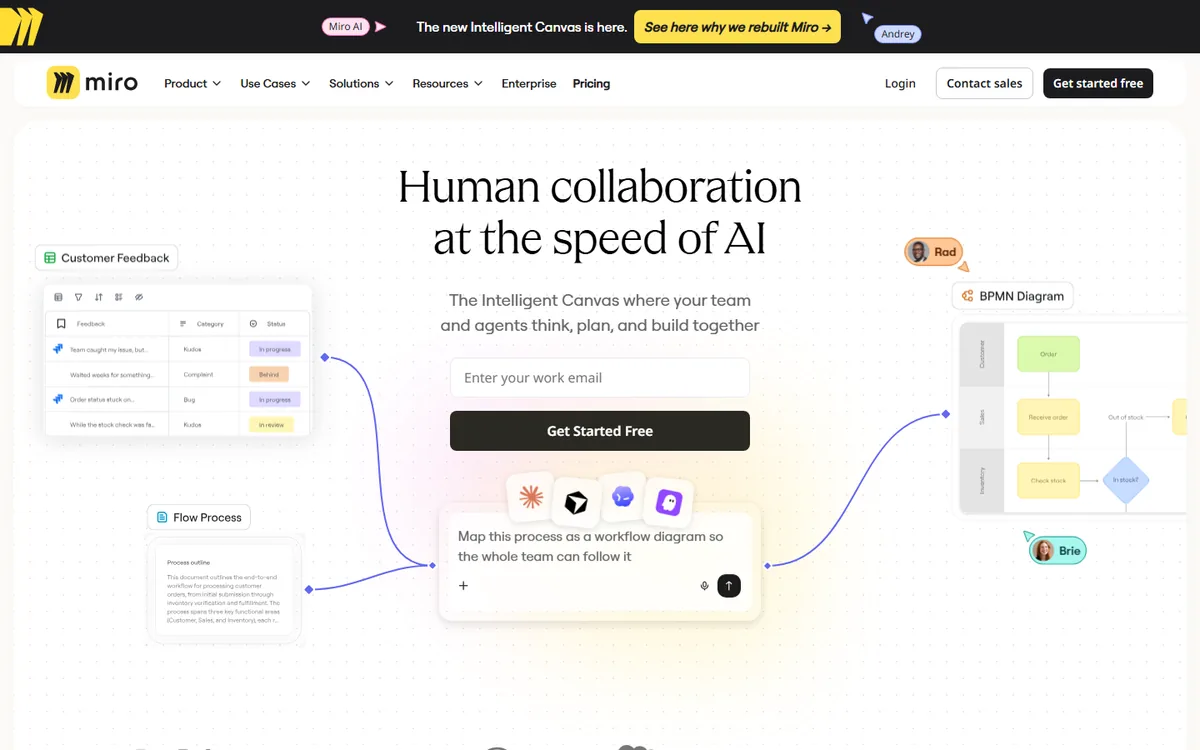
The Best All-Round Canvas for Running Strategy Workshops With People in Different Places
Miro is an infinite online whiteboard with templates for SWOT, Business Model Canvas, roadmaps and stakeholder maps.
Miro is the tool I open first when a leadership team needs to think together. You get a large shared canvas, sticky notes, voting and timers, plus ready-made strategy templates, so a decision workshop can start within minutes. Most clients already know it, which removes the learning curve from a session where attention is scarce.
I use it for the messy middle of strategy development: collecting inputs, clustering themes and ranking options. It is weaker as a place to keep the final plan, because large boards get hard to navigate. Treat it as the workshop room and move the decisions into a document or tracker afterward.
Pros of Miro
- Strong templates for common strategy frameworks
- Voting, timers and facilitation tools keep sessions moving
- Most participants already know how to use it
Cons of Miro
- Large boards become hard to navigate
- Better for thinking together than for tracking work afterward
Miro Pricing
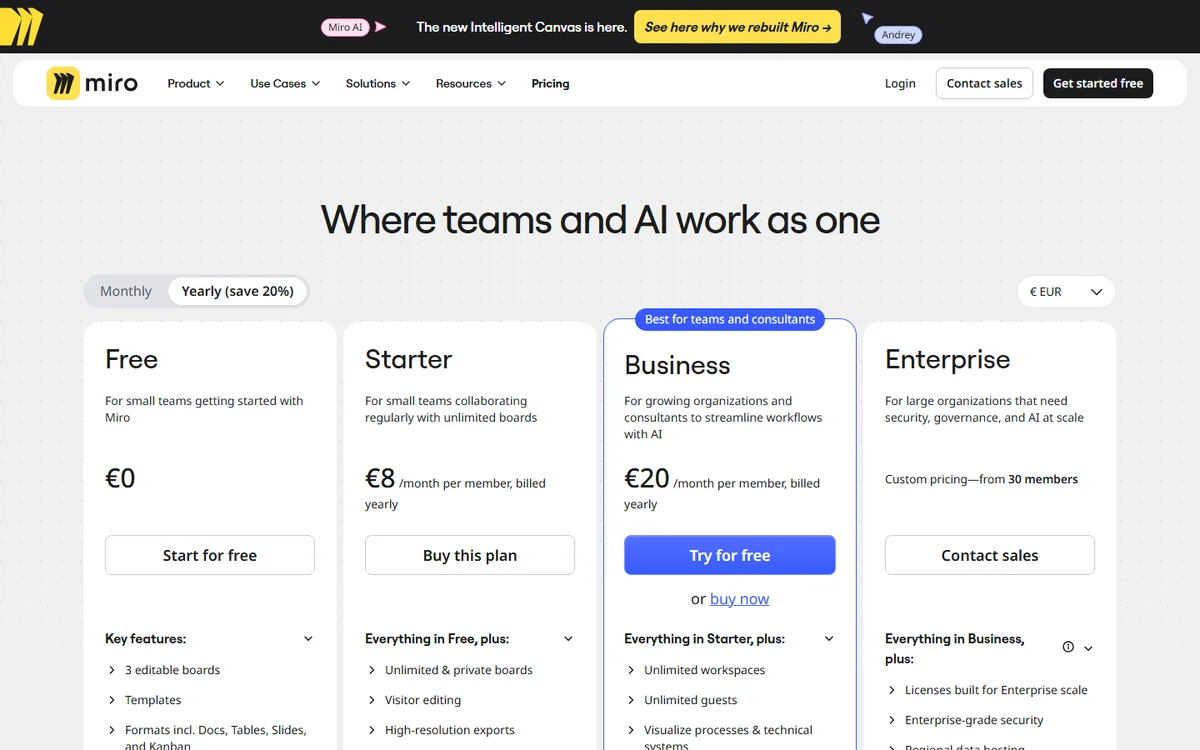
Miro has a free plan with three editable boards. According to Capterra, the Starter plan costs $10 per user per month, and G2 lists the Business plan at $20 per user per month. Enterprise plans are quoted.
Miro Reviews
- G2: 4.6/5 average (from +13,000 reviews)
- Capterra: 4.7/5 average (from +1,700 reviews)
Mural
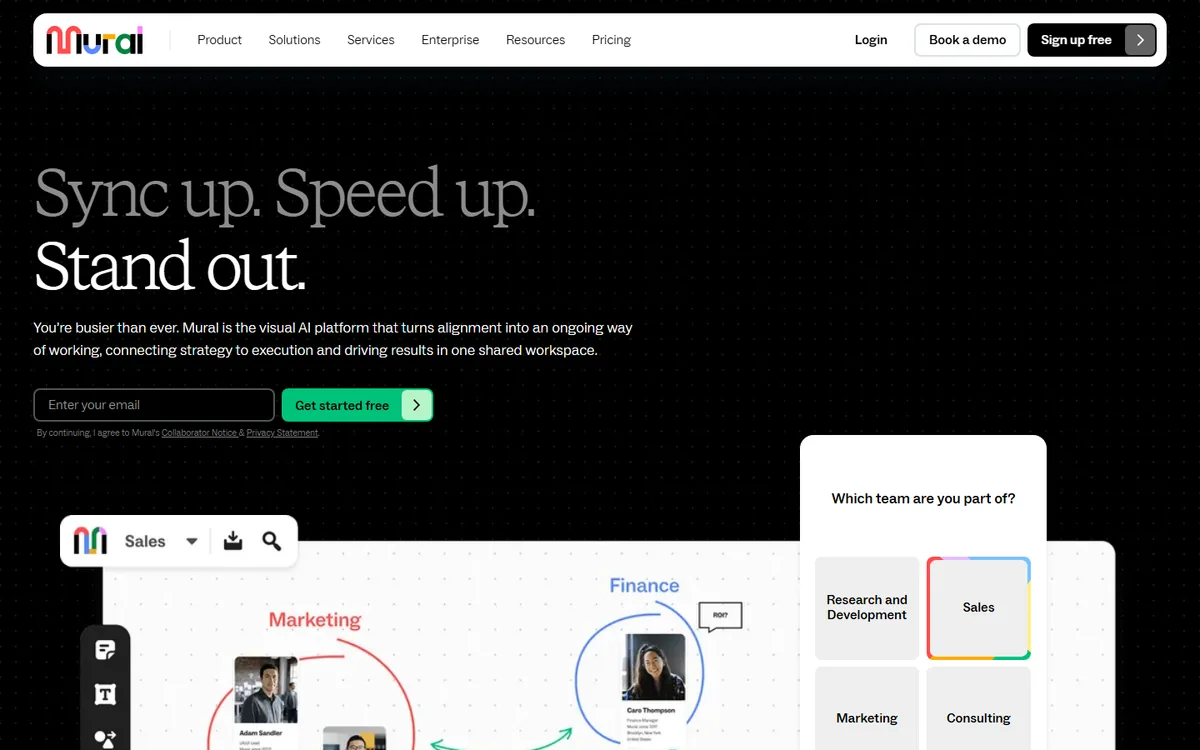
A Facilitation-Friendly Whiteboard for Teams That Run Many Structured Workshops
Mural is a digital whiteboard with strong facilitation features and templates for strategy, planning and retrospectives.
Mural covers the same ground as Miro, with extra attention to facilitation. Features such as private mode, timers and guided exercises help a facilitator keep a large group on track and avoid anchoring on the first idea that goes up.
When I run a multi-session planning cycle with distributed teams, I like the way it handles private brainstorming before the group reveals ideas. The trade-off is a smaller community of templates and users than Miro, which can matter if your guests expect a familiar tool.
Pros of Mural
- Private brainstorm mode reduces groupthink
- Good facilitation controls for larger sessions
- Clean templates for planning exercises
Cons of Mural
- Smaller template library than Miro
- Fewer guests will already know the interface
Mural Pricing
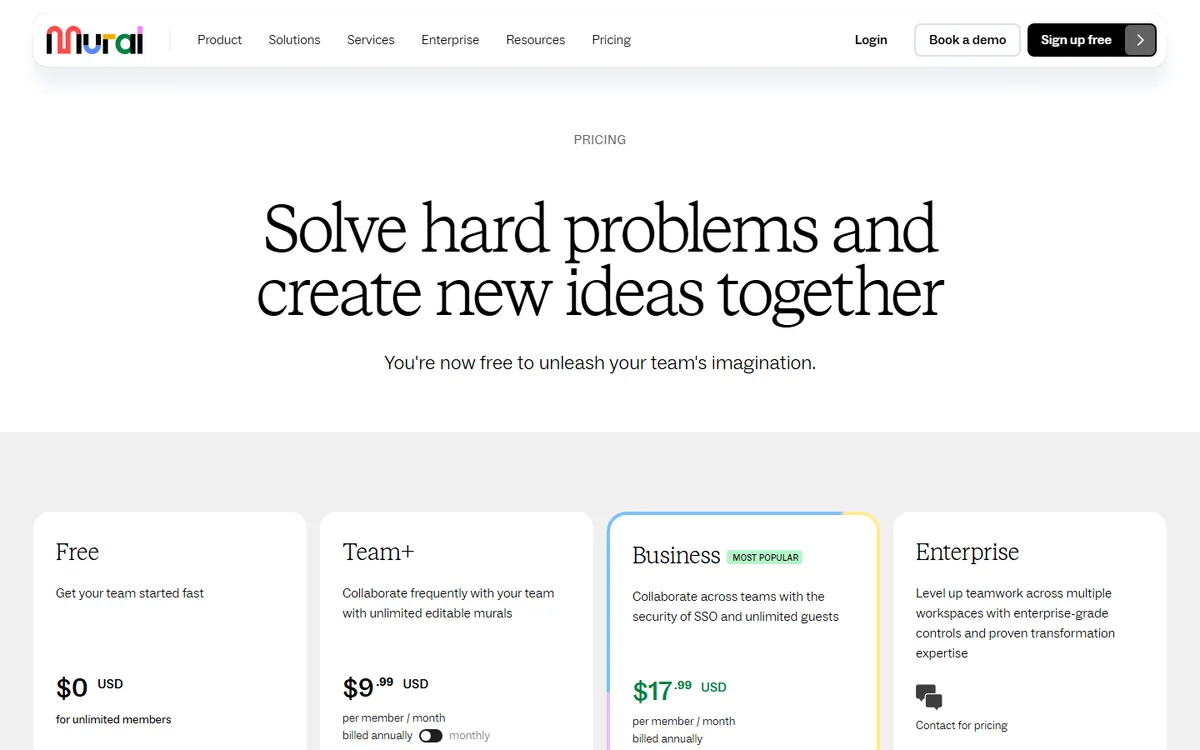
Mural has a free plan that allows three murals. Capterra and G2 list the Team+ plan at $12 per user per month. Business and Enterprise plans are quote-based.
Mural Reviews
- G2: 4.6/5 average (from +1,500 reviews)
- Capterra: 4.5/5 average (from +130 reviews)
Notion
The Best Place to Write Your Strategy Down and Keep It Connected to the Work
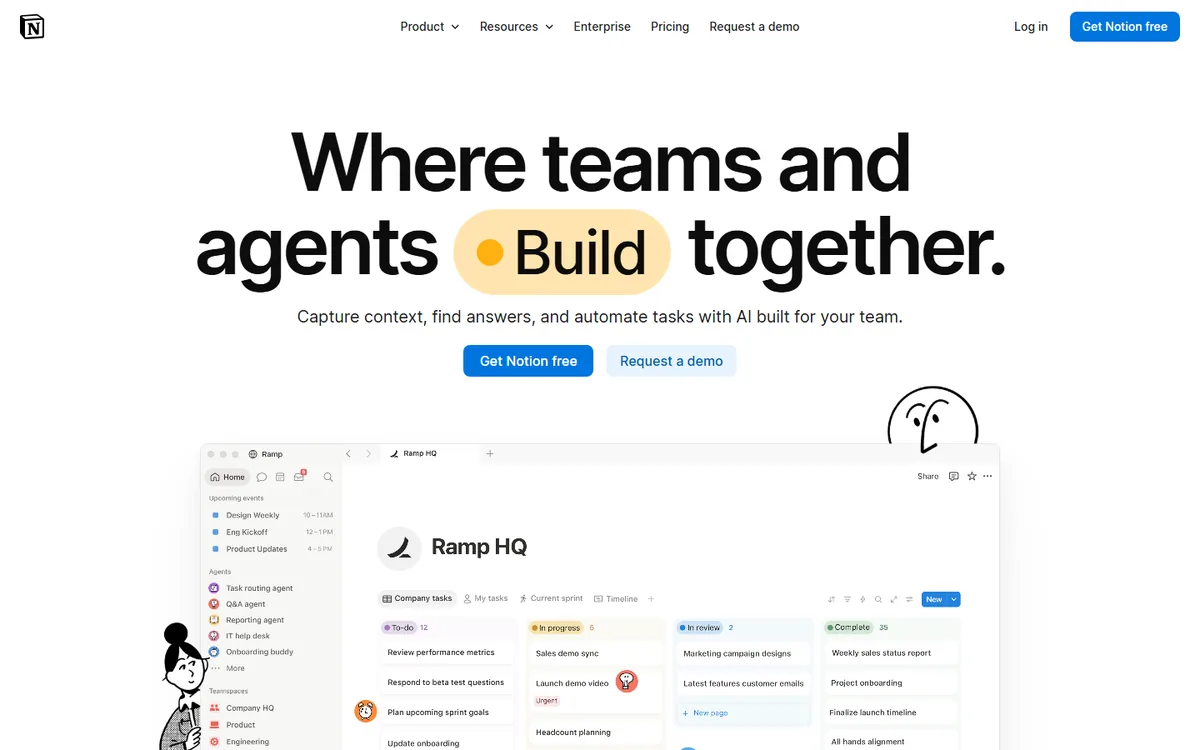
Notion combines documents, databases and wikis, so your strategy brief, decision log and initiative list can live in one workspace.
Notion is where I send clients to write the strategy itself. A one-page strategy document, a decision log and an initiative database can link to each other, so a priority on the page points to the owner and status of the work behind it.
It takes some design effort at the start. Without a clear structure, a Notion workspace turns into a pile of pages. I set up three databases for clients, covering decisions, initiatives and assumptions, and keep everything else out.
Pros of Notion
- Documents and databases in one workspace
- Flexible enough for decision logs and initiative lists
- Fair pricing for small and mid-sized teams
Cons of Notion
- Needs deliberate structure to stay tidy
- Reporting is more basic than in dedicated planning tools
Notion Pricing
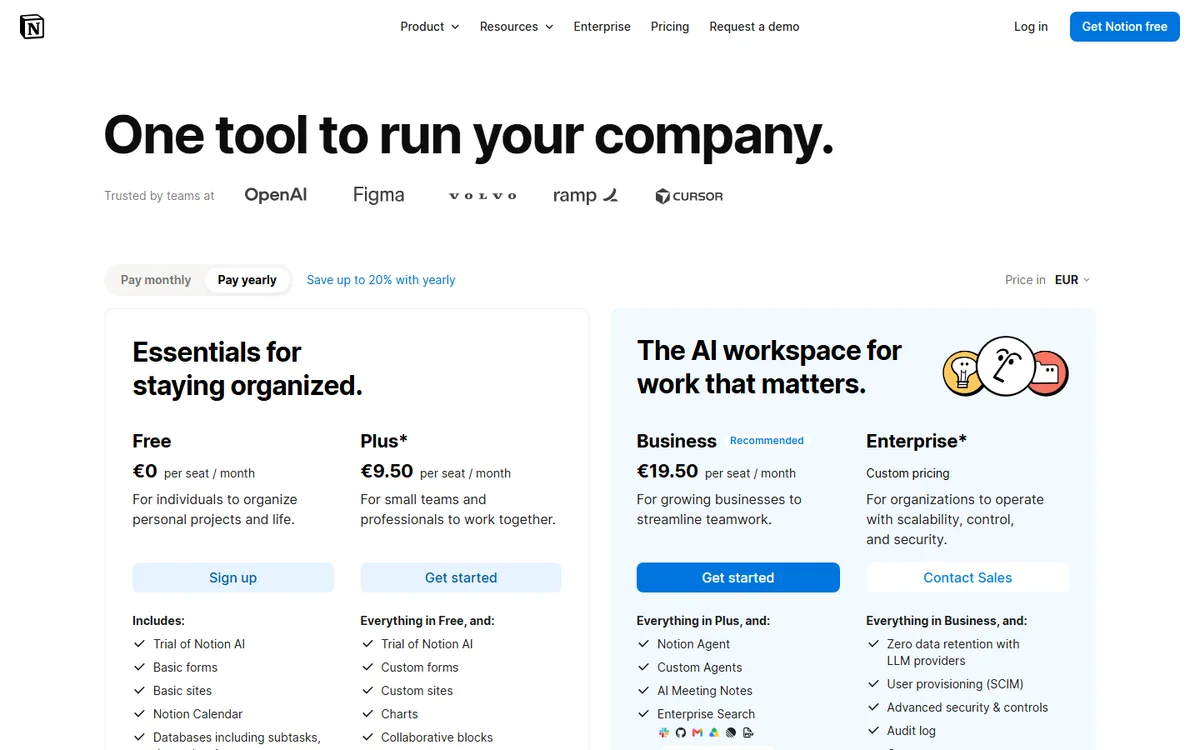
Notion has a free plan. G2 and Capterra list the Plus plan at $12 per user per month, and Business and Enterprise plans cost more and add security and admin controls.
Notion Reviews
- G2: 4.6/5 average (from +13,900 reviews)
- Capterra: 4.7/5 average (from +2,800 reviews)
Strategyzer
The Specialist Pick for Designing and Testing Business Models and New Offers
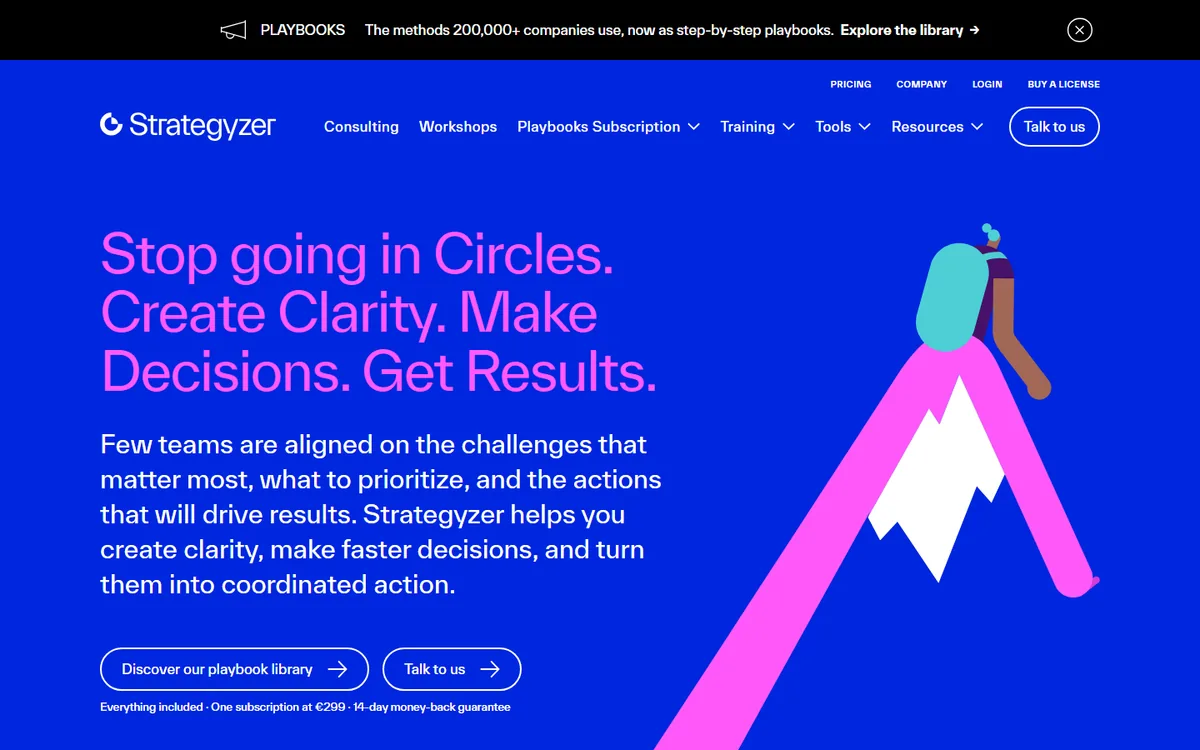
Strategyzer is the platform behind the Business Model Canvas and Value Proposition Canvas, with tools for testing ideas and managing innovation work.
Strategyzer is built for one job: designing business models and testing whether customers want them. If you are weighing a new market, a new product line or a new pricing model, the canvases and experiment tools keep the discussion on assumptions that can be tested.
It is narrower than a general whiteboard, and it is priced as a team platform. Capterra notes that it lacks strategic planning features that many reviewers rate as critical, so I pair it with a document tool for the written plan.
Pros of Strategyzer
- Canvases built for business model and offer design
- Experiment tracking keeps assumptions visible
- Useful for new market or product decisions
Cons of Strategyzer
- Priced above general whiteboards
- Not a tool for tracking the full strategic plan
Strategyzer Pricing
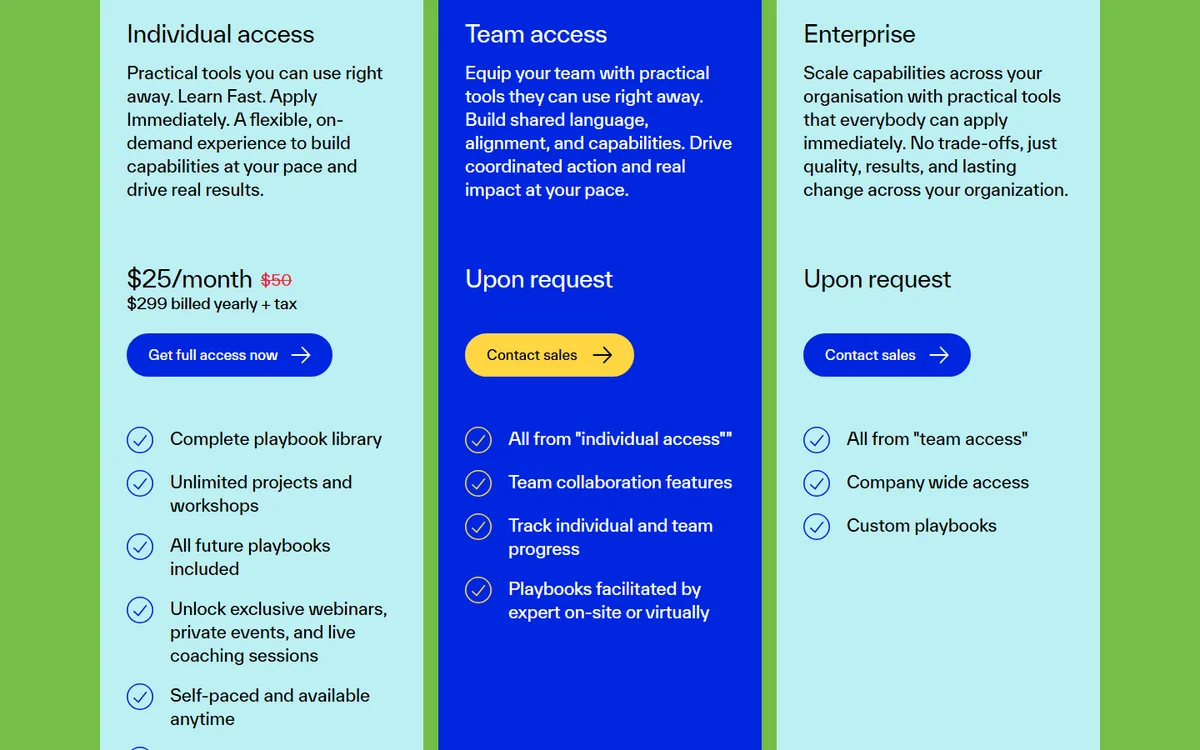
Capterra lists the SME plan at $250 per user per month and a default flat price of $10,000 per year, with a free trial and no free version.
Strategyzer Reviews
- G2: 3.8/5 average (from 7 reviews)
- Capterra: No user rating published
Lucidchart
A Reliable Diagramming Tool for Mapping Processes, Org Charts and How Initiatives Connect
Lucidchart draws flowcharts, org charts and process maps, and can link diagrams to live data.
Lucidchart is my choice when the strategy depends on a clear picture of how work flows, such as a go-to-market process, a handoff between teams or an organization chart. Its diagram tools are precise and it connects to common business apps.
It is less suited to open-ended brainstorming. I use it after the workshop, when the ideas need to become clean diagrams that go into the strategy document.
Pros of Lucidchart
- Precise diagram tools and shape libraries
- Works with common business apps
- Good for process and organization maps
Cons of Lucidchart
- Less suited to open brainstorming than Miro or Mural
- Some features sit behind higher plans
Lucidchart Pricing
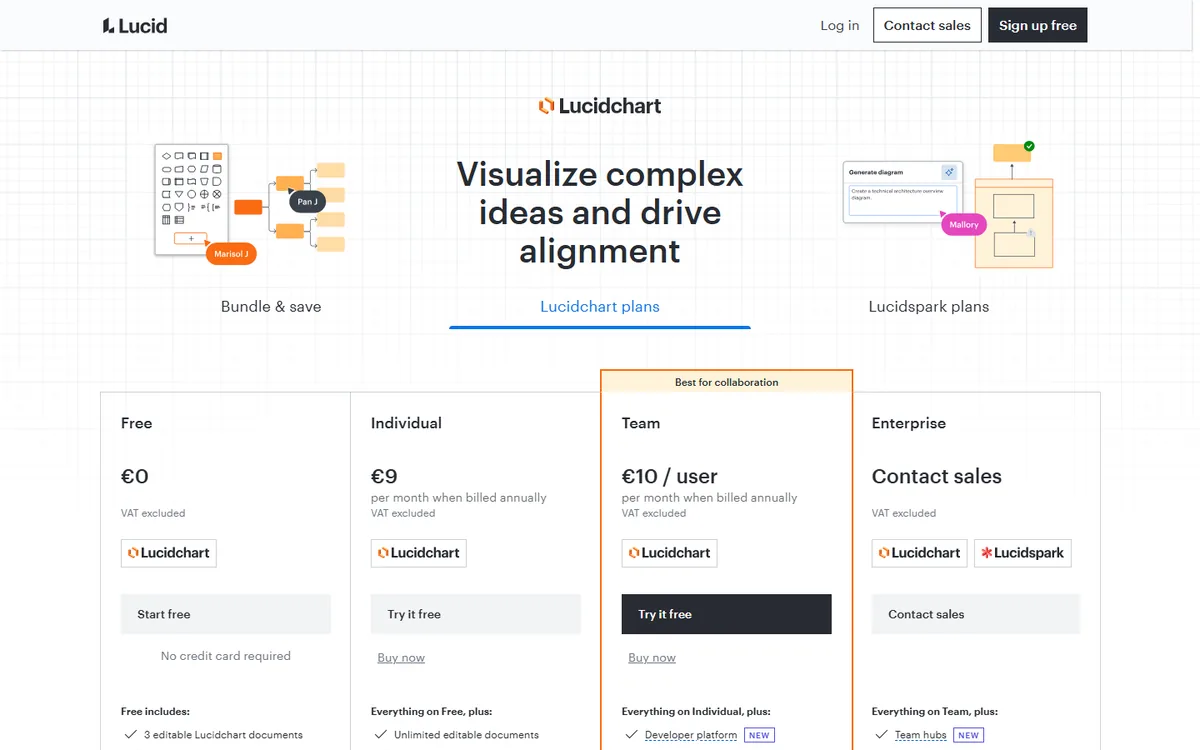
Lucid offers a free version. Capterra lists the Individual plan at $9 per month and the Team plan at $10 per user per month with a three-user minimum, and G2 lists bundles from $13.50 per month.
Lucidchart Reviews
- G2: 4.5/5 average (from +9,100 reviews)
- Capterra: 4.5/5 average (from +2,200 reviews)
Airtable
A Flexible Database for Scoring Initiatives and Tracking Assumptions Behind Your Plan
Airtable gives you a spreadsheet-like database with views, forms and automations that suit initiative scoring and strategy tracking.
Airtable turns a list of strategic options into something you can sort, score and filter. I use it for initiative scoring tables: each row is an initiative, columns hold impact, effort and risk, and a formula gives the ranking. Views let leaders see the plan by owner, quarter or status.
It asks for some setup, and costs grow with the number of editors. For small teams a plain spreadsheet may do, but once several teams share the list, a database with forms and permissions saves time.
Pros of Airtable
- Scoring formulas and multiple views of the same data
- Forms collect input from managers without extra tools
- Integrates with many other business apps
Cons of Airtable
- Per-user costs add up for larger teams
- Needs setup before it is useful
Airtable Pricing
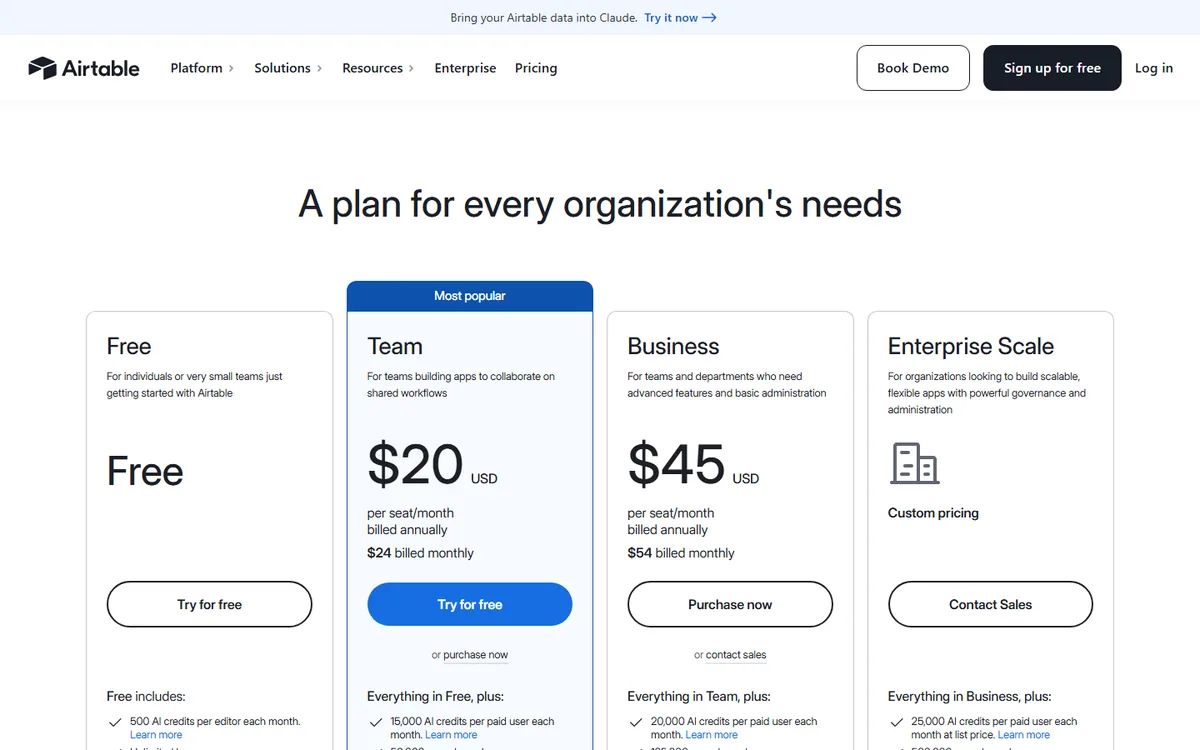
Airtable has a free plan with up to five editors. G2 lists the Team plan at $20 per user per month and the Business plan at $45 per user per month.
Airtable Reviews
- G2: 4.6/5 average (from +3,300 reviews)
- Capterra: 4.6/5 average (from +2,200 reviews)
FigJam
A Simple, Low-Cost Whiteboard If Your Team Already Works in Figma
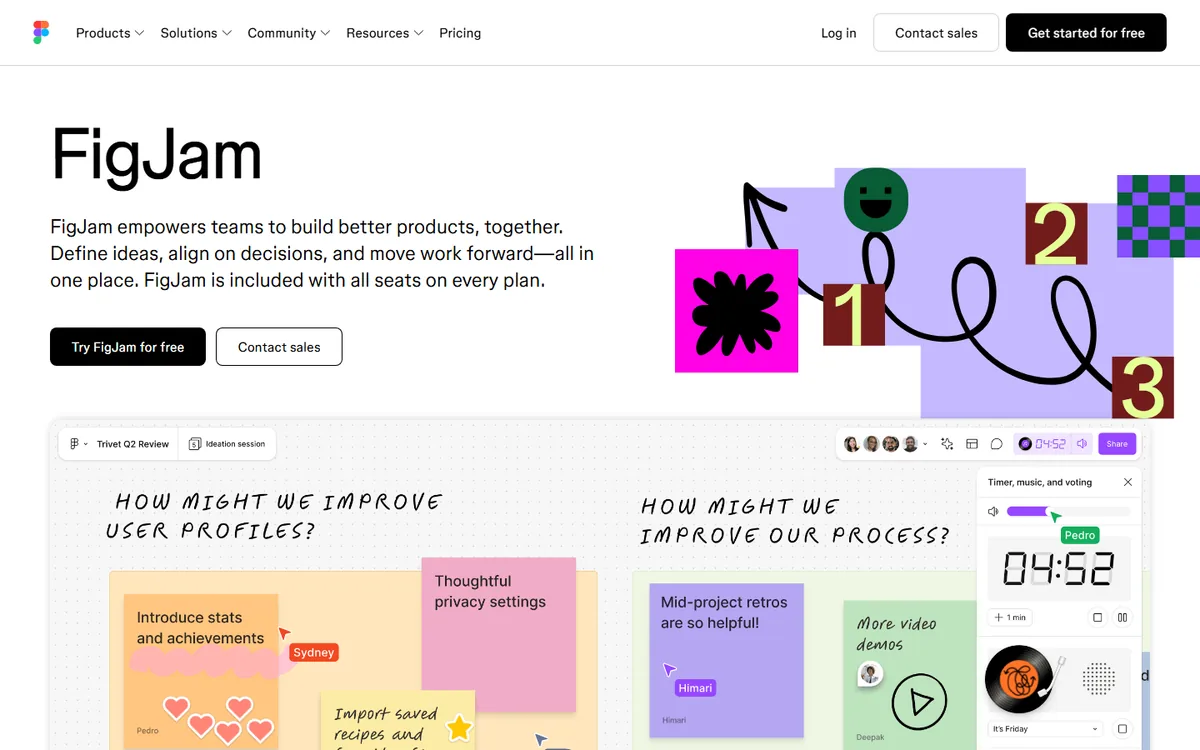
FigJam is Figma's whiteboard, with stickies, voting and templates that keep workshops light and quick.
FigJam is easy to pick up, and the price makes it a practical choice for small teams. Product and design teams already in Figma can move from a workshop to design work without leaving the ecosystem.
The template library for strategy work is thinner than Miro's, so you may build more of your own structure. For quick alignment sessions and retrospectives, it does the job well.
Pros of FigJam
- Quick to learn and pleasant to use
- Low entry price
- Smooth link to Figma for product teams
Cons of FigJam
- Thinner library of strategy templates
- Less depth for large facilitated sessions
FigJam Pricing
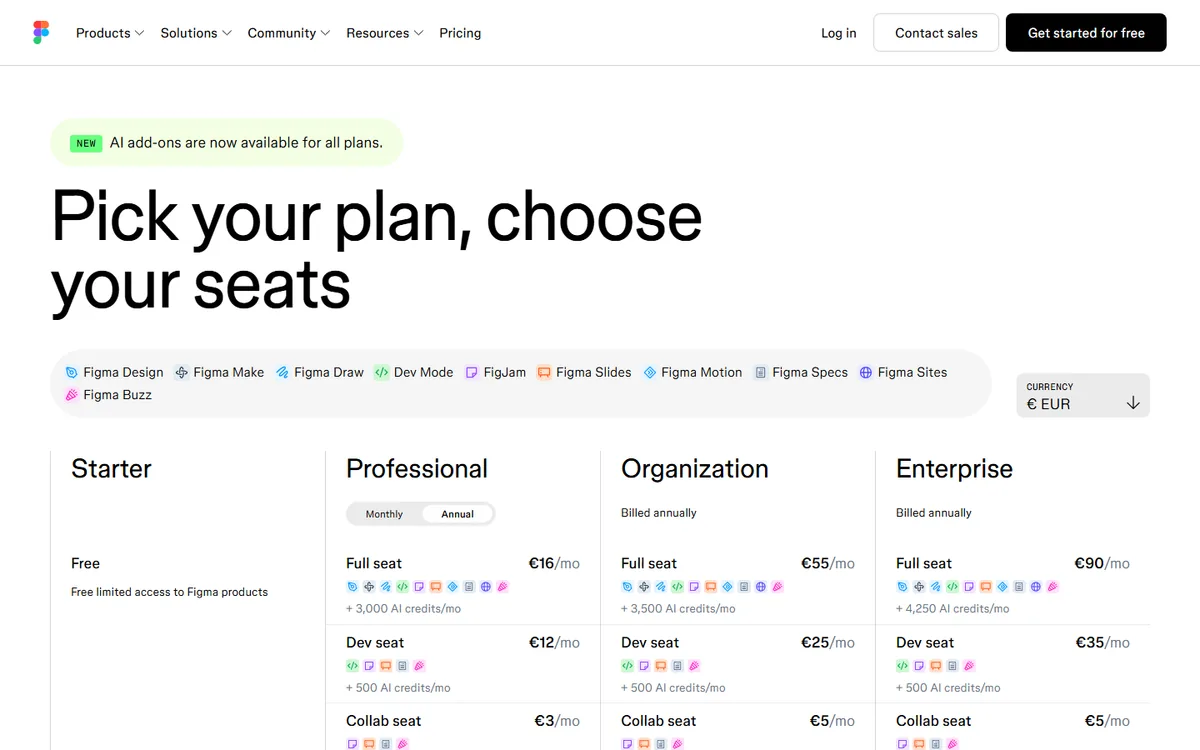
Capterra lists a free version and a Basic plan from $3 per user per month. Check Figma's pricing page for current plan details, as bundles change.
FigJam Reviews
- G2: Rating not retrieved when this article was updated
- Capterra: 4.8/5 average (from 37 reviews)
Aha!
The Strongest Choice for Tying Company Strategy Directly to Product Goals and Roadmaps
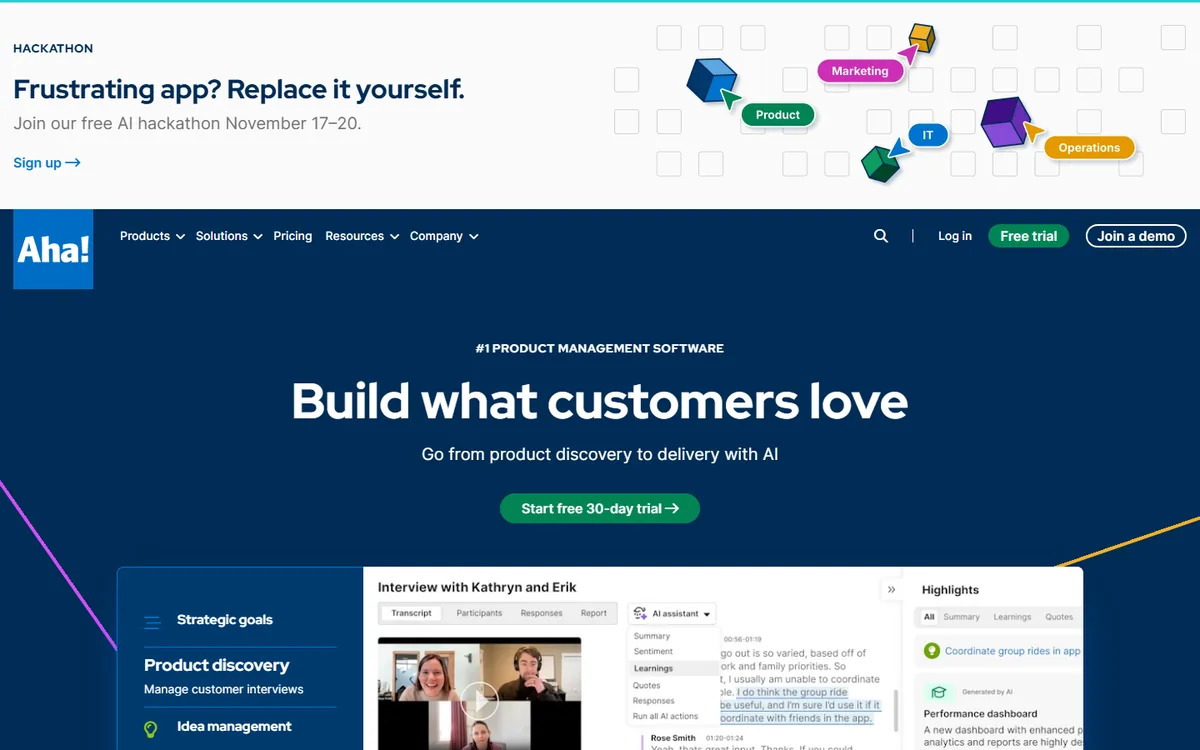
Aha! connects strategic goals, initiatives and releases in one roadmapping platform with prioritization scoring.
Aha! shines when your strategy has to turn into a product roadmap. You set goals, link initiatives and features to them and score ideas against criteria that you define, so the roadmap always shows its link to the strategy.
It is a product management platform first, so it can feel heavy if you only need a strategy workspace. Capterra reviewers mention a steep learning curve and per-user prices that sting for small teams.
Pros of Aha!
- Clear link from goals to initiatives to releases
- Prioritization scoring built in
- Strong roadmap views for different audiences
Cons of Aha!
- Steep learning curve
- Per-user pricing is high for small teams
Aha! Pricing
Capterra lists plans from $9 per user per month (Develop) to $59 per user per month (Roadmaps). There is a free trial and no free version.
Aha! Reviews
- G2: Rating not retrieved when this article was updated
- Capterra: 4.7/5 average (from +560 reviews)
Smartsheet
A Spreadsheet-Style Platform for Turning Strategic Initiatives Into Project Plans and Reports
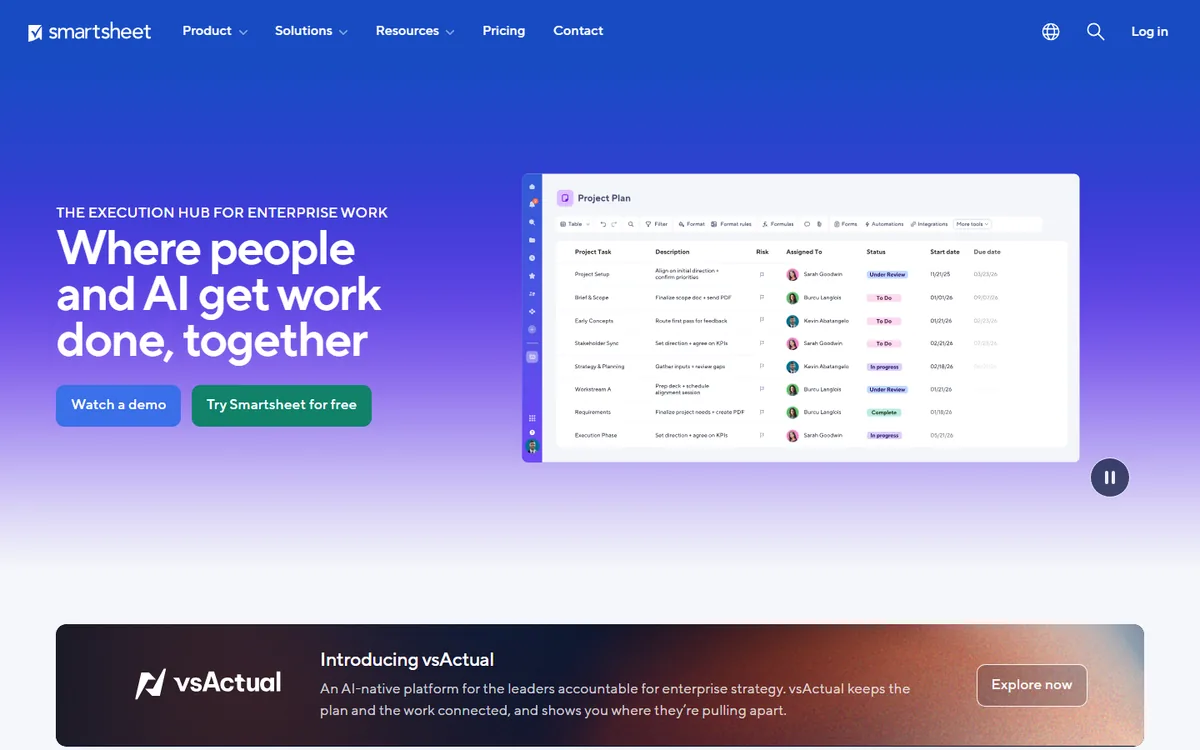
Smartsheet combines grids, Gantt charts, dashboards and resource views in a format that feels familiar to spreadsheet users.
Smartsheet suits the step after the strategy is set, when initiatives need schedules, owners and dashboards. Anyone who has used a spreadsheet can start quickly, and dashboards roll up progress for leaders.
It is a project and work platform, so it does little for the thinking stage. I recommend it for companies with many parallel initiatives and finance or operations teams that want a familiar interface.
Pros of Smartsheet
- Familiar grid interface
- Dashboards and reports roll up progress
- Resource and Gantt views for larger programs
Cons of Smartsheet
- Little support for strategic thinking itself
- Advanced features add cost
Smartsheet Pricing
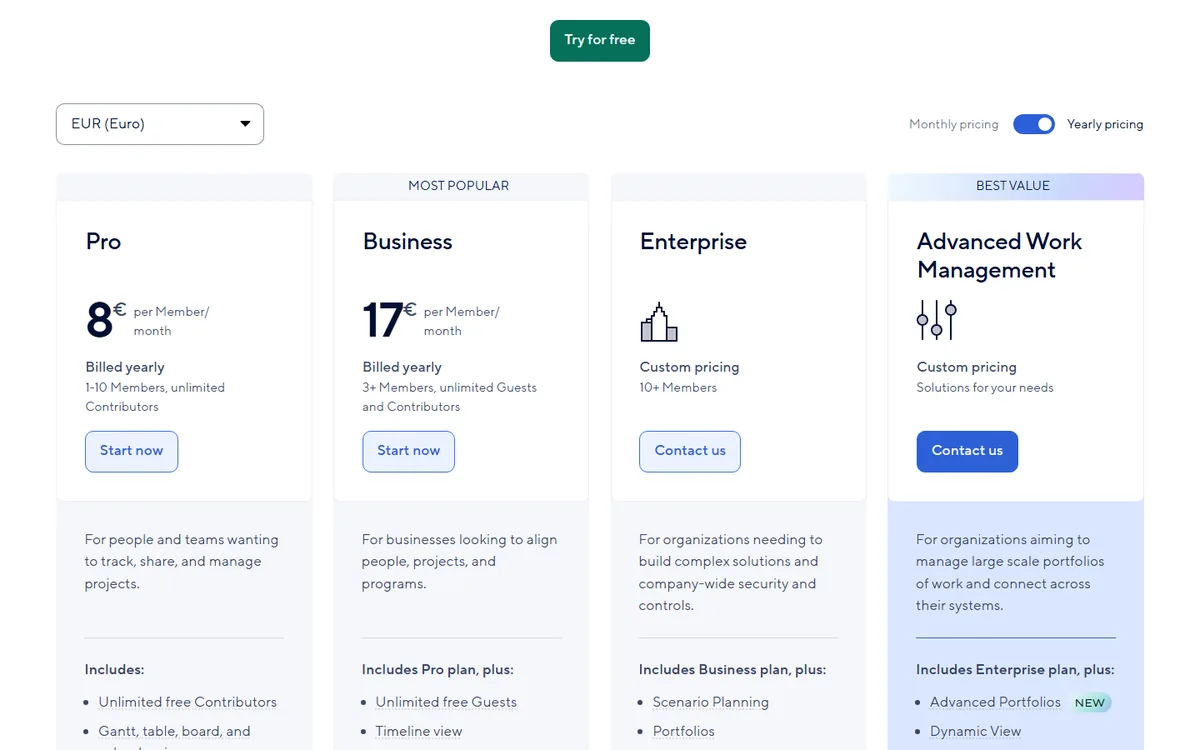
G2 lists the Pro plan at $9 per user per month. Business and Enterprise plans are priced higher and add automation, admin controls and security features.
Smartsheet Reviews
- G2: 4.4/5 average (from +23,000 reviews)
- Capterra: 4.5/5 average (from +3,600 reviews)
Productboard
A Good Fit When Product Strategy Should Rest on Customer Feedback and Evidence
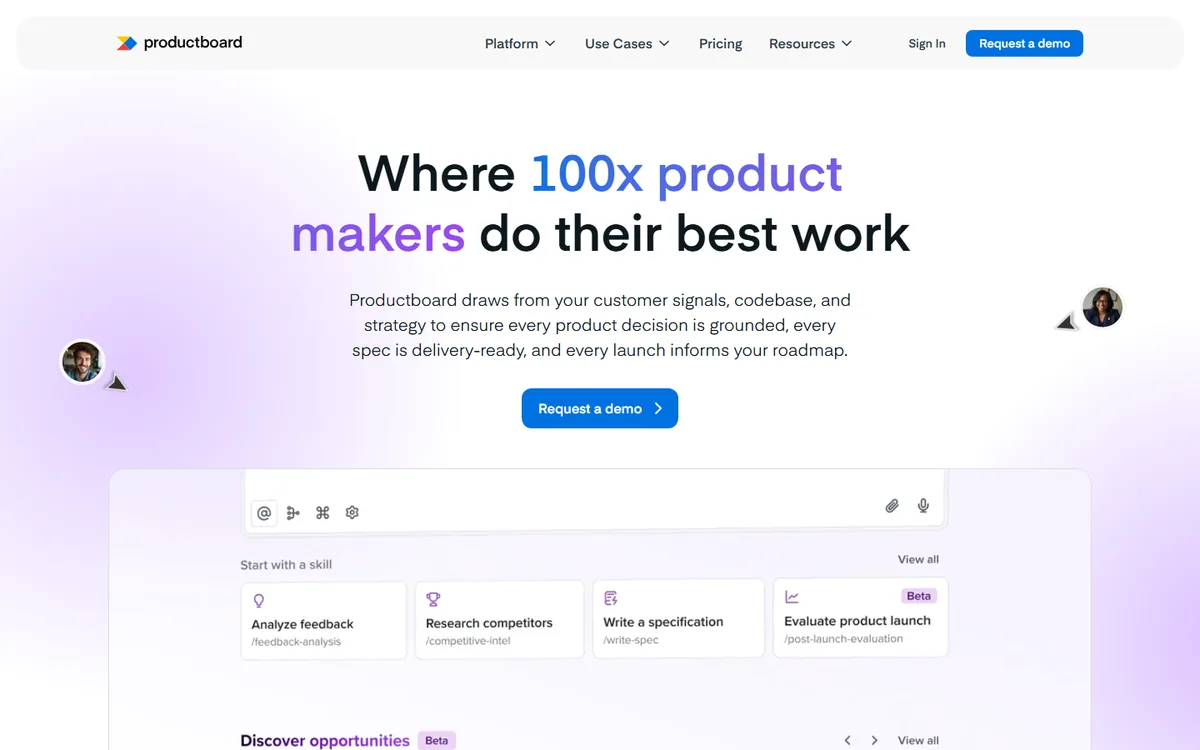
Productboard collects customer feedback, ranks ideas and builds roadmaps that show why each item is on the list.
Productboard helps a product team show that its strategic bets rest on evidence. Feedback from sales, support and customers feeds into ideas, and the scoring links each idea to an objective.
It is narrower than a general strategy tool and costs more per seat than a whiteboard. Use it if your strategic choices are mainly about what to build next.
Pros of Productboard
- Feedback from several sources in one place
- Prioritization tied to objectives
- Roadmap views for leaders and teams
Cons of Productboard
- Narrow focus on product strategy
- G2 notes a high perceived cost
Productboard Pricing
Capterra lists the Essentials plan from $25 per user per month and shows a free version. G2 does not list a price, so check the vendor for current plans.
Productboard Reviews
- G2: 4.2/5 average (from +250 reviews)
- Capterra: 4.7/5 average (from +150 reviews)
Creately
A Budget-Friendly Visual Workspace for Diagrams, Mind Maps and Strategy Canvases
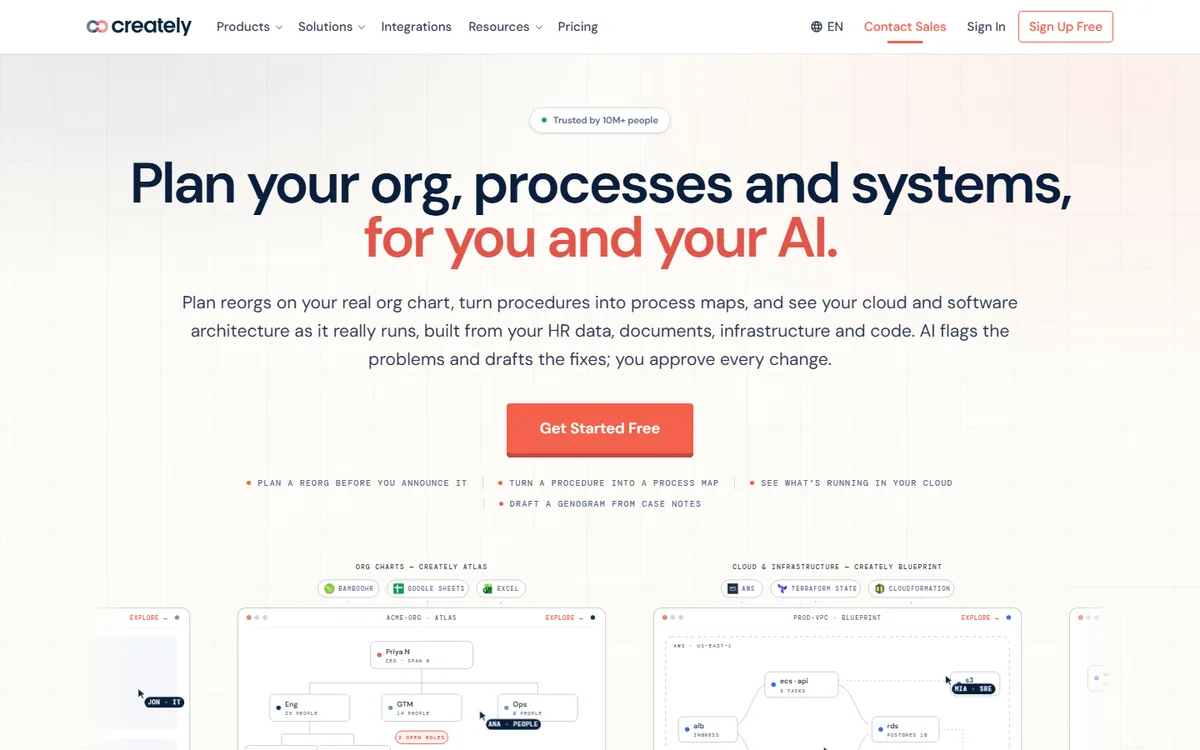
Creately mixes diagramming, whiteboarding and project views, with templates for strategy maps and canvases.
Creately gives you diagramming and whiteboarding at a lower price than the larger players. It has templates for SWOT, strategy maps and roadmaps, and its project view links diagrams to tasks.
The community around it is smaller than Miro's, and Capterra reviewers mention limits in the free plan. For a small team that needs diagrams and a canvas in one place, it is good value.
Pros of Creately
- Low price for diagramming and whiteboard in one
- Templates for strategy maps and canvases
- Free plan with unlimited collaborators
Cons of Creately
- Free plan has limits and watermarks
- Smaller template and user community
Creately Pricing
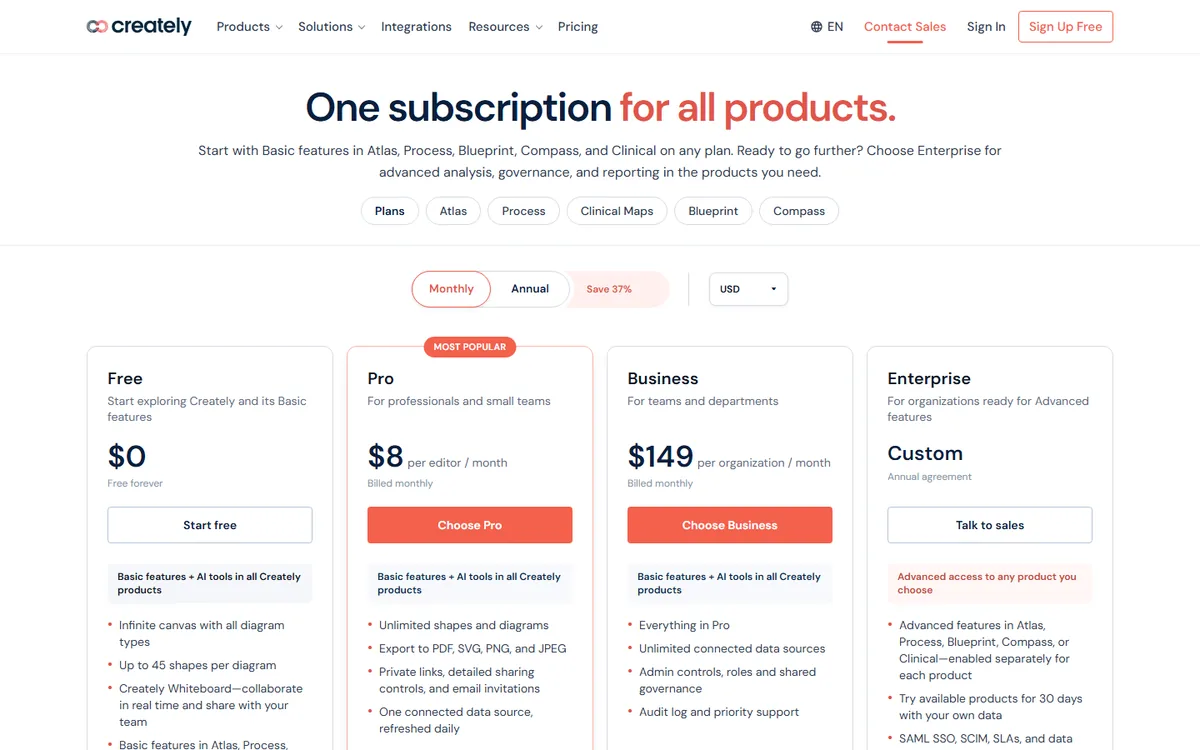
Capterra lists a free plan and a Team plan at $8 per user per month. Business plans cost more and add admin and security controls.
Creately Reviews
- G2: 4.4/5 average (from +1,300 reviews)
- Capterra: 4.4/5 average (from +210 reviews)
OnStrategy
A Guided Planning Tool for Teams That Want Structure Without Starting From a Blank Page
OnStrategy walks teams through a strategic planning process and links the plan to tracking.
OnStrategy offers a step-by-step planning flow, from analysis to goals to action plans, that suits teams who want structure. It can link plan items to ownership and progress.
I rank it last because public evidence is thin: G2 lists only a handful of reviews, and I have not seen enough projects with it to give a strong opinion. Ask for a trial and a reference before you commit.
Pros of OnStrategy
- Guided planning flow with prompts
- Links plan items to owners and progress
- Suited to small and mid-sized teams
Cons of OnStrategy
- Few public reviews to learn from
- Some reviewers describe it as somewhat expensive
OnStrategy Pricing
G2 does not list a price for OnStrategy. Check the vendor's pricing page for current plans.
OnStrategy Reviews
- G2: 4.8/5 average (from 4 reviews)
- Capterra: Not checked
Estimate the Return on a Strategy Tool
Before you pick a plan, check whether the numbers work for you. Enter the manual hours the tool would save, such as time spent compiling slides or chasing status updates, and its monthly price to see the possible return in a year.
Will the Tool Pay Off for You?
Use the sliders to enter your workload and the plan you are considering.
How to Choose the Right Strategy Development Tool
In my experience, the stage of your strategy work decides more than any feature list. Before you compare vendors, I suggest you answer four questions:
- Do you need to think together (workshops), decide (scoring) or track the work afterward?
- Who will use the tool: leaders, managers or a whole company?
- Where will the final strategy document live, and who can edit it?
- How many people need editing rights, and what will that cost per year?
If you run workshops, I would start with Miro or Mural. If you write and maintain the strategy document, use Notion. If you score initiatives, use Airtable, and if you need project schedules, use Smartsheet. Product teams should look at Aha! or Productboard. If you want a second opinion on your setup, a short call usually settles it.
Questions About Choosing Strategy Development Tools
What Is the Best Tool for Developing a Business Strategy?
For most teams I recommend Miro for workshops and Notion for the written strategy. Miro gives you a shared canvas with templates, and Notion keeps the strategy document, decisions and initiative list together. Add Airtable if you want to score initiatives with formulas.
Do I Need Dedicated Strategy Software?
Not usually. Many companies develop strategy with a whiteboard, a document and a spreadsheet. Dedicated software starts to help when you have many initiatives, several teams and a need for history or reporting.
Which Tools Are Free?
Miro, Mural, Notion, Airtable and Creately all list free plans, with limits on boards, editors or records. FigJam also has a free version. Free plans work for small teams and first tests, but check the limits before you rely on them.
What Is the Difference Between a Whiteboard and a Planning Tool?
A whiteboard is for thinking together: you collect ideas, cluster them and vote. A planning tool is for tracking: owners, dates, targets and progress. Use a whiteboard in the workshop and a planning or work tool afterward.
Which Tool Is Best for Testing a New Business Model?
Strategyzer is built for it, with canvases for business models and value propositions and tools to track experiments. It is priced for teams, so smaller companies often use a Miro template and a simple experiment log instead.
Can I Use AI Features in These Tools?
Several of these tools now add AI features, such as summarizing board content, drafting documents or suggesting groupings. Features and plan limits change quickly, so check each vendor's current page. I treat AI output as a draft to review, especially for market data and numbers.
How Much Should I Budget for Strategy Tools?
For a small team, tools in this list cost roughly $10 to $25 per user per month for the main plans, with some specialist tools priced higher. Count the editors who really need access, since viewers are often free or cheaper.
Heads up: vendors change prices, plans and ratings often. Everything was checked at the last update date, but confirm on each vendor’s website first. This article is not legal or financial advice.
Was this article helpful?
Thank you for letting us know.
Russell Tennant
Russell leads the Brook editorial team and works with our consultants to turn real client engagements into practical guides on roadmaps, go-to-market planning, growth and competitive strategy. Before joining Brook, he spent 11 years in strategy and product marketing roles at software and financial services companies. He has since edited more than 300 articles on strategy practice and drawn on roadmaps and growth plans from over 100 client projects. He is based in Denver, Colorado.